- Examples
- SaaS app design examples
- Browserbase design examples
- Browserbase user flows examples

Browserbase user flows examples
Explore Browserbase user flow examples. Preview the opening screens and steps for each task. Give your agents access to the whole web.
Preview these flows

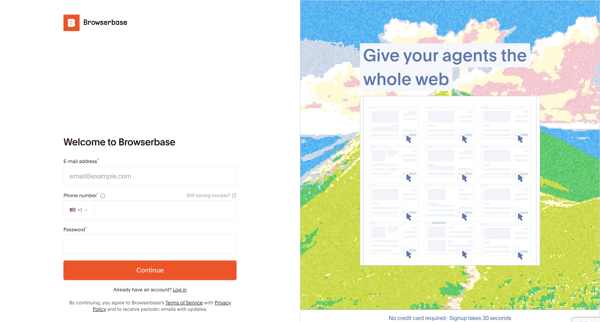
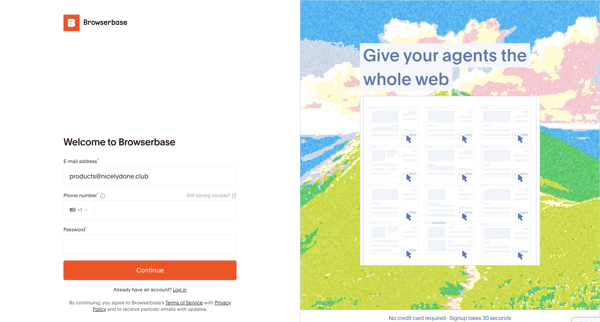
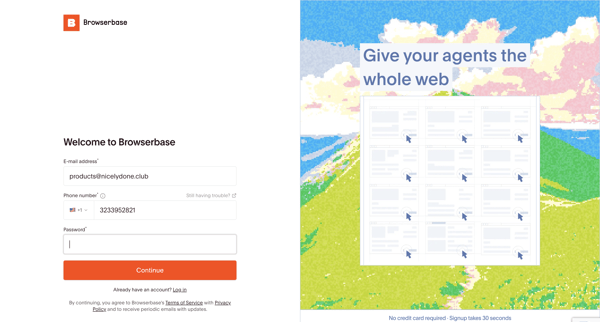
The user creates a new account by providing their credentials and sequentially verifying both their phone number and email address via OTP codes.
Multi-step signup verification entering 6-digit codes sent to phone then email during account creation
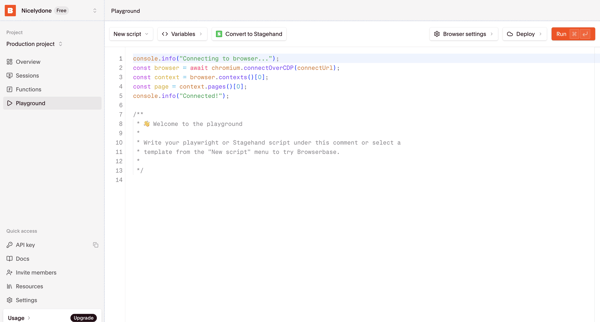
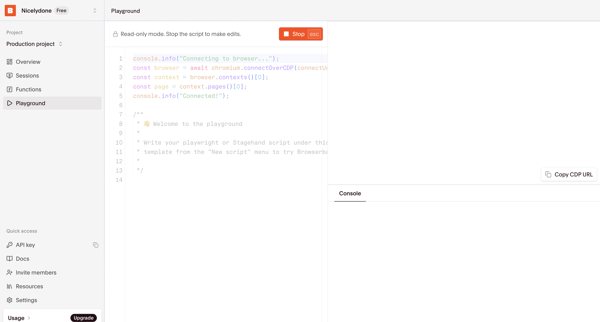
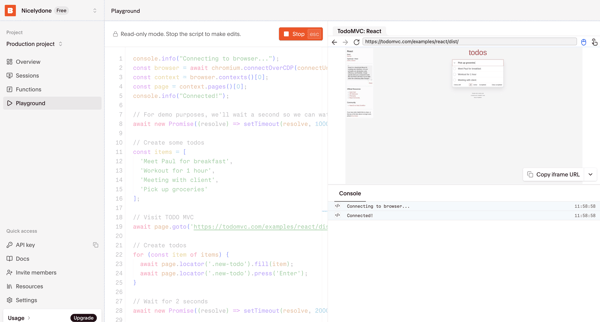
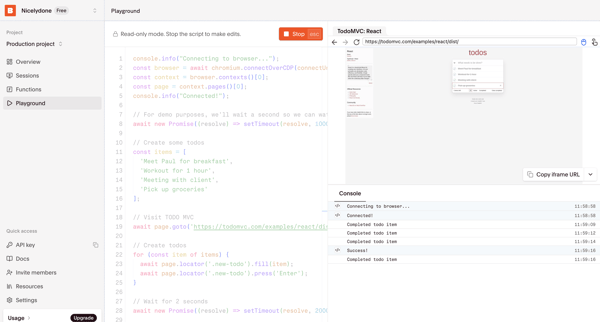
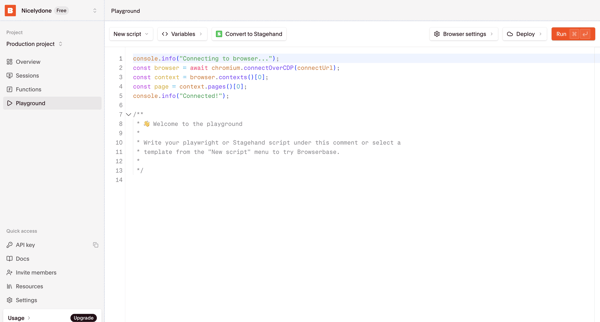
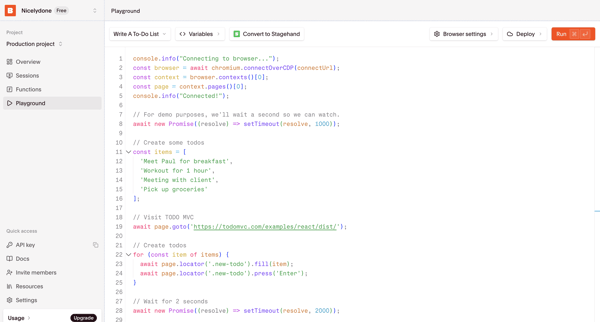
User writes, configures, runs, and tests Playwright or Stagehand scripts in the Browserbase code playground with live browser preview and console output
User applies status and session ID filters on the sessions list to locate browser automation runs
Viewing project usage metrics, browser time, proxy data, and session history across dashboard states including default, partial, and empty views
User opens the Browserbase Getting Started Guide documentation article to review product basics, quickstarts, and account creation details
User reviews project usage dashboards showing browser sessions, browser time, proxy data metrics, line charts, and upgrade prompts across default and empty states.
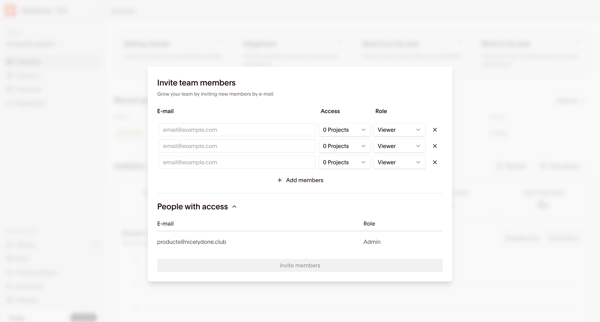
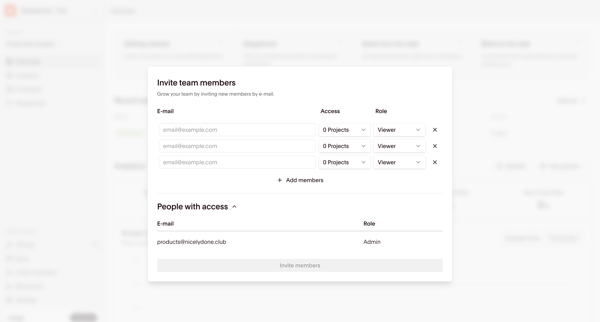
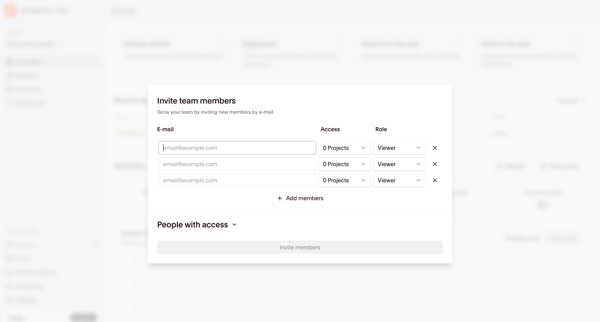
Open team invite modal from dashboard to add members by email, select project access, and assign roles such as Admin, Contributor, or Viewer
Reviewing project overview dashboard to view usage analytics, recent sessions, and metrics like browser time and proxy data
User views and manages organization projects from the settings page, reviewing plan summary, usage metrics, and accessing project configuration options
Admin configures organization members, roles, permissions and pending invites from the Members & permissions settings page
Explore the full SaaS flow library
Browse the full SaaS flow library.