Angellist UI components examples
Browse Angellist UI component design examples. Preview individual interface elements and explore related component categories. Build, Lead, Invest
Explore the examples
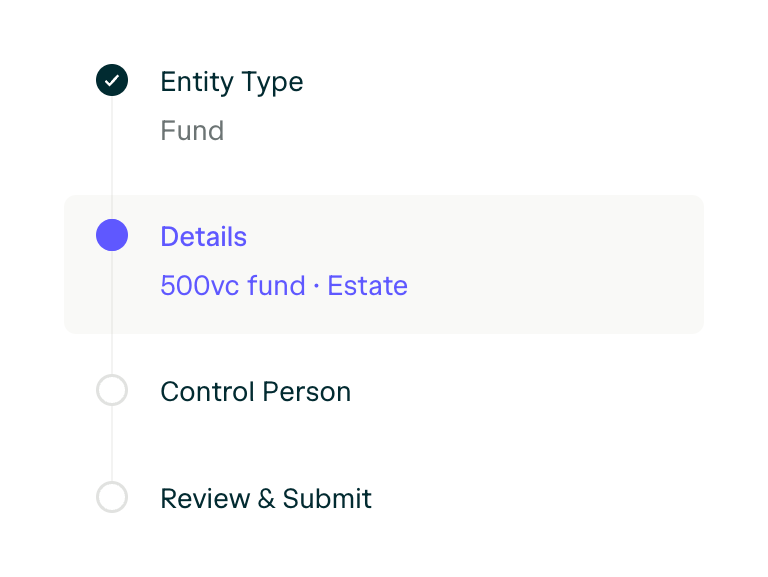

A vertical stepper component showing progress through a multi-step form or process. It displays completed, active, and upcoming steps with icons and text labels.
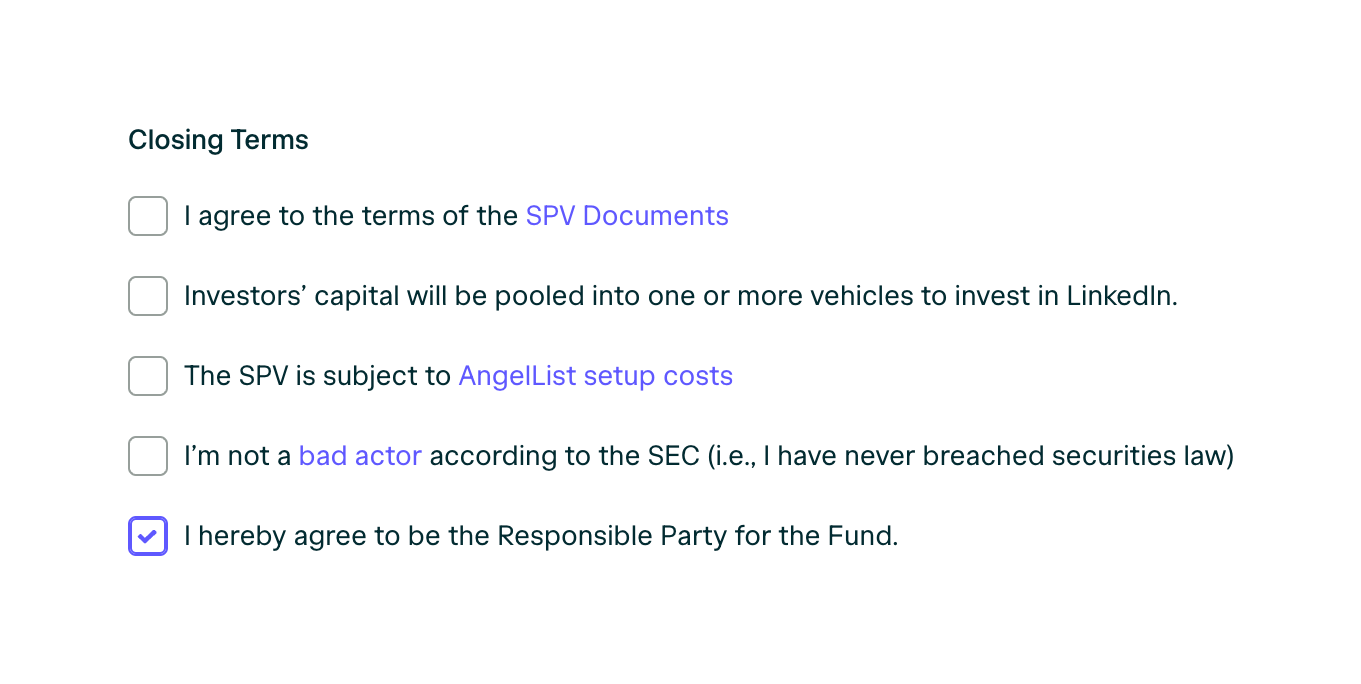
A group of checkboxes for agreeing to various closing terms, with inline links to relevant documents.
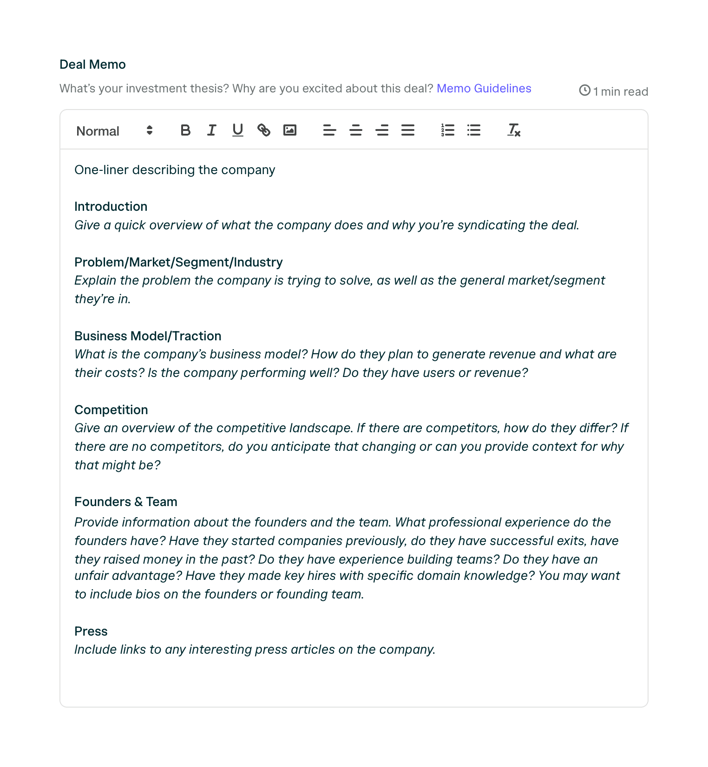
A rich text editor pre-populated with a template for writing an investment deal memo. It includes a toolbar with standard formatting options.

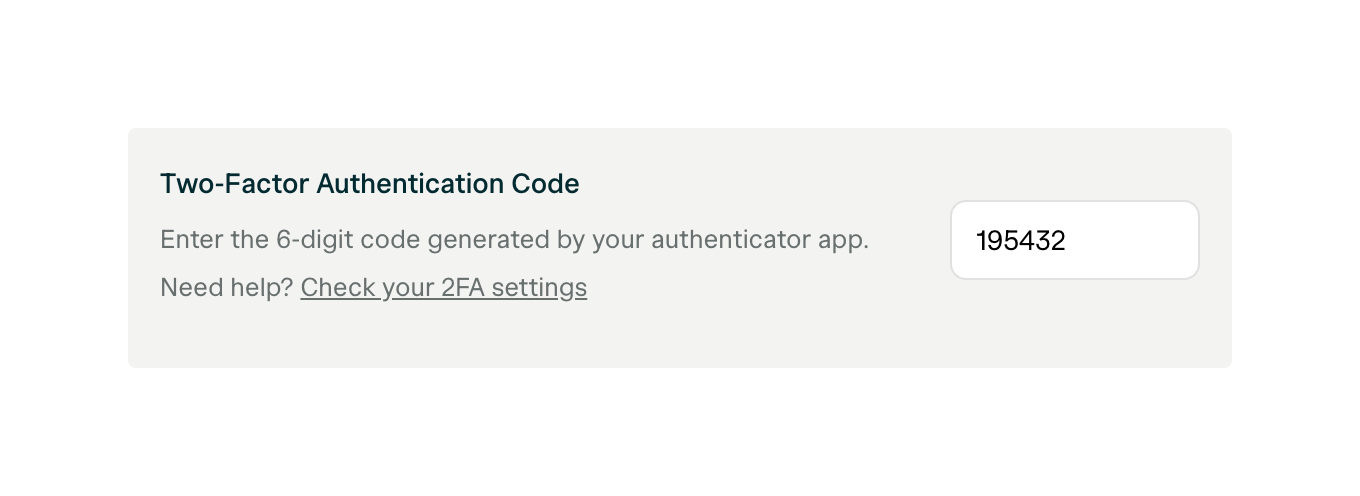
A form section for entering a two-factor authentication code, featuring a title, instructional text, a help link, and a text input field.
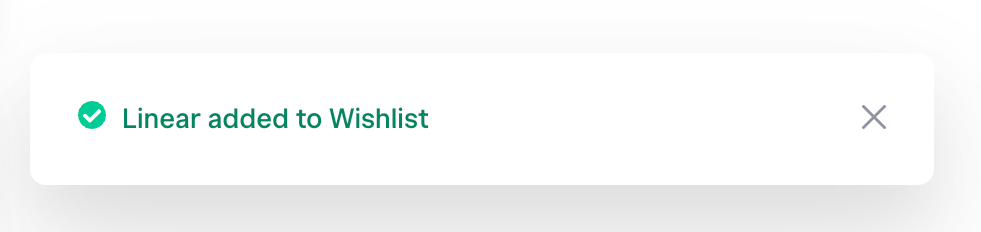
A success notification toast confirming an item was added to a wishlist, featuring a green checkmark icon, text, and a close button.
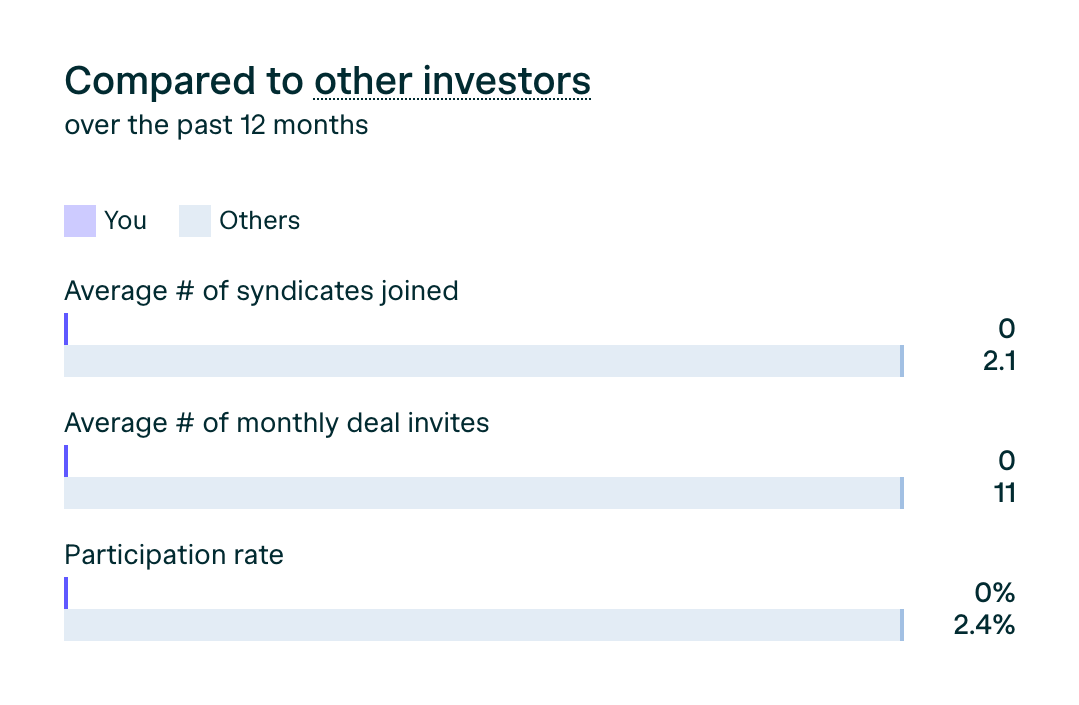
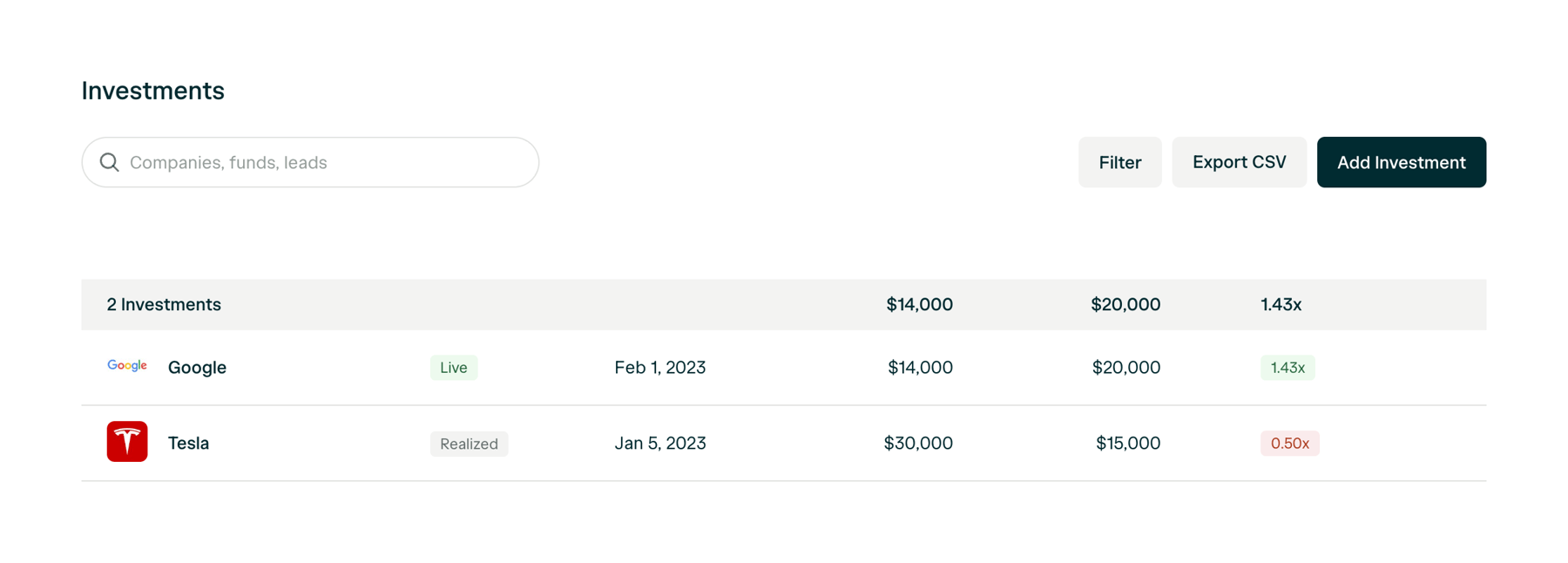
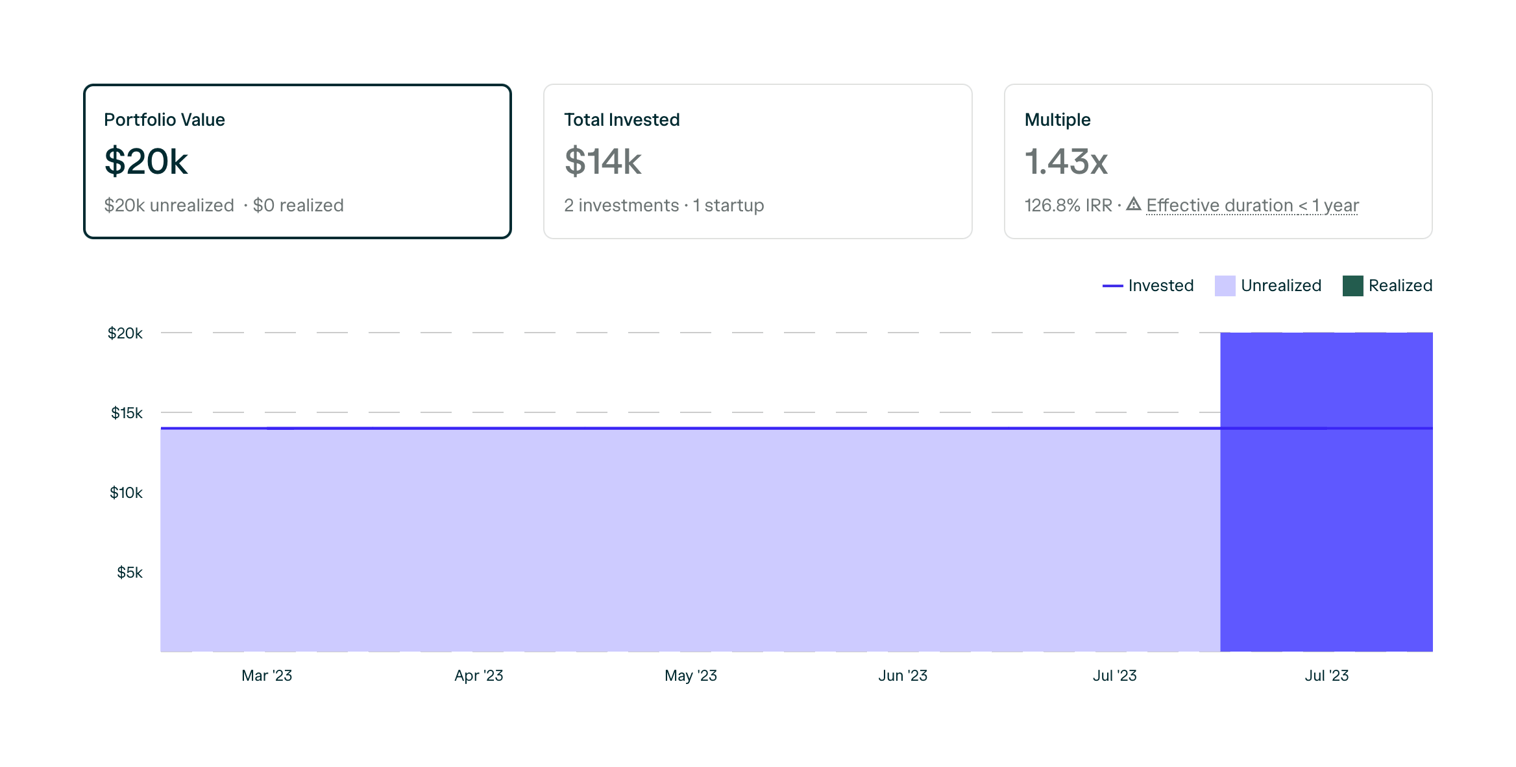
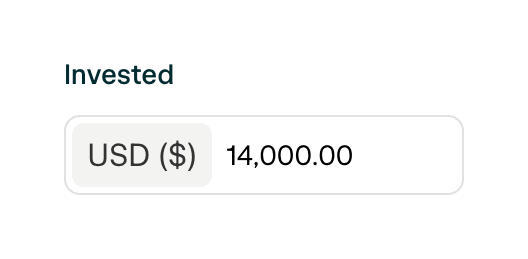
A form field for entering a monetary amount, featuring a label 'Invested' and an input box with a currency prefix 'USD ($)' and a pre-filled value '14,000.00'.
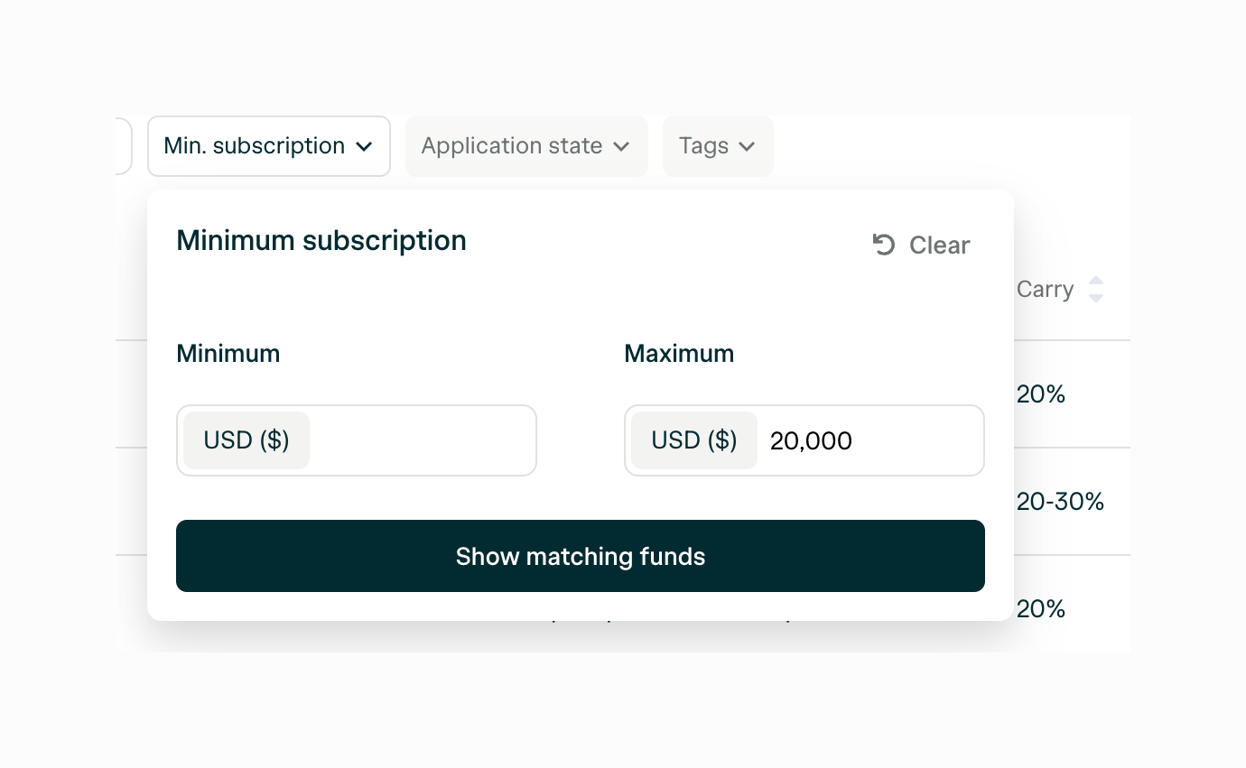
A popover containing a minimum and maximum input field to filter a list by a numeric range, with a clear button and a primary action button to apply the filter.
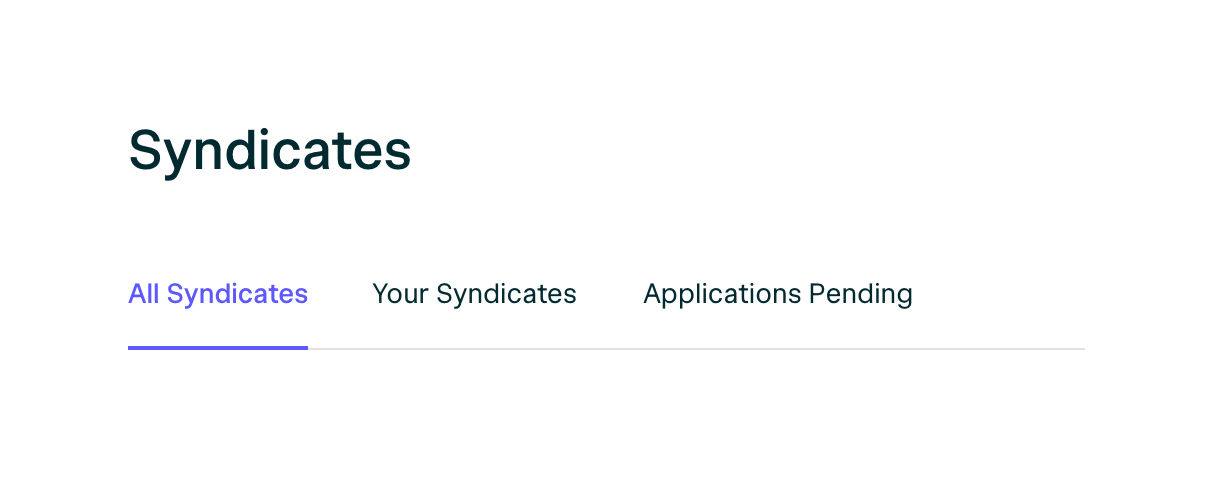
Browse the full component library
Browse the full UI component library.
Trusted by the best teams







