Alloy marketing pages examples
Explore Alloy website design examples. Preview marketing pages and browse related SaaS page designs. AI prototyping tool for product managers
Explore the examples
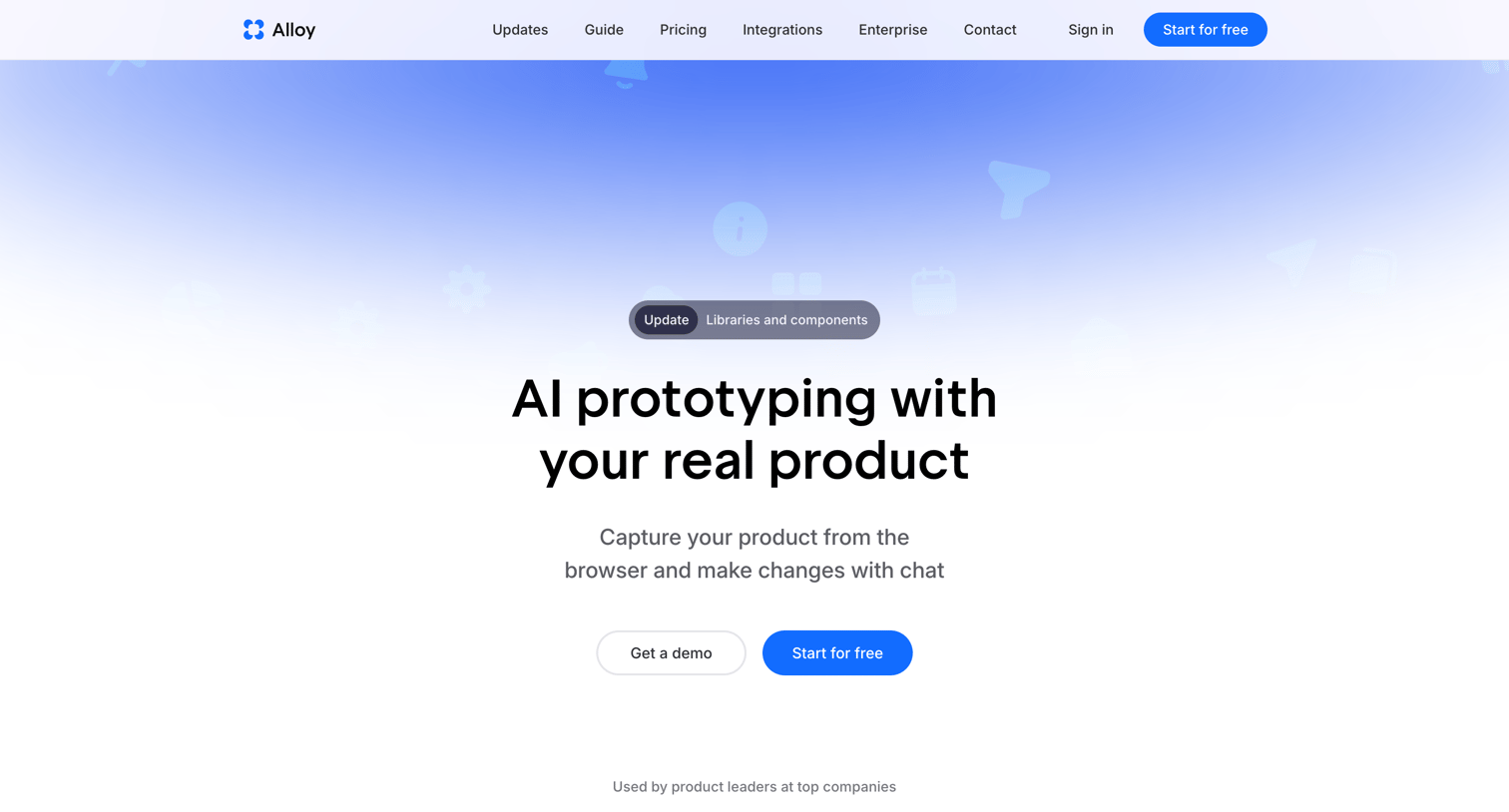

Landing page for an AI prototyping tool where the user can explore features like capturing codebases and generating UI with chat, before signing up or requesting a demo.

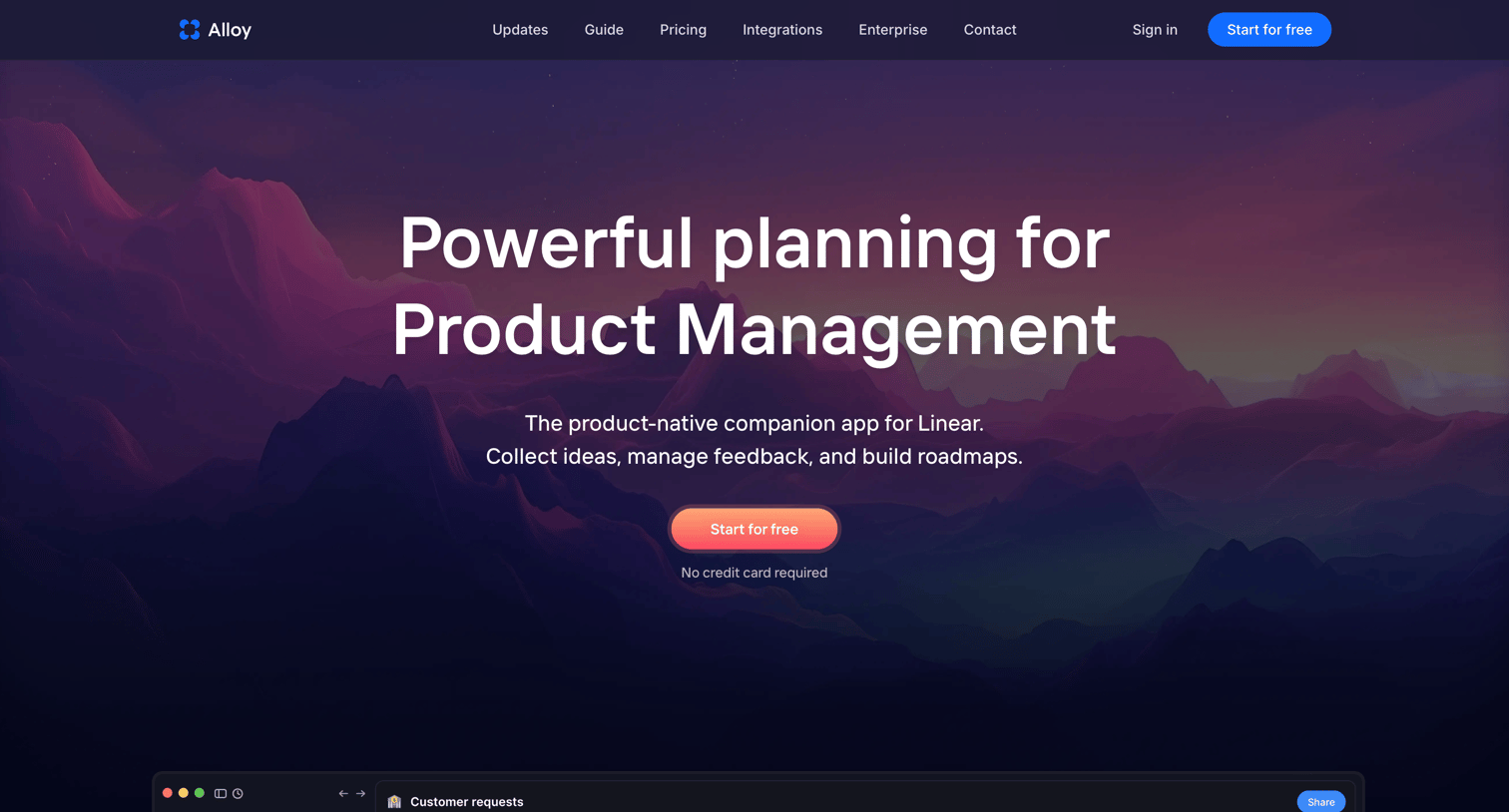
Product page for the Alloy Planning tool detailing features like flexible hierarchy, Linear sync, and cross-team requests via bento grids and feature callouts.
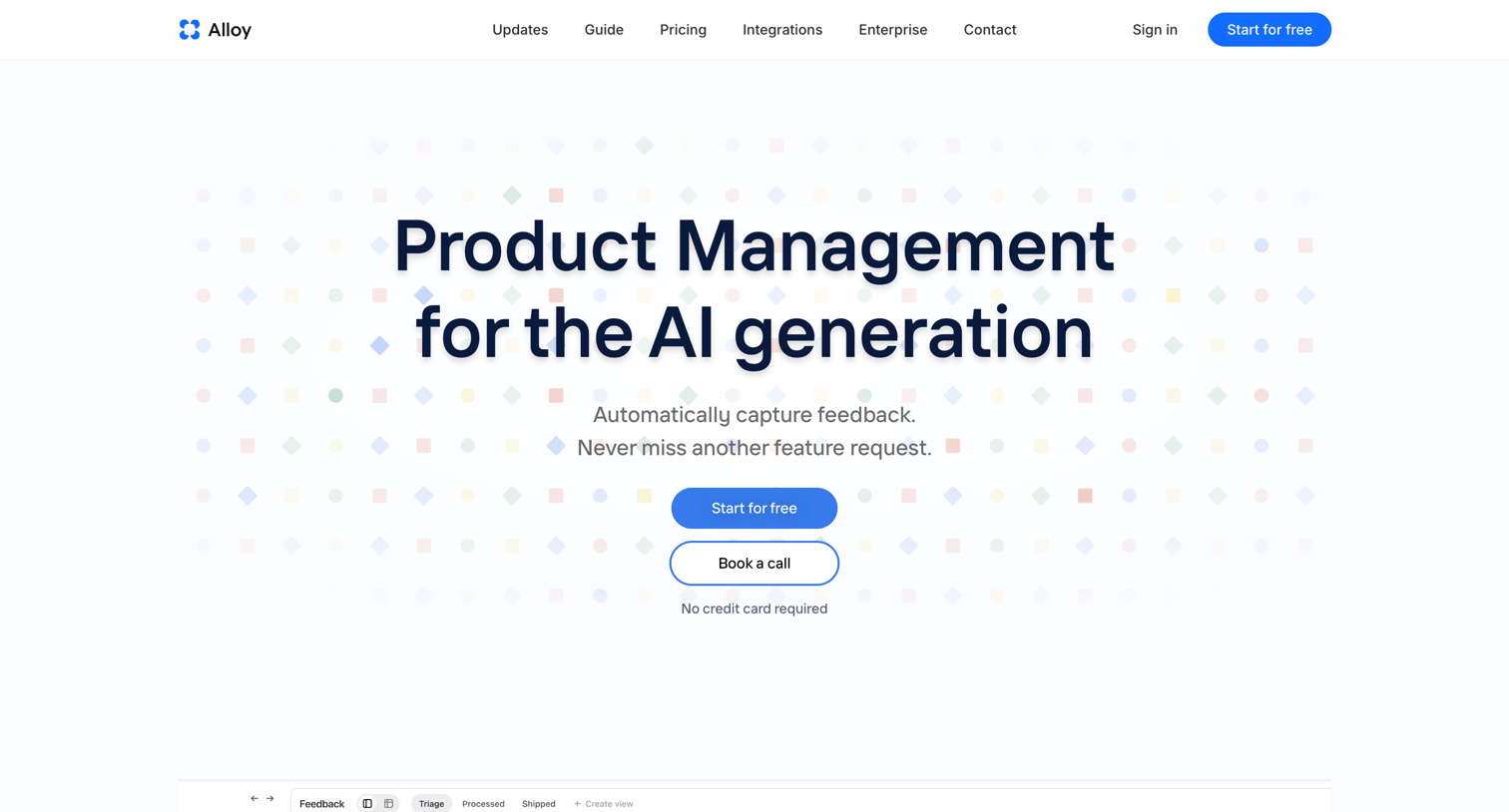
Product page for Alloy Feedback highlighting its AI-driven feature request capture, integration with Linear, and roadmap planning capabilities.

Sign-in screen where the user authenticates via Google, email, or a third SSO provider using icon-only buttons.
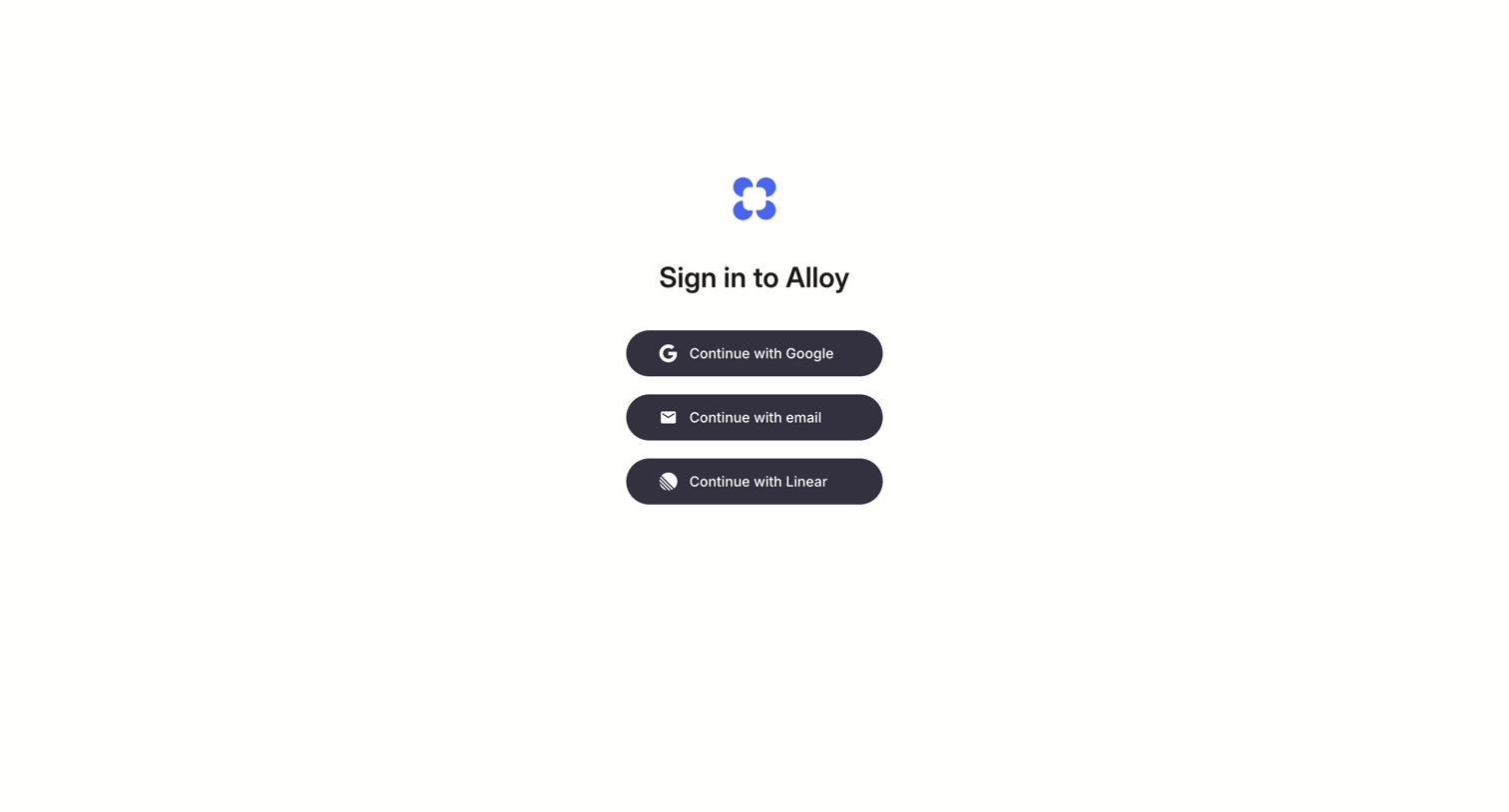
Sign-in screen where the user authenticates with Google, email, or Linear.
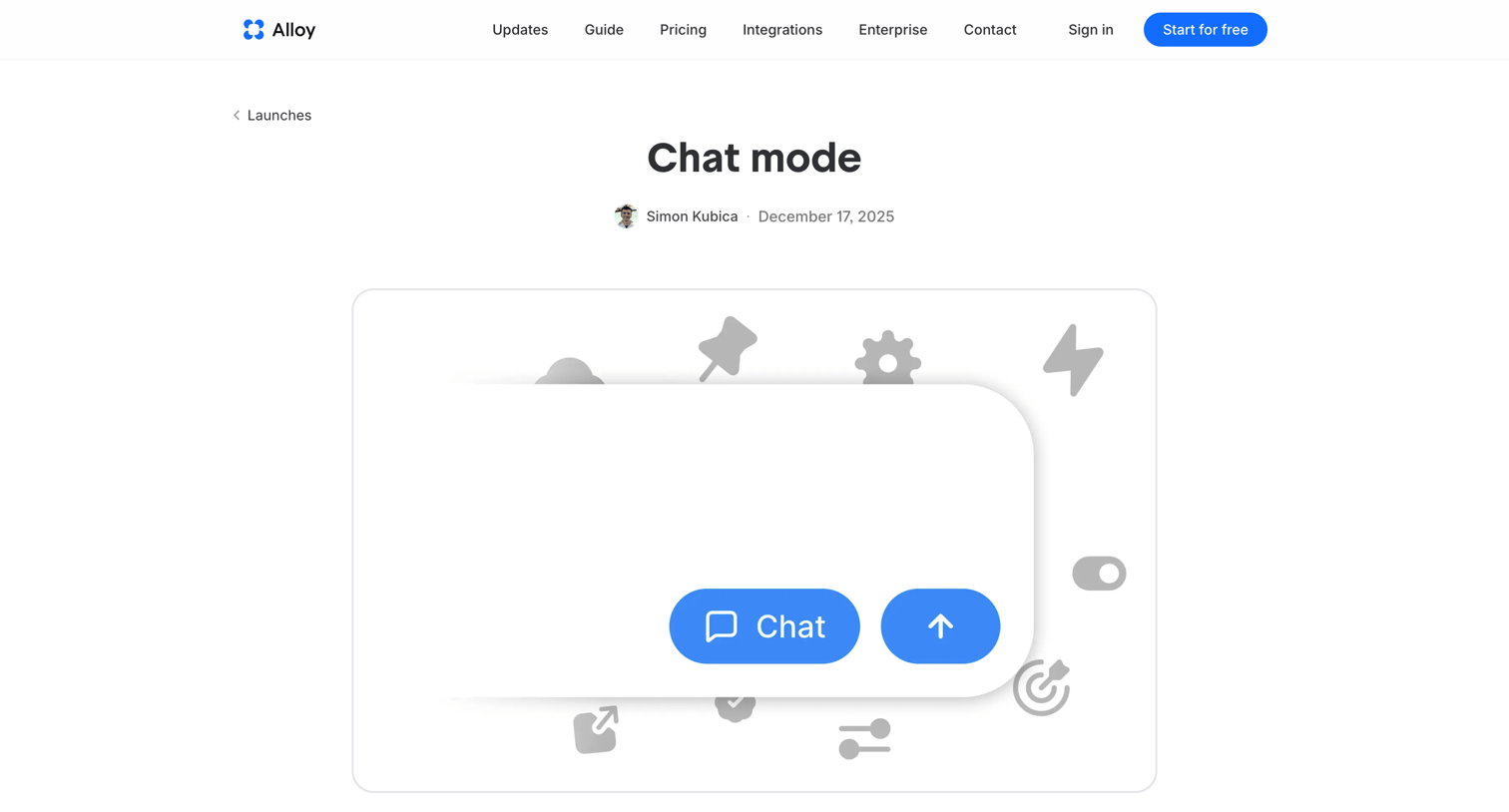
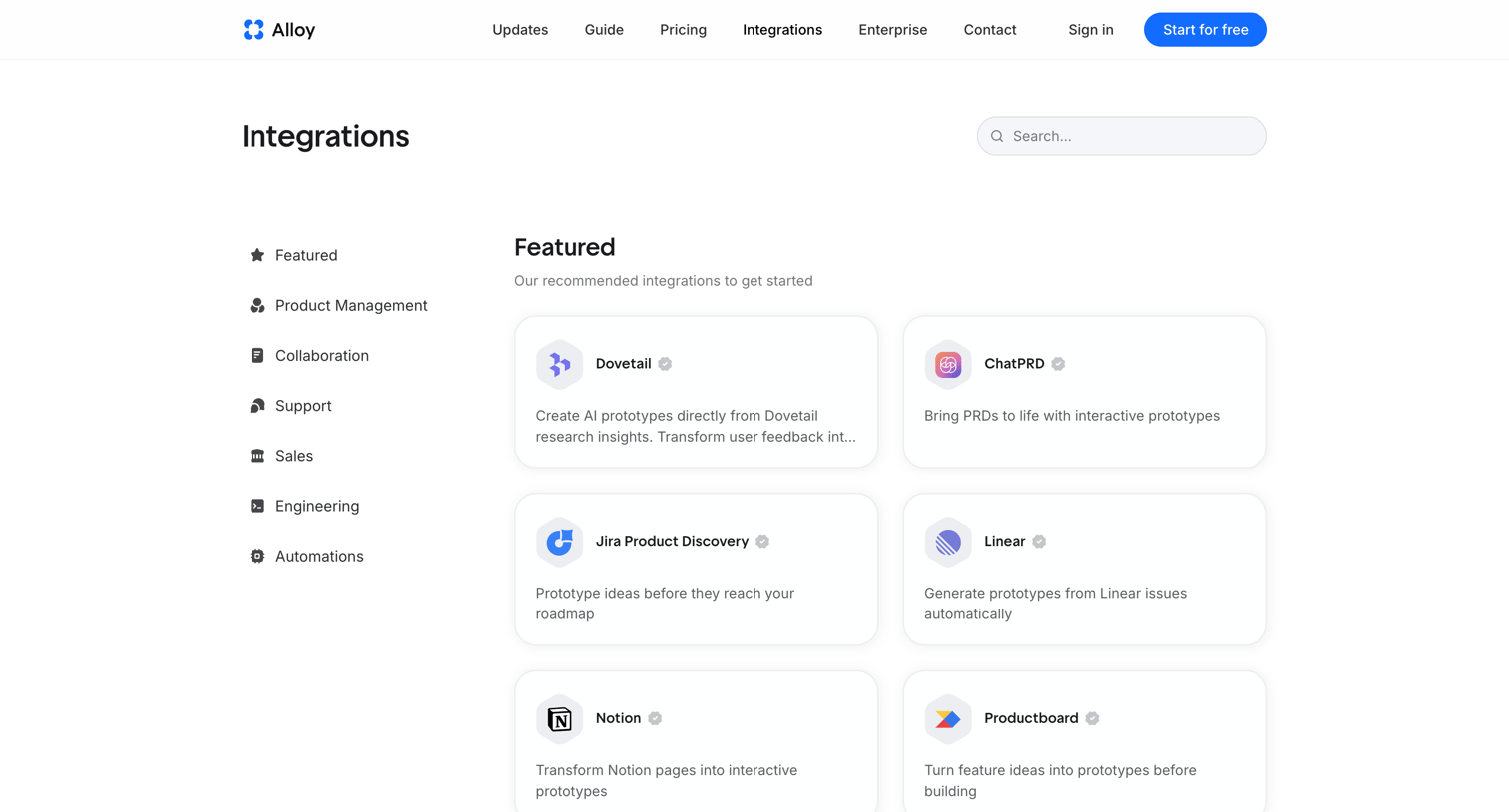
Marketing feature page listing available tool integrations categorized by use case, with a search bar and sidebar navigation.
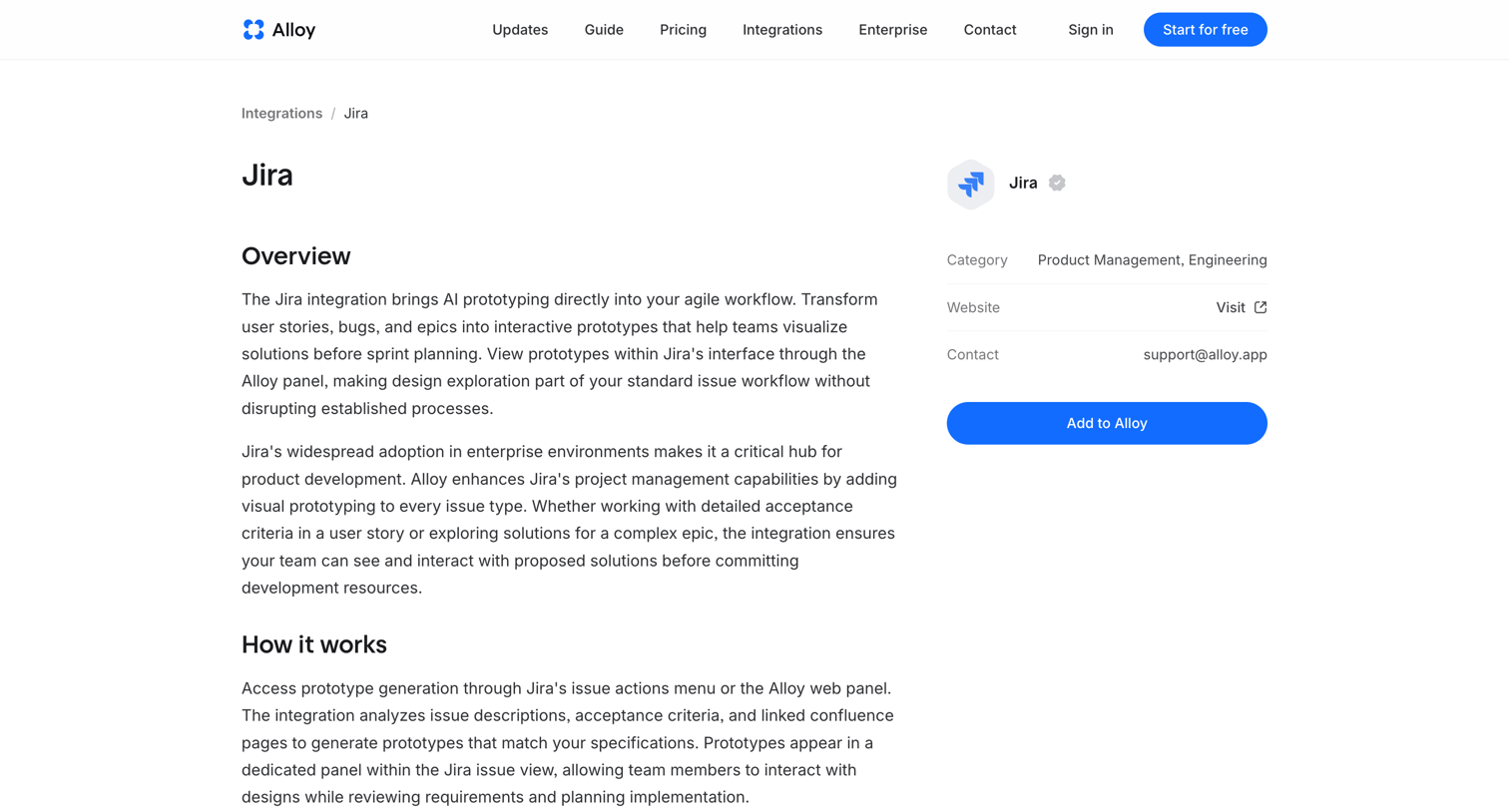
Feature page detailing the Jira integration with an overview, explanation of how it works, and a sticky sidebar card to add the integration.
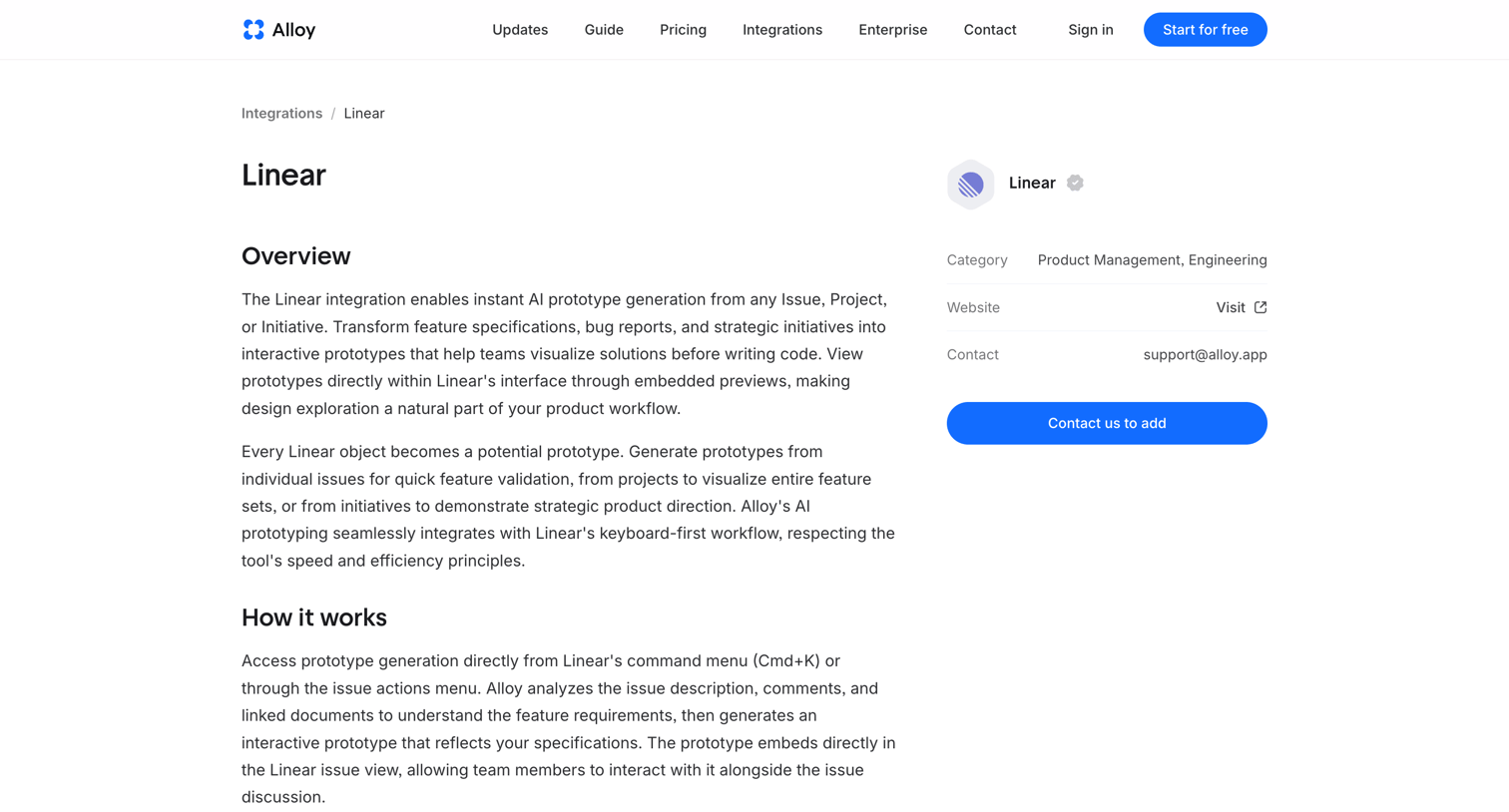
Integration detail page explaining how the product connects with Linear, featuring an overview, how it works, and related integration cards.
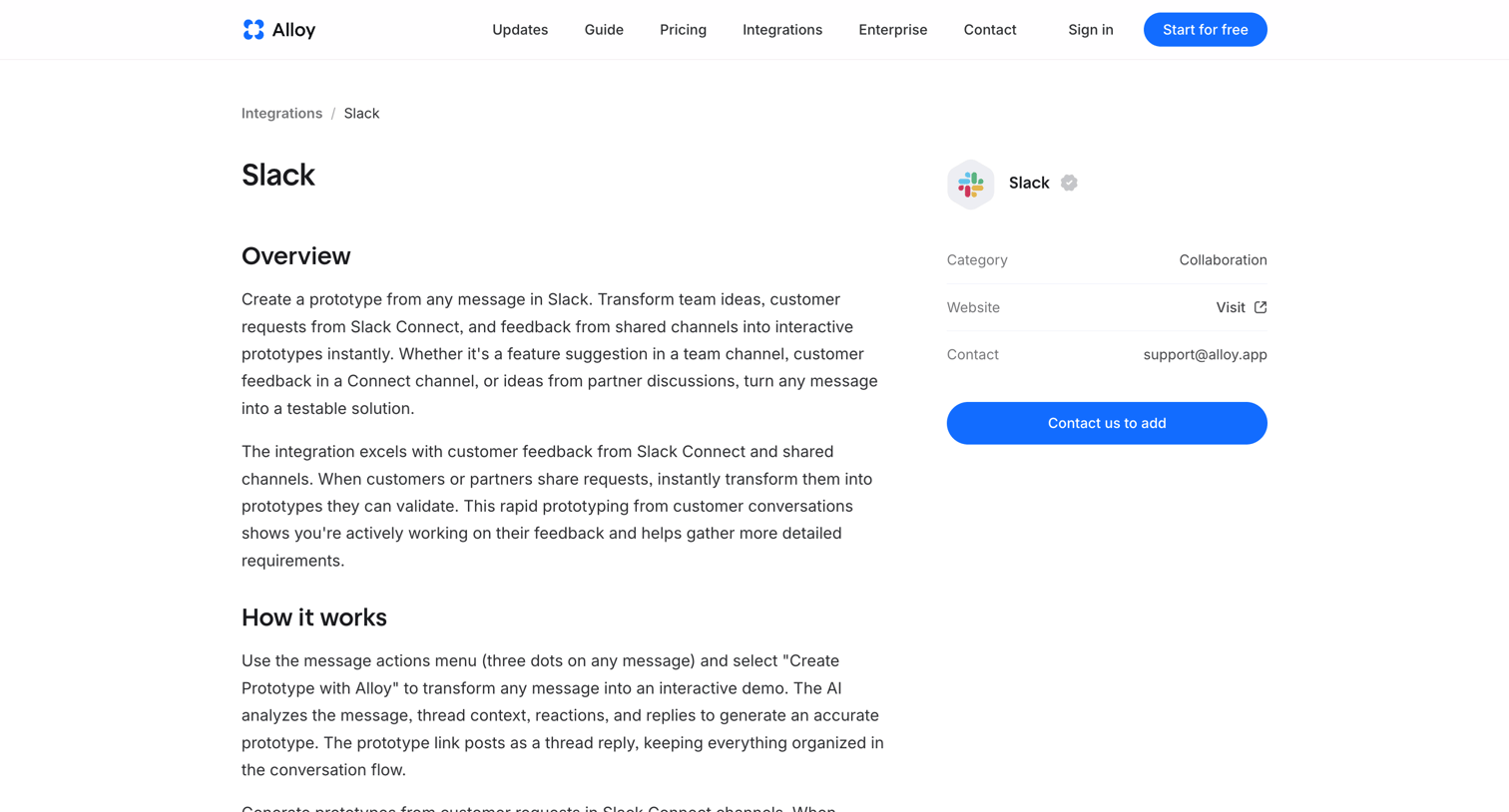
Integration detail page explaining how the product connects with Slack to create prototypes from messages, featuring an overview, how it works, and a list of related integrations.
Explore the full SaaS screen library
Upgrade to unlock the full library.
Trusted by the best teams







