
Uizard user flows examples
Explore Uizard user flow examples. Preview the opening screens and steps for each task. Visualize product ideas fast and easy with AI
Preview these flows



This flow guides a user through the process of resetting their password, starting from the login screen to receiving password reset instructions via email.
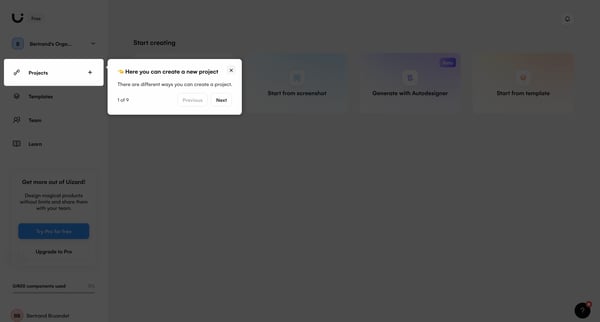
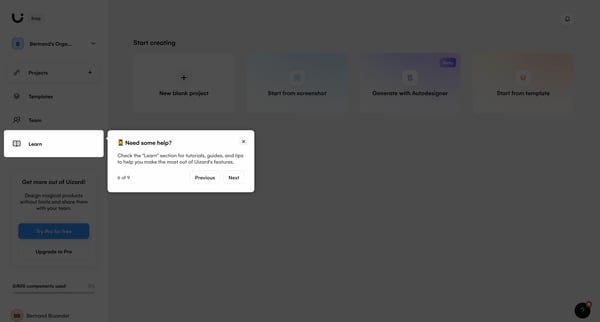
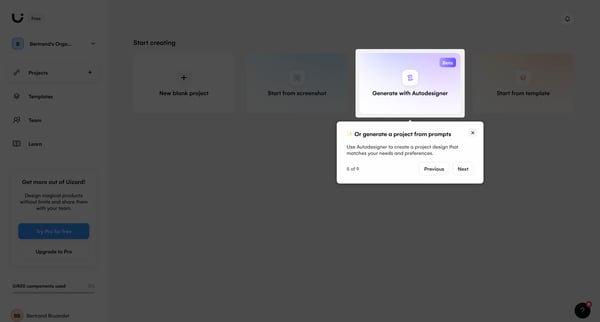
This flow guides users through the comprehensive features of Uizard for creating, managing, and collaborating on design projects.
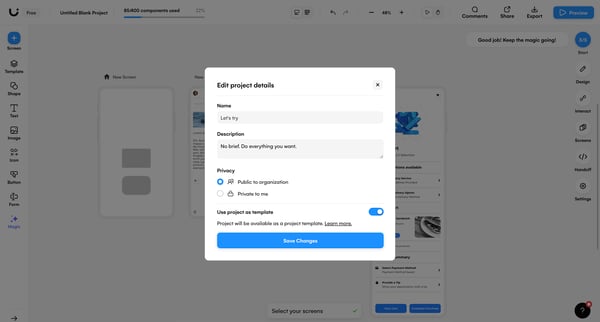
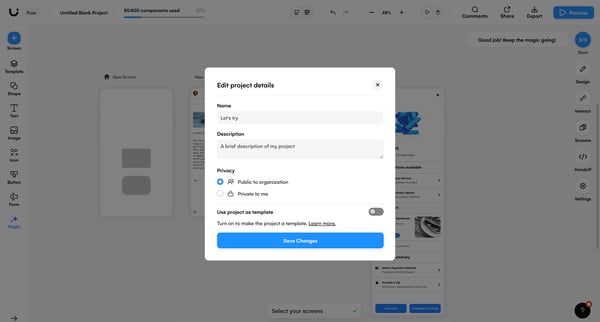
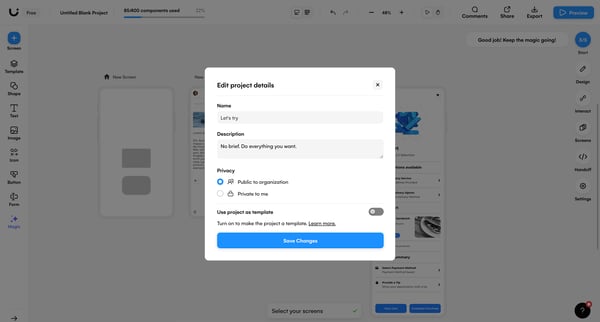
This user flow facilitates the editing and management of project details within a digital design tool, allowing adjustments to project settings, privacy, and template status.
Explore the full SaaS flow library
Browse the full SaaS flow library.
Trusted by the best teams







