
Spline user flows examples
Explore Spline user flow examples. Preview the opening screens and steps for each task. Design tool for 3D web experiences
Preview these flows
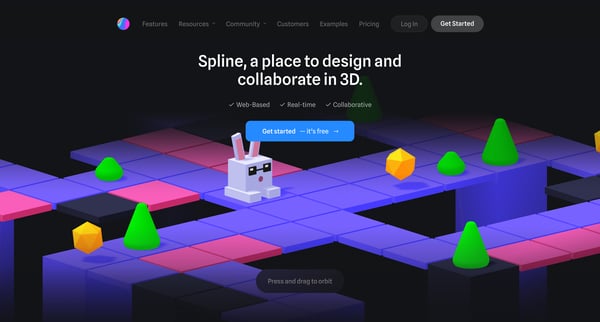
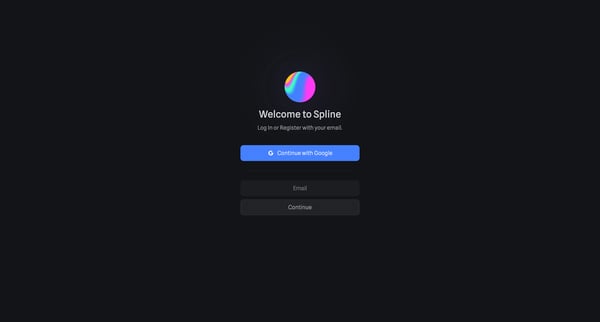
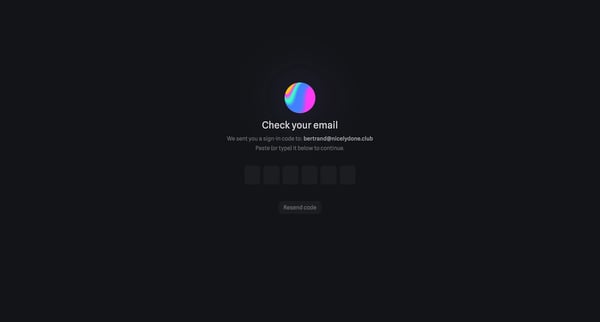
This flow guides a new user through the process of signing up or logging into Spline, providing personal and professional information, setting up their account for specific use cases, invitin
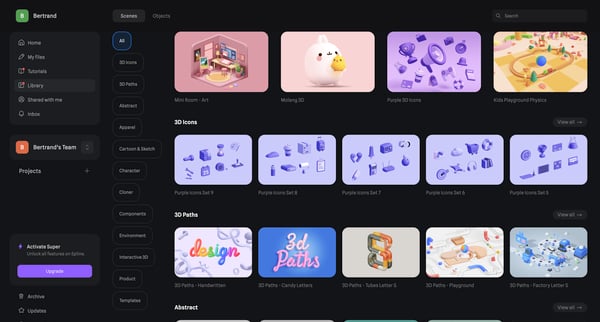

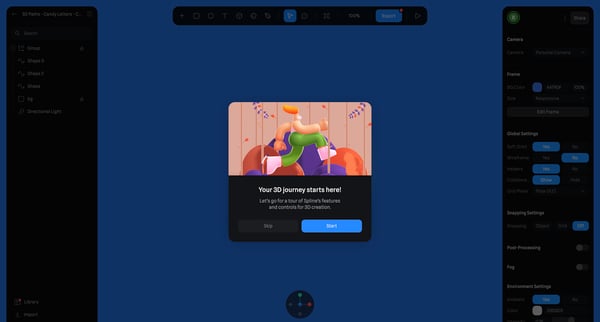
This flow guides a user through selecting a design template, initiating a loading state, introducing an onboarding tutorial for 3D design features, and demonstrating camera control settings f
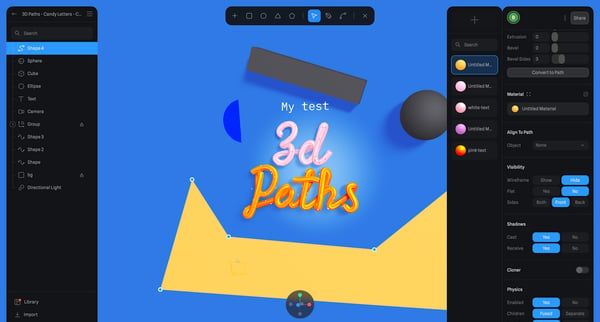
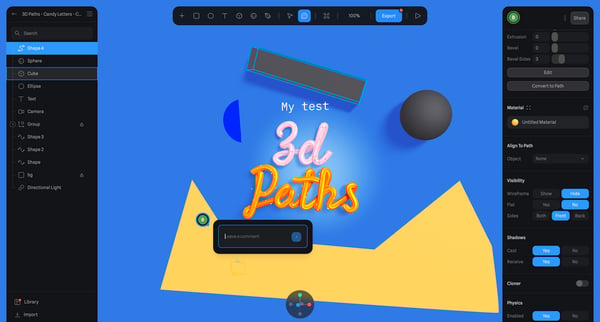
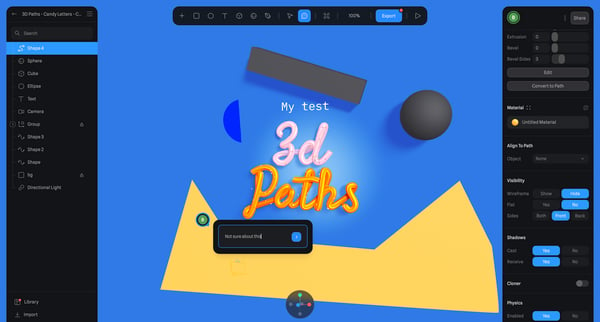
This user flow enables users within a design editor environment to comment on and react to specific elements of a design, facilitating feedback and collaboration.
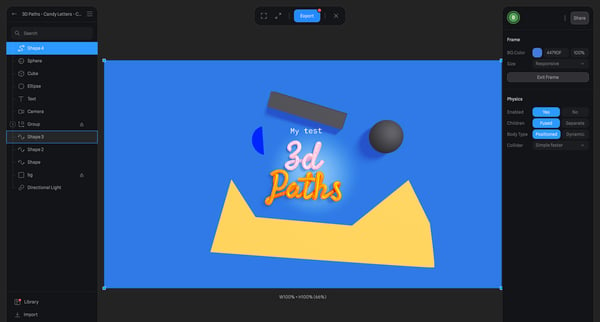
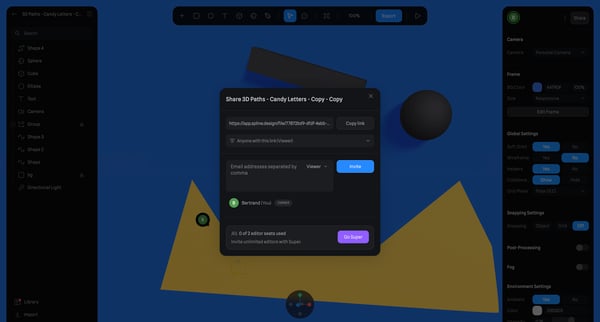
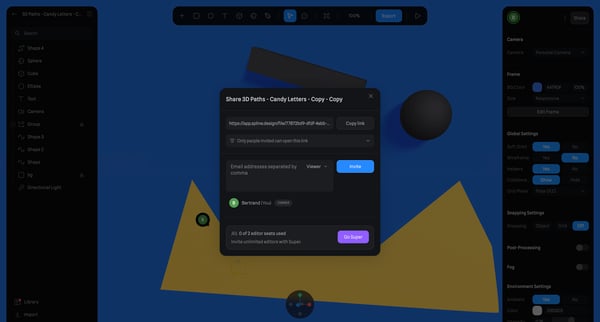
This flow enables users to share their 3D design work with others, allowing for reviewing or collaborative editing by generating and customizing a shareable link.
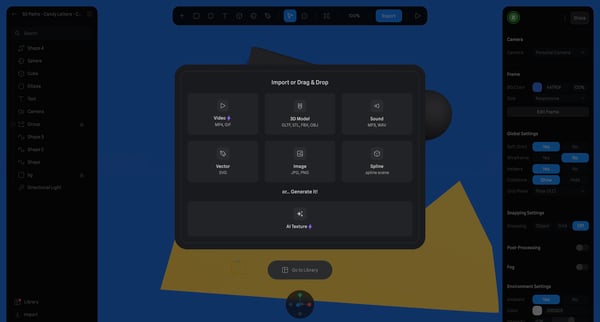
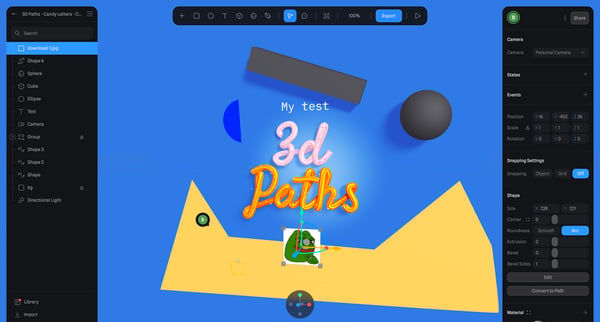
This user flow guides users through the process of importing various types of assets into a 3D design environment.
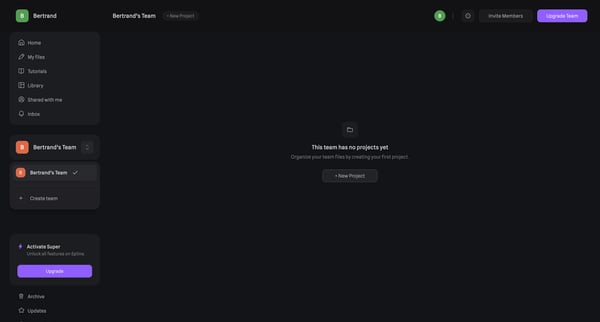
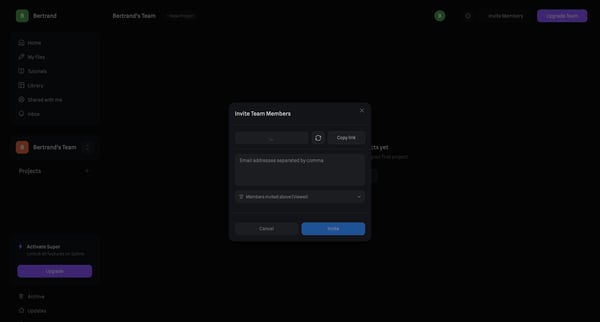
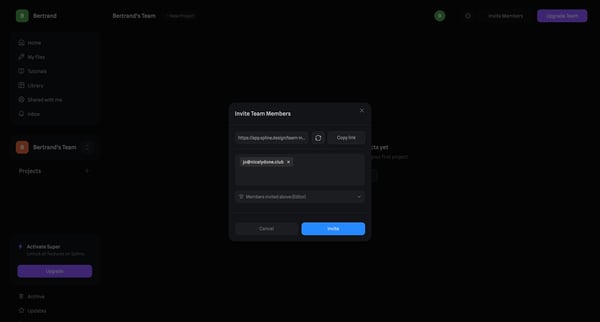
This flow guides a user through the process of inviting teammates to a project within Spline, starting from an empty team state to sending an invitation.
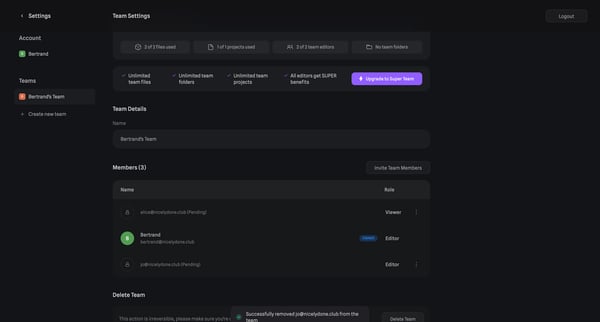
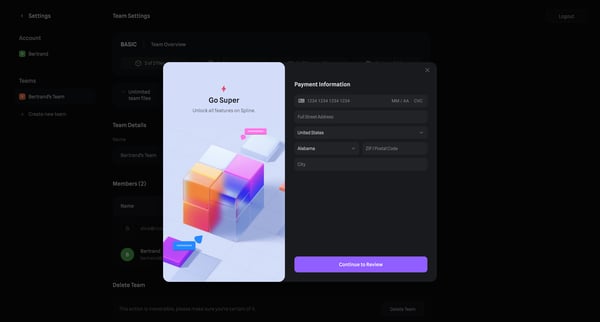
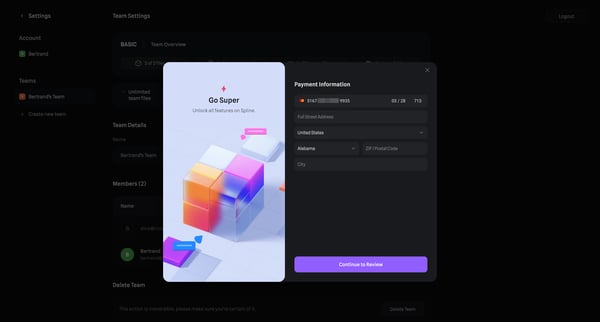
This flow guides a user through the process of upgrading their team's subscription on Spline, eventually enabling Super Team features including unlimited files, folders, and projects, along w
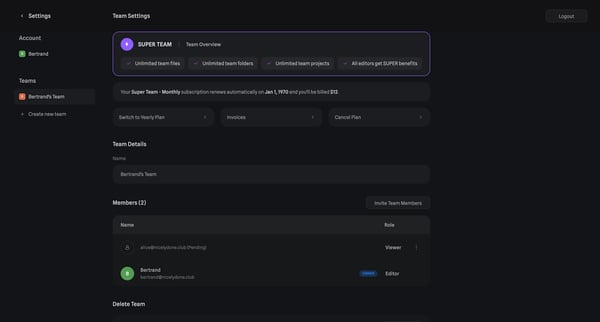
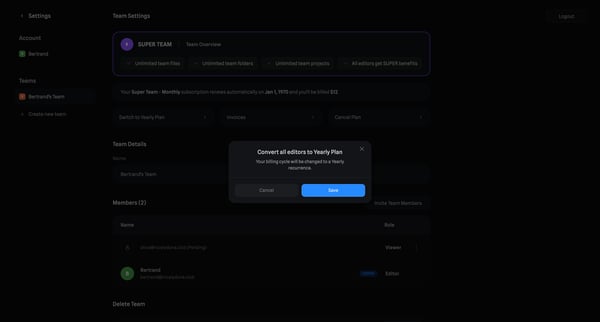
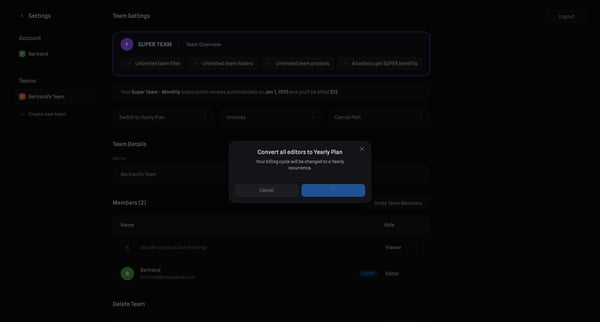
This user flow guides a team owner through the process of upgrading their team’s subscription from a monthly to a yearly billing cycle, ensuring continued access to premium features.
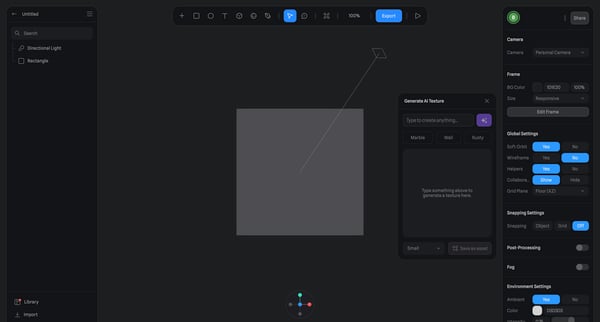
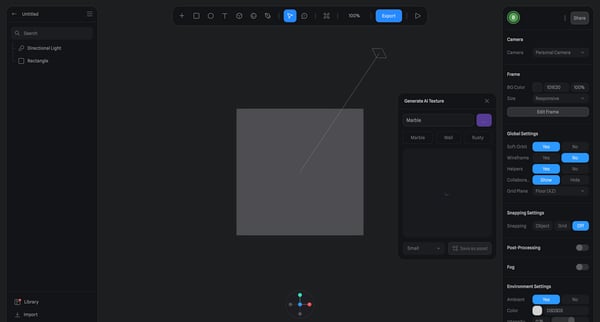
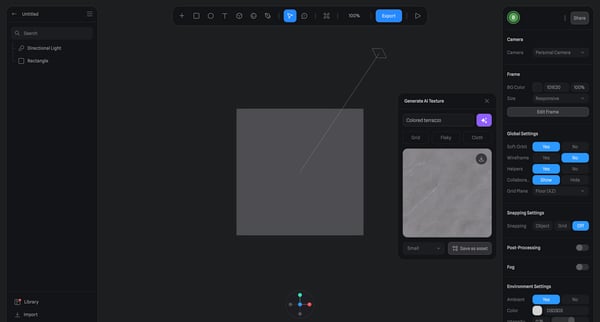
This flow guides users through generating and customizing AI-generated textures in a design editor environment, including selecting texture types and adjusting visual settings.
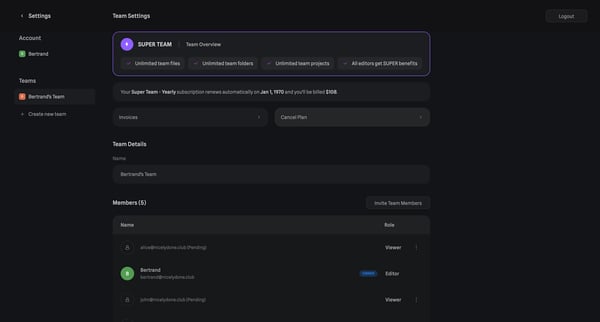
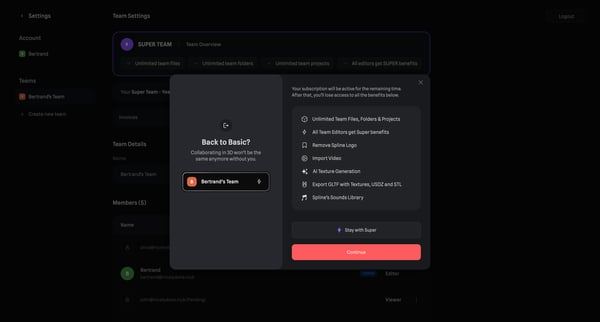
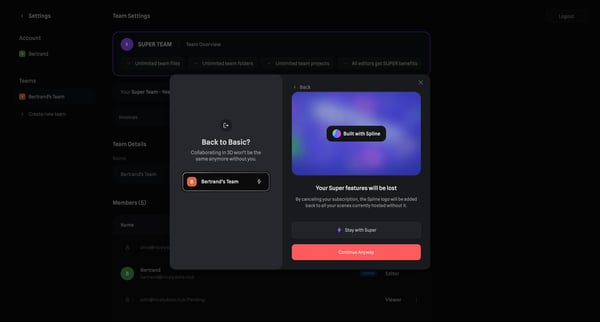
This user flow guides a user through the process of canceling a team subscription, presenting potential implications of cancellation and offering a chance for feedback to improve the service
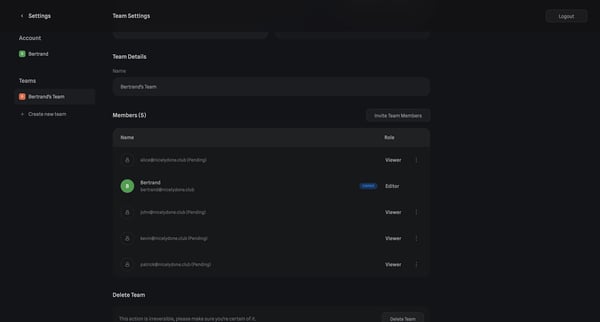
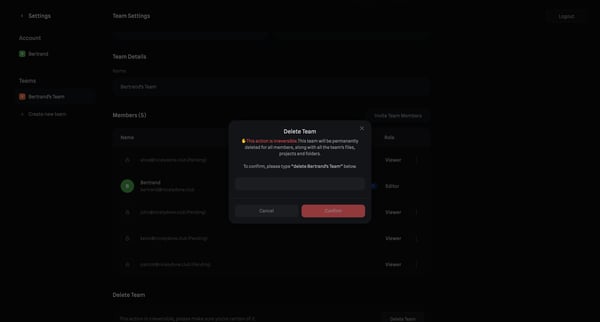
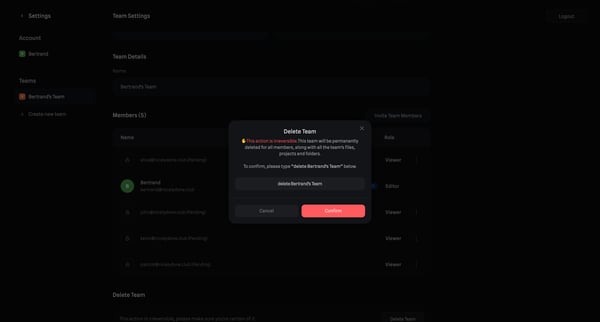
This flow guides a user through the process of permanently deleting a team, making sure the user understands the action's irreversibility by requiring confirmation.
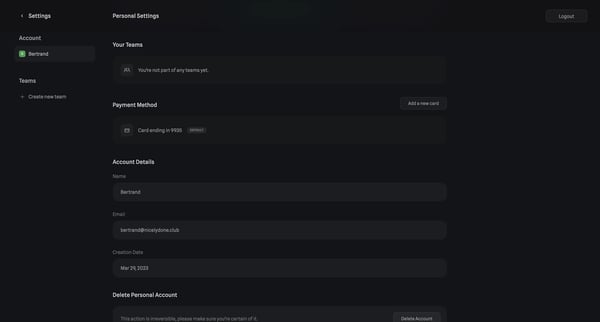
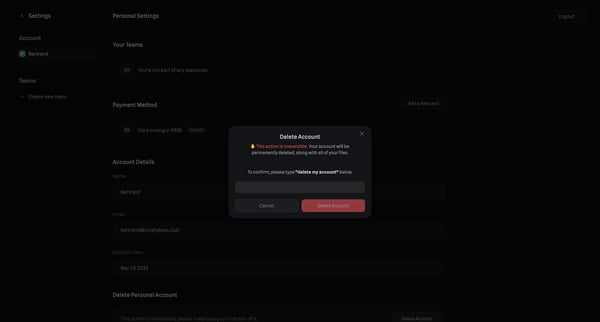
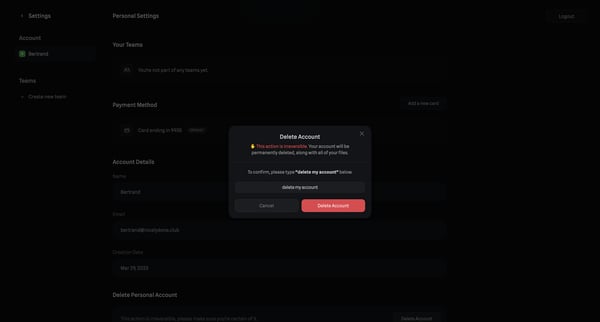
This flow navigates a user through the process of permanently deleting their account, including a confirmation step to ensure the action is deliberate.
Explore the full SaaS flow library
Browse the full SaaS flow library.
Trusted by the best teams







