
Sana user flows examples
Explore Sana user flow examples. Preview the opening screens and steps for each task. Your AI assistant for work
Preview these flows
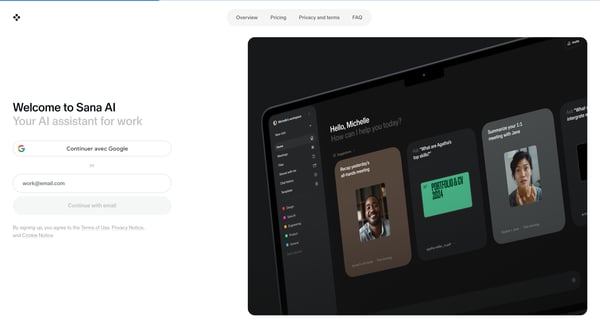
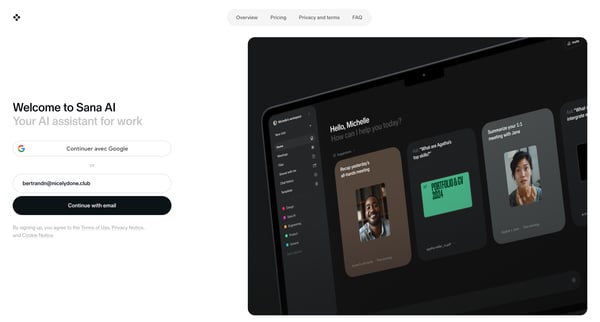
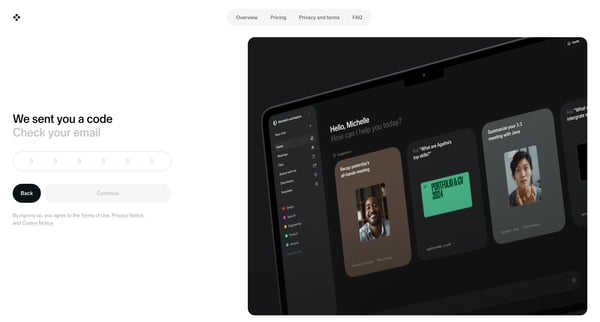
This user flow guides a new user through the process of signing up for Sana AI, validating their email, personalizing their assistant, setting up their workspace, and configuring their meetin
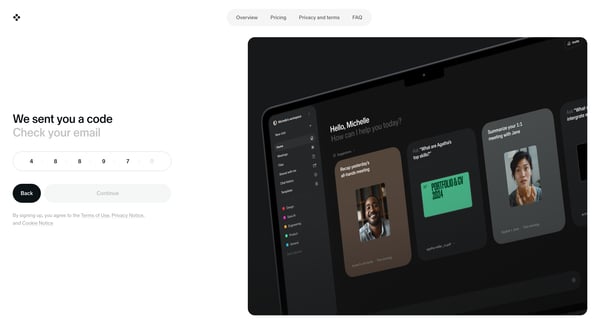
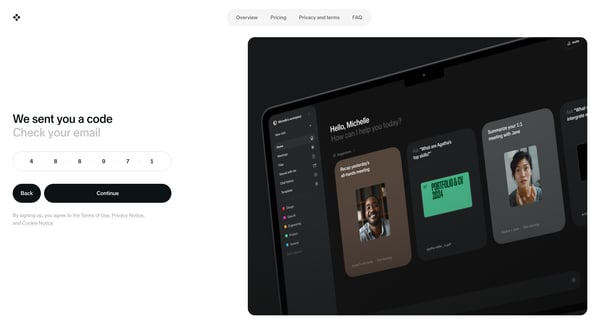
This user flow guides a user through the process of verifying their identity by entering a code they receive via email, ensuring a secure sign-up or login process.
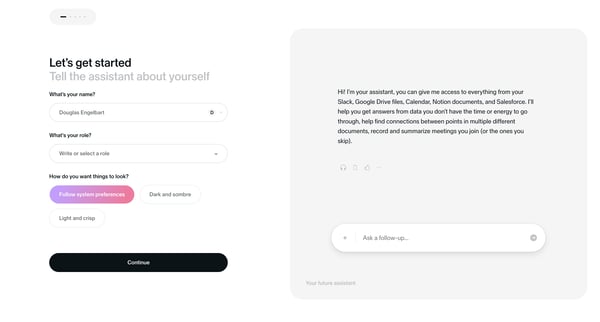
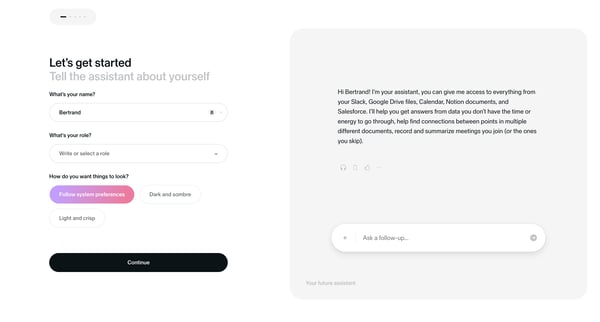
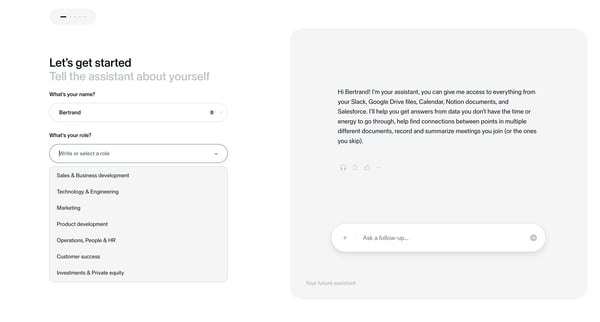
This flow guides the user through a series of steps to personalize their onboarding experience, allowing them to introduce themselves, choose their role, set their visual preferences, and und


This flow guides users through creating a shared workspace for their team, specifying the workspace name and defining the joining criteria.
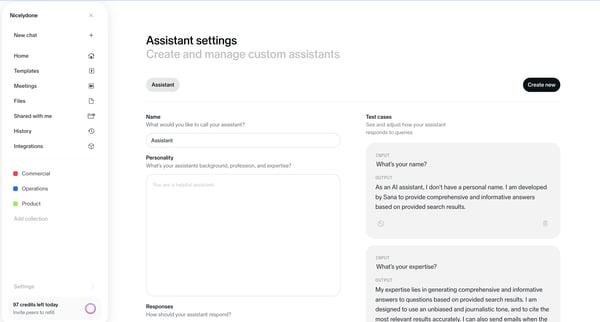
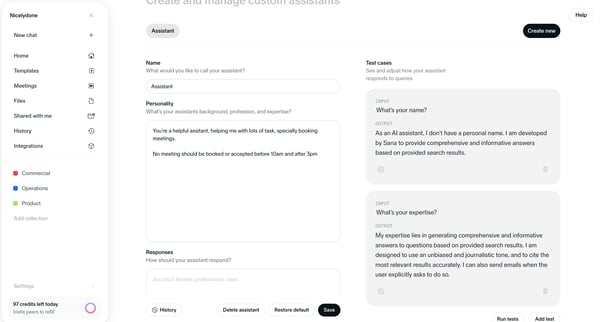
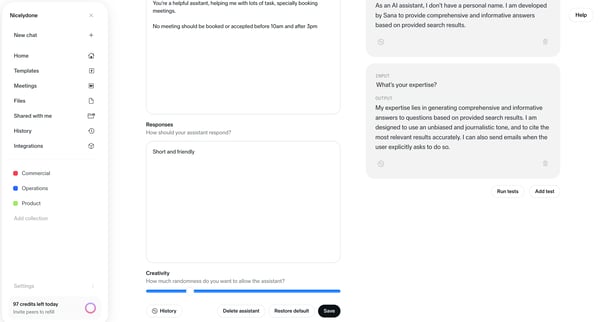
This flow facilitates the configuration and personalization of a virtual assistant, including its naming, response style, operational specifics, and access settings.
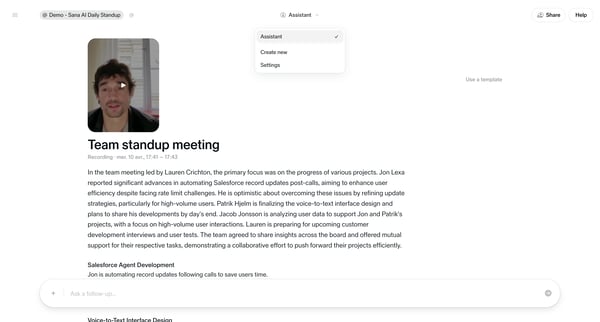
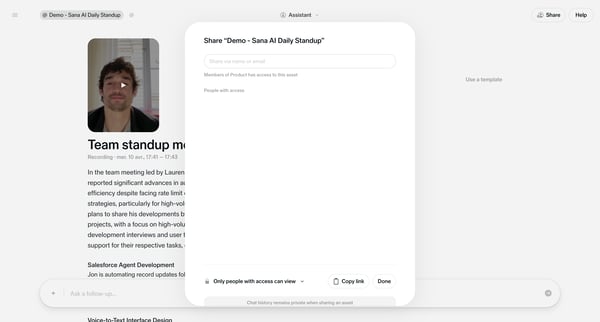
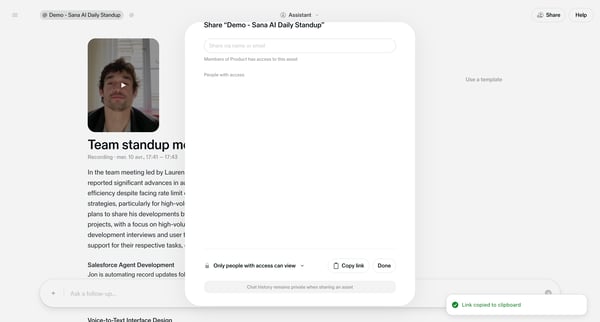
This flow enables users to share meeting summaries or detailed content efficiently via name or email while controlling access and privacy settings.
Explore the full SaaS flow library
Browse the full SaaS flow library.
Trusted by the best teams







