
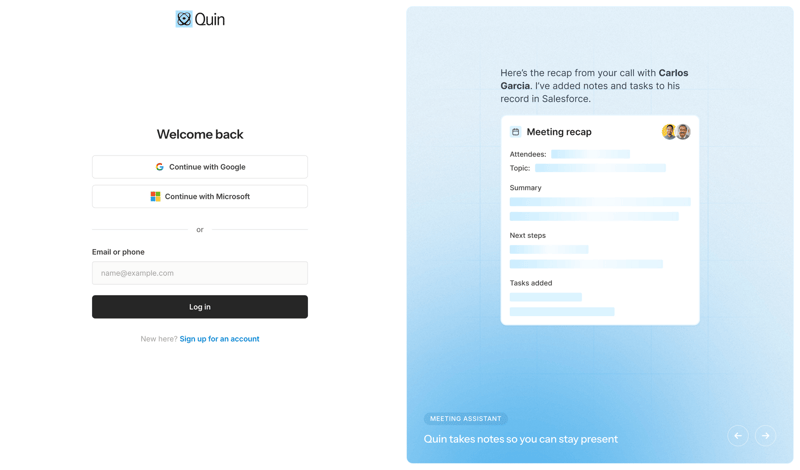
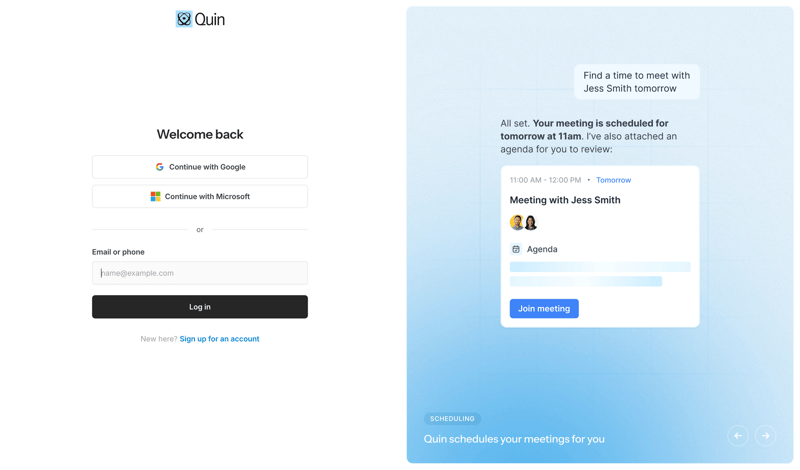
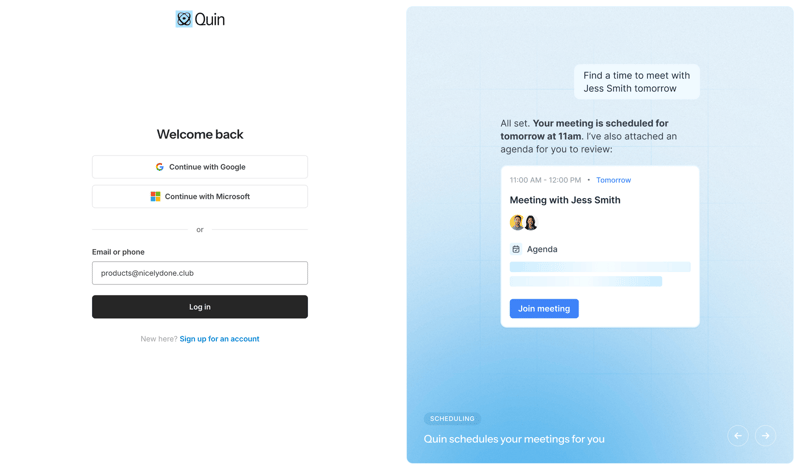
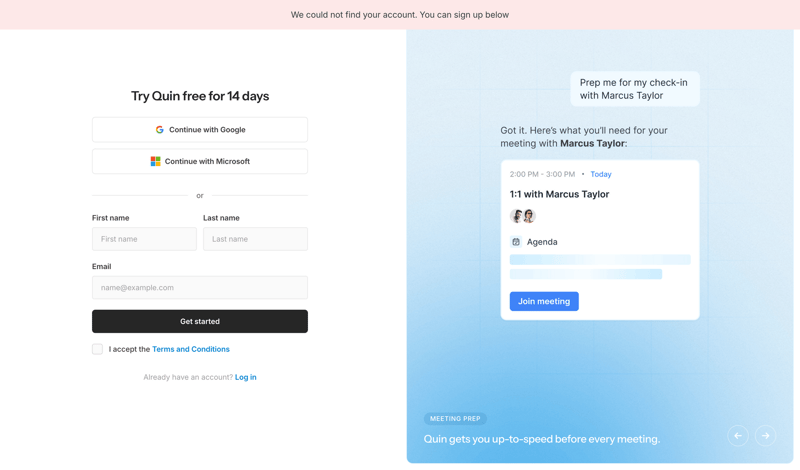
Explore the complete UI of Quin with a UI/UX perspective. It includes 285 UI screens and 33 marketing screens. Dive deep into Quin's 28 UI components and explore the detailed User flows, including onboarding, password reset, and more advanced flows.
Upgrade to see this screen

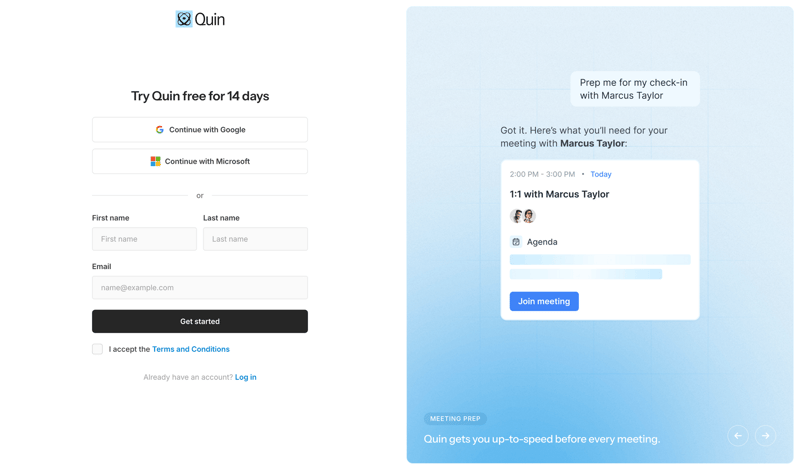
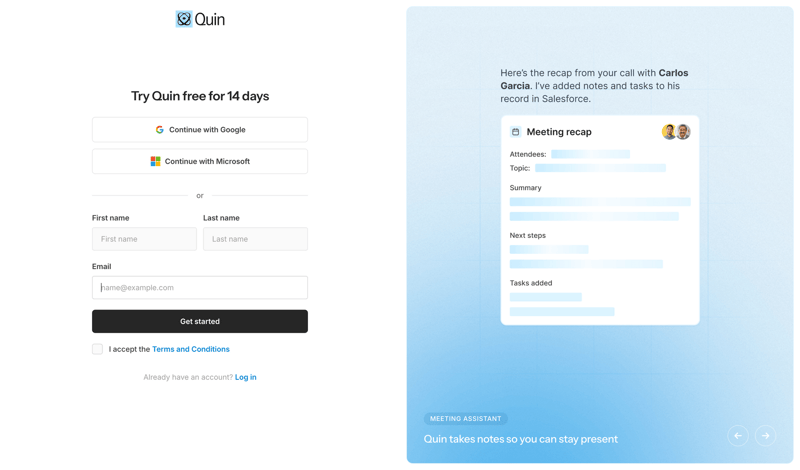
Upgrade to see this screen

Upgrade to see this screen

Upgrade to see this screen

Upgrade to see this screen

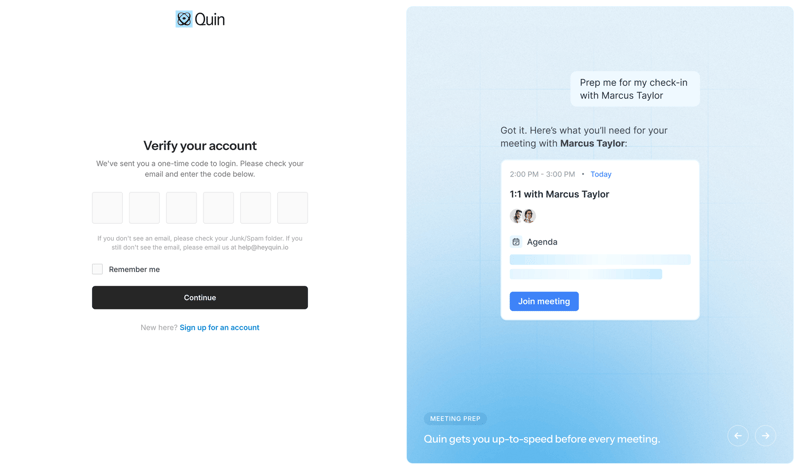
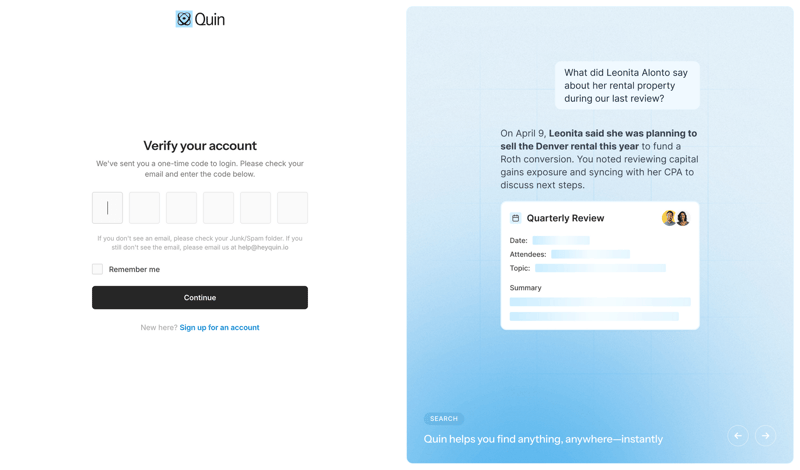
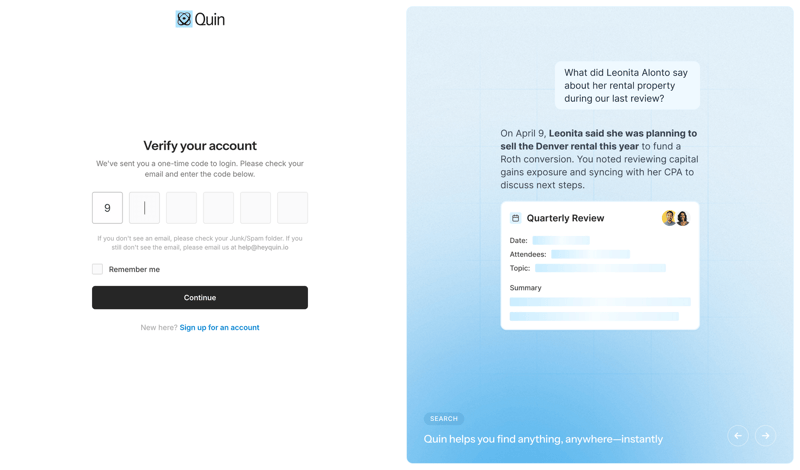
Upgrade to see this screen

Upgrade to see this screen

Upgrade to see this screen

Upgrade to see this screen

Upgrade to see this screen

Upgrade to see this screen

Upgrade to see this screen

Upgrade to see this screen
Upgrade to see this screen
Upgrade to see this screen
Upgrade to see this screen
Upgrade to see this screen
Upgrade to see this screen
Upgrade to see this screen
Upgrade to see this screen
Upgrade to see this screen
Upgrade to see this screen
Upgrade to see this screen
Upgrade to see this screen
Upgrade to see this screen
Upgrade to see this screen
Upgrade to see this screen
Upgrade to see this screen
Upgrade to see this screen
Upgrade to see this screen
Upgrade to see this screen
Upgrade to see this screen
Upgrade to see this screen
Upgrade to see this screen
Upgrade to see this screen
Upgrade to see this screen
Upgrade to see this screen
Upgrade to see this screen
Upgrade to see this screen
Upgrade to see this screen
Upgrade to see this screen
Upgrade to see this screen
Upgrade to see this screen
Upgrade to see this screen
Upgrade to see this screen
Upgrade to see this screen
Upgrade to see this screen
Upgrade to see this screen
Upgrade to see this screen
Upgrade to see this screen
Upgrade to see this screen
Upgrade to see this screen
Upgrade to see this screen
Upgrade to see this screen
Upgrade to see this screen
Upgrade to see this screen
Upgrade to see this screen
Upgrade to see this screen
Upgrade to see this screen
Upgrade to see this screen
Upgrade to see this screen
Upgrade to see this screen
Upgrade to see this screen
Upgrade to see this screen
Upgrade to see this screen
Upgrade to see this screen
Upgrade to see this screen
Upgrade to see this screen
Upgrade to see this screen
Upgrade to see this screen
Upgrade to see this screen
Upgrade to see this screen
Upgrade to see this screen
Upgrade to see this screen
Upgrade to see this screen
Upgrade to see this screen
Upgrade to see this screen
Upgrade to see this screen
Upgrade to see this screen
Upgrade to see this screen
Upgrade to see this screen
Upgrade to see this screen
Upgrade to see this screen
Upgrade to see this screen
Upgrade to see this screen
Upgrade to see this screen
Upgrade to see this screen
Upgrade to see this screen
Upgrade to see this screen
Upgrade to see this screen
Upgrade to see this screen
Upgrade to see this screen
Upgrade to see this screen
Upgrade to see this screen
Upgrade to see this screen
Upgrade to see this screen
Upgrade to see this screen
Upgrade to see this screen
Upgrade to see this screen
Upgrade to see this screen
Upgrade to see this screen
Upgrade to see this screen
Upgrade to see this screen
Upgrade to see this screen
Upgrade to see this screen
Upgrade to see this screen
Upgrade to see this screen
Upgrade to see this screen
Upgrade to see this screen
Upgrade to see this screen
Upgrade to see this screen
Upgrade to see this screen
Upgrade to see this screen
Upgrade to see this screen
Upgrade to see this screen
Upgrade to see this screen
Upgrade to see this screen
Upgrade to see this screen
Upgrade to see this screen
Upgrade to see this screen
Upgrade to see this screen
Upgrade to see this screen
Upgrade to see this screen
Upgrade to see this screen
Upgrade to see this screen
Upgrade to see this screen
Upgrade to see this screen
Upgrade to see this screen
Upgrade to see this screen
Upgrade to see this screen
Upgrade to see this screen
Upgrade to see this screen
Upgrade to see this screen
Upgrade to see this screen
Upgrade to see this screen
Upgrade to see this screen
Upgrade to see this screen
Upgrade to see this screen
Upgrade to see this screen
Upgrade to see this screen
Upgrade to see this screen
Upgrade to see this screen
Upgrade to see this screen
Upgrade to see this screen
Upgrade to see this screen
Upgrade to see this screen
Upgrade to see this screen
Upgrade to see this screen
Upgrade to see this screen
Upgrade to see this screen
Upgrade to see this screen
Upgrade to see this screen
Upgrade to see this screen
Upgrade to see this screen
Upgrade to see this screen
Upgrade to see this screen
Upgrade to see this screen
Upgrade to see this screen
Upgrade to see this screen
Upgrade to see this screen
Upgrade to see this screen
Upgrade to see this screen
Upgrade to see this screen
Upgrade to see this screen
Upgrade to see this screen
Upgrade to see this screen
Upgrade to see this screen
Upgrade to see this screen
Upgrade to see this screen
Upgrade to see this screen
Upgrade to see this screen
Upgrade to see this screen
Upgrade to see this screen
Upgrade to see this screen
Upgrade to see this screen
Upgrade to see this screen
Upgrade to see this screen
Upgrade to see this screen
Upgrade to see this screen
Upgrade to see this screen
Upgrade to see this screen
Upgrade to see this screen
Upgrade to see this screen
Upgrade to see this screen
Upgrade to see this screen
Upgrade to see this screen
Upgrade to see this screen
Upgrade to see this screen
Upgrade to see this screen
Upgrade to see this screen
Upgrade to see this screen
Upgrade to see this screen
Upgrade to see this screen
Upgrade to see this screen
Upgrade to see this screen
Upgrade to see this screen
Upgrade to see this screen
Upgrade to see this screen
Upgrade to see this screen
Upgrade to see this screen
Upgrade to see this screen
Upgrade to see this screen
Upgrade to see this screen
Upgrade to see this screen
Upgrade to see this screen
Upgrade to see this screen
Upgrade to see this screen
Upgrade to see this screen
Upgrade to see this screen
Upgrade to see this screen
Upgrade to see this screen
Upgrade to see this screen
Upgrade to see this screen
Upgrade to see this screen
Upgrade to see this screen
Upgrade to see this screen
Upgrade to see this screen
Upgrade to see this screen
Upgrade to see this screen
Upgrade to see this screen
Upgrade to see this screen
Upgrade to see this screen
Upgrade to see this screen
Upgrade to see this screen
Upgrade to see this screen
Upgrade to see this screen
Upgrade to see this screen
Upgrade to see this screen
Upgrade to see this screen
Upgrade to see this screen
Upgrade to see this screen
Upgrade to see this screen
Upgrade to see this screen
Upgrade to see this screen
Upgrade to see this screen
Upgrade to see this screen
Upgrade to see this screen
Upgrade to see this screen
Upgrade to see this screen
Upgrade to see this screen
Upgrade to see this screen
Upgrade to see this screen
Upgrade to see this screen
Upgrade to see this screen
Upgrade to see this screen
Upgrade to see this screen
Upgrade to see this screen
Upgrade to see this screen
Upgrade to see this screen
Upgrade to see this screen
Upgrade to see this screen
Upgrade to see this screen
Upgrade to see this screen
Upgrade to see this screen
Upgrade to see this screen
Upgrade to see this screen
Upgrade to see this screen
Upgrade to see this screen
Upgrade to see this screen
Upgrade to see this screen
Upgrade to see this screen
Upgrade to see this screen
Upgrade to see this screen
Upgrade to see this screen
Upgrade to see this screen
Upgrade to see this screen
Upgrade to see this screen
Upgrade to see this screen
Upgrade to see this screen
Upgrade to see this screen
Upgrade to see this screen
Upgrade to see this screen
Upgrade to see this screen
Upgrade to see this screen
Upgrade to see this screen
Upgrade to see this screen
Upgrade to see this screen
Upgrade to see this screen
Upgrade to see this screen
Upgrade to see this screen
Upgrade to see this screen
Upgrade to see this screen
Upgrade to see this screen
Upgrade to see this screen
Upgrade to see this screen
Upgrade to see this screen
Upgrade to see this screen
Upgrade to see this screen
Upgrade to see this screen
Upgrade to see this screen
Upgrade to see this screen
Upgrade to see this screen
Upgrade to see this screen
Upgrade to see this screen
Upgrade to see this screen
Upgrade to see this screen
Upgrade to see this screen
Upgrade to see this screen
Upgrade to see this screen
Upgrade to see this screen
Upgrade to see this screen
Upgrade to see this screen
Upgrade to see this screen
Upgrade to see this screen
Upgrade to see this screen
Upgrade to see this screen
Upgrade to see this screen
Upgrade to see this screen
Upgrade to see this screen
Upgrade to see this screen
Upgrade to see this screen
Upgrade to see this screen
Upgrade to see this screen
Upgrade to see this screen
Upgrade to see this screen
Upgrade to see this screen
Upgrade to see this screen
Upgrade to see this screen
Upgrade to see this screen
Upgrade to see this screen
Upgrade to see this screen
Upgrade to see this screen
Upgrade to see this screen
Upgrade to see this screen
Upgrade to see this screen
Upgrade to see this screen
Upgrade to see this screen
Upgrade to see this screen
Upgrade to see this screen
Upgrade to see this screen
Upgrade to see this screen
Upgrade to see this screen
Upgrade to see this screen
Upgrade to see this screen
Upgrade to see this screen
Upgrade to see this screen
Upgrade to see this screen
Upgrade to see this screen
Upgrade to see this screen
Upgrade to see this screen
Upgrade to see this screen
Upgrade to see this screen
Upgrade to see this screen
Upgrade to see this screen
Upgrade to see this screen
Upgrade to see this screen
Upgrade to see this screen
Upgrade to see this screen
Upgrade to see this screen
Upgrade to see this screen
Upgrade to see this screen
Upgrade to see this screen
Upgrade to see this screen
Upgrade to see this screen
Upgrade to see this screen
Upgrade to see this screen
Upgrade to see this screen
Upgrade to see this screen
Upgrade to see this screen
Upgrade to see this screen
Upgrade to see this screen
Upgrade to see this screen
Upgrade to see this screen
Upgrade to see this screen
Upgrade to see this screen
Upgrade to see this screen
Upgrade to see this screen
Upgrade to see this screen
Upgrade to see this screen
Upgrade to see this screen
Upgrade to see this screen
Upgrade to see this screen
Upgrade to see this screen
Upgrade to see this screen
Upgrade to see this screen
Upgrade to see this screen
Upgrade to see this screen
Upgrade to see this screen
Upgrade to see this screen
Upgrade to see this screen
Upgrade to see this screen
Upgrade to see this screen
Upgrade to see this screen
Upgrade to see this screen
Upgrade to see this screen
Upgrade to see this screen
Upgrade to see this screen
Upgrade to see this screen
Upgrade to see this screen
Upgrade to see this screen
Upgrade to see this screen
Upgrade to see this screen
Upgrade to see this screen
Upgrade to see this screen
Upgrade to see this screen
Upgrade to see this screen
Upgrade to see this screen
Upgrade to see this screen
Upgrade to see this screen
Upgrade to see this screen
Upgrade to see this screen
Upgrade to see this screen
Upgrade to see this screen
Upgrade to see this screen
Upgrade to see this screen
Upgrade to see this screen
Upgrade to see this screen
Upgrade to see this screen
Upgrade to see this screen
Upgrade to see this screen
Upgrade to see this screen
Upgrade to see this screen
Upgrade to see this screen
Upgrade to see this screen
Upgrade to see this screen
Upgrade to see this screen
Upgrade to see this screen
Upgrade to see this screen
Upgrade to see this screen
Upgrade to see this screen
Upgrade to see this screen
Upgrade to see this screen
Upgrade to see this screen
Upgrade to see this screen
Upgrade to see this screen
Upgrade to see this screen
Upgrade to see this screen
Upgrade to see this screen
Upgrade to see this screen
Upgrade to see this screen
Upgrade to see this screen
Upgrade to see this screen
Upgrade to see this screen
Upgrade to see this screen
Upgrade to see this screen
Upgrade to see this screen
Upgrade to see this screen
Upgrade to see this screen
Upgrade to see this screen
Upgrade to see this screen
Upgrade to see this screen
Upgrade to see this screen
Unlock access to all Quin user flows
Subscribe and browse 9,800+ user flows from the best web apps (updated weekly)
By continuing, you agree with our terms & privacy policy
Trusted by the best design teams