
Programa user flows examples
Explore Programa user flow examples. Preview the opening screens and steps for each task. Beautiful software for interior designers & architects
Preview these flows

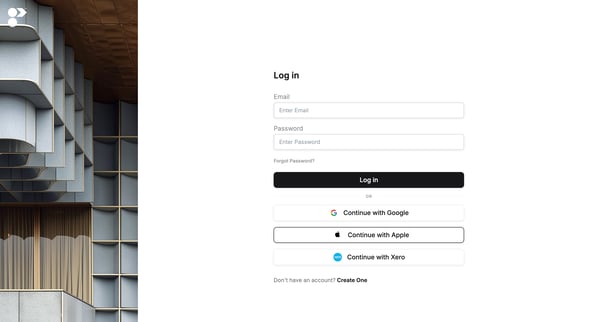
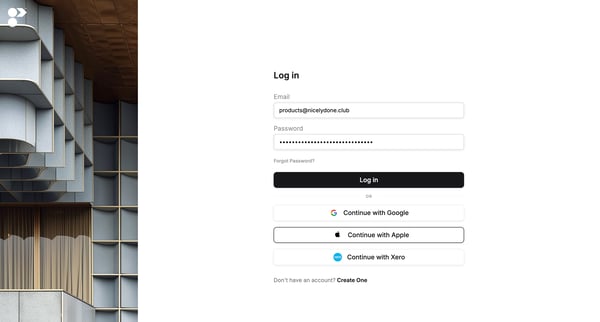
This flow outlines the process for users to sign in to the platform and access their home dashboard where they can manage projects and tools.
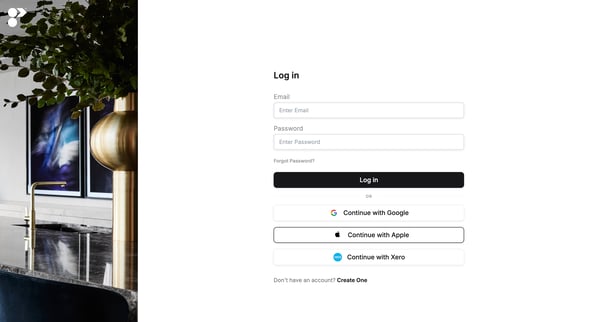
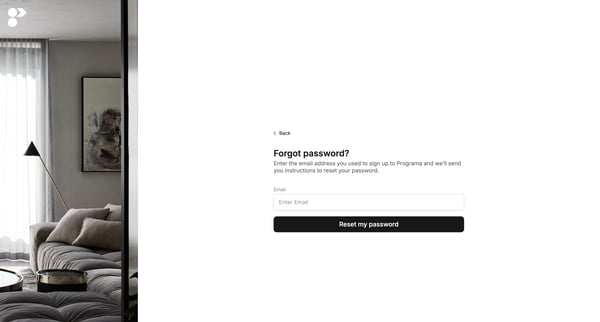
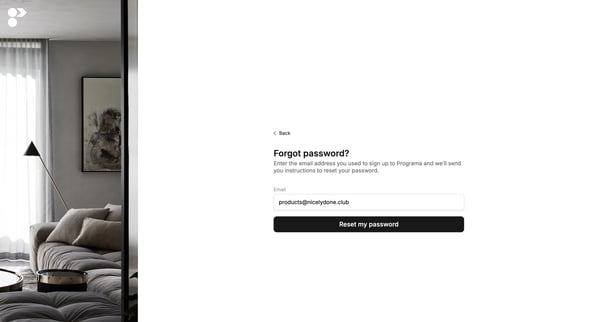
This flow guides users through the process of resetting their password on the Programa platform.
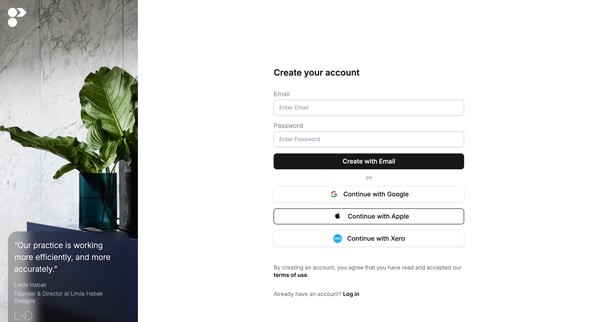
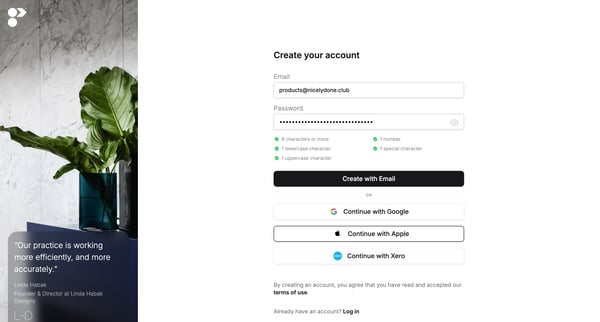
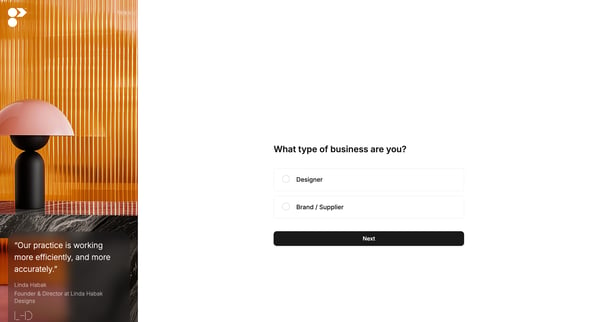
This flow guides users through the process of creating an account and initial setup tailored to their business type.
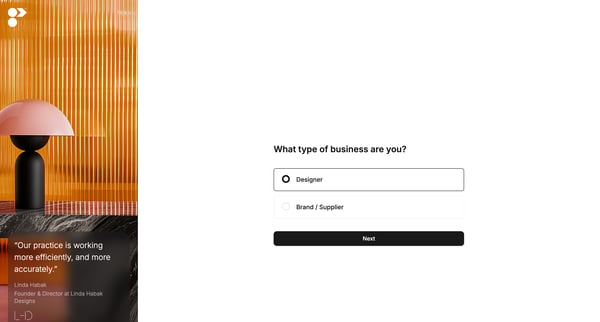
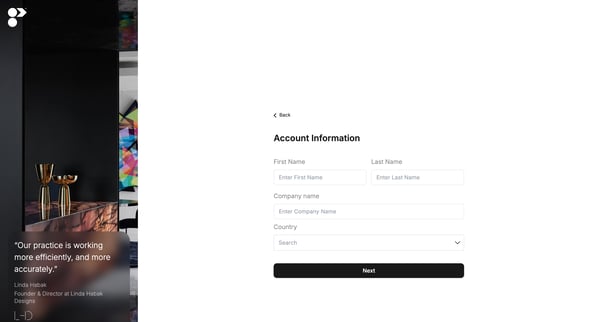
This onboarding flow guides new users through the initial setup and familiarization process with Programa, helping them to define their business type, provide account information, and receive
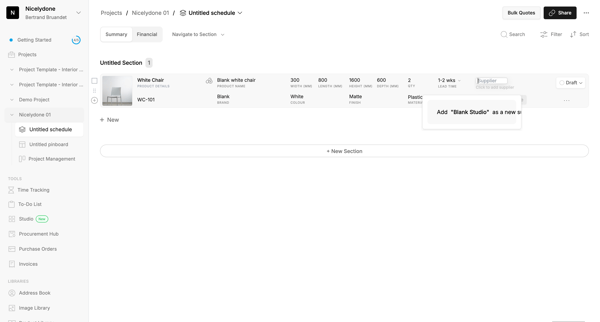
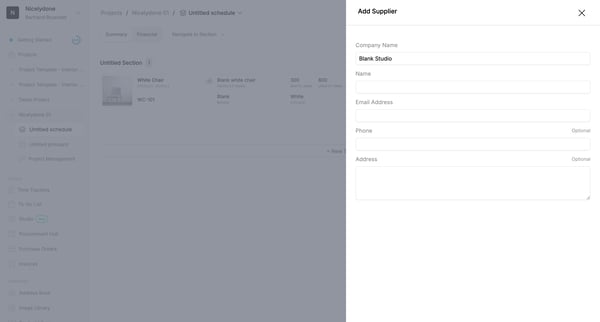
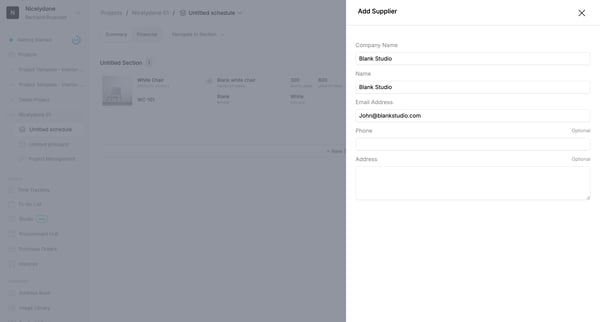
This user flow enables a user to add a supplier to their project management system and update supplier details for a specific product.
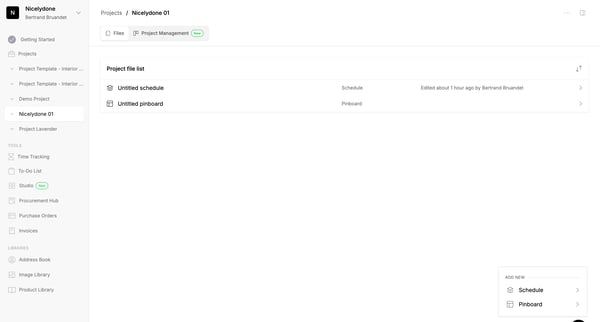
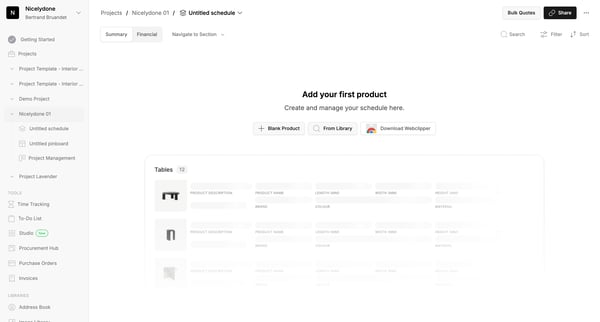
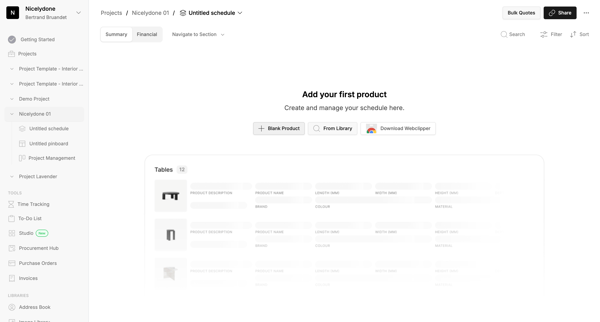
This flow facilitates the creation and management of a new project within a digital workspace, ensuring efficient use of schedules, product listings, and project details.
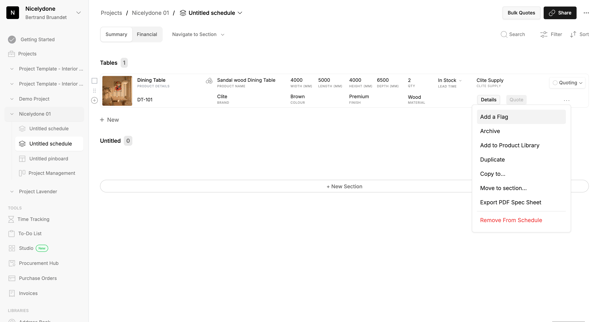
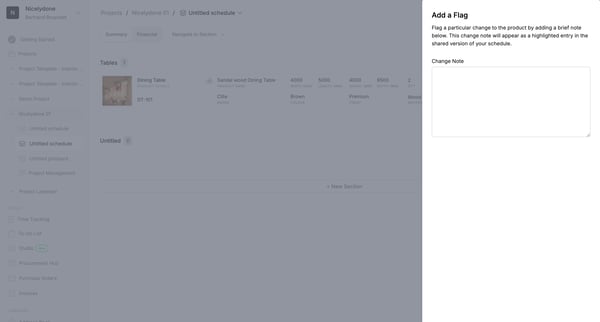
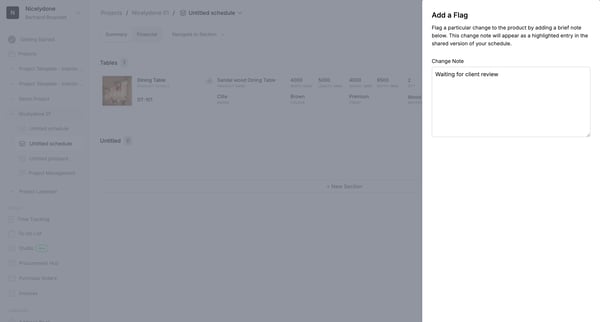
This flow guides users through the process of managing and annotating product details within a project schedule, including the capability to flag changes, categorize products, and save or exp
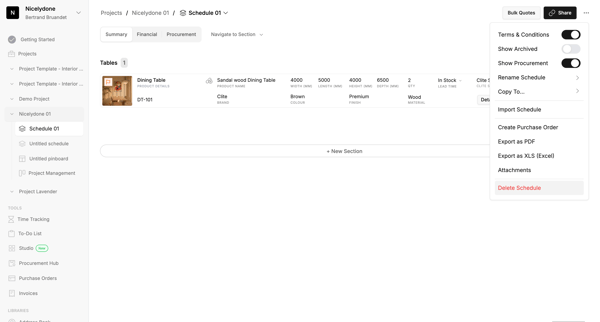
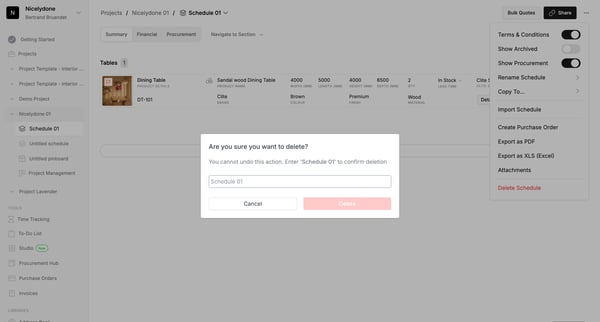
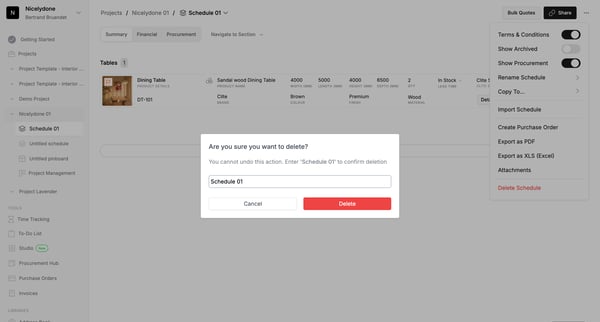
This flow facilitates the deletion of a user's schedule within a project management system, ensuring that the user confirms the deletion to prevent accidental data loss.
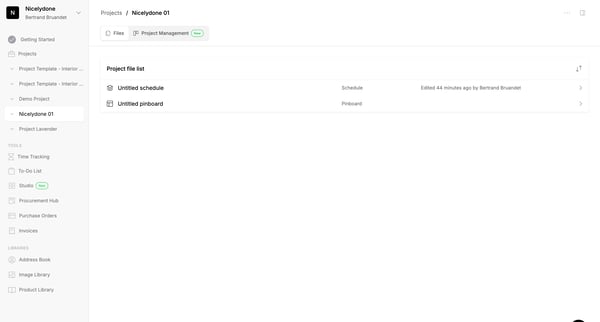
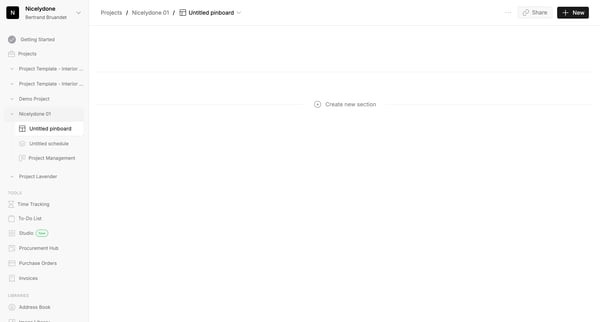
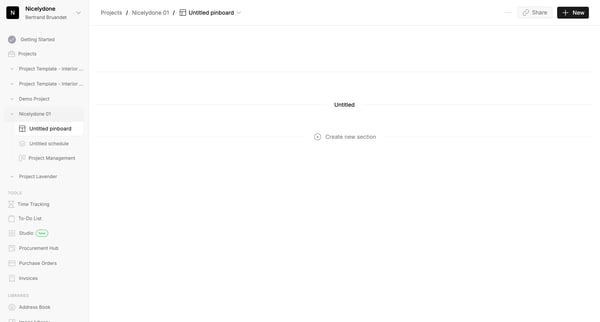
This user flow facilitates the addition of items to a collection within a project management tool, streamlining the organization of resources and information.
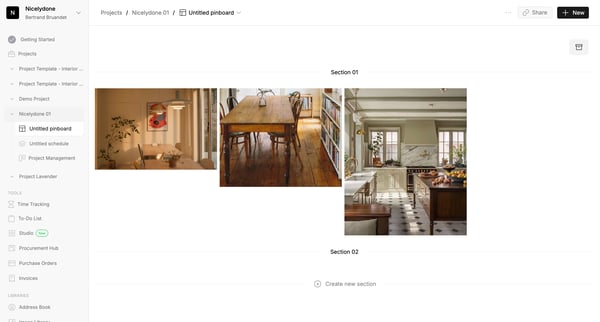
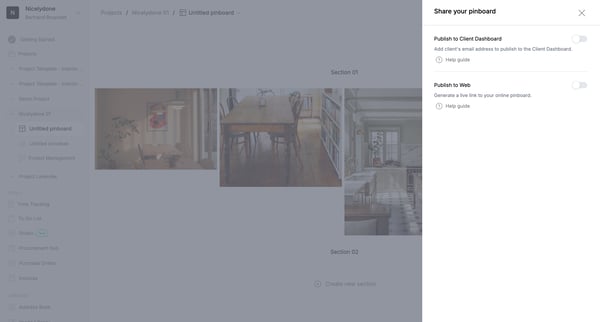
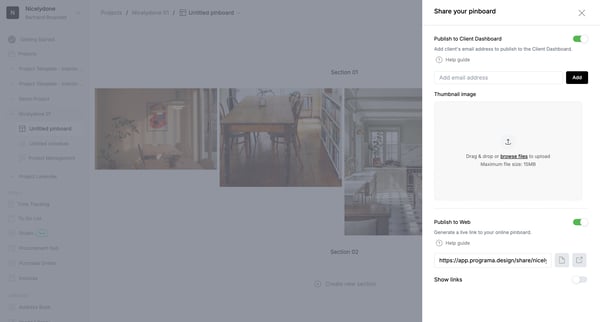
This flow allows users to share a project pinboard by adding client details and generating a live link for web sharing.
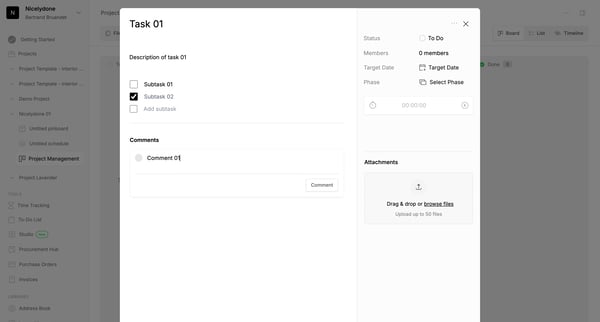
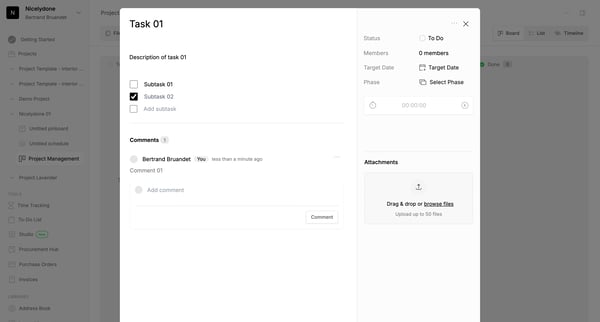
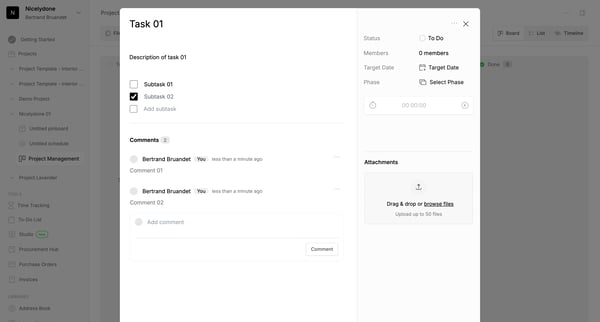
This user flow demonstrates the process of adding, reviewing, and interacting with comments within a project management tool.
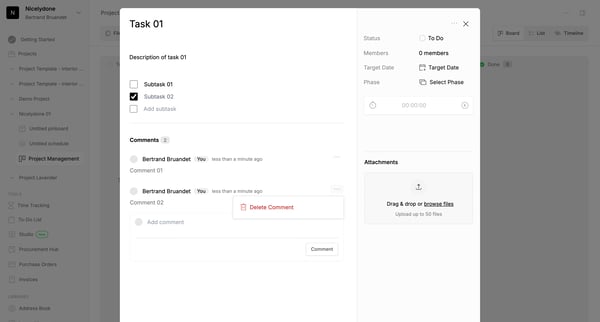
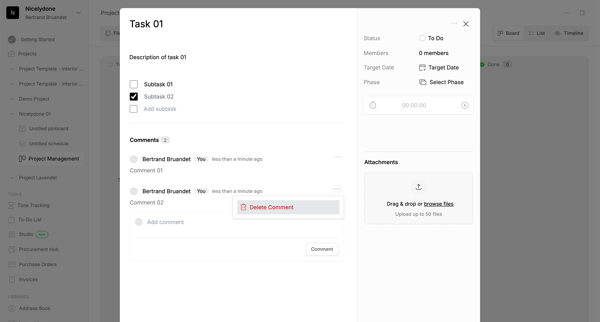
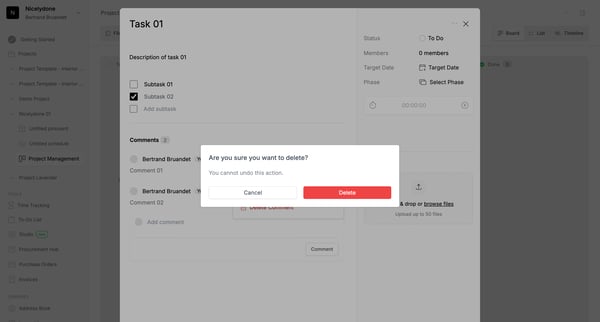
This flow allows users to delete a specific comment in a project task, confirming the action to prevent accidental deletion.
Explore the full SaaS flow library
Browse the full SaaS flow library.
Trusted by the best teams







