
Plane user flows examples
Explore Plane user flow examples. Preview the opening screens and steps for each task. Project management tool from the future.
Preview these flows
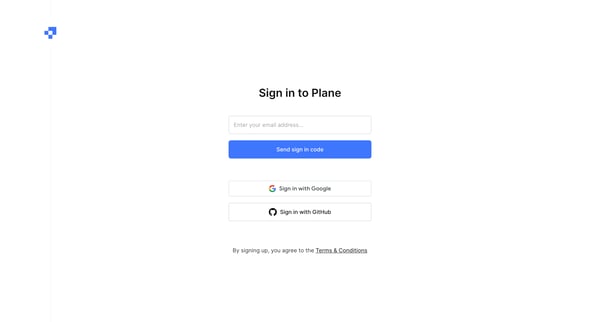
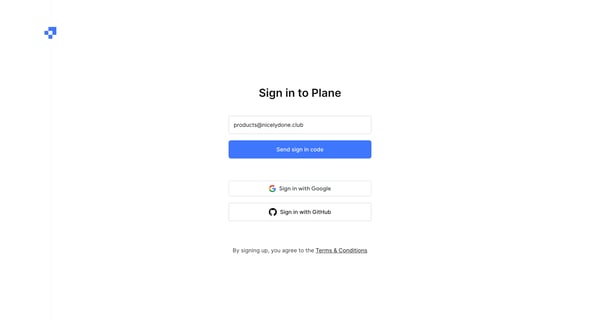
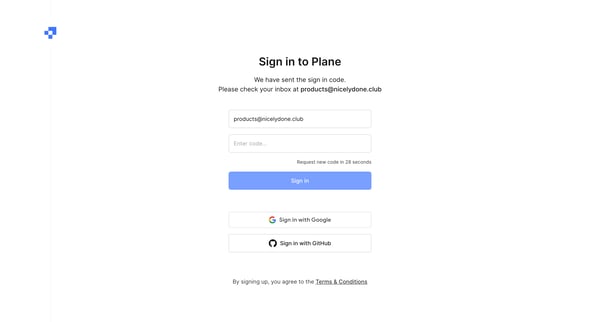
This onboarding user flow guides new users through email verification and profile setup, including workspace creation and team invitations in Plane.
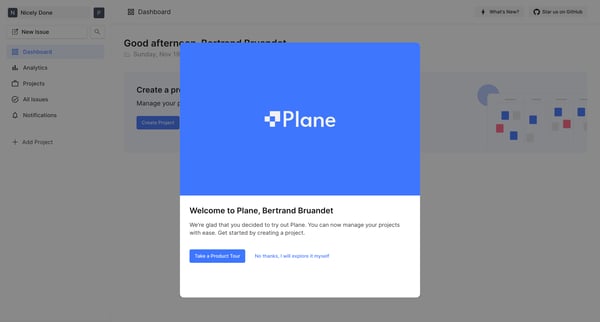
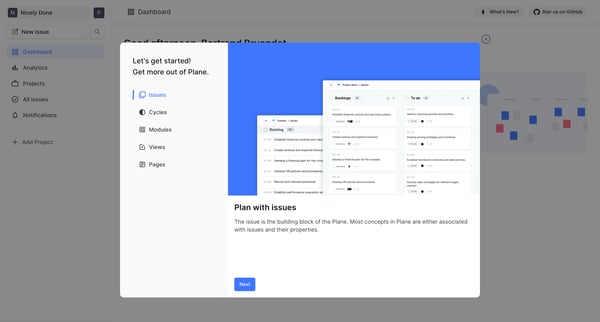
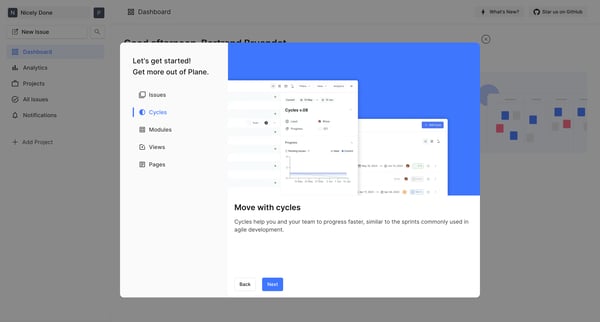
This user flow guides users through the process of getting acquainted with a project management platform, showcasing its features to manage projects efficiently.
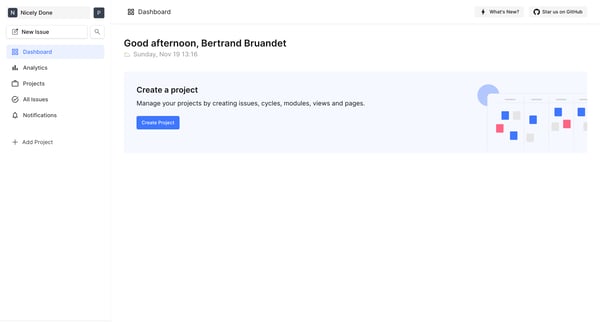
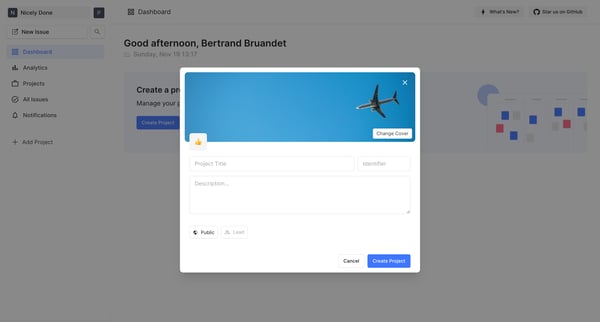
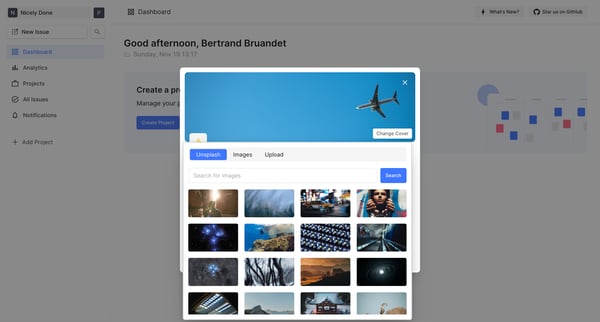
This flow guides a user through the process of creating and finalizing a new project within a dashboard, including setting project details, selecting images, and configuring privacy settings.
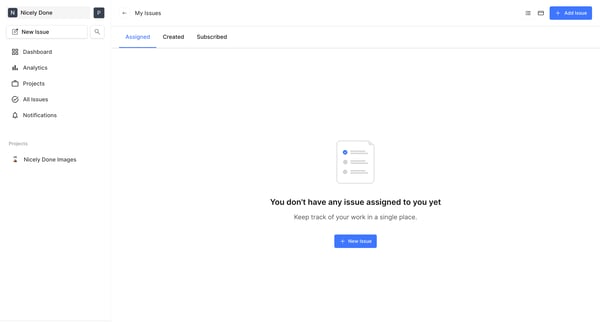
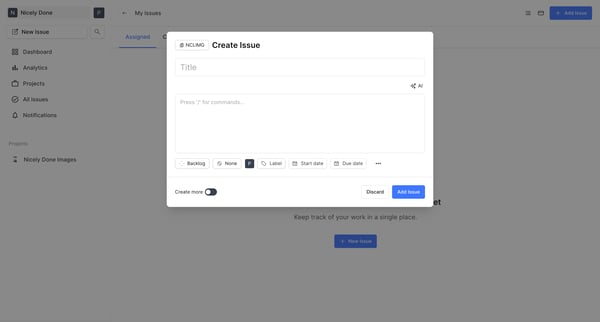
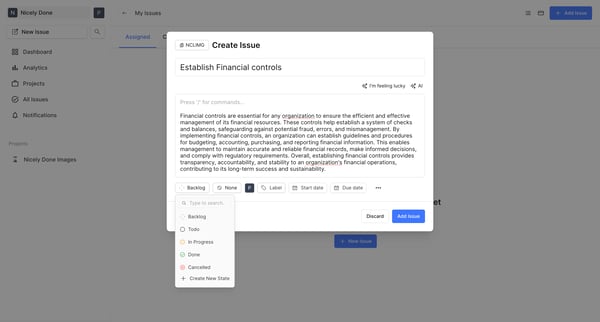
This flow guides a user through the process of creating a new issue within a project management dashboard, from an initial empty state to successfully creating the issue.
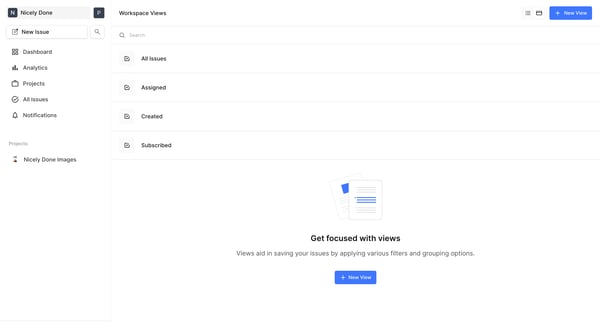
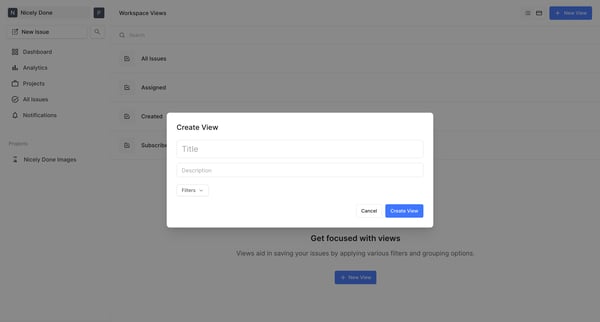
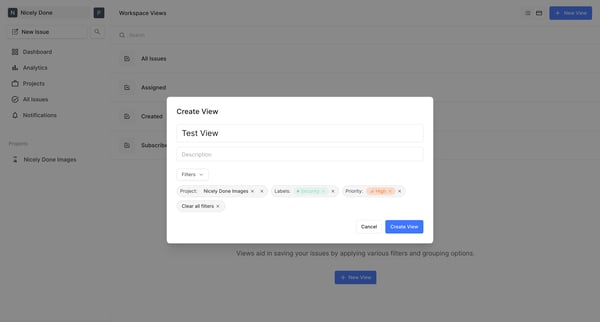
This flow guides the user through creating and applying a custom view using filters for issues in a project management dashboard.
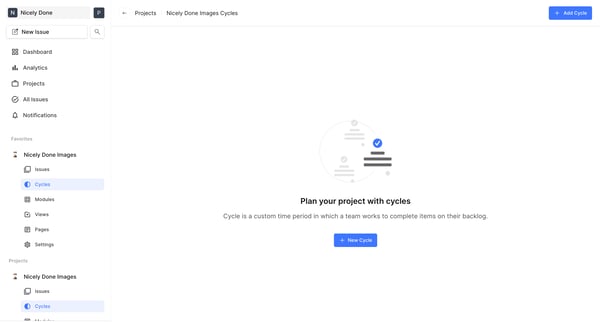
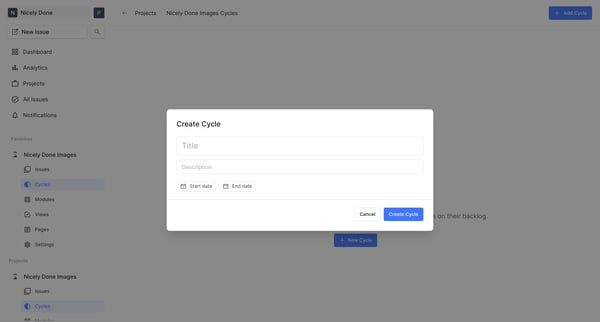
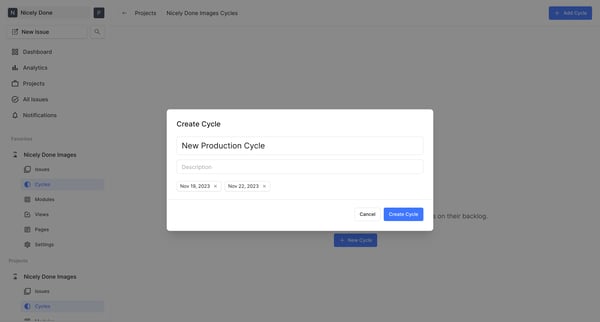
This flow guides users through the process of creating and viewing a new cycle within a project management tool, managing tasks and assignments within specific time frames.
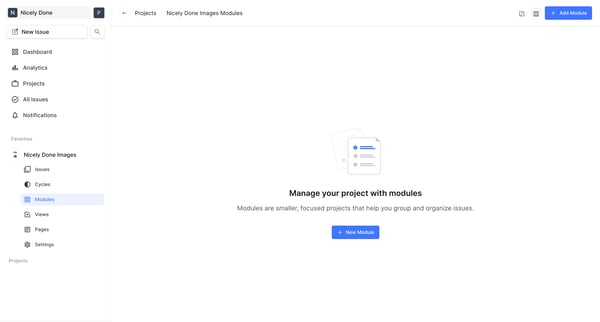
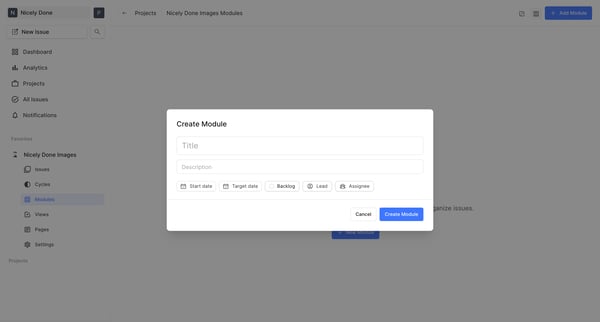
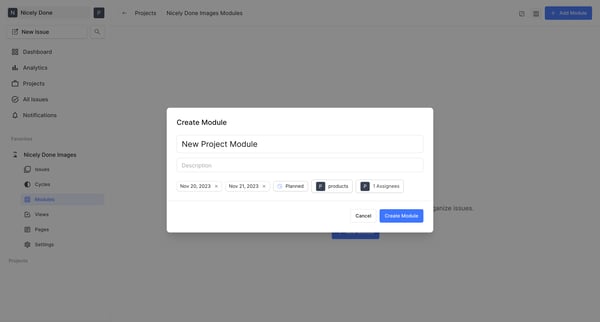
This flow guides the user through the process of adding a new module to their project dashboard, from initiation to successful creation.
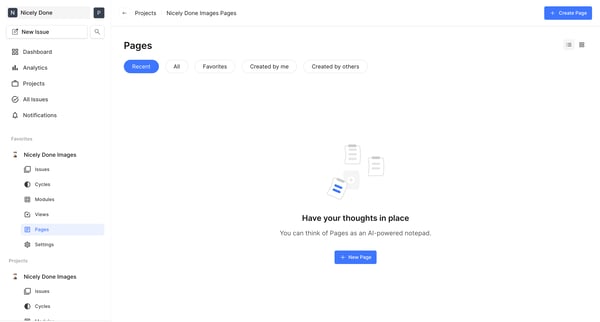
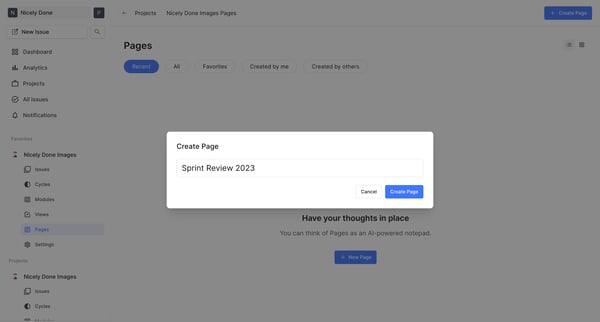
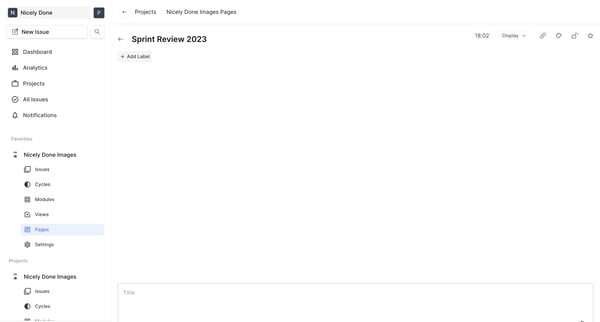
This flow guides the user through the process of creating and setting up a new page within an AI-powered notepad feature.
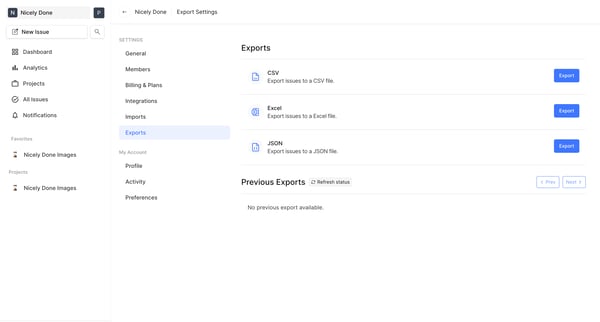
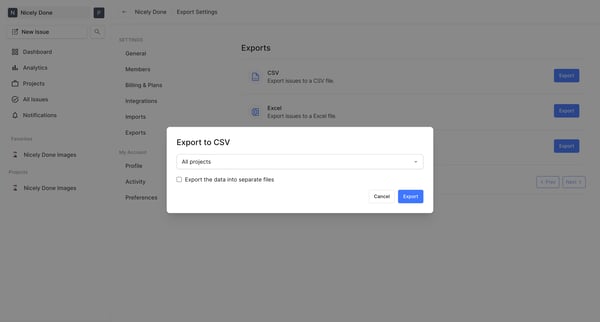
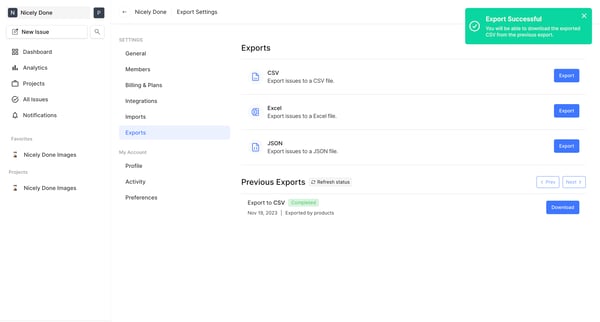
This flow guides the user through exporting issues from a project management interface into a selected file format.
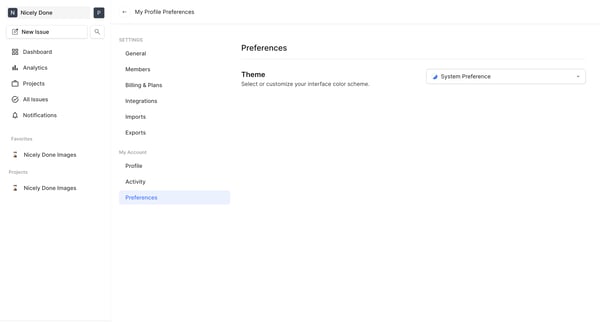
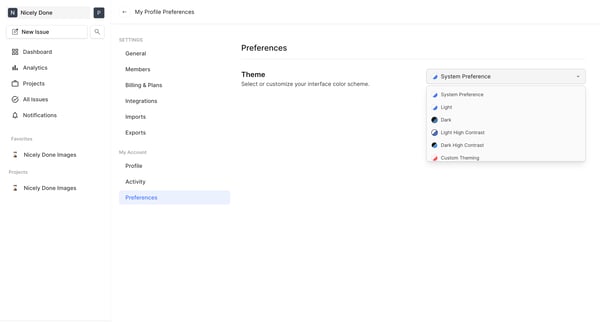
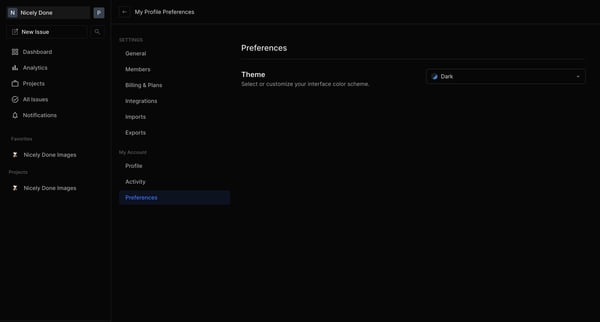
This flow enables users to switch their interface theme settings, allowing for customization based on user preference or system settings.
Explore the full SaaS flow library
Browse the full SaaS flow library.
Trusted by the best teams







