
Notion user flows examples
Explore Notion user flow examples. Preview the opening screens and steps for each task. A unified workspace for modern teams
Preview these flows

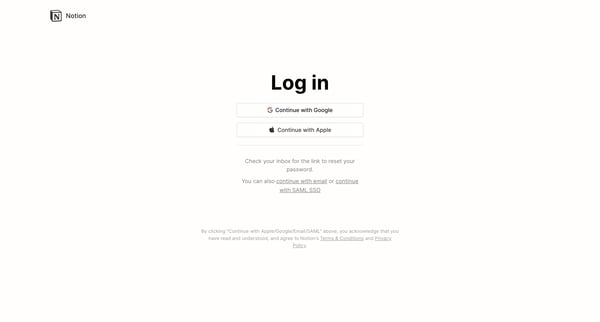

This user flow guides a new user through the process of setting up an account on Notion, customizing their experience based on usage intent, setting up a workspace, inviting teammates, and st
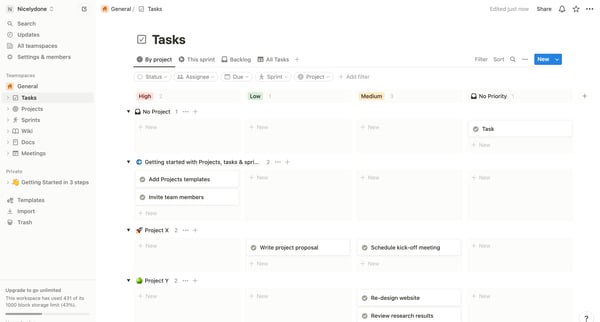
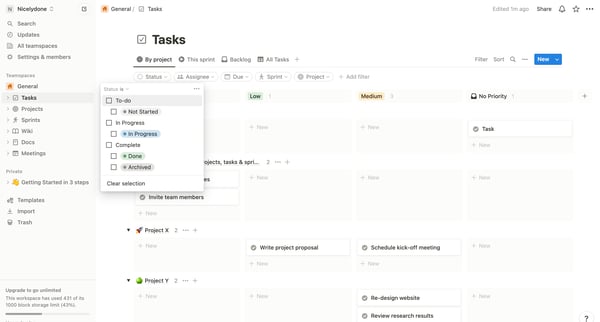
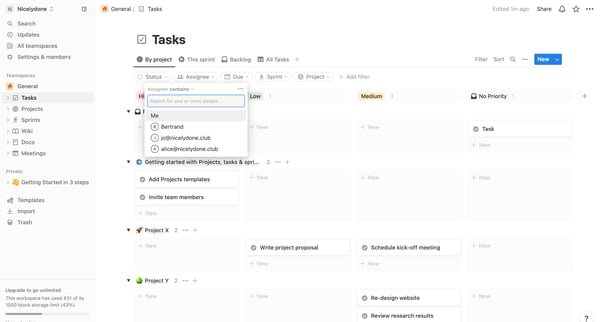
This user flow facilitates users in customizing their task view through filtering and sorting, allowing for enhanced task management and prioritization.
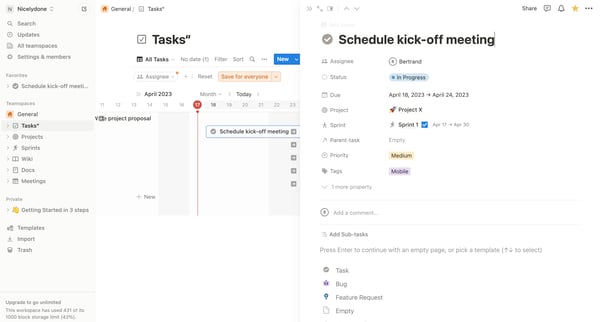
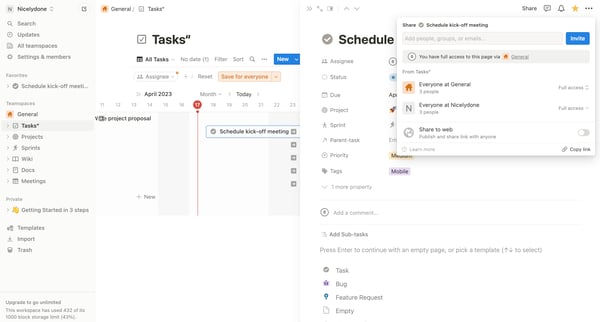
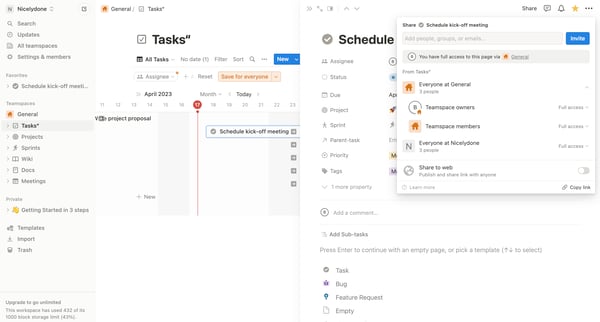
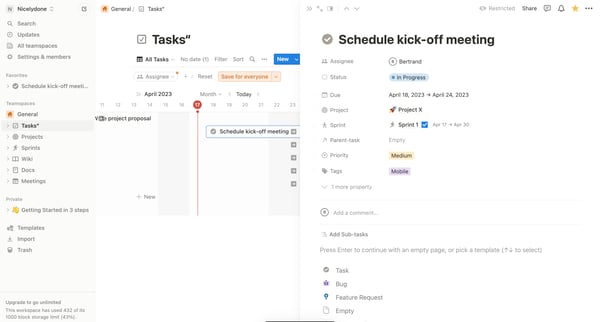
This flow enables users to share a task or page within a workspace, customize sharing permissions, and ensure the selected content is accessible by specific individuals or groups.
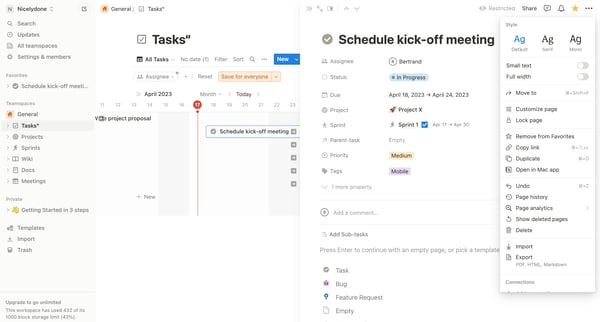
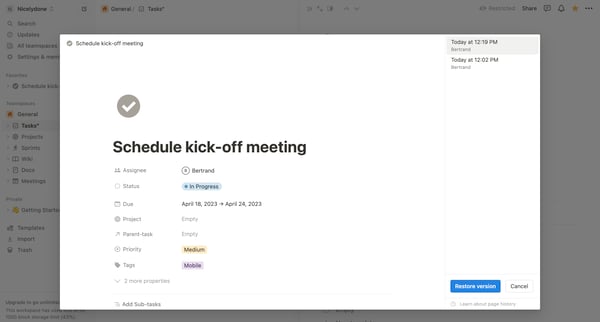
This user flow enables a user to restore a previous version of a page in Notion.
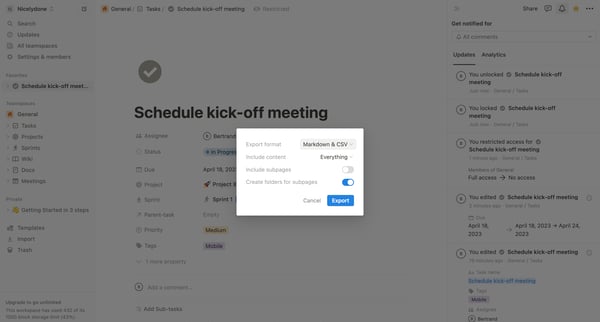
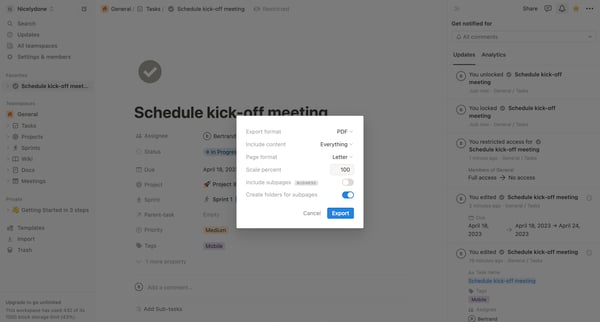
This flow enables a user to export a project page including content, subpages, settings, and format preferences from the platform.
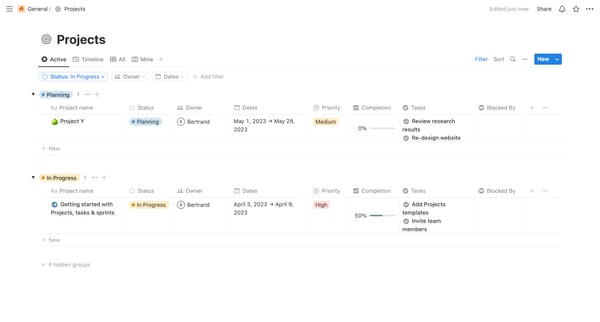
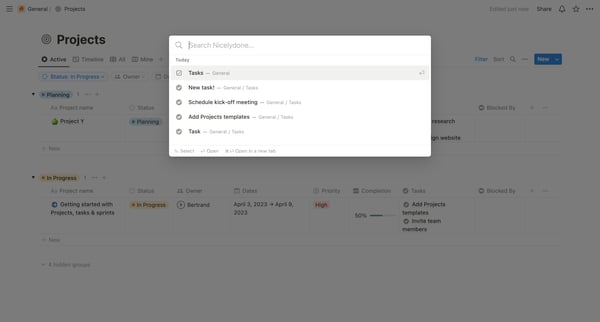
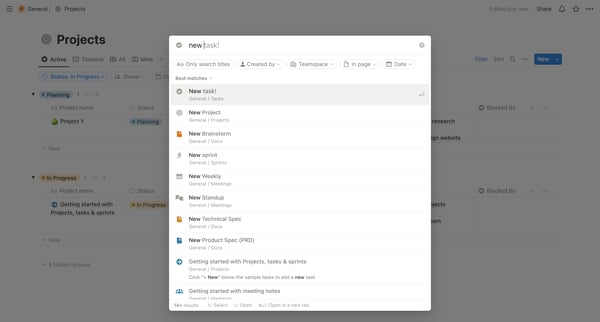
This user flow guides a user through the process of searching and adding new tasks or projects within a workspace, ultimately demonstrating how to create a new standup meeting within a team u
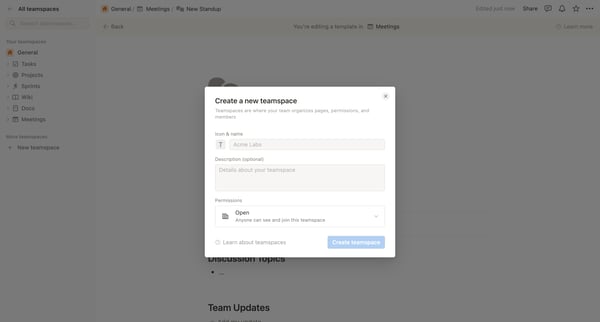
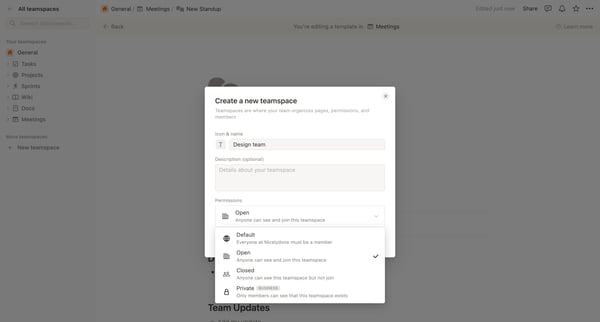
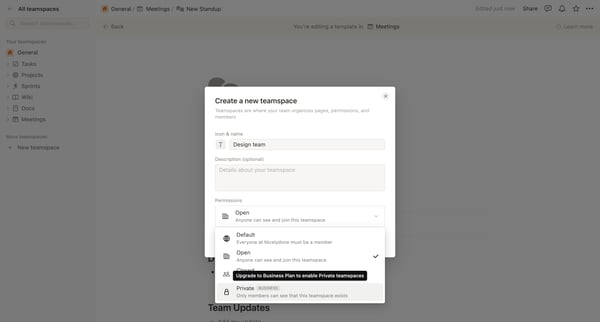
This user flow guides users through the process of creating a new workspace in Notion, setting its permissions, choosing a payment plan, and inviting team members.
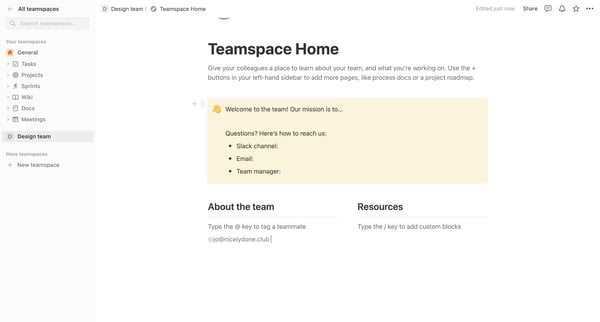
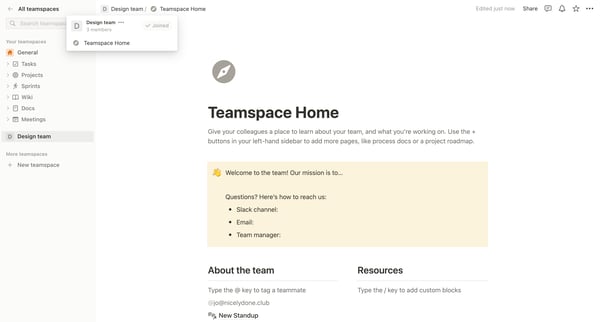
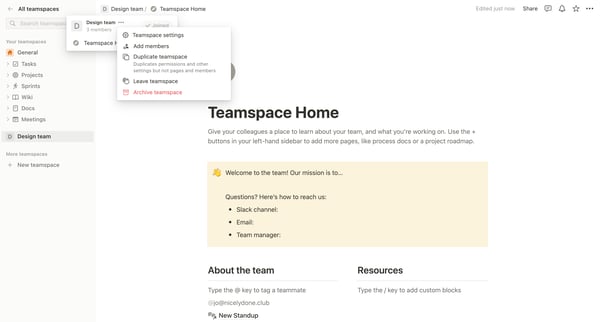
This user flow guides a user through managing a teamspace, including joining a teamspace, updating settings, managing members, adjusting permissions, inviting new members, and configuring sec
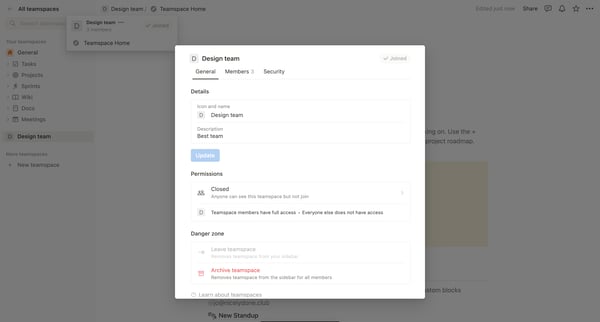
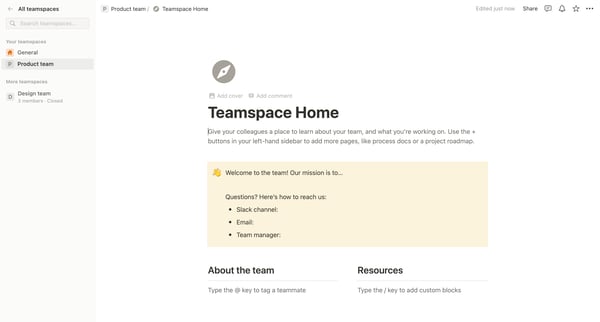
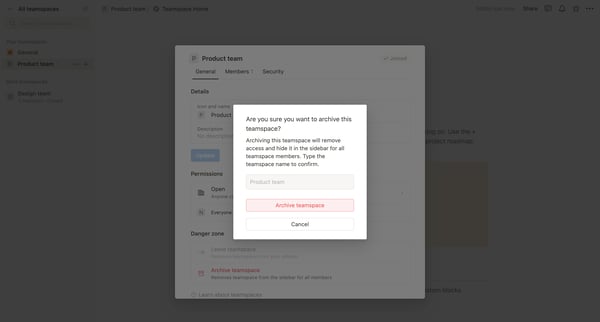
This flow outlines the process of archiving a teamspace, involving navigating teamspaces, confirming the archive action, and displaying the archived state.
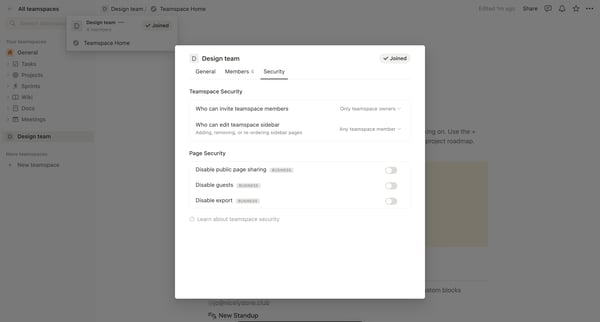

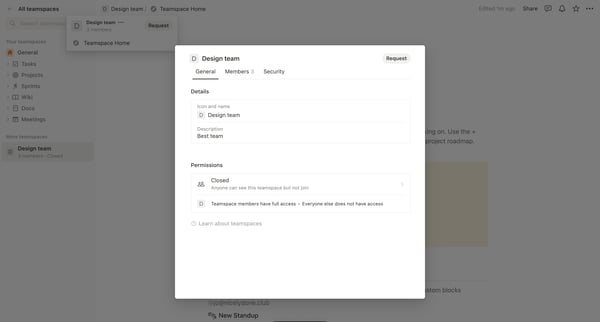
This flow guides a user through the process of leaving a teamspace in Notion, from accessing teamspace settings to confirming the departure and then viewing the update.
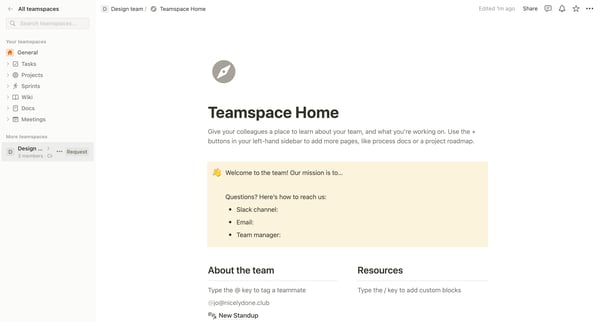
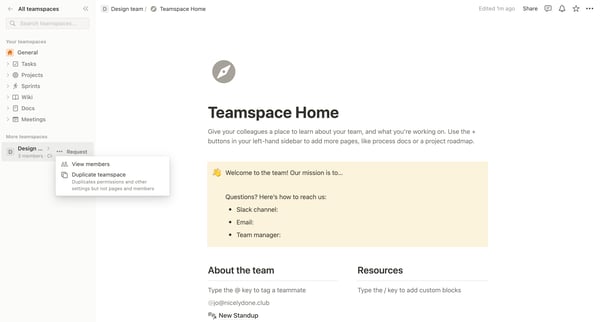
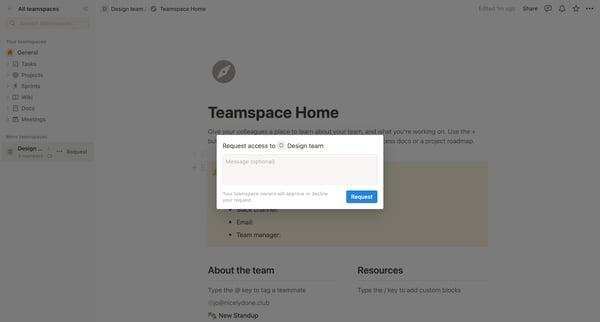
This user flow enables a user to request access to a specific teamspace within an organizational tool, guiding them through selecting a teamspace, requesting access, and successfully submitti
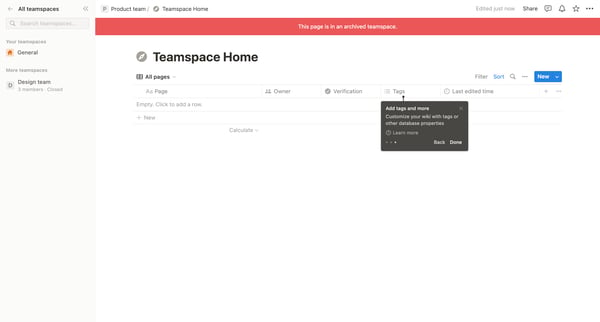
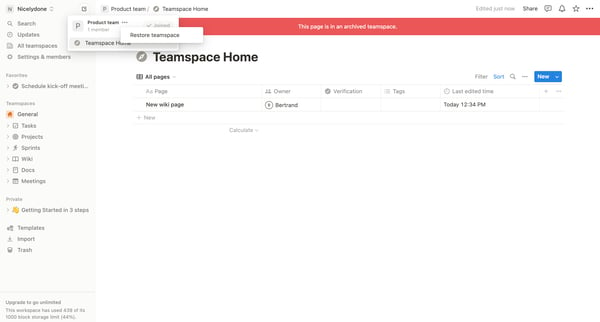
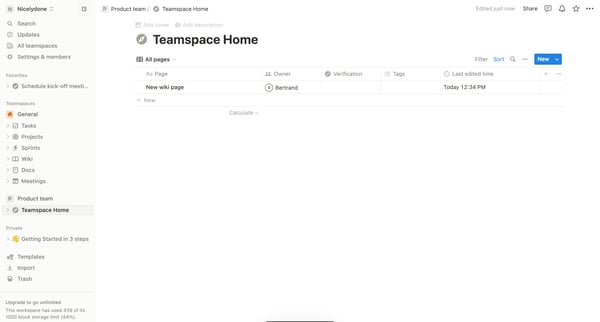
This flow leads a user through the process of identifying an archived teamspace, initiating the restoration of said teamspace, and successfully restoring the teamspace to active status.
Explore the full SaaS flow library
Browse the full SaaS flow library.
Trusted by the best teams







