
V7 design examples
Explore V7 UI design examples. Workflows for data labeling and document automation
Product screens
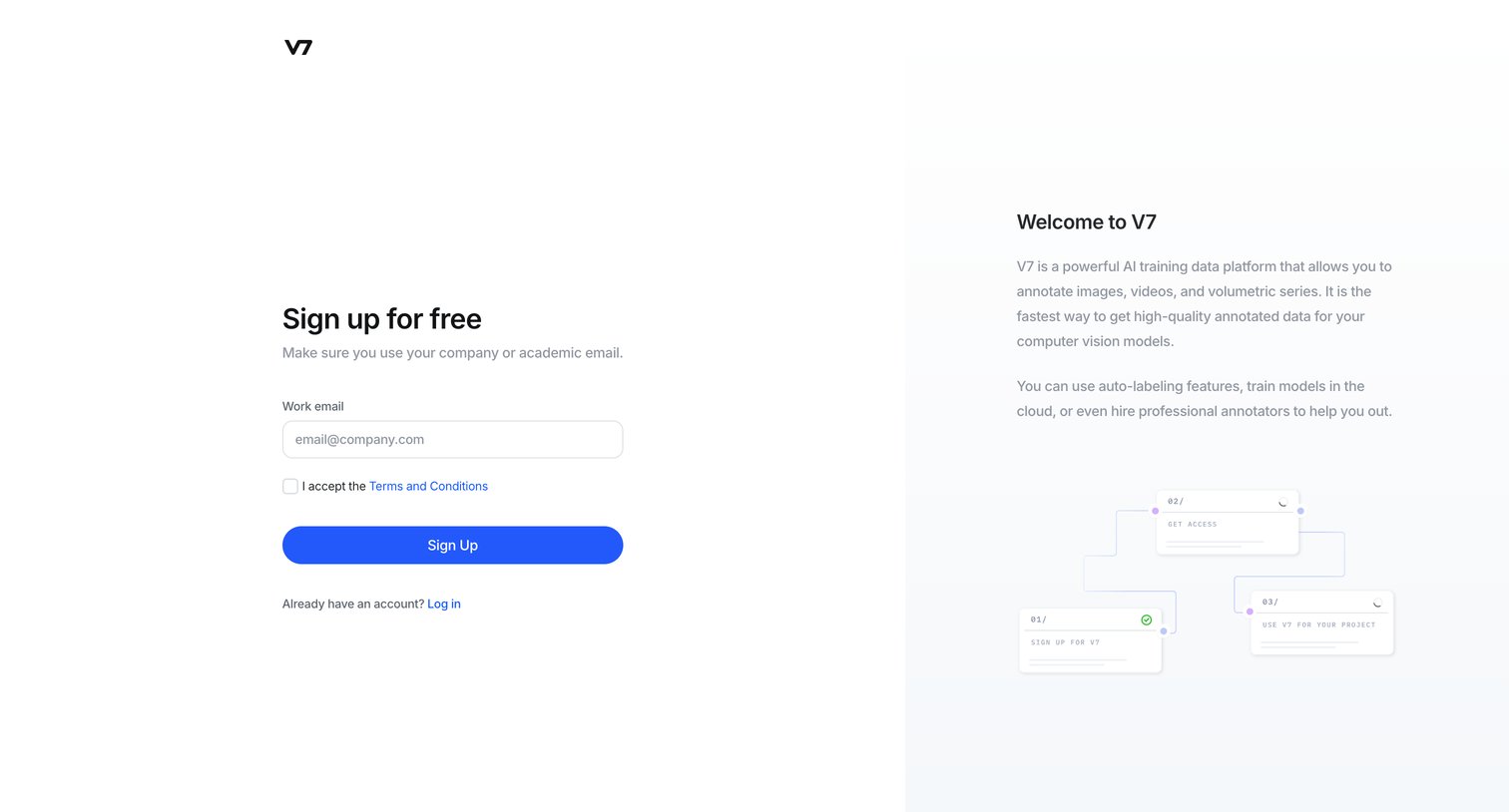
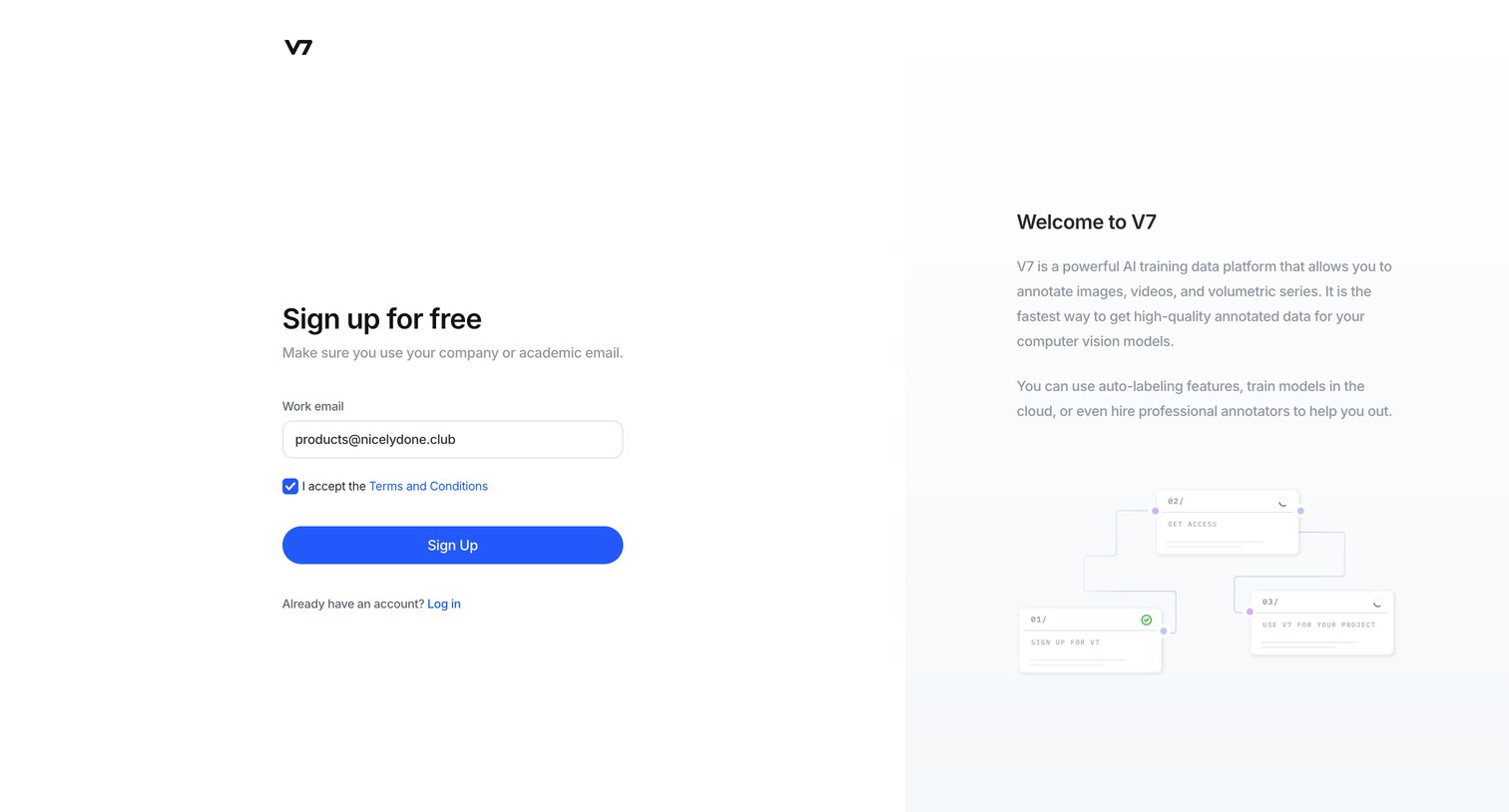
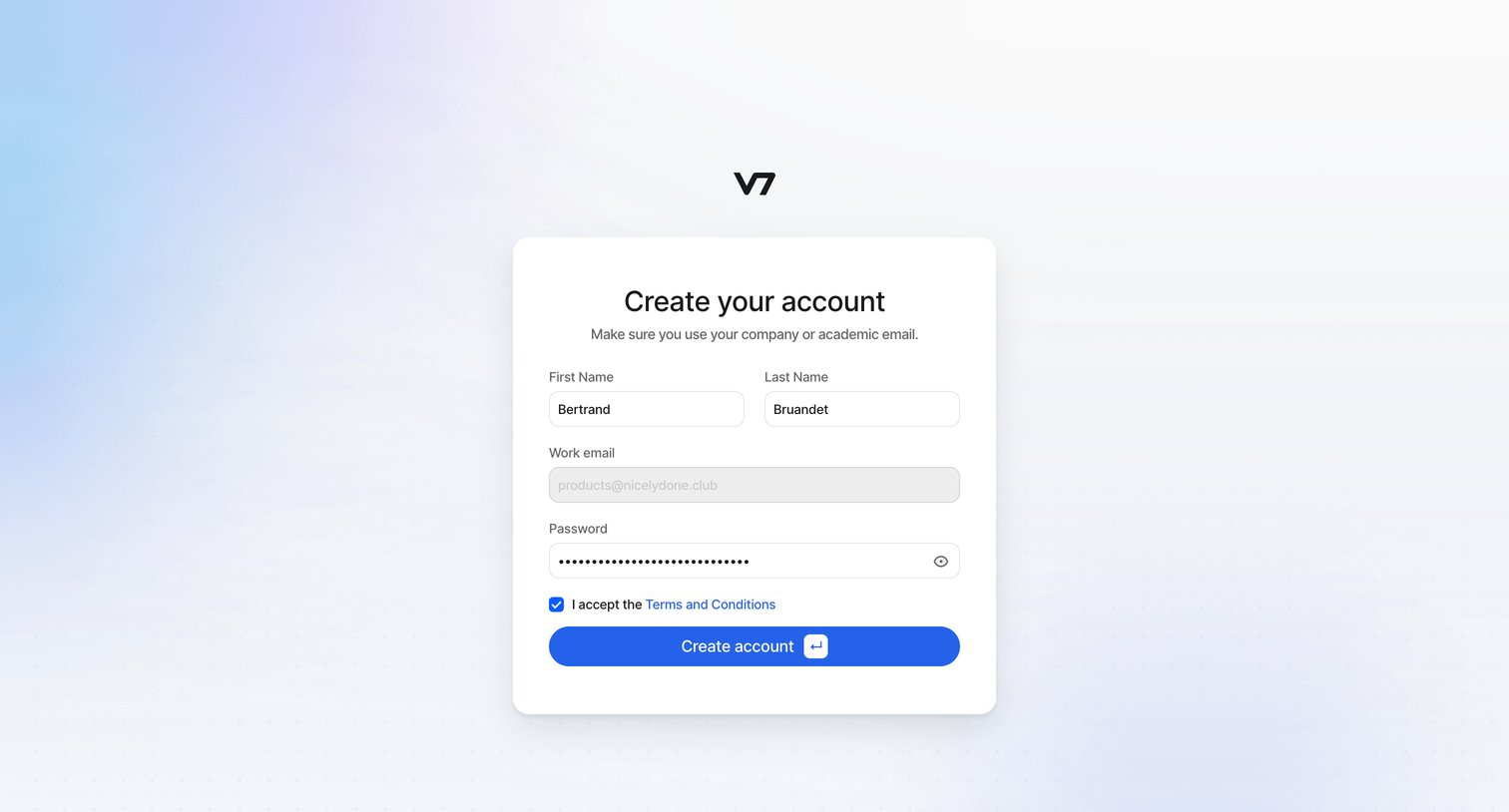
Sign-up screen where the user enters their work email and accepts terms to create a new account, alongside a brief platform description.
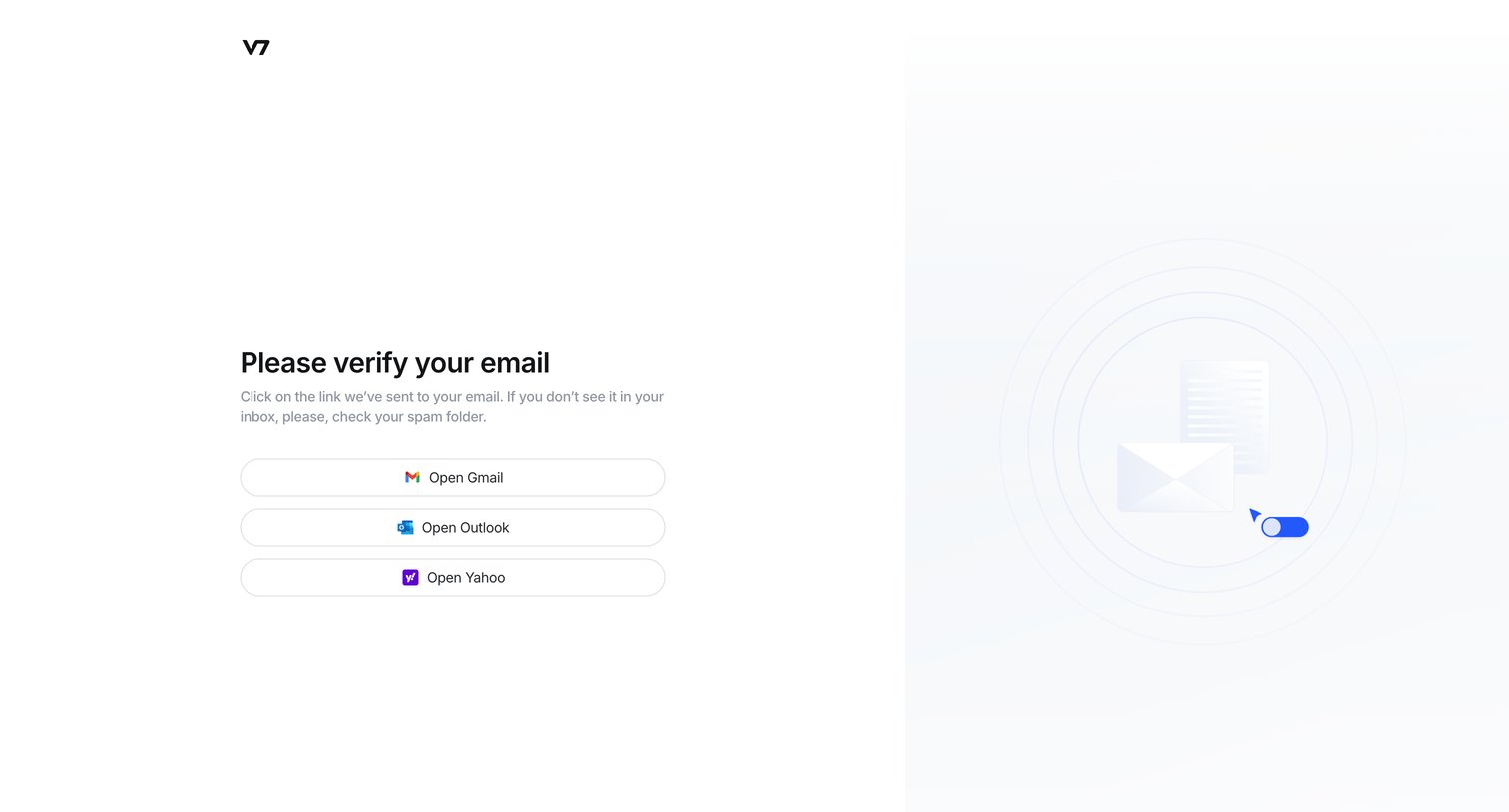
Verification screen where the user is prompted to check their inbox, featuring quick-action buttons to open common email providers.
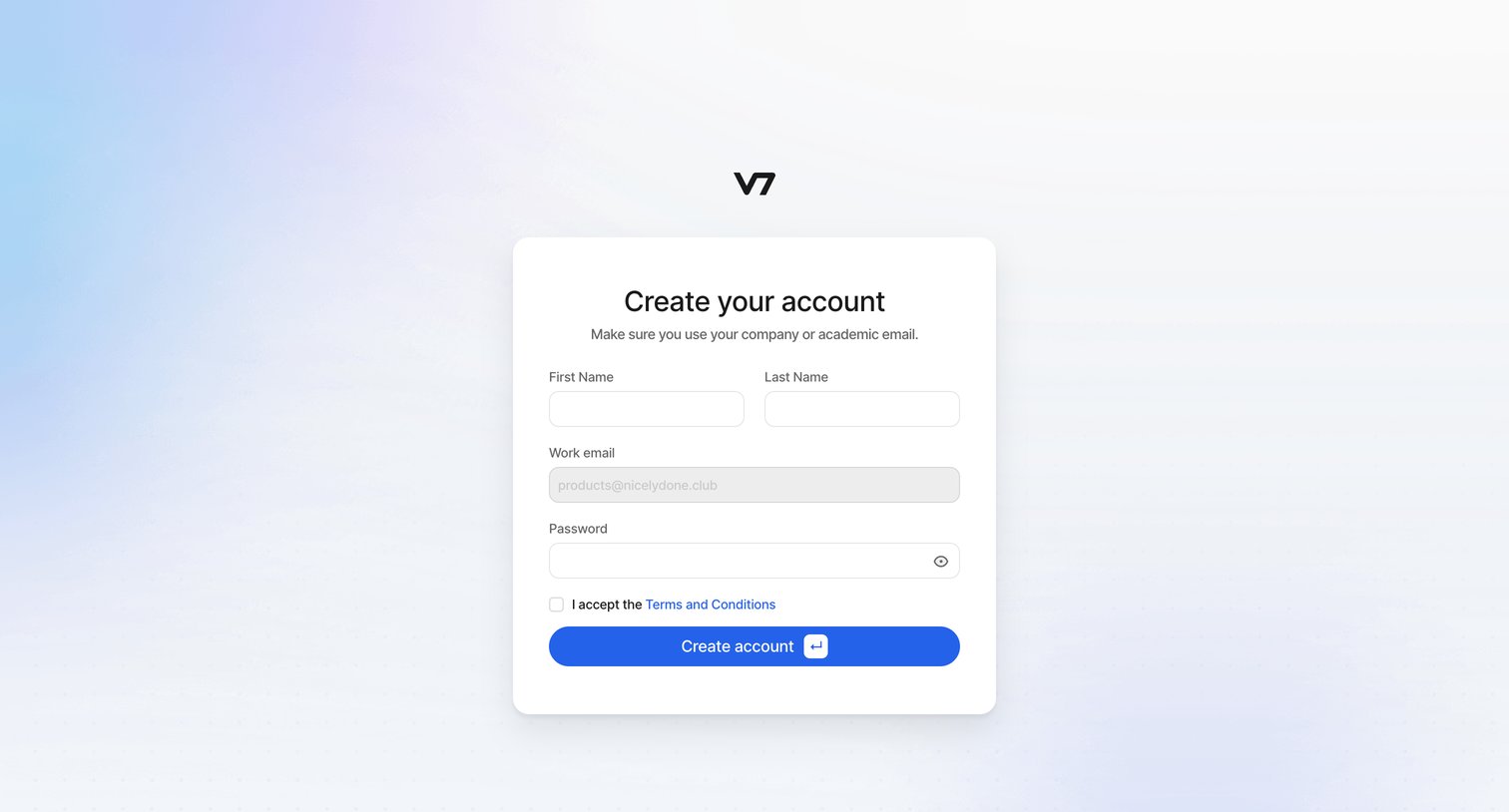
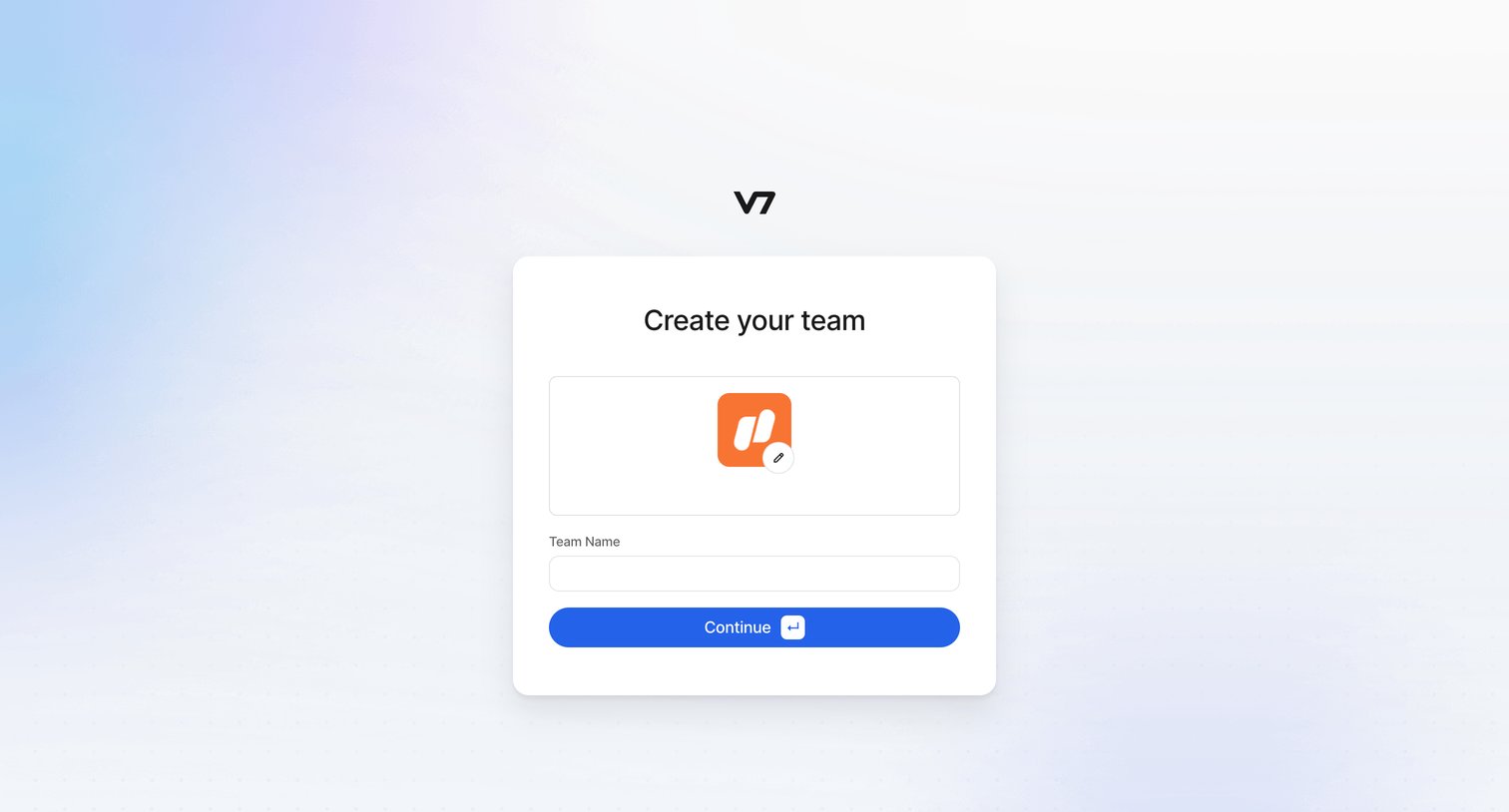
Onboarding step where the user names their new team and can optionally upload a team avatar.
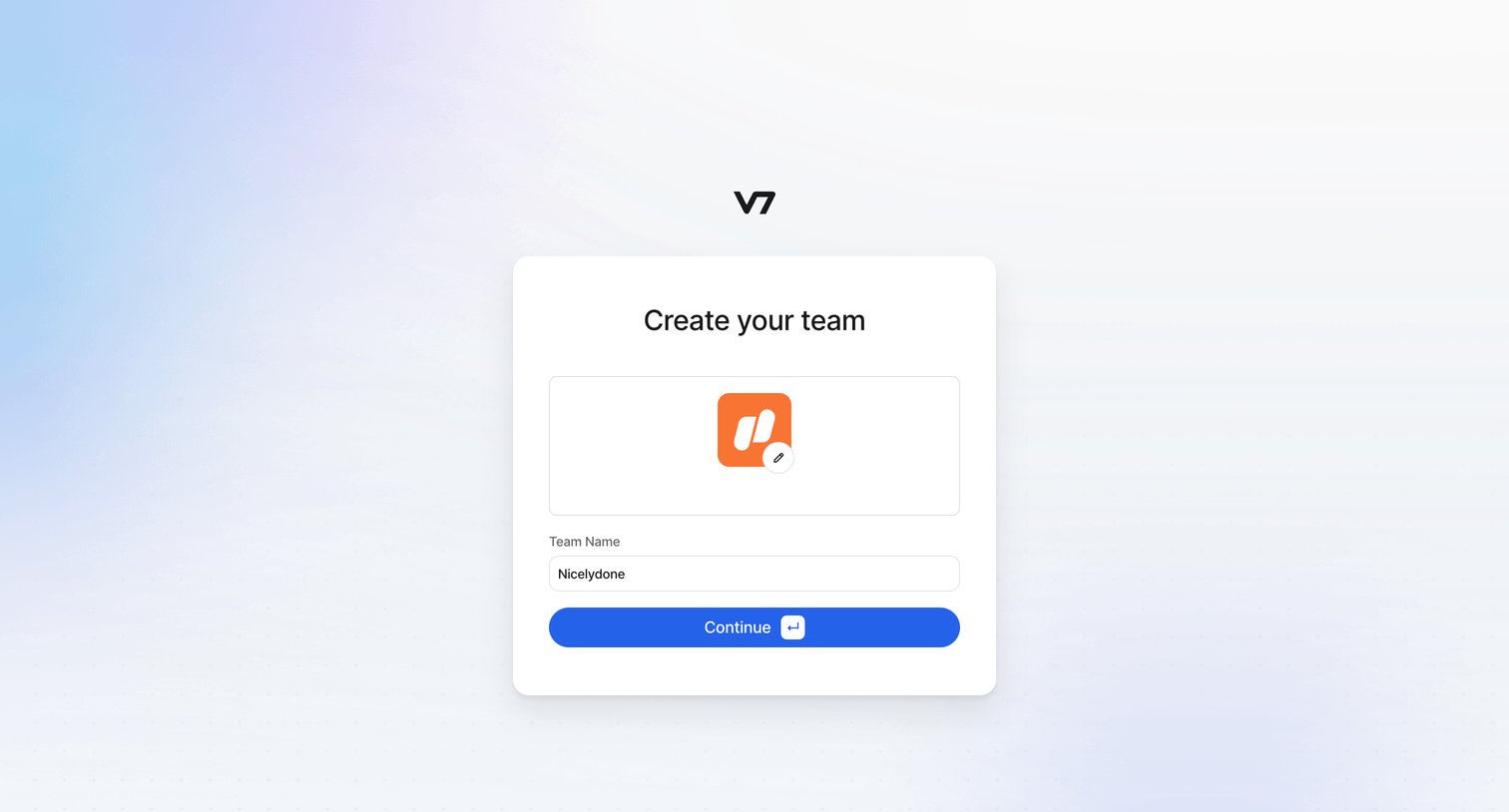
Onboarding step where the user names their new team and uploads a team logo.
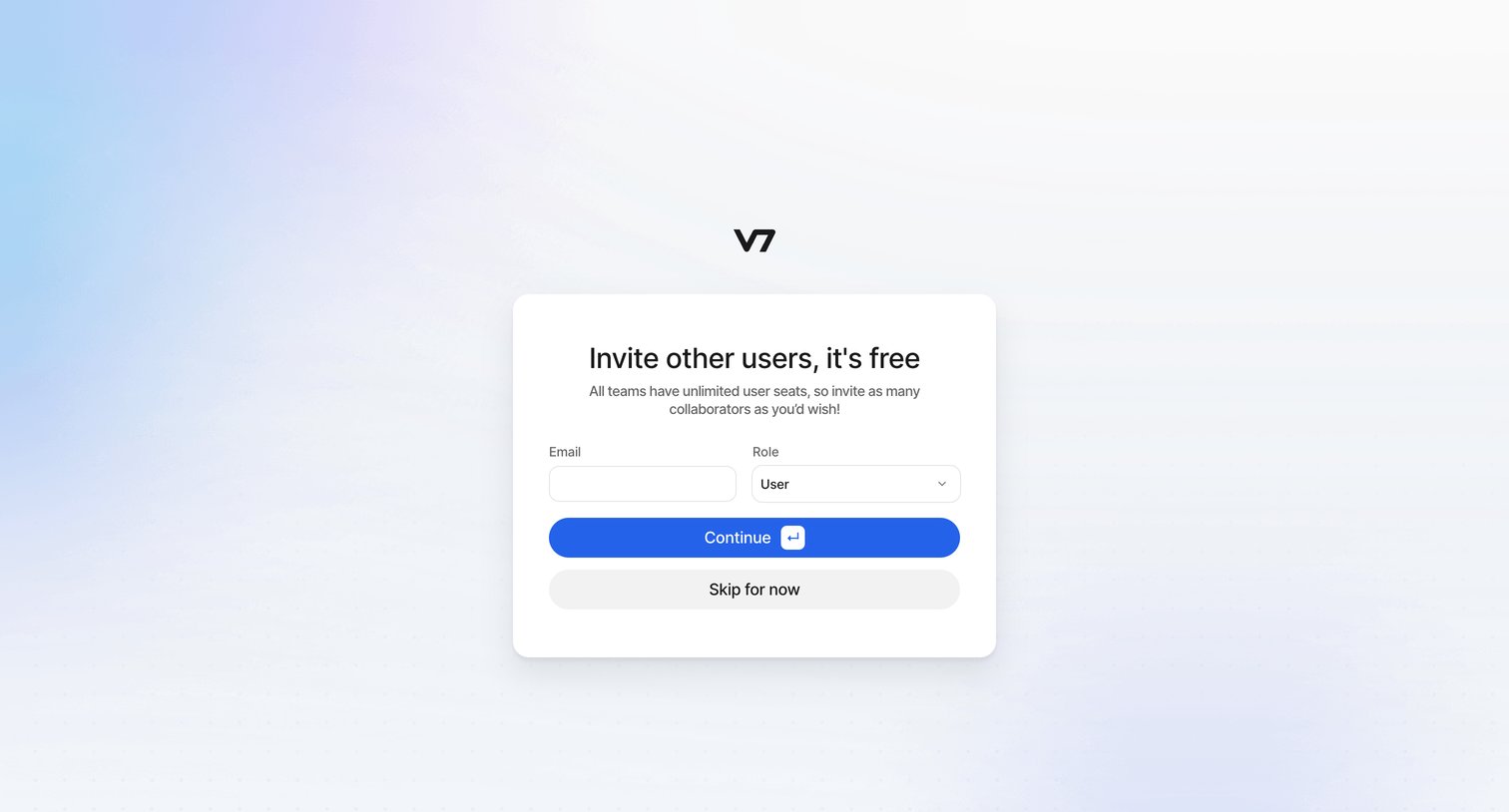
Onboarding step where the user can invite collaborators by entering their email and assigning a role, or choose to skip the step for now.
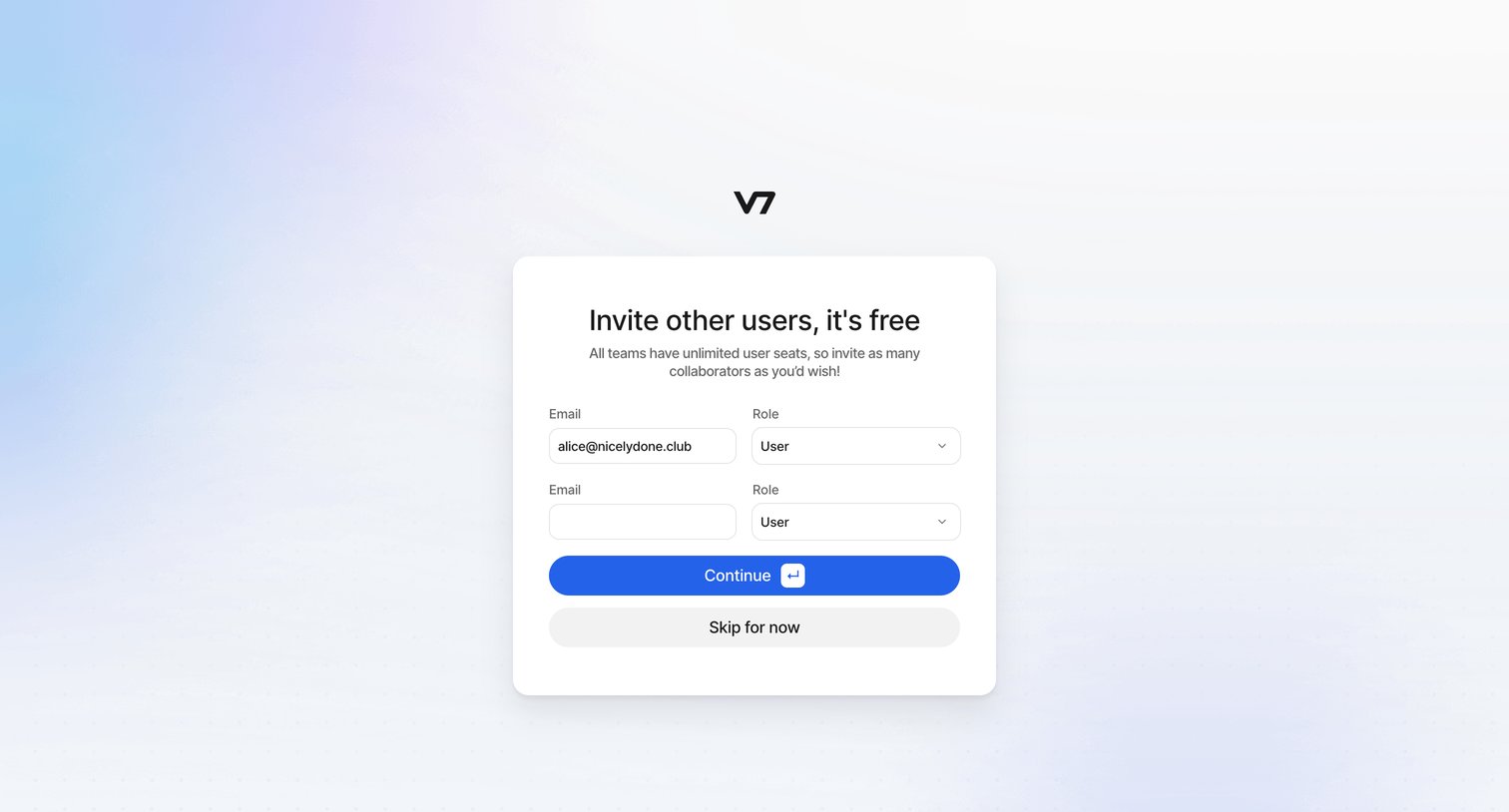
Onboarding step where the user invites teammates by entering their email addresses and assigning roles before continuing.
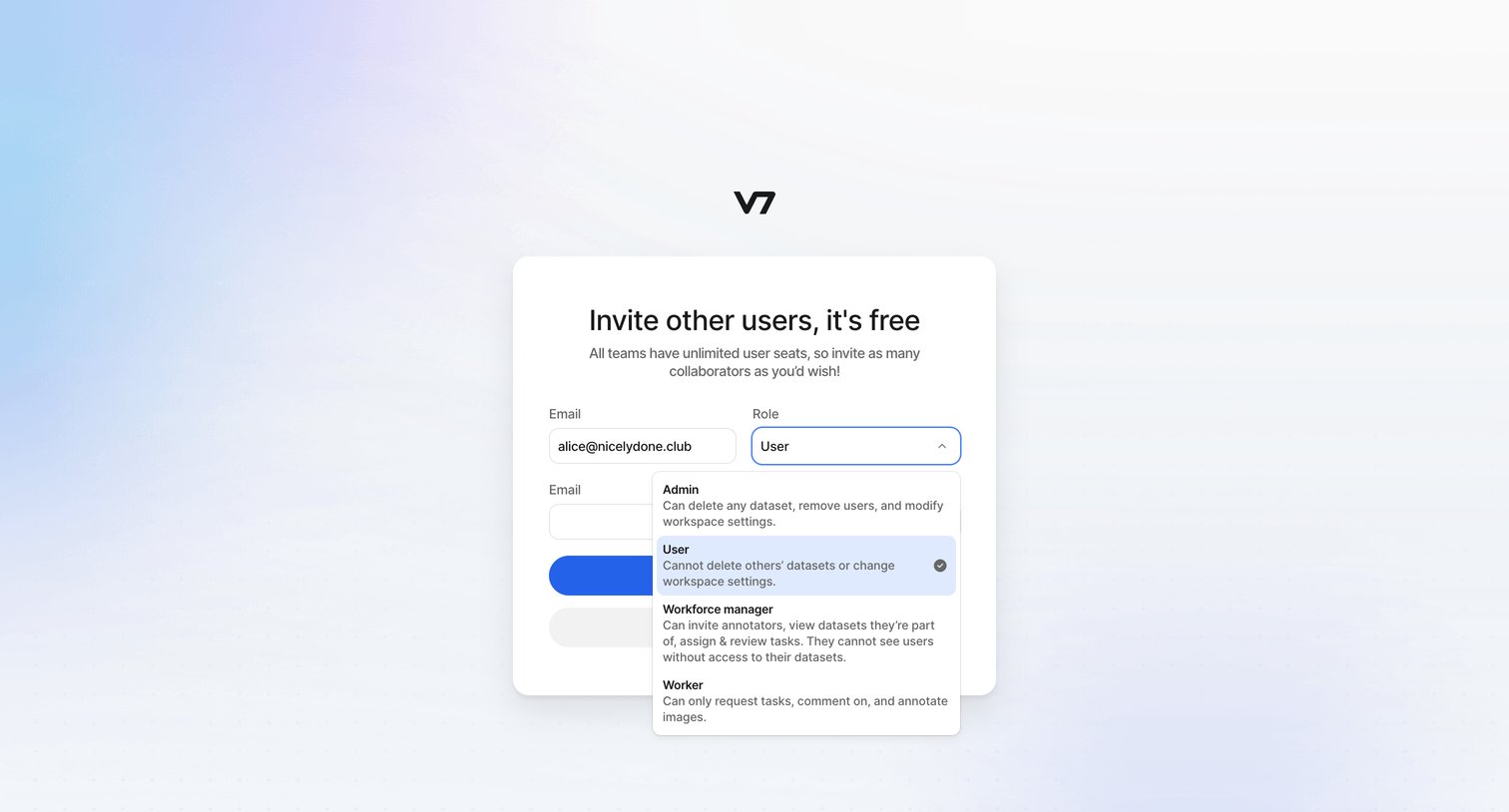
Onboarding step where the user invites teammates by entering their email and selecting a role like Admin, User, or Workforce manager.
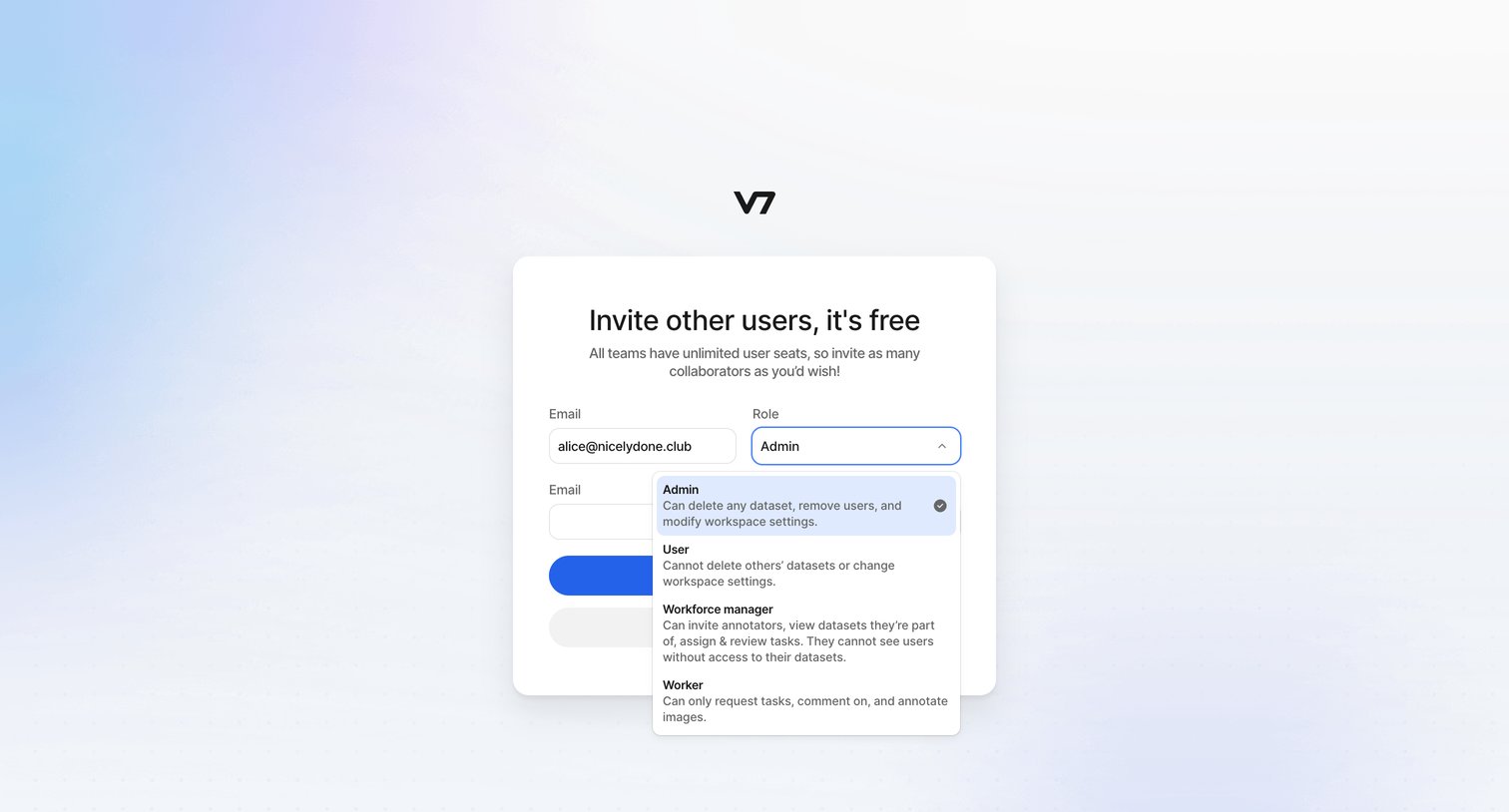
Onboarding step where the user invites teammates by email and assigns them roles with specific permissions.
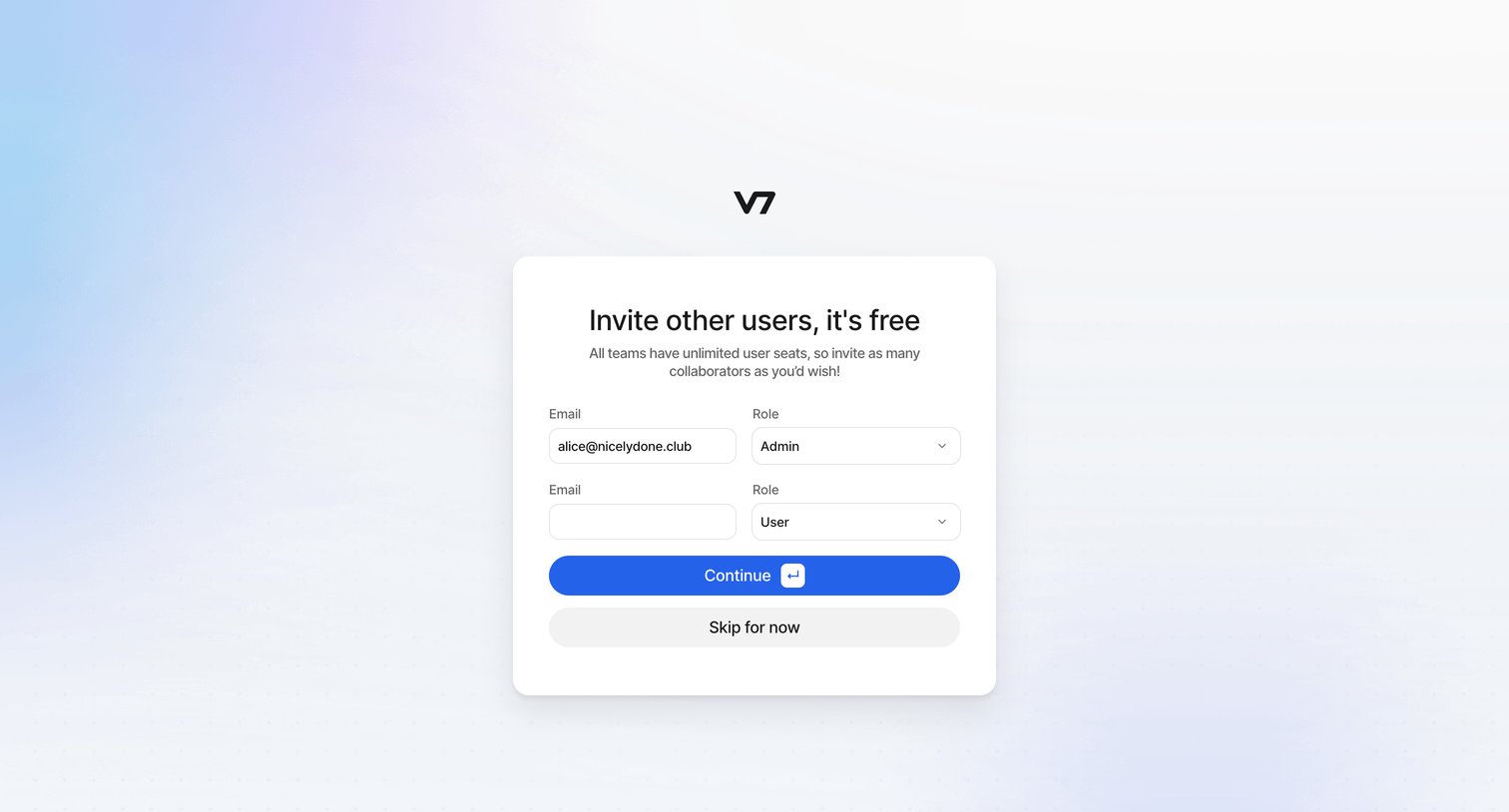
Onboarding step where the user invites teammates by entering their email addresses and assigning roles.
Browse the full SaaS app library
Explore real SaaS apps with their product screens, marketing screens, flows, and components.
Trusted by the best teams







