
Later design examples
Explore Later UI design examples. The simpler way to plan your visual content marketing for Instagram
Product screens
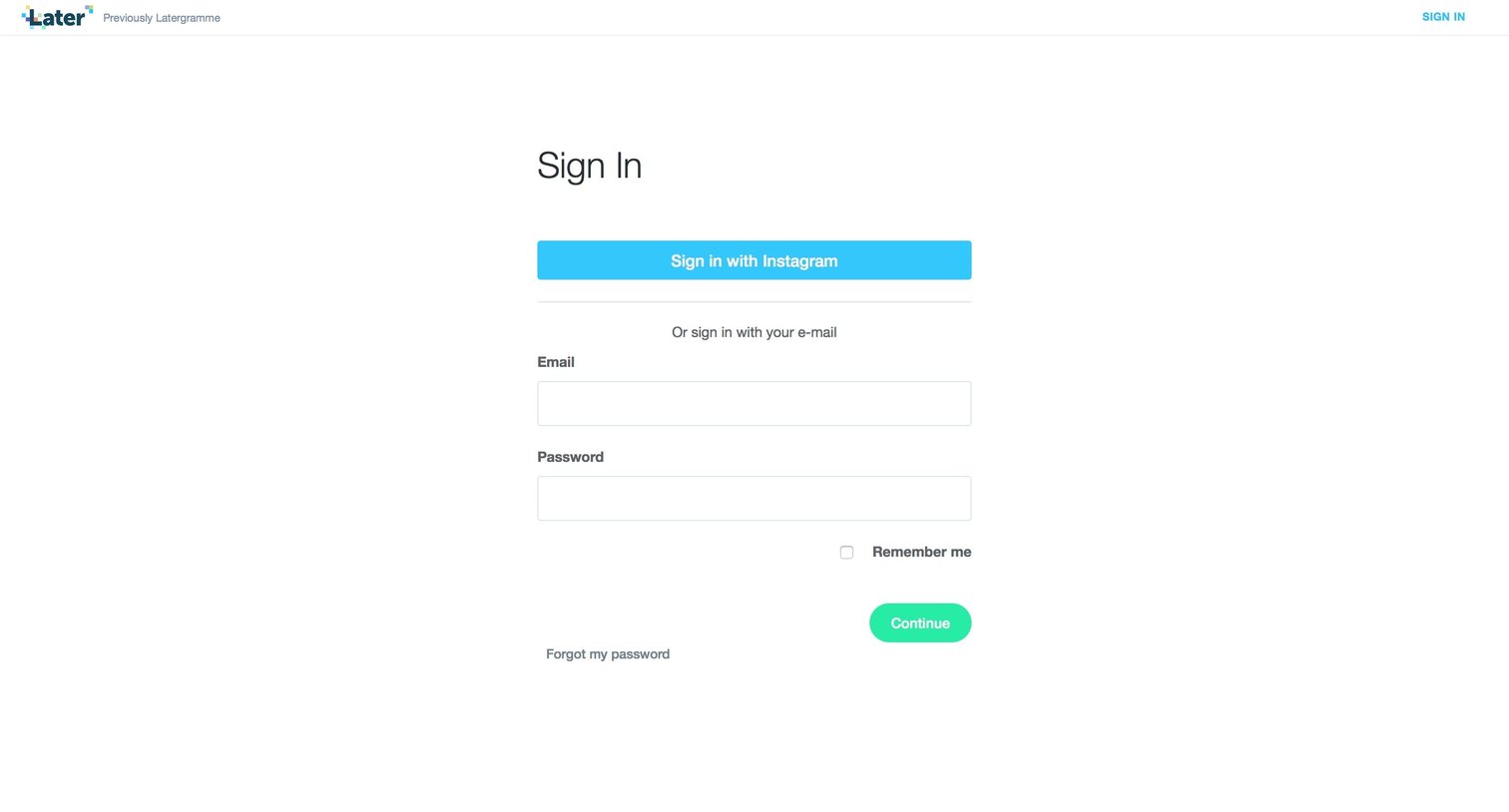
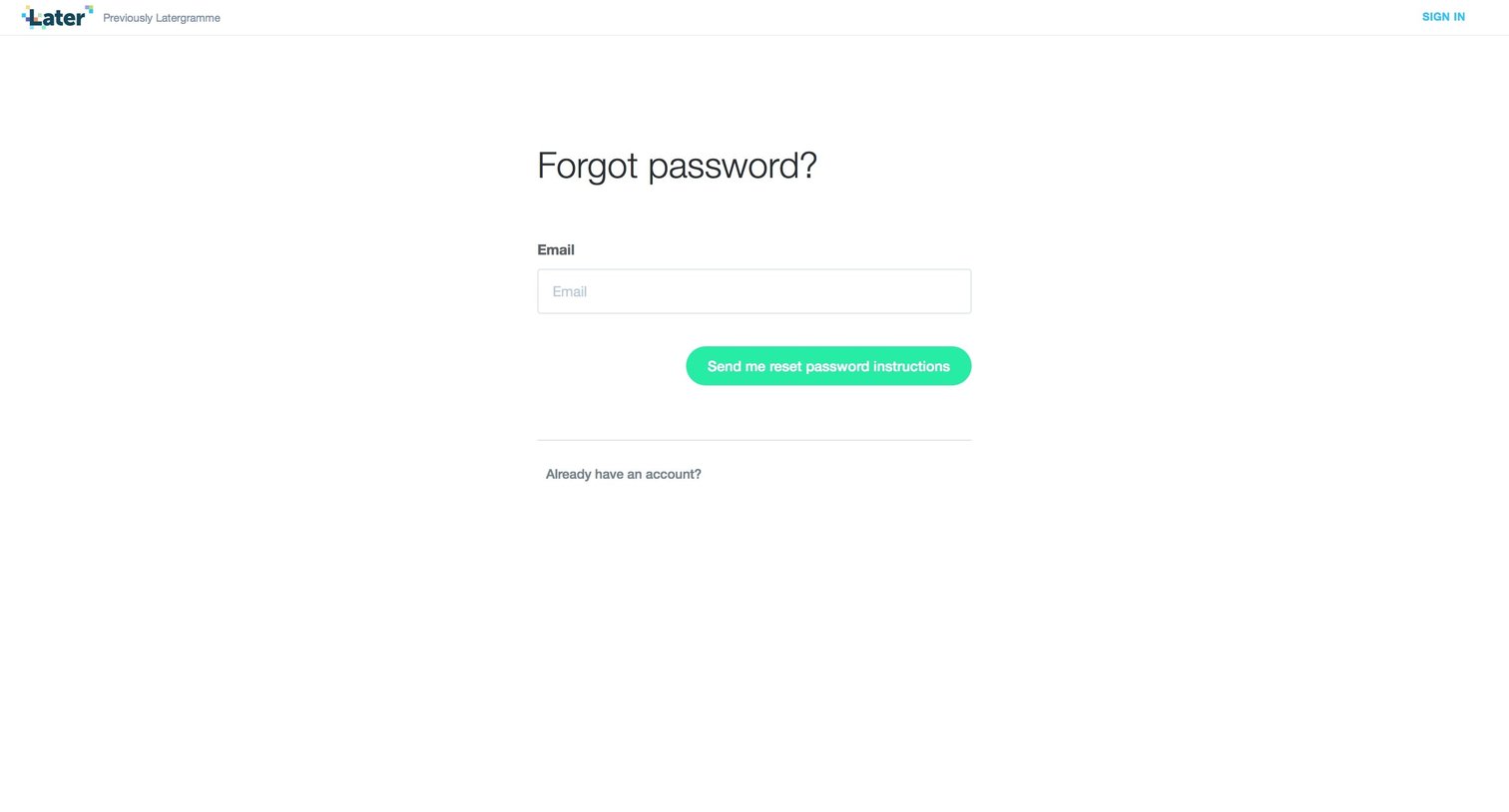
Password recovery screen where the user enters their email address to receive reset instructions.
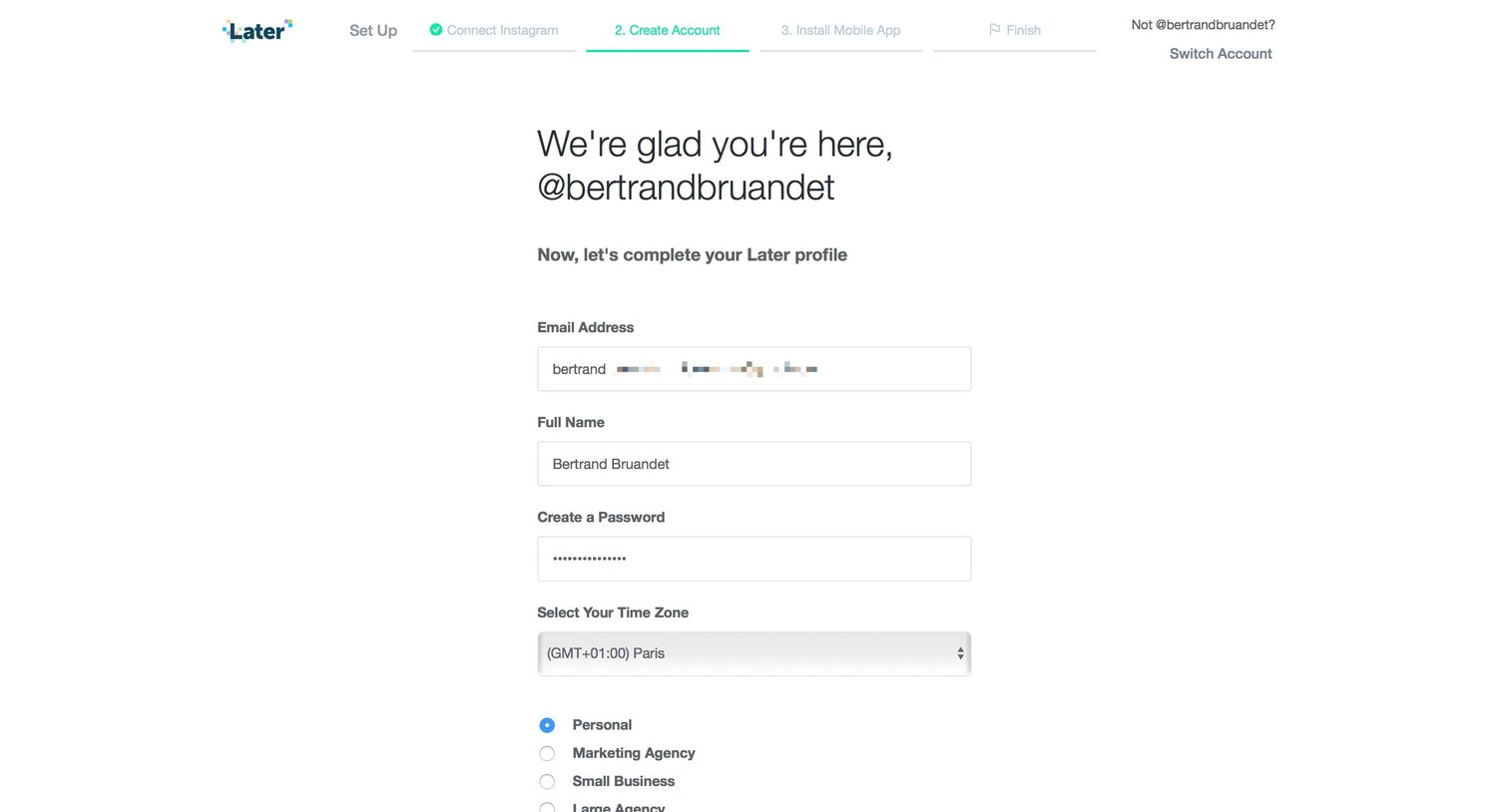
Onboarding step where the user completes their profile by providing a name, password, time zone, and account type before getting the mobile app.
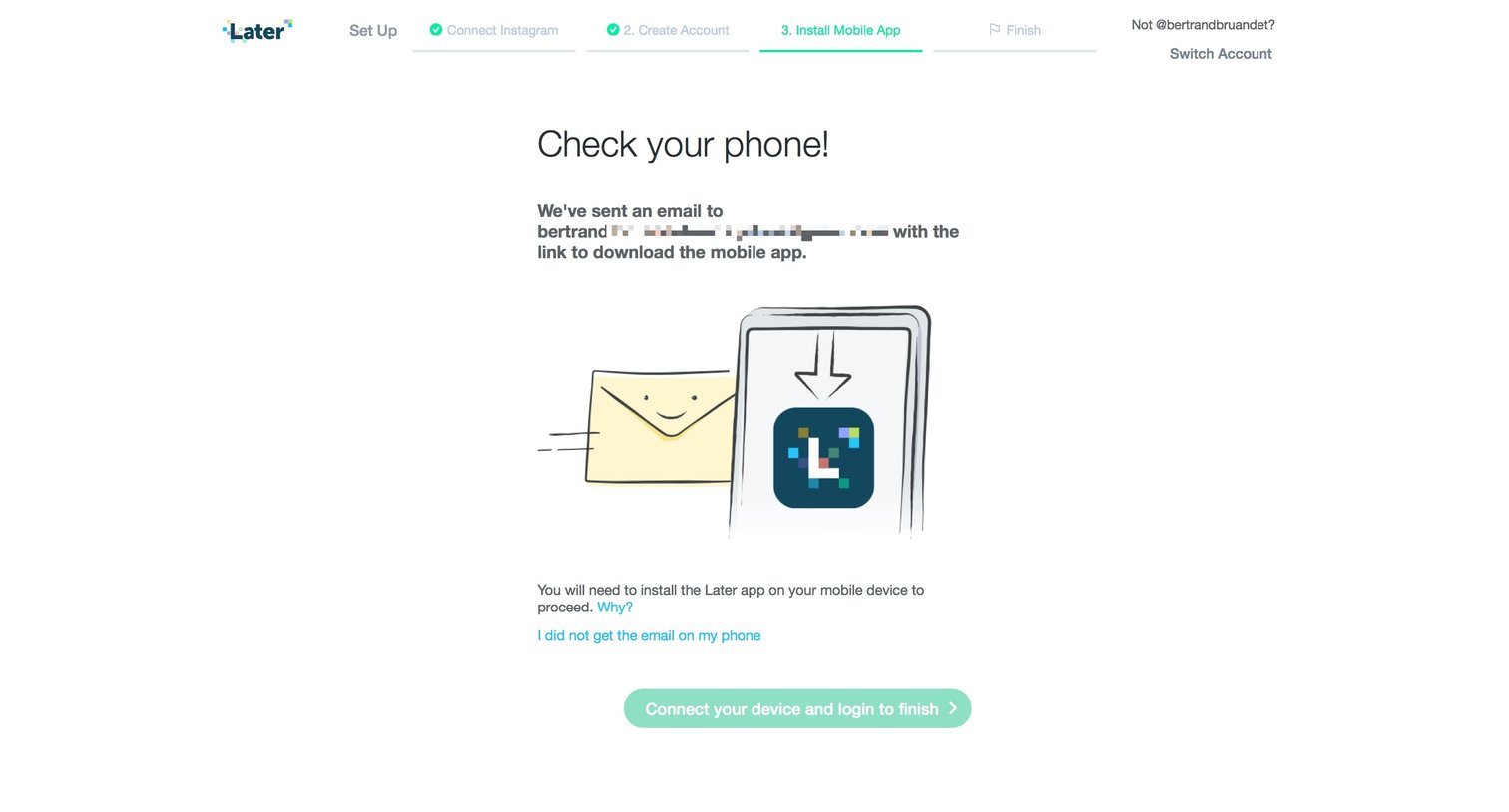
Onboarding step where the user is instructed to check their phone for an email link to install the mobile app before continuing.
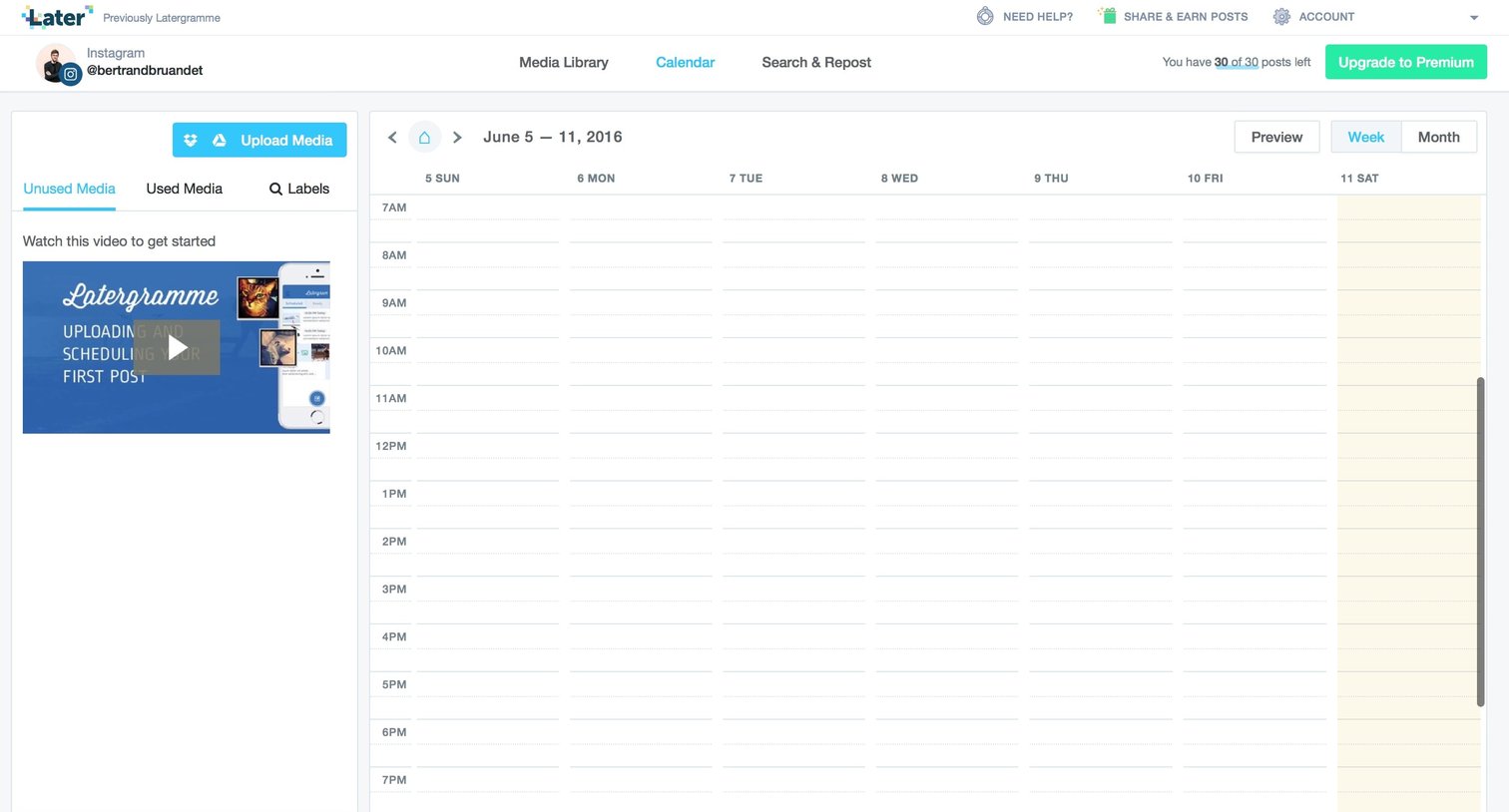
Calendar view where the user can upload media and schedule social media posts, currently showing an empty weekly schedule and an onboarding video.
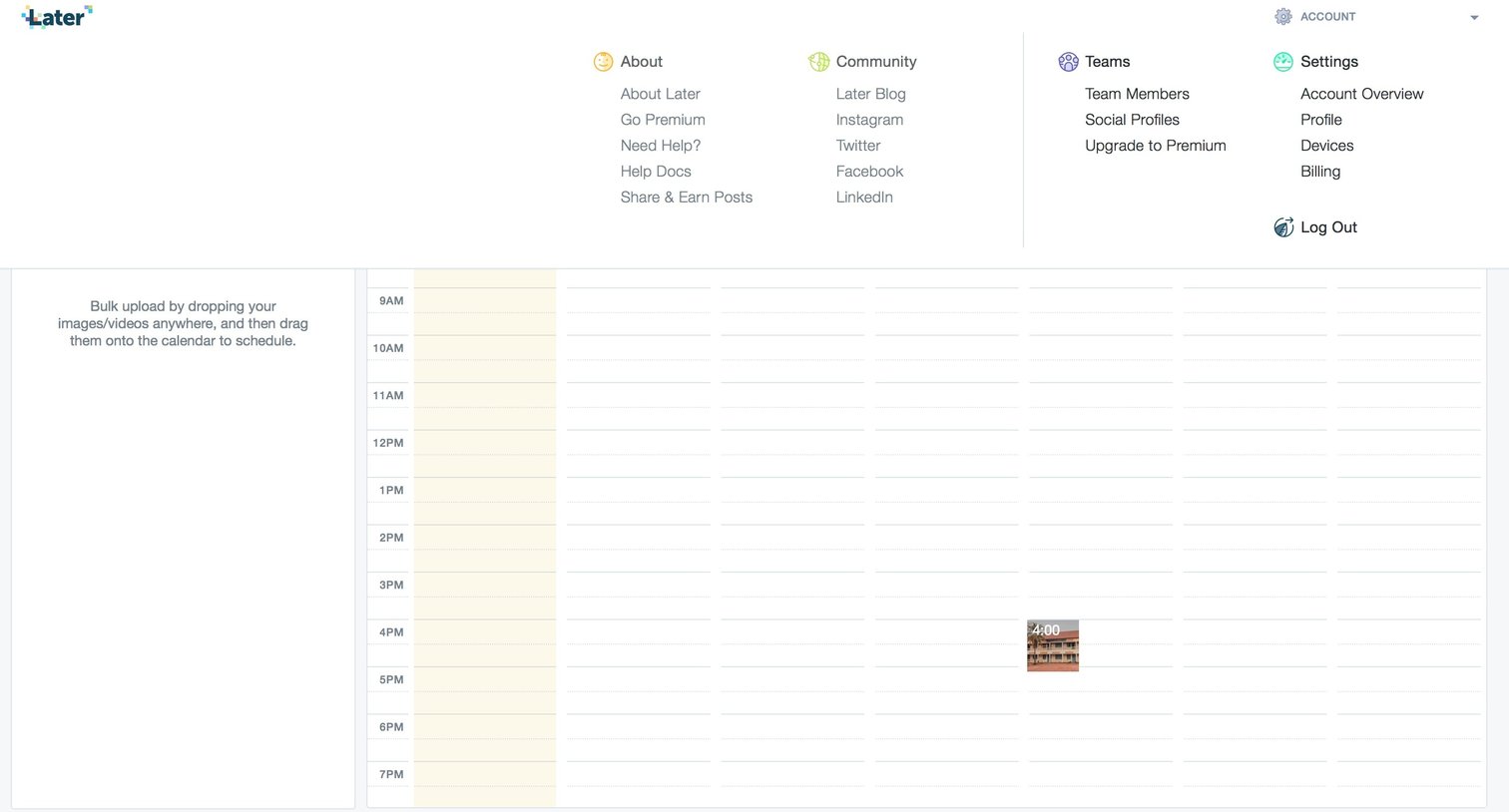
Content calendar where the user schedules social media posts by dragging uploaded media onto time slots, shown with the account mega-menu open.
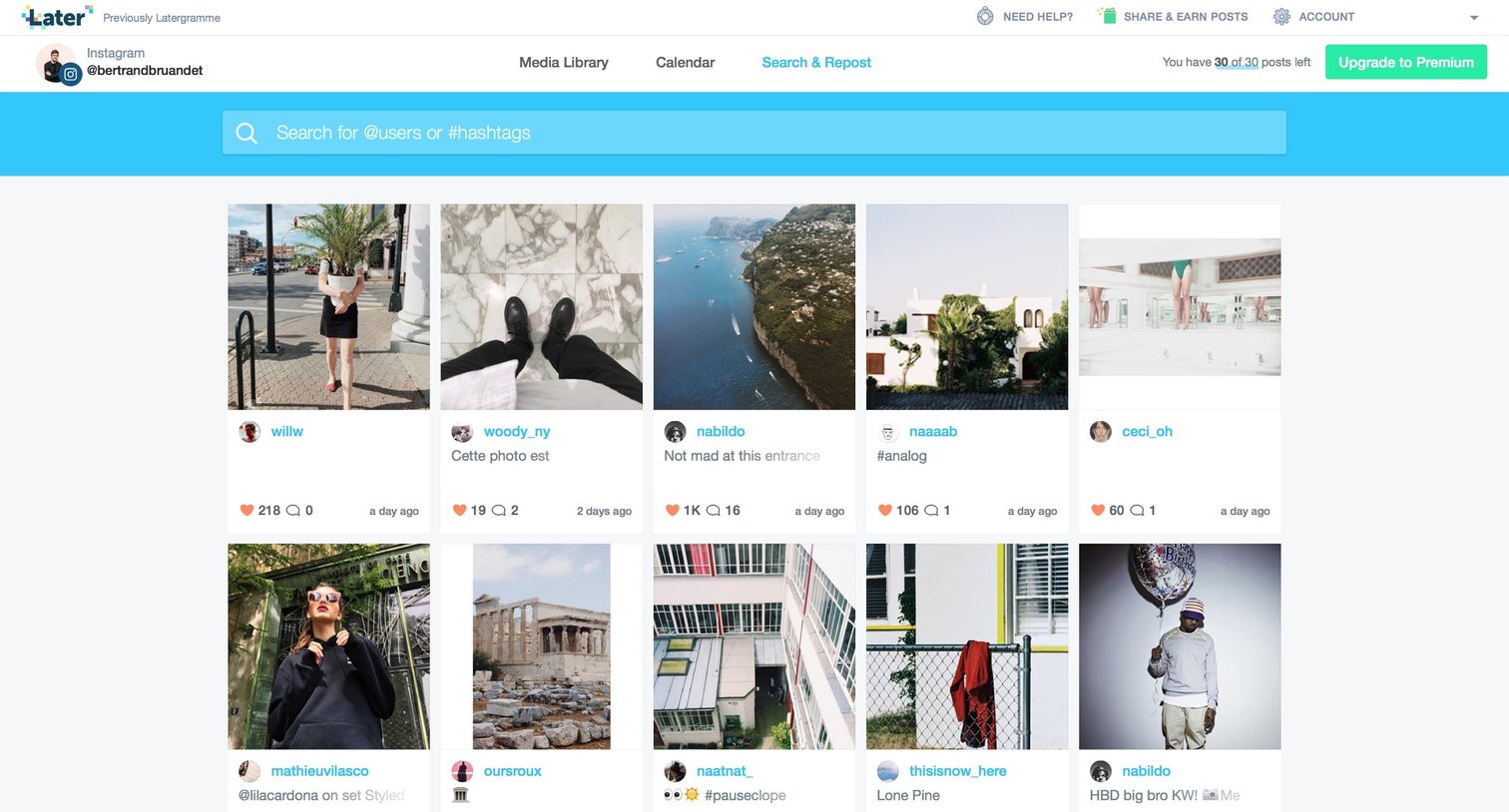
Search results page where the user browses Instagram posts by user or hashtag in a masonry grid to find content to repost.
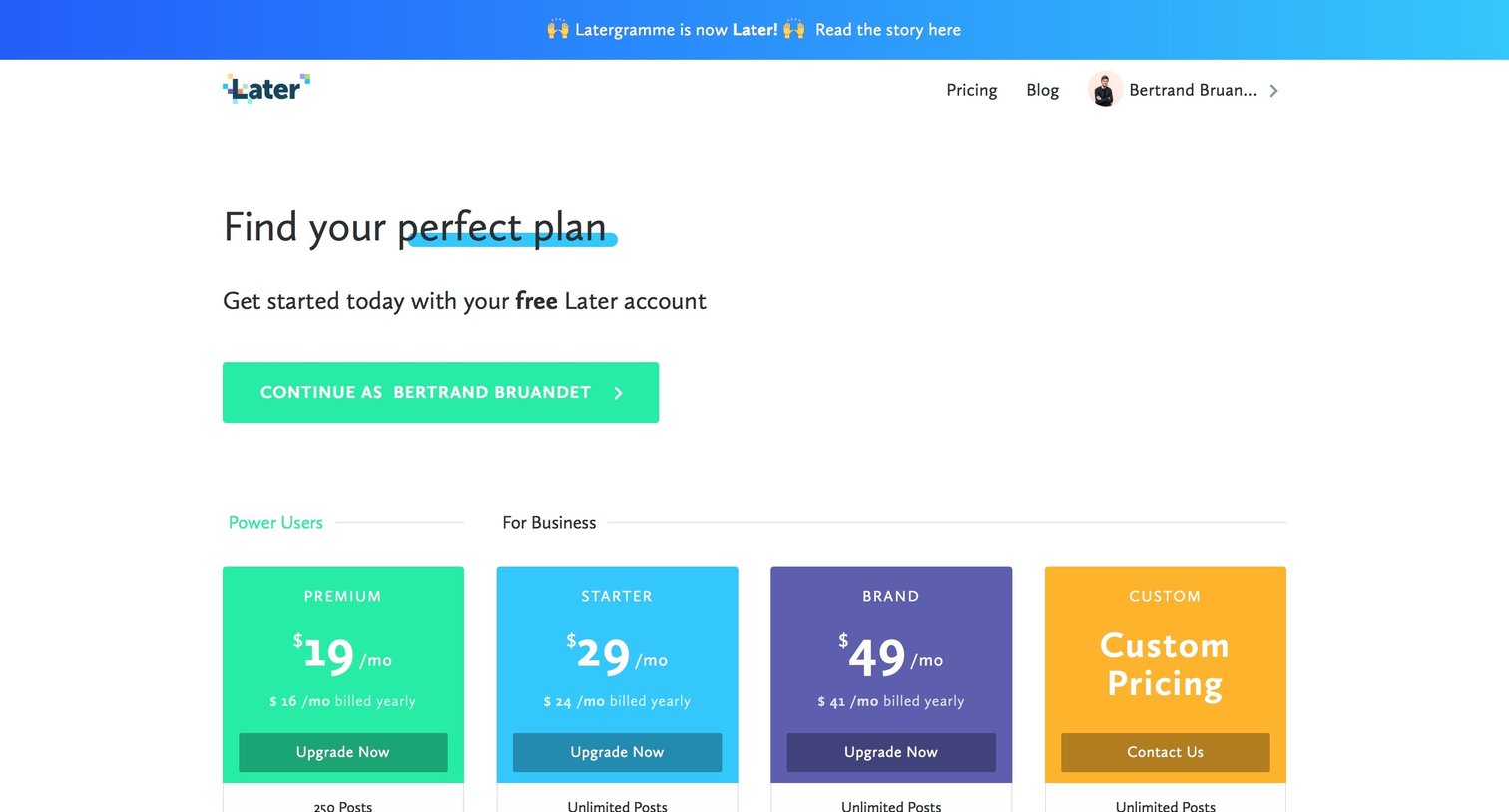
Pricing page where the user selects a subscription plan from Premium, Starter, Brand, or Custom tiers, with an FAQ section below.
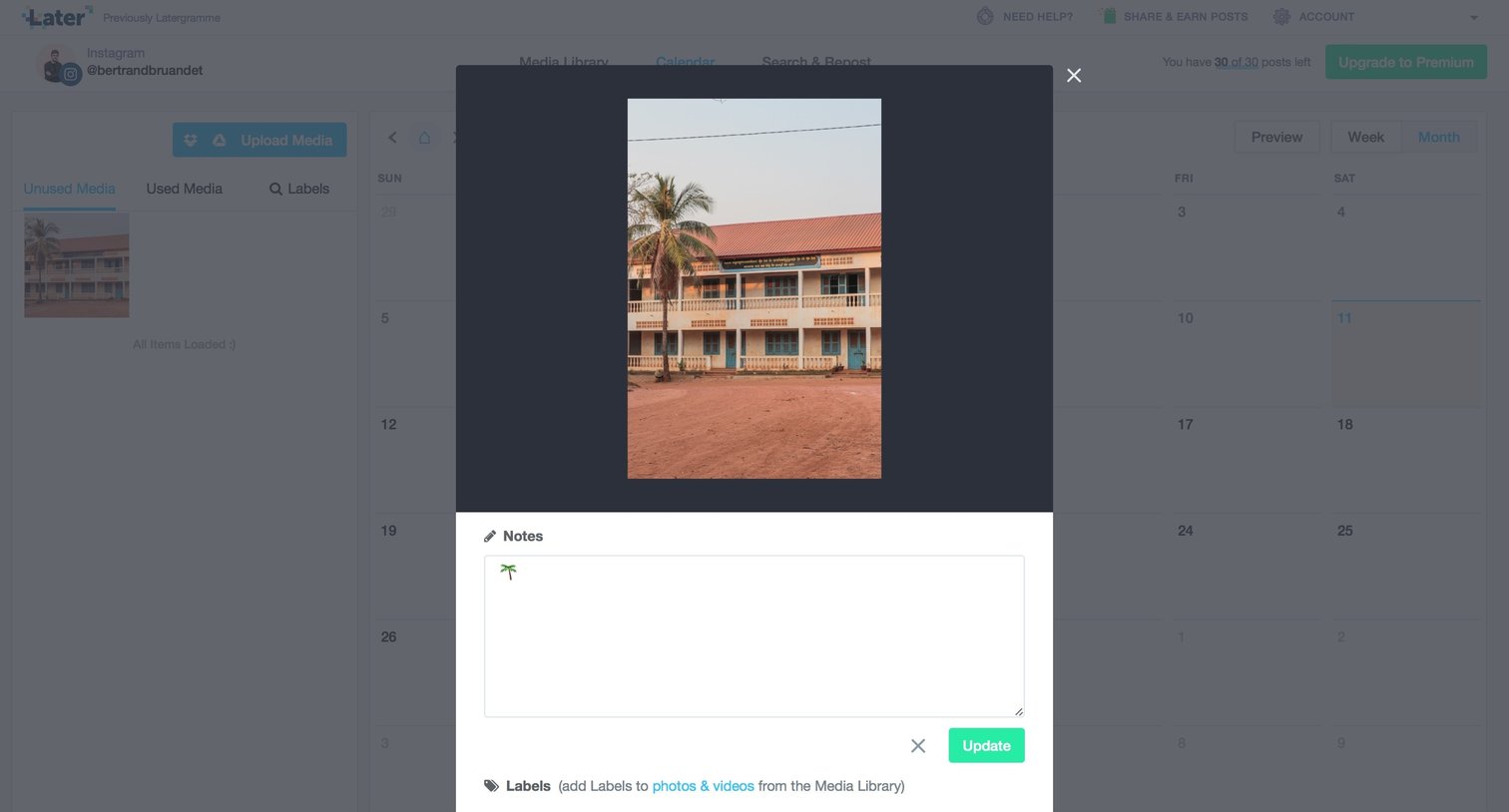
Calendar view with a modal open where the user can edit notes and labels for a selected image.
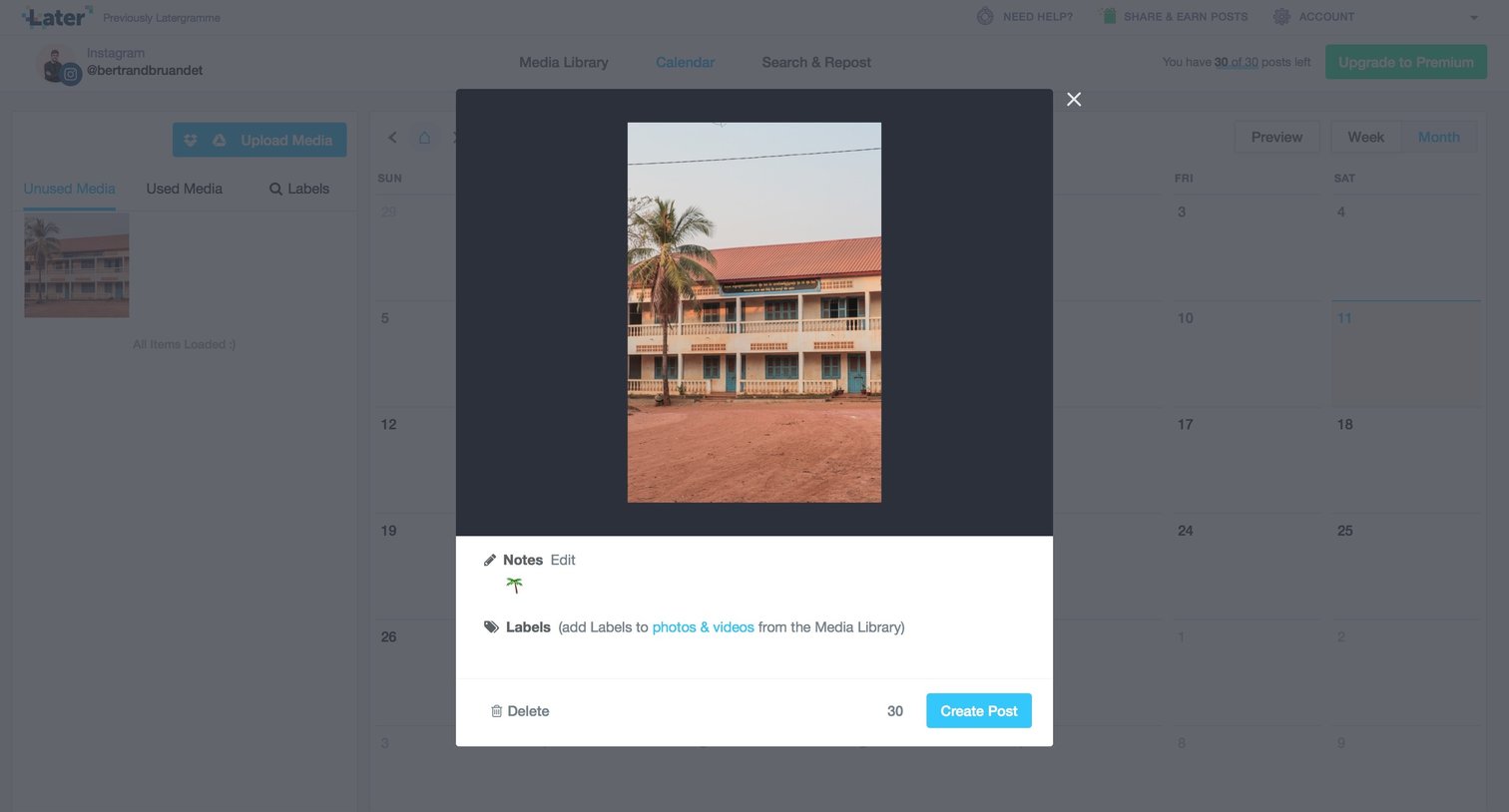
Calendar view where the user is previewing an image and adding notes in a modal before scheduling a post.
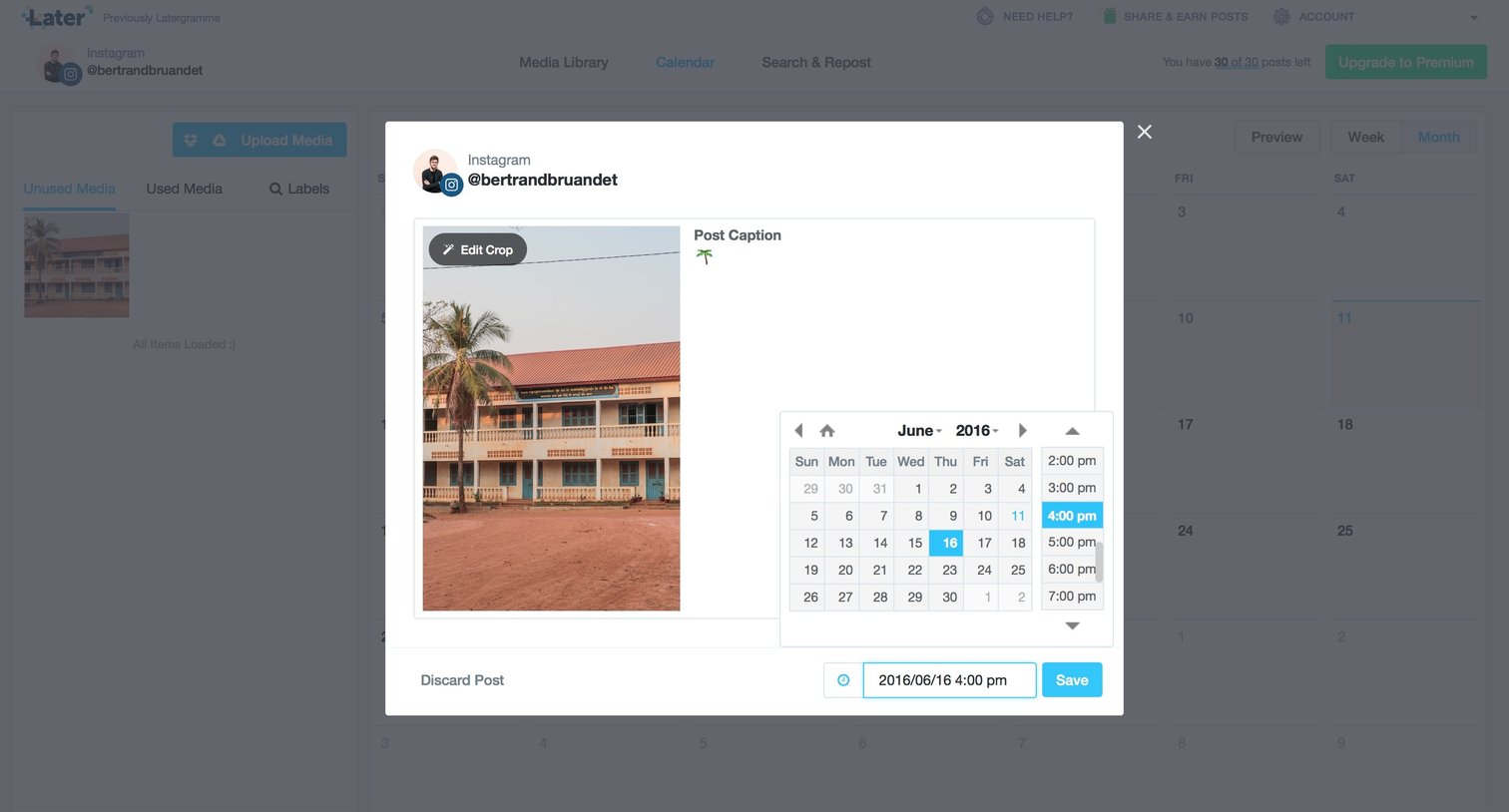
Content management
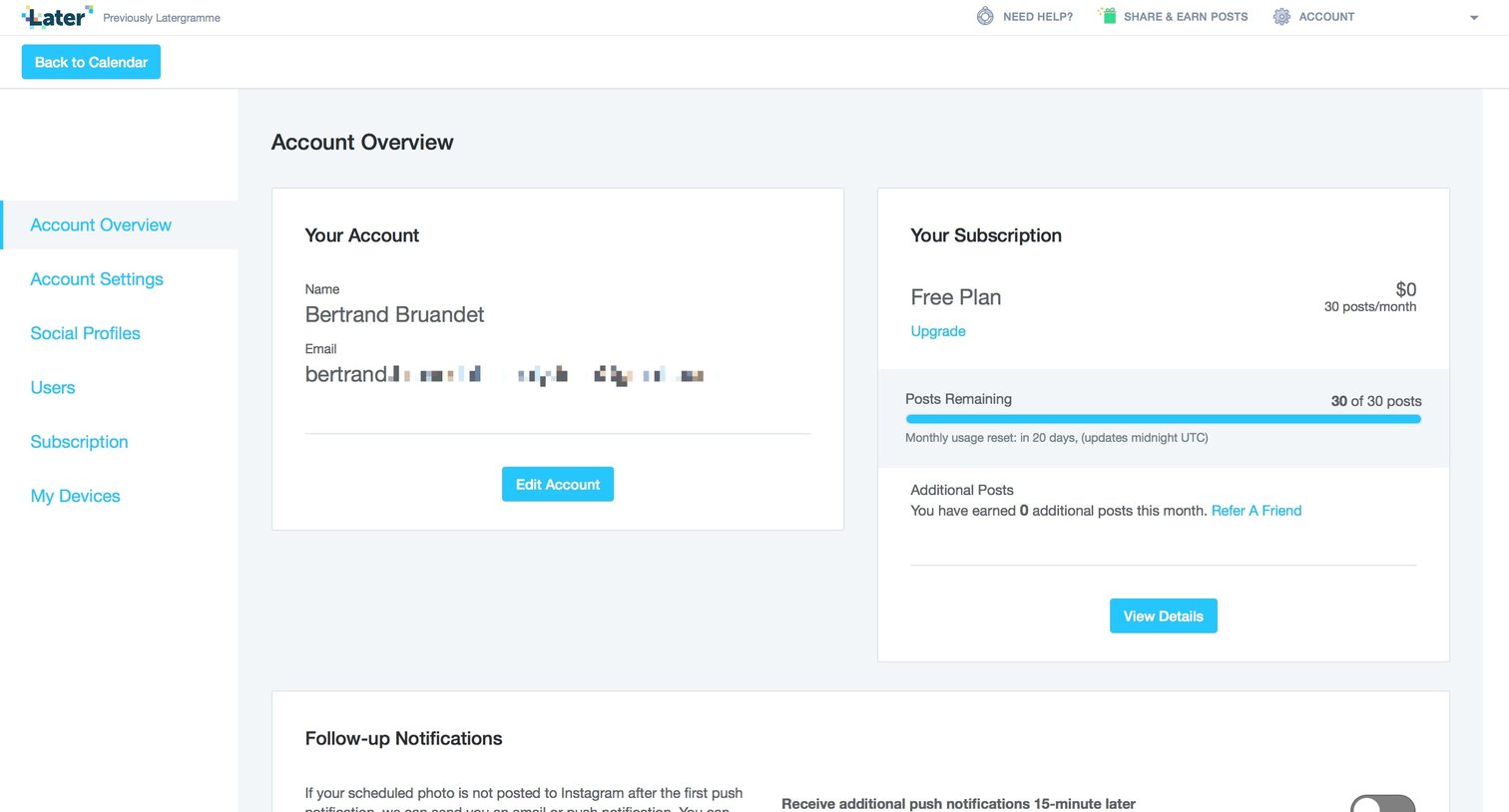
Settings page where the user views their account details, monitors their free plan usage and post limits, and configures follow-up notification preferences.
Browse the full SaaS app library
Explore real SaaS apps with their product screens, marketing screens, flows, and components.
Trusted by the best teams







