Dropbox user flows examples
Explore Dropbox user flow examples. Preview the opening screens and steps for each task. Keep life organized and work moving — all in one place
Preview these flows

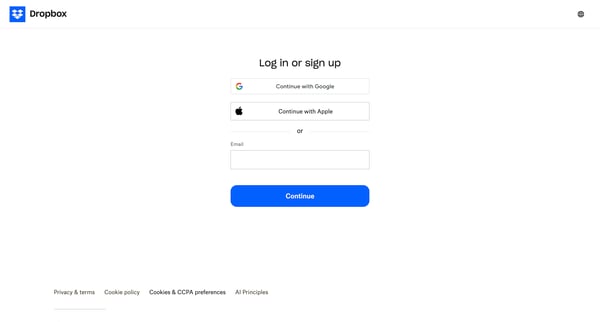
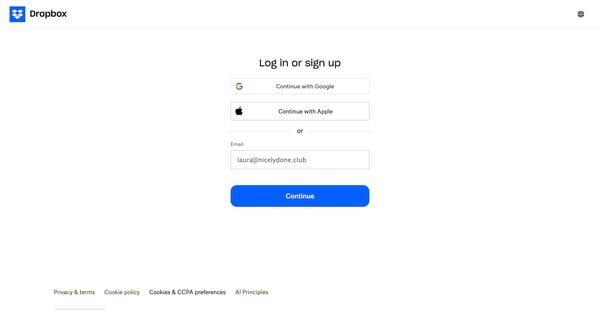
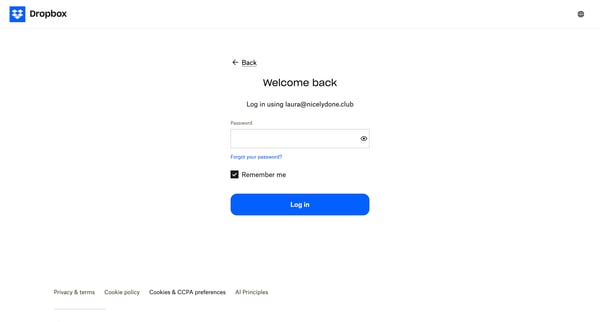
The user flow guides users through the process of signing in to their Dropbox account using email and password or third-party authentication options.
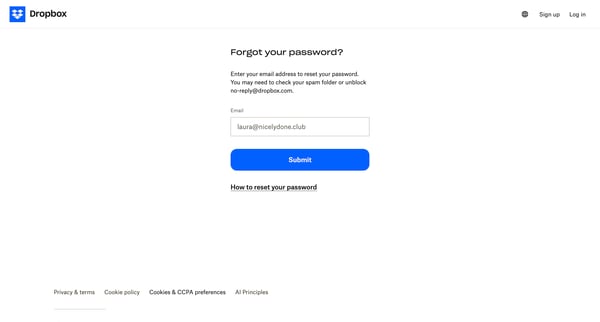
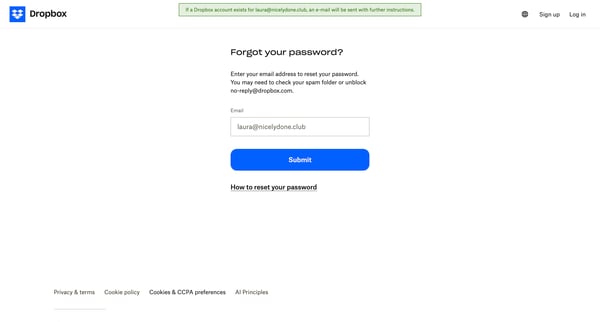
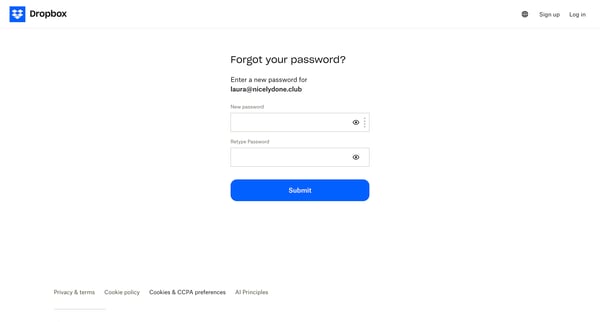
A user flow for resetting a forgotten password on Dropbox, guiding the user through email verification and creating a new password.
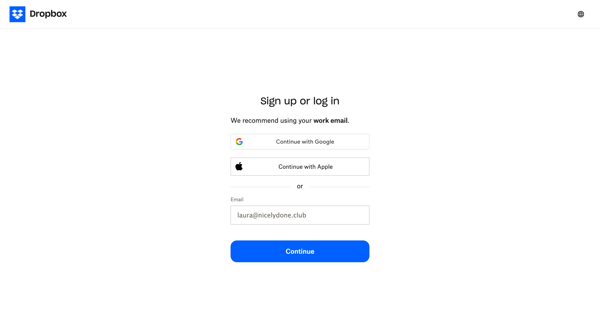
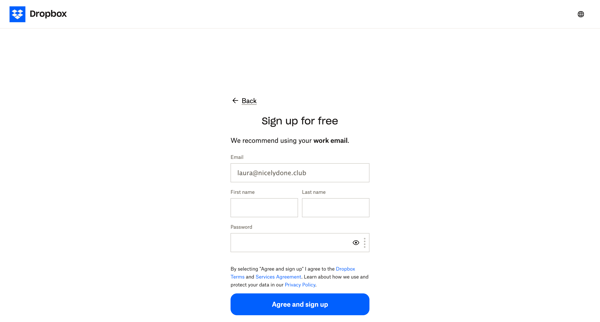
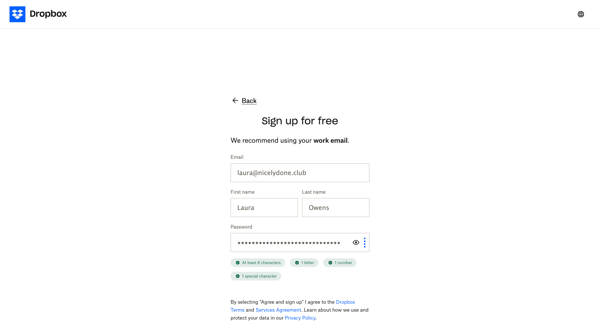
A user signs up for a Dropbox account by providing their email, name, and password, agreeing to terms of service.
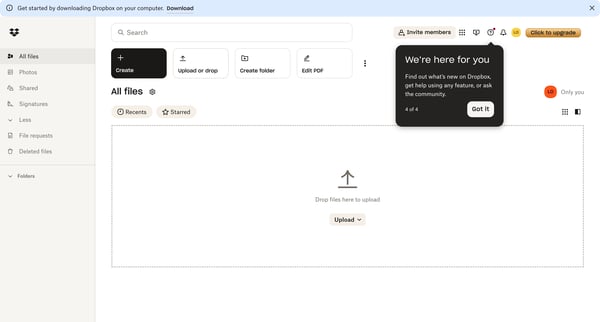
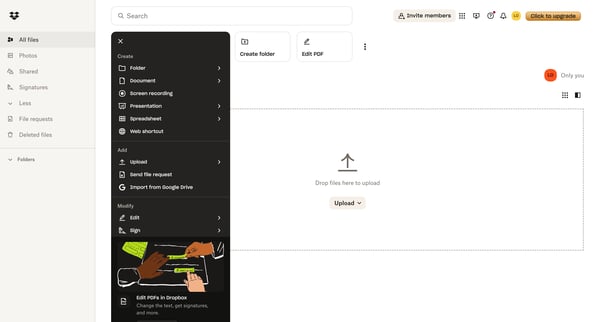
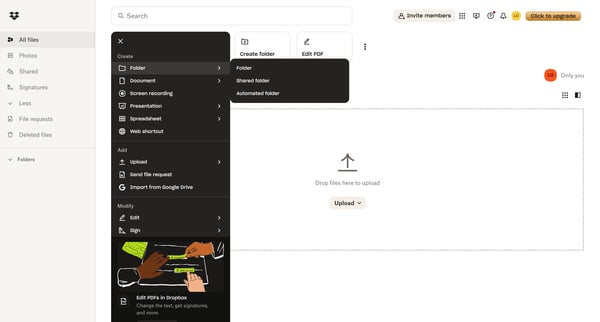
This flow guides users through the process of creating a new folder in Dropbox, from the initial home screen to the empty state of the newly created folder.
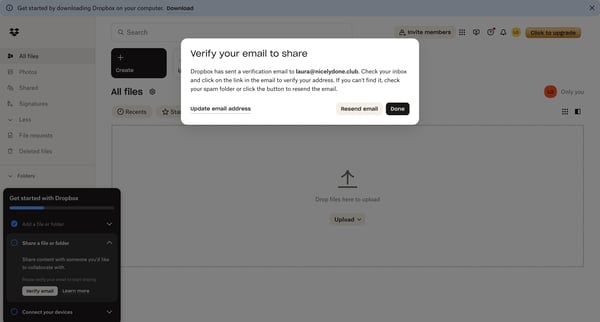
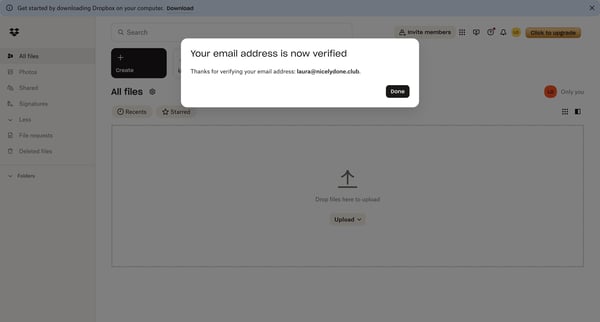
This flow verifies the user's email address to enable file sharing functionality in Dropbox.
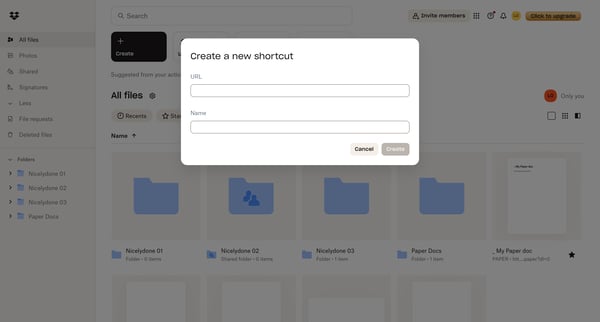
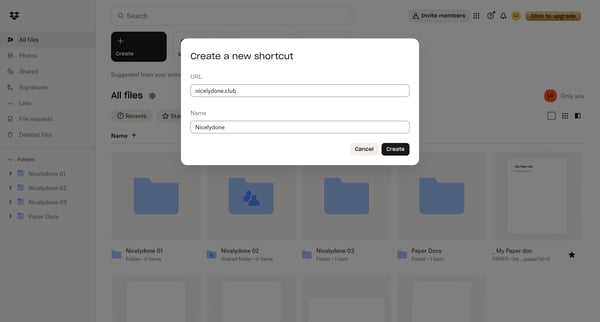
Creating a new web shortcut in Dropbox to quickly access external websites from within the Dropbox interface.
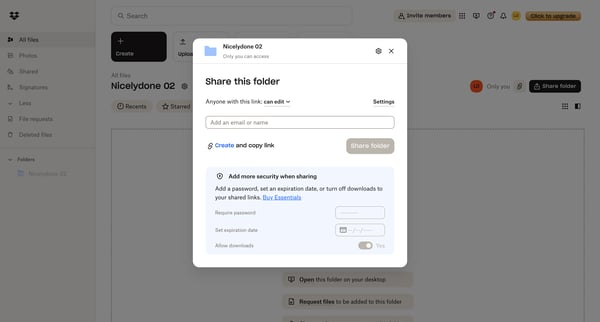
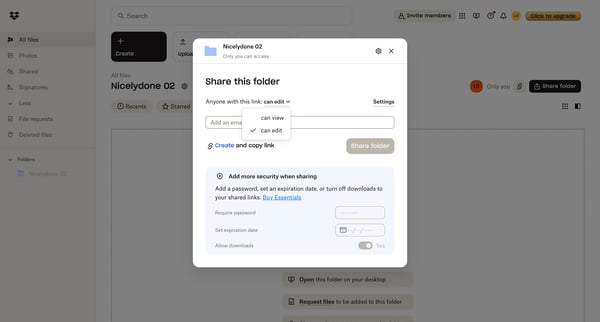
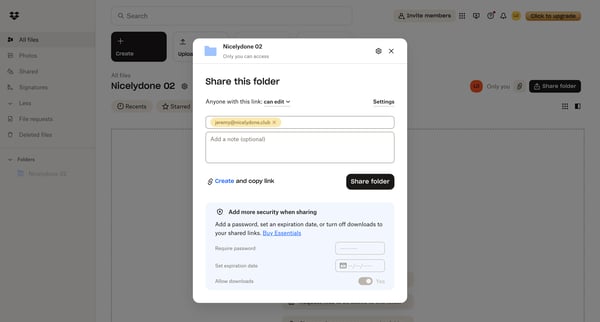
This flow enables users to share a Dropbox folder, adjust sharing settings, and invite collaborators.
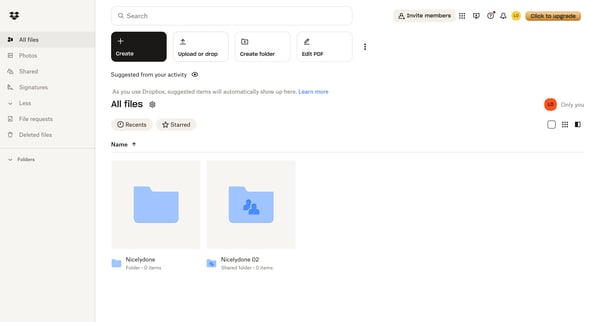
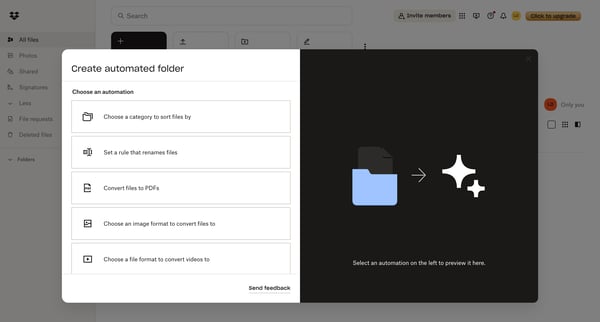
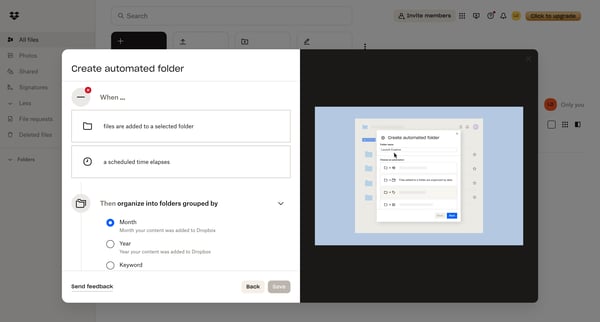
This flow guides users through creating an automated folder in Dropbox, allowing them to set up rules for organizing and converting files.
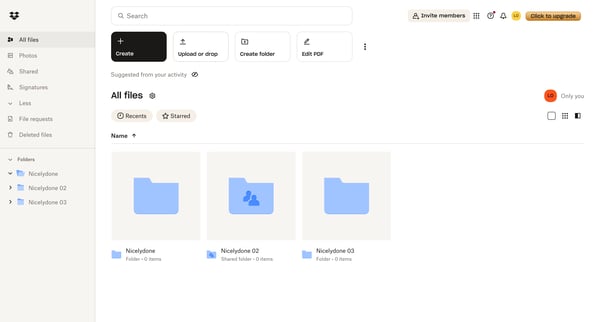
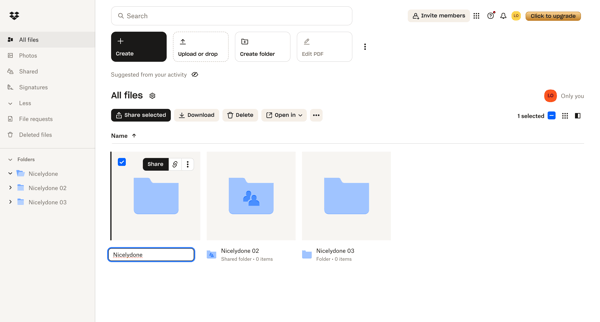
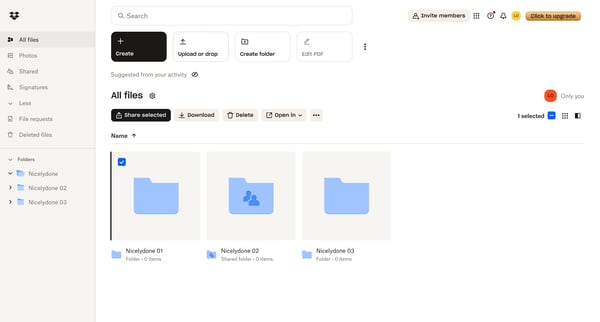
The flow demonstrates the process of renaming a folder in Dropbox and accessing its sharing options.
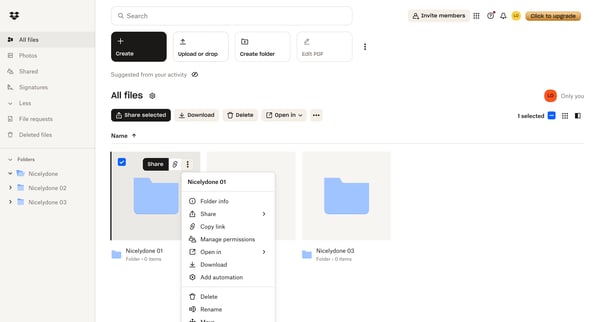
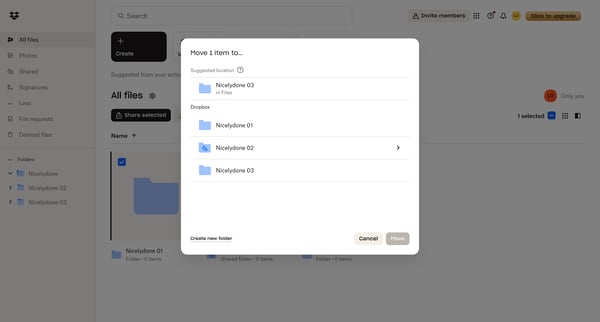
Moving a selected item from one folder to a newly created folder within Dropbox.
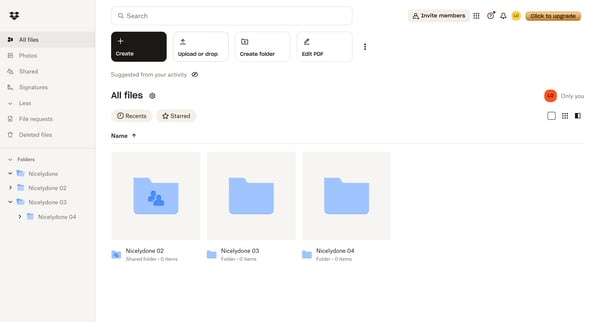
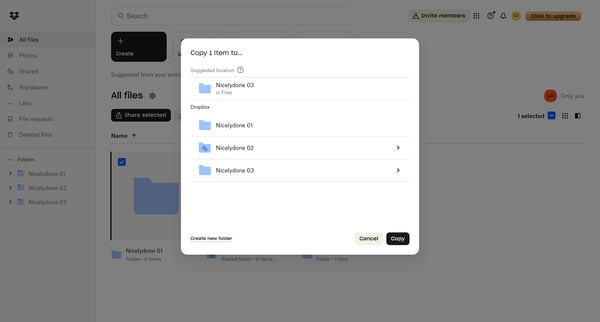
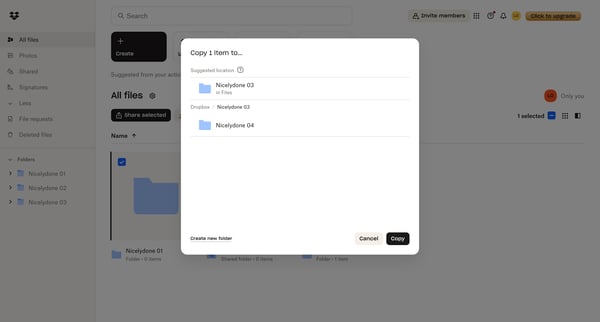
Users copy a selected item from one folder to another within their Dropbox file structure.
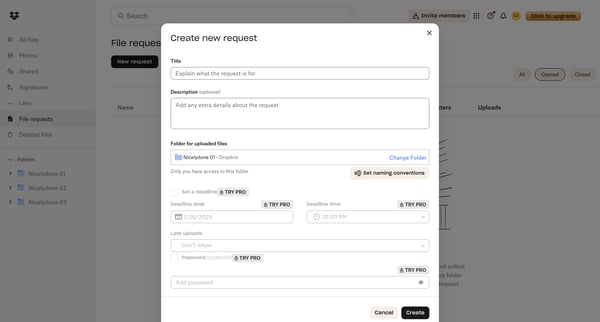
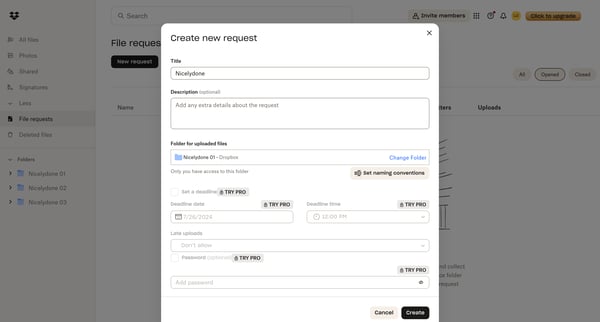
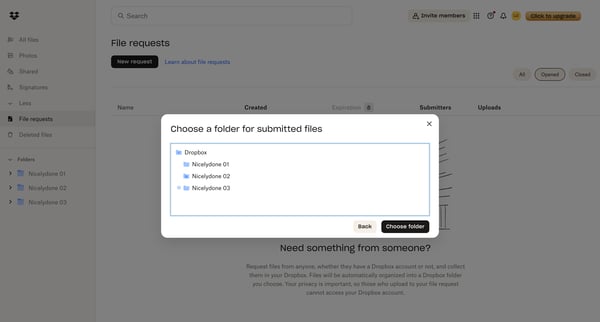
A user creates a new file request in Dropbox, specifying details and settings for collecting files from others.
Explore the full SaaS flow library
Browse the full SaaS flow library.
Trusted by the best teams







