
Overflow design examples
Explore Overflow UI design examples. The all-in-one design communication platform
Product screens
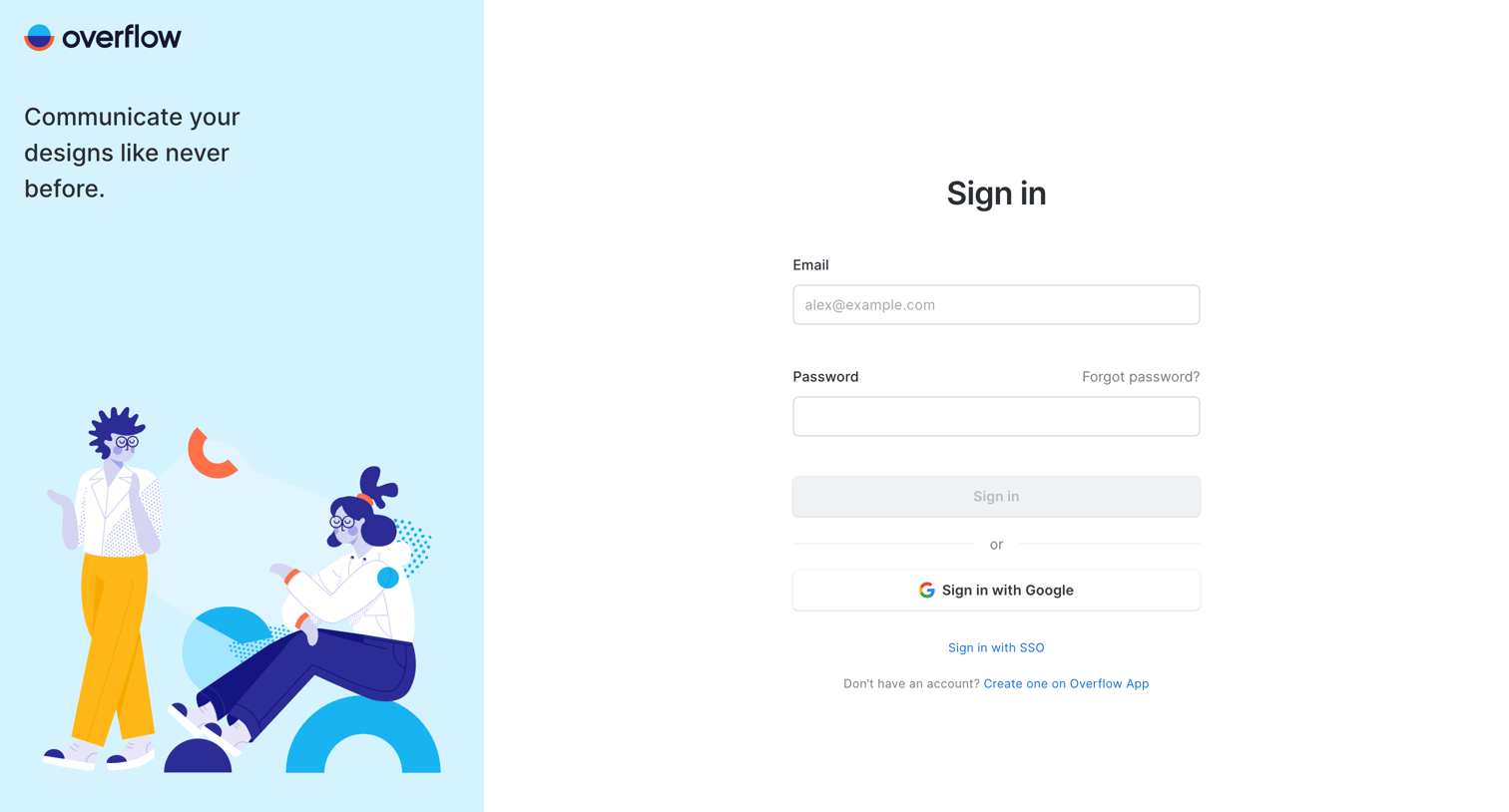
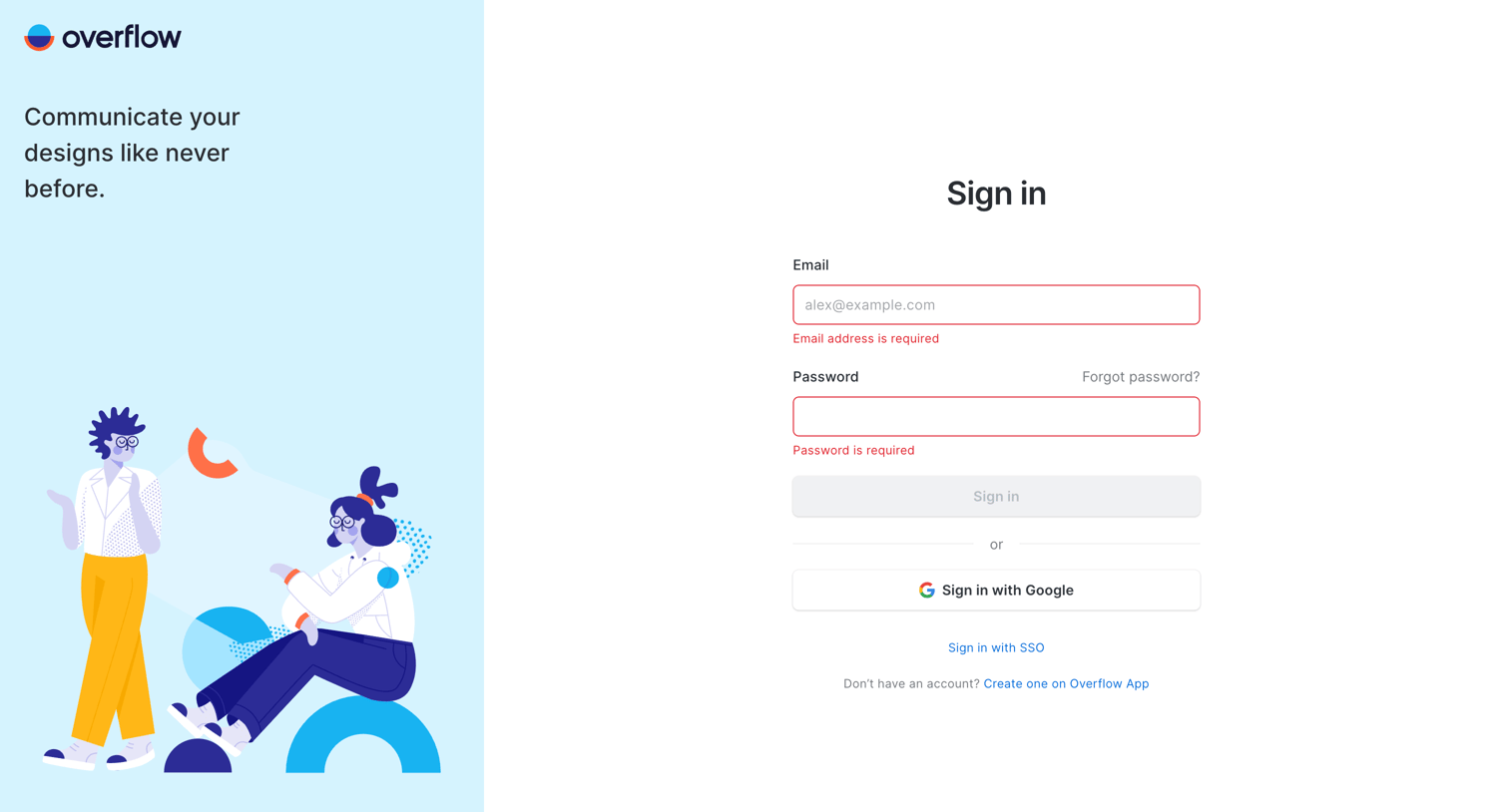
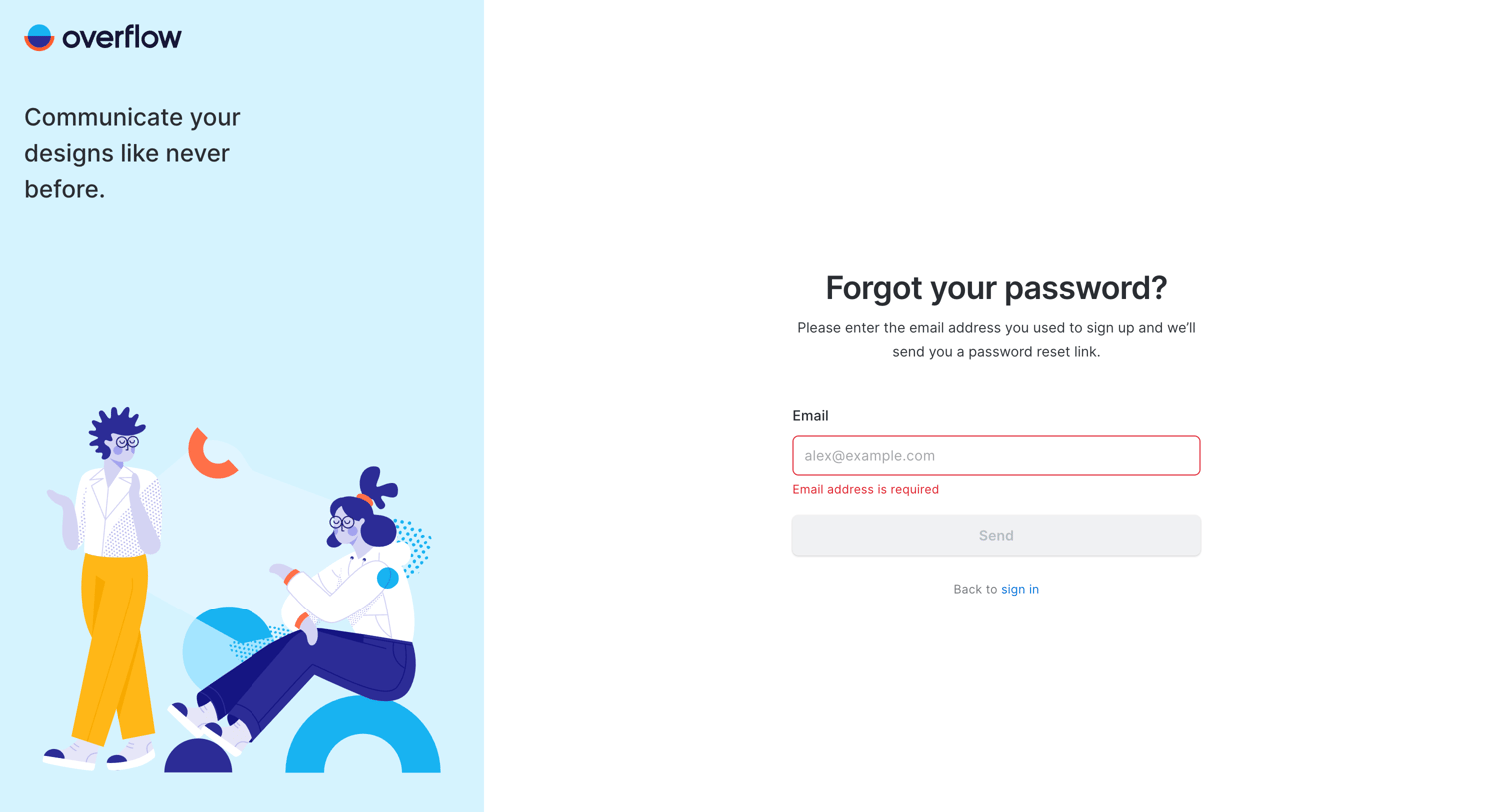
Password recovery screen where the user is prompted to enter their email address to receive a reset link, currently displaying a required-field validation error.
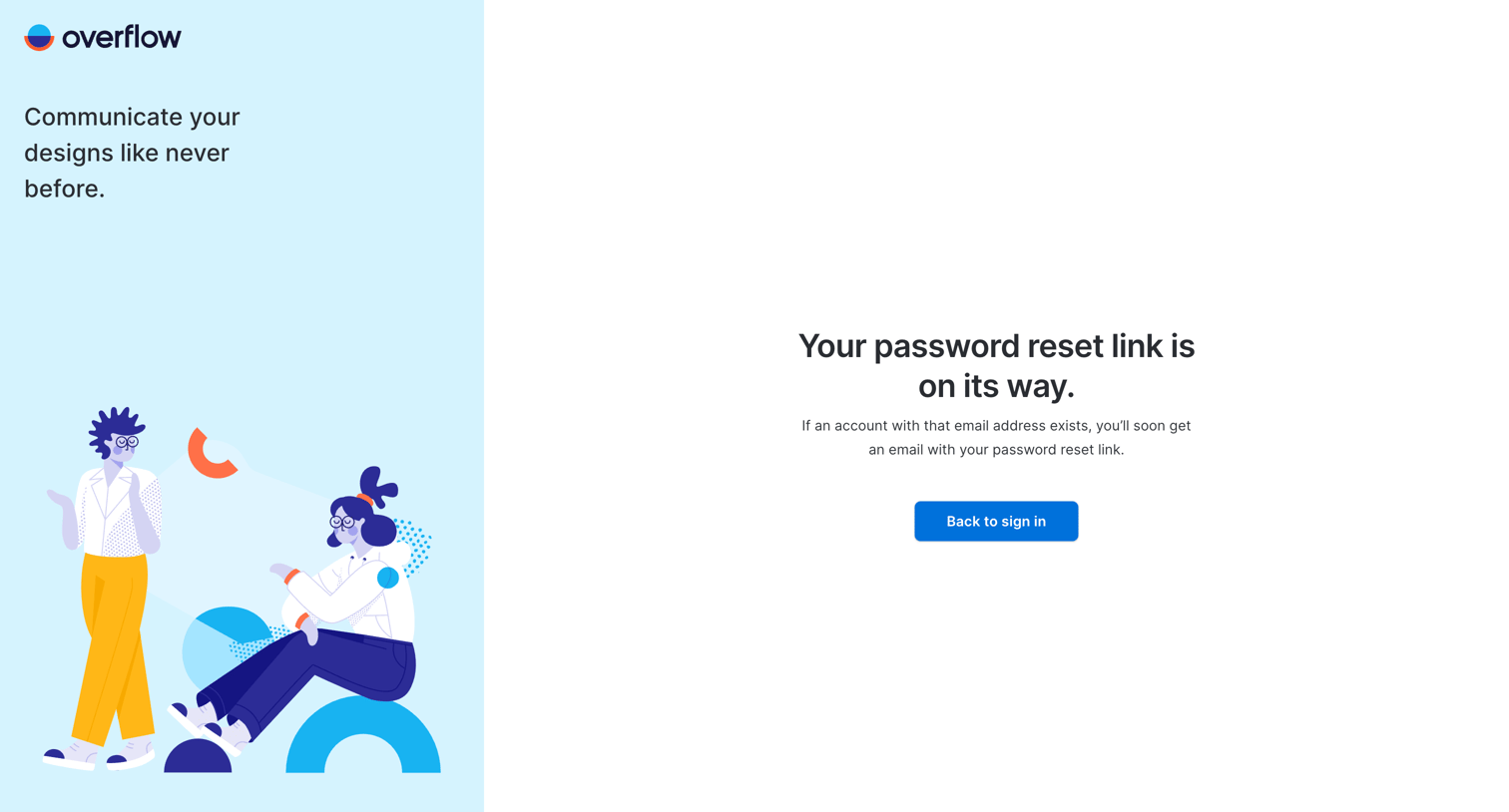
Password recovery screen where the user is informed that a reset link has been sent to their email and prompted to return to sign in.
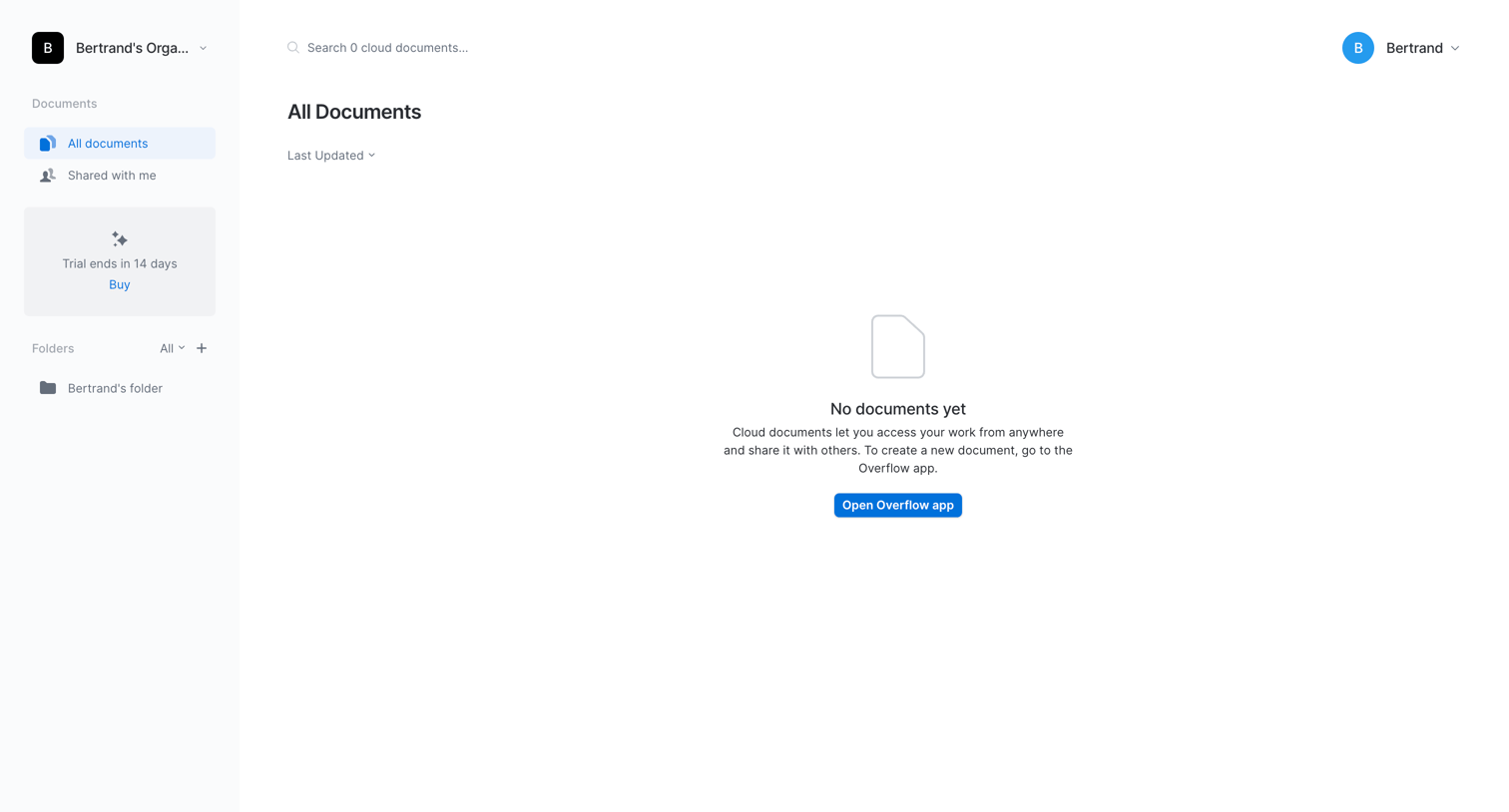
List view where the user sees an empty state for their cloud documents with a prompt to open the desktop app to create one.
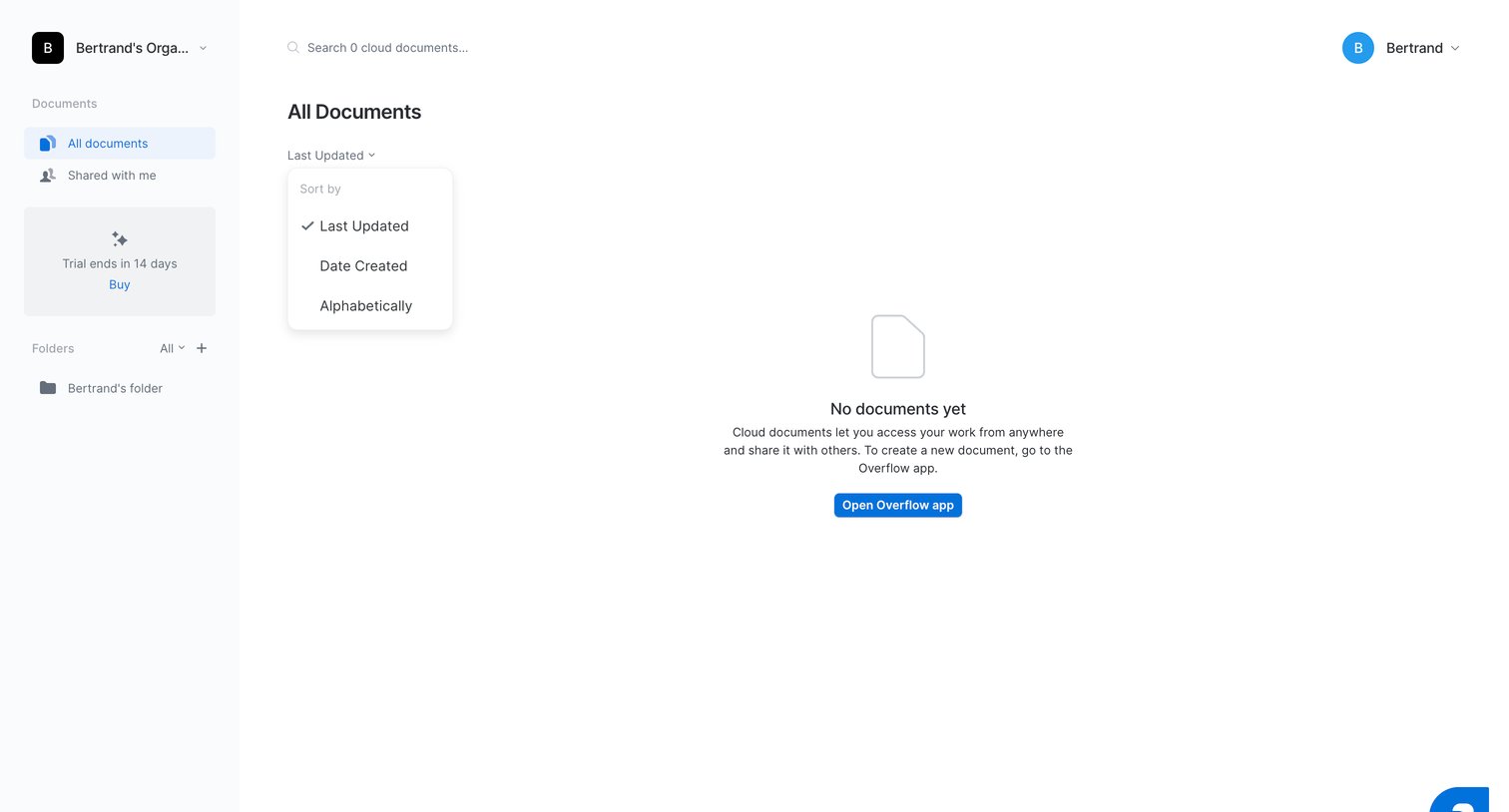
List view where the user sees an empty state for their cloud documents and is prompted to open the desktop app to create one, with a sort dropdown captured open.
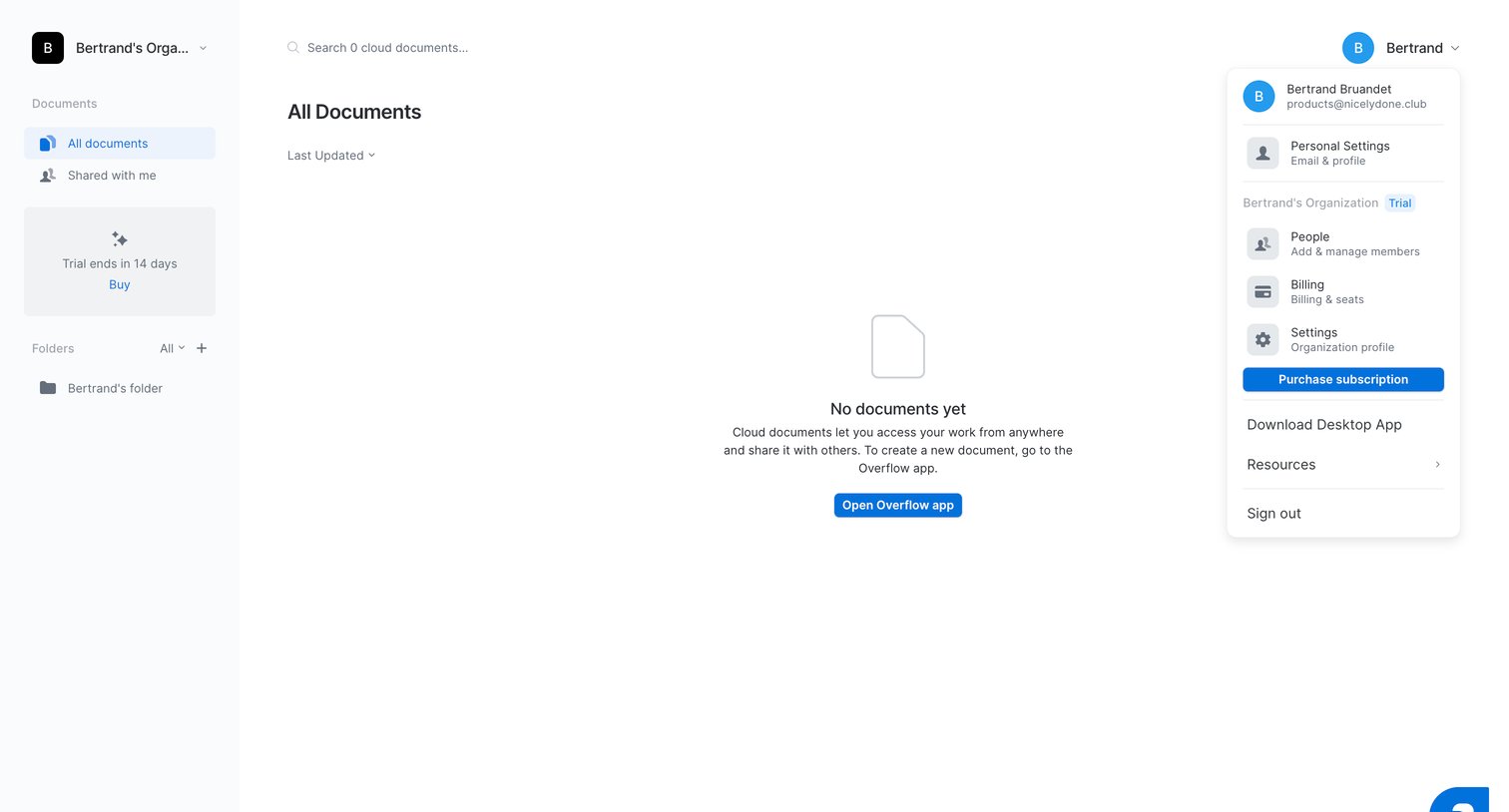
Empty documents list with a prompt to open the desktop app to create new cloud documents, featuring an open user menu with account and billing settings.
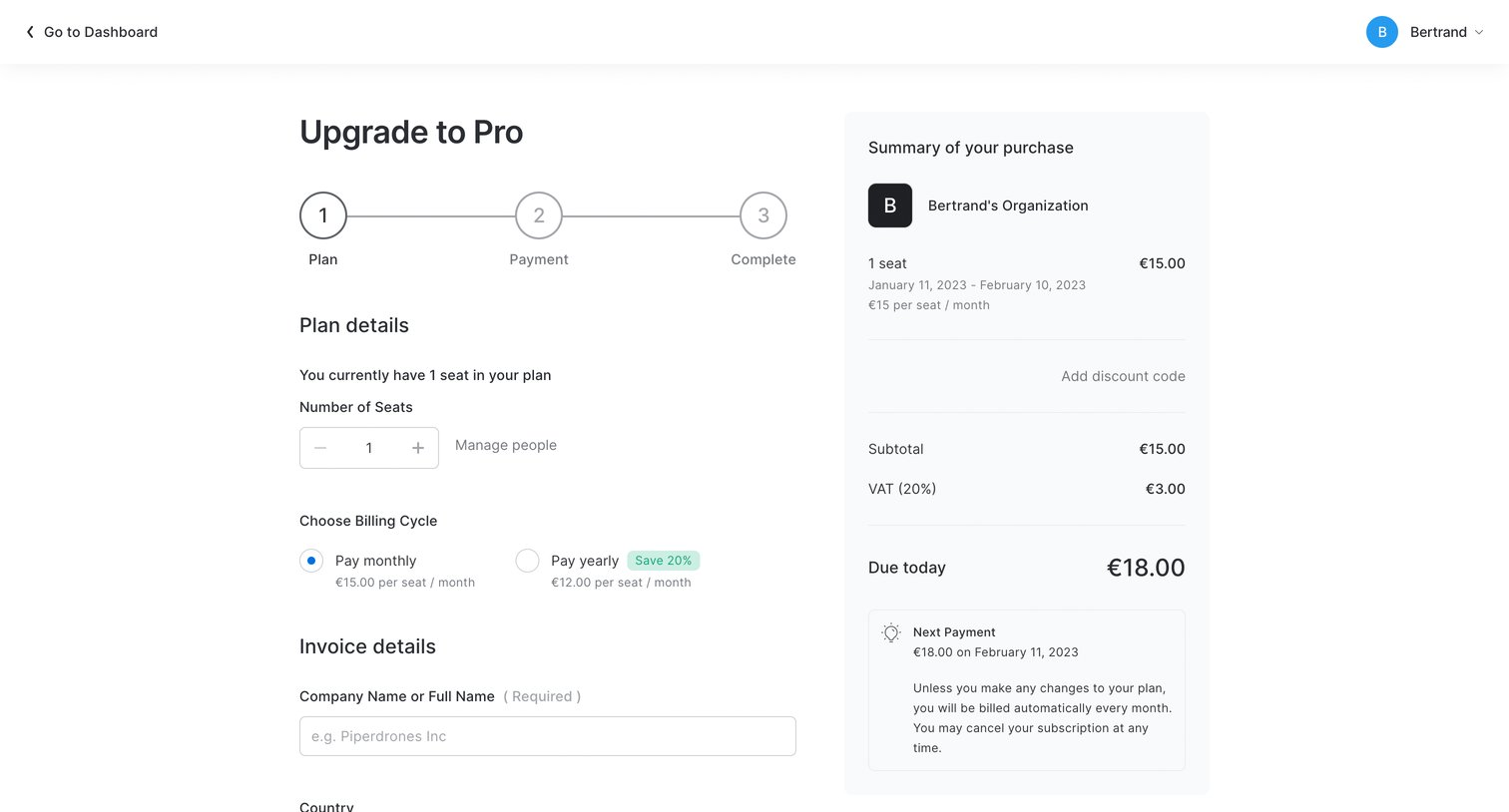
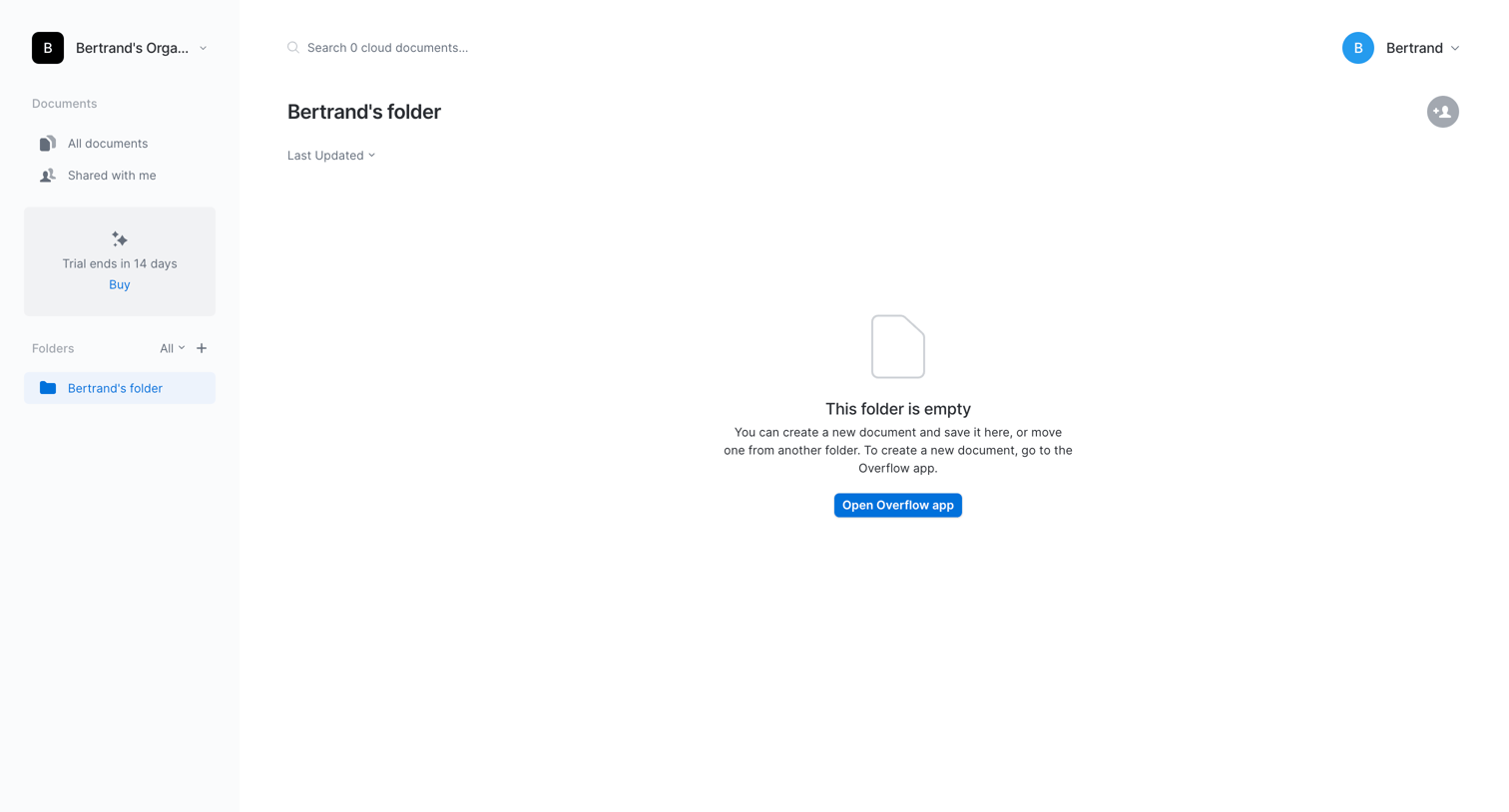
Folder view where the user sees an empty state with a prompt to open the Overflow app to create a new document.
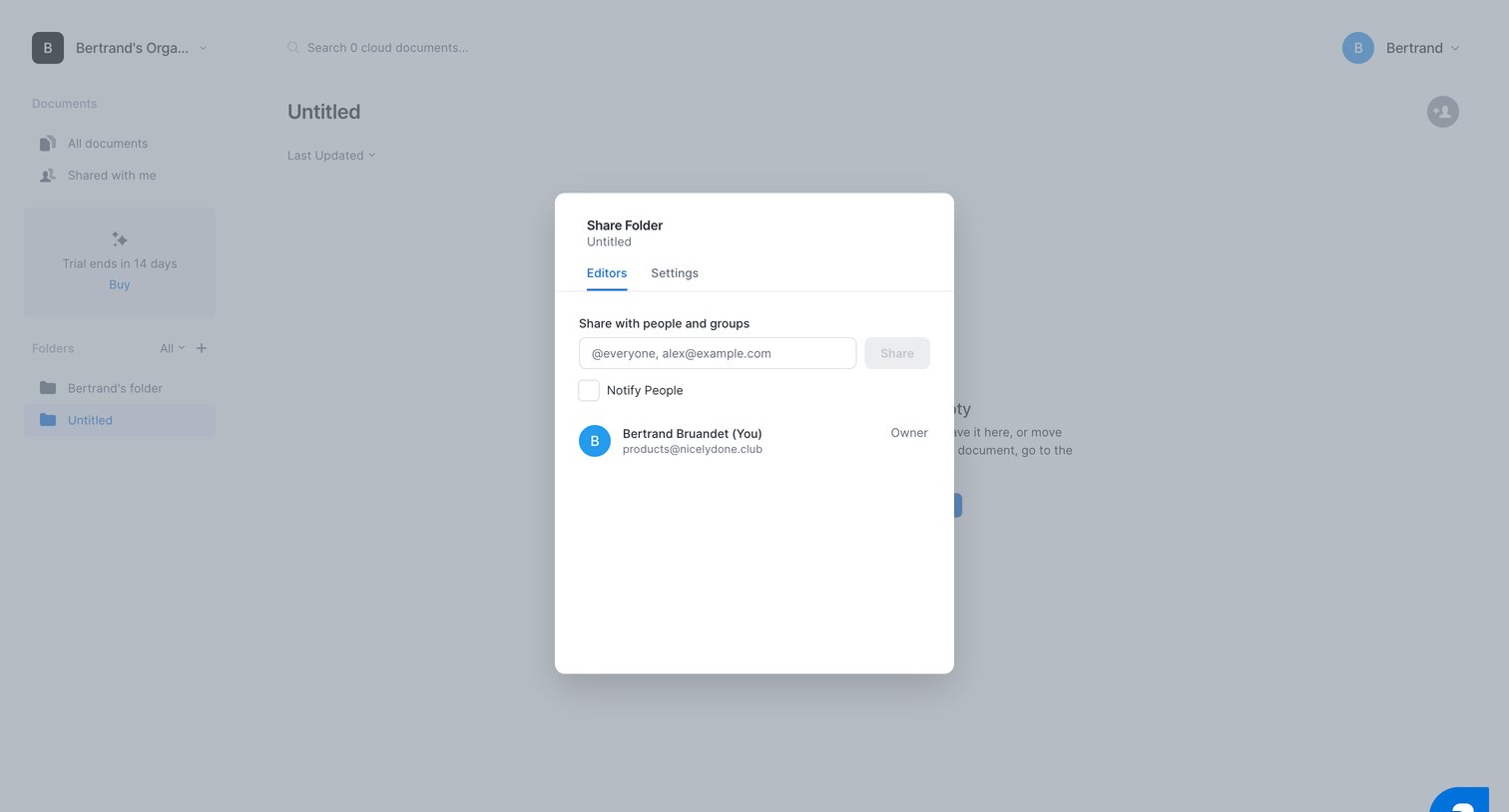
Modal overlay where the user can share a folder by entering email addresses and managing existing members' access levels.
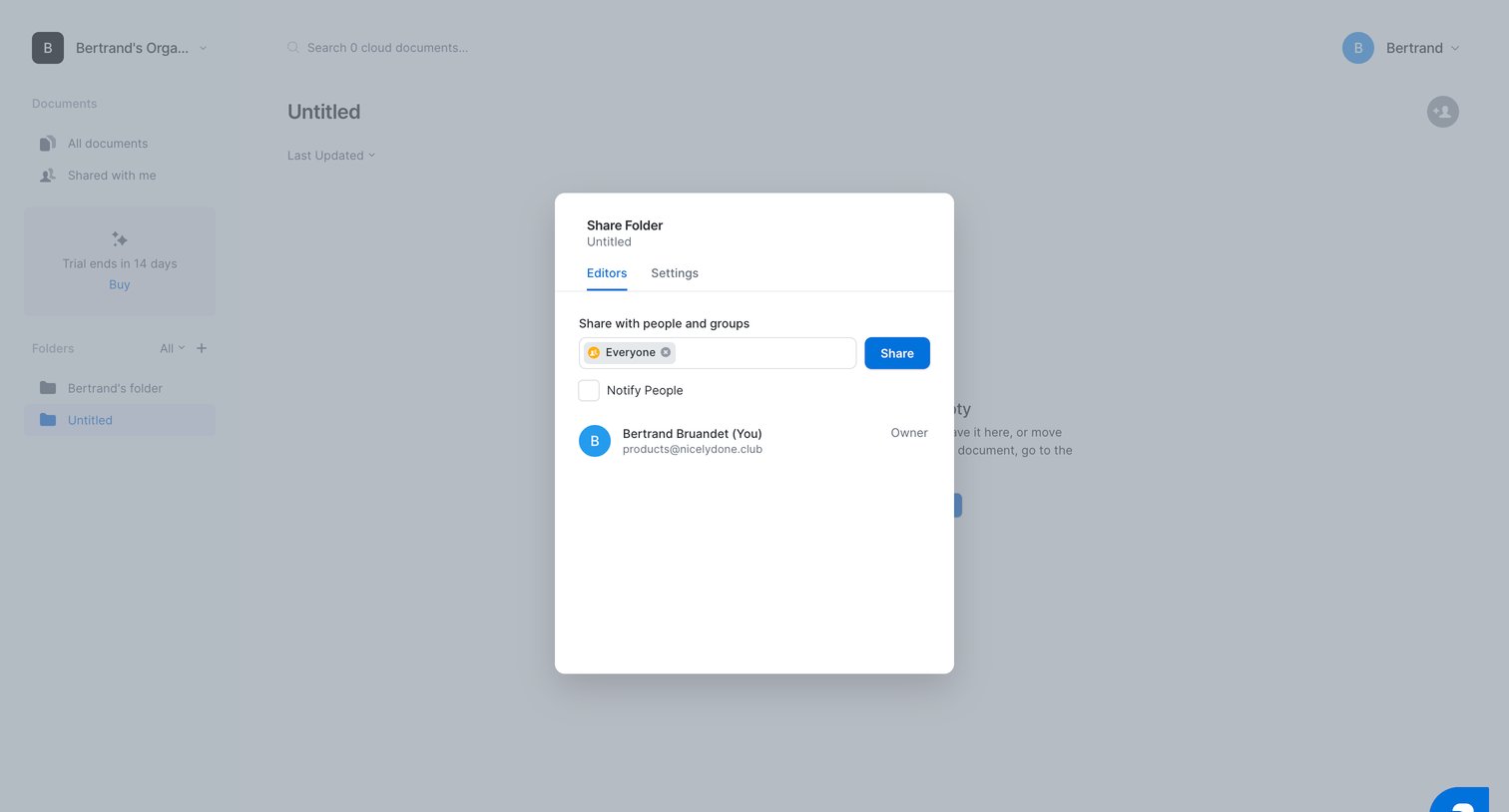
Modal where the user shares a folder with people and groups, manages editor permissions, and toggles notification settings.
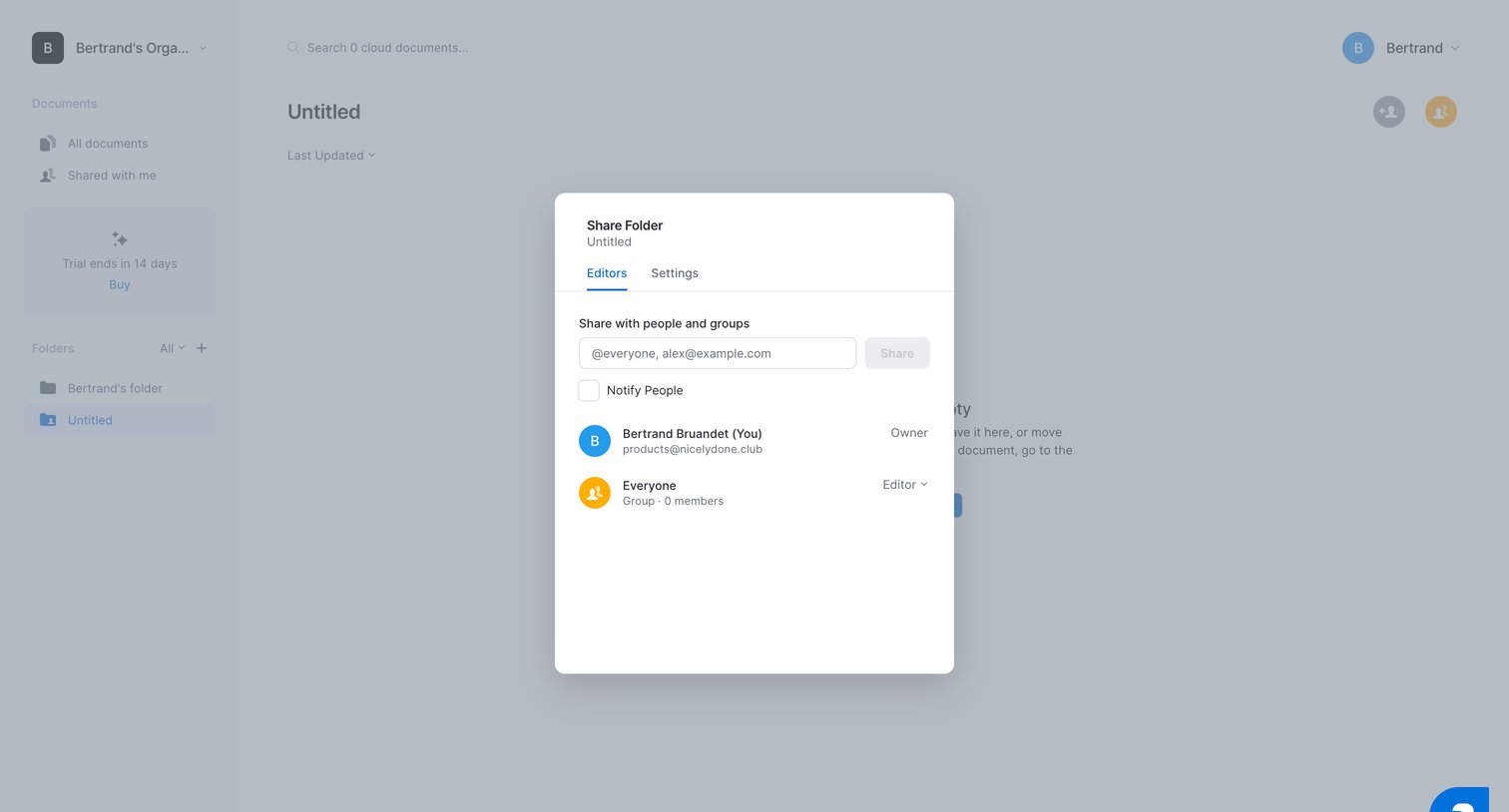
List view for an empty folder with a modal open to share access with specific people or groups and set their permission levels.
Browse the full SaaS app library
Explore real SaaS apps with their product screens, marketing screens, flows, and components.
Trusted by the best teams







