
Mural user flows examples
Explore Mural user flow examples. Preview the opening screens and steps for each task. Level up teamwork with an intuitive digital whiteboard built for teams to do their best work
Preview these flows
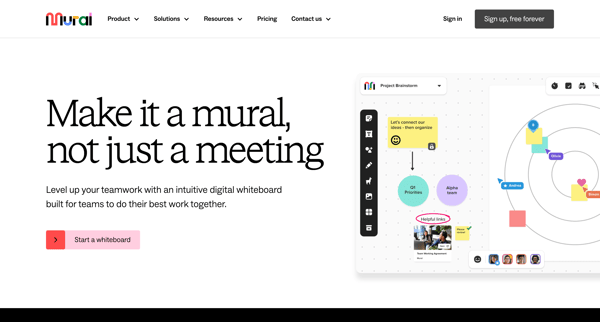
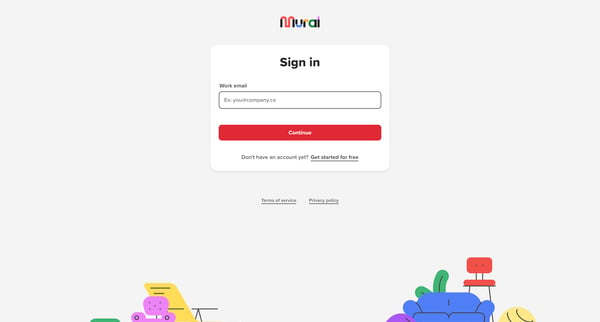
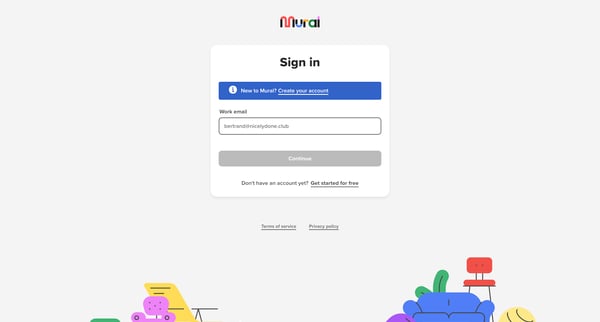
This flow guides a new user through the process of creating an account on Mural, setting up their team's workspace, personalizing their profile, and starting their first mural with initial cu
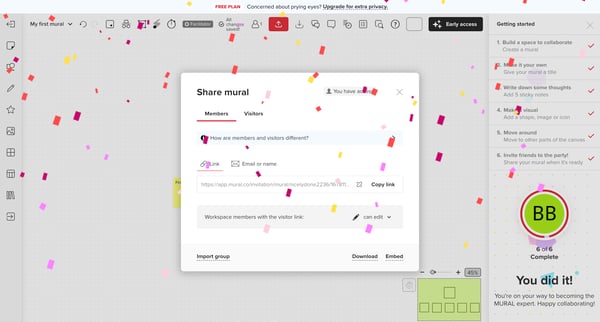
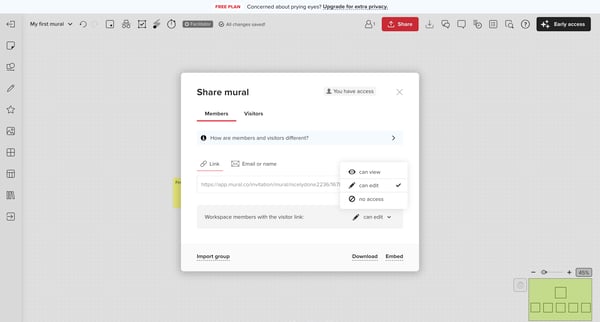
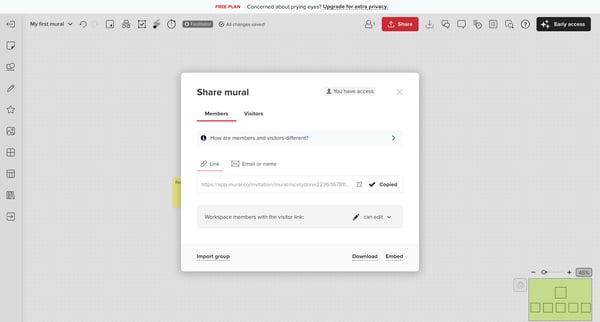
This flow facilitates the process of sharing a mural, allowing the user to customize access level, copy the share link, invite collaborators by email, adjust visitor link security, set a pass
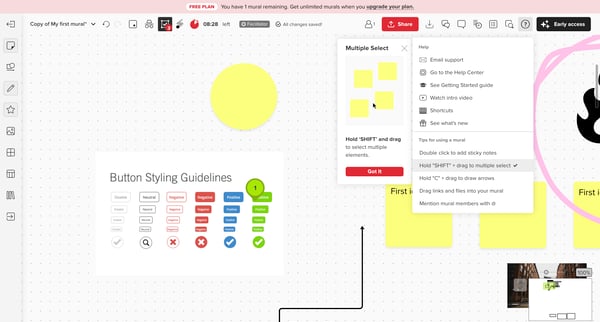
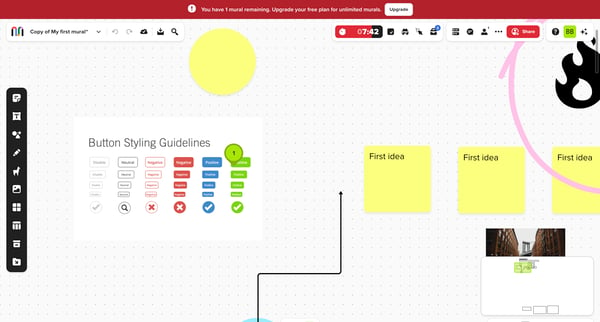
This flow guides the user through assessing their current plan limitations and offers an upgrade for unlimited access, while also providing usage tips and collaboration features.
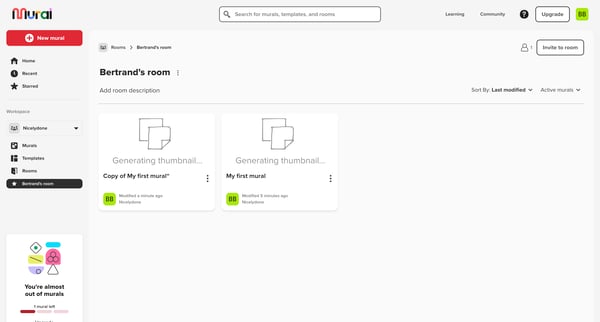
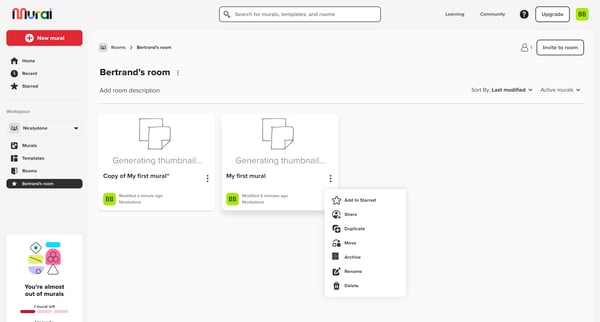
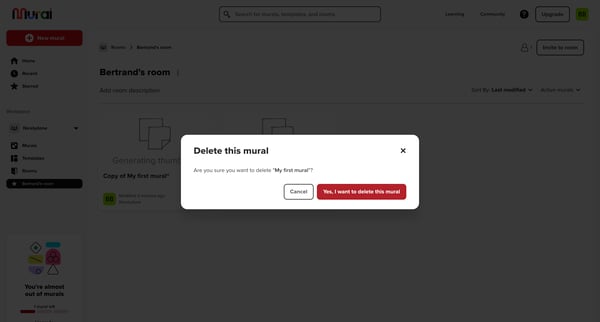
This user flow enables users to export a mural from Mural, guiding them through viewing murals, initiating an export, choosing export options, and completing the process with notifications re
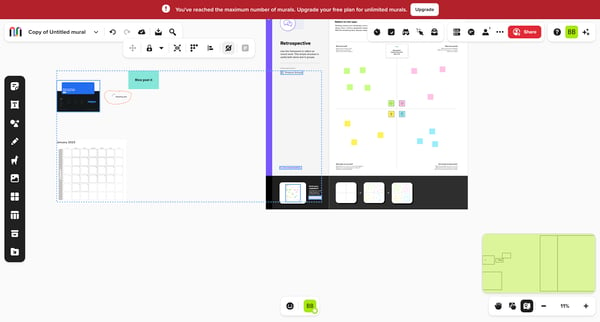
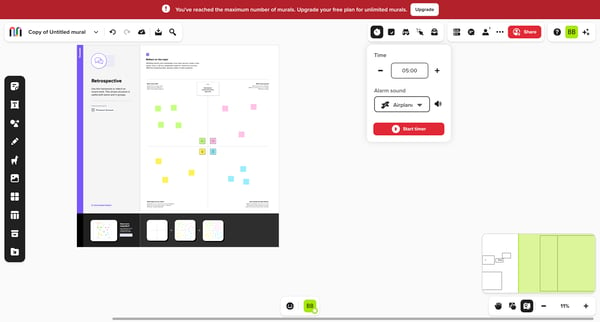
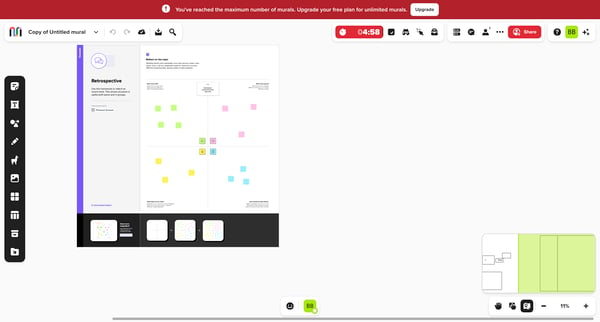
This flow guides a team through a structured retrospective process in a collaborative online space, enabling reflection, discussion, and action planning based on past work performances and ou
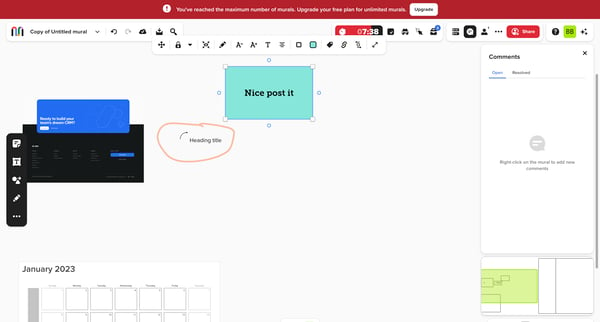
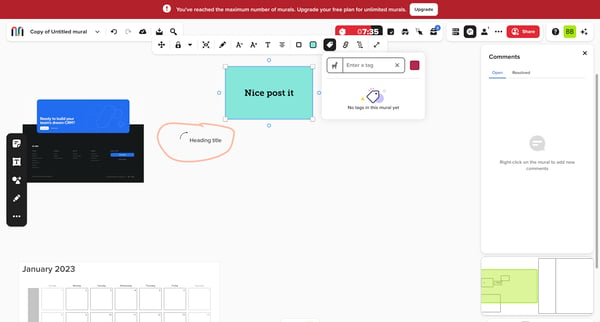
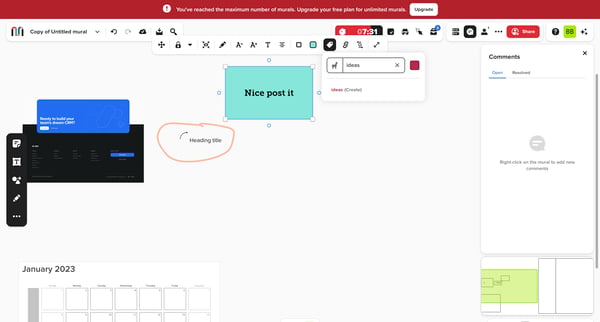
This user flow demonstrates the process of interacting with a mural within an app, including upgrading a plan, tagging, and managing content.
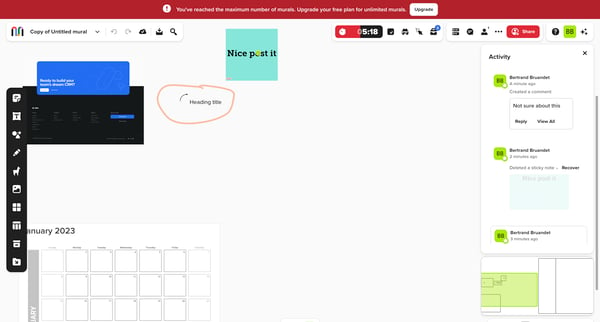
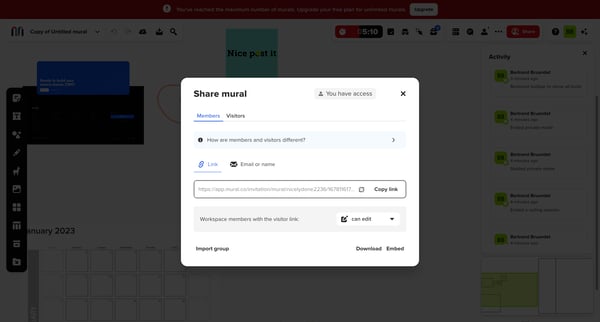
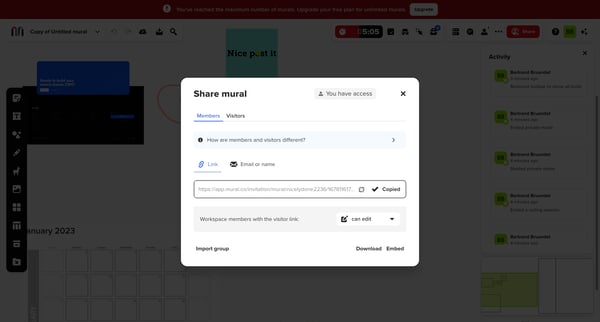
This flow guides a user through sharing a Mural workspace by generating and handling a shareable link, including adding members or visitors, with step-by-step modal interactions.
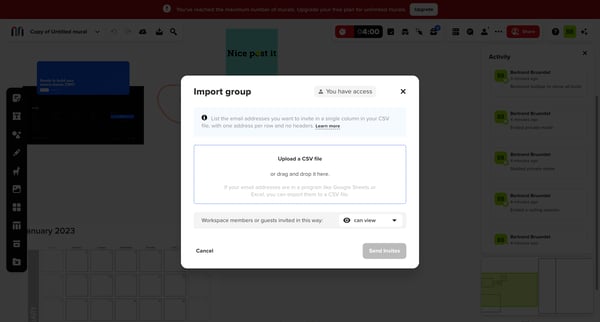
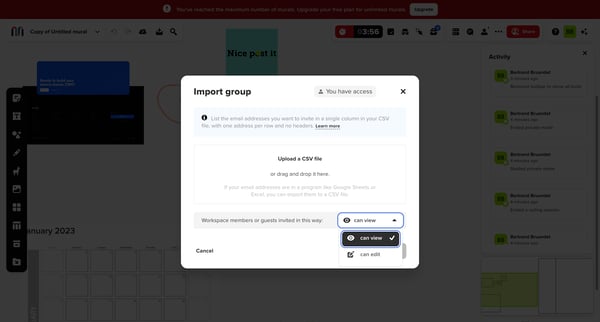
This flow enables users to import a group of email addresses from a CSV file for inviting members or guests to a workspace, showcasing steps from an activity feed to initiating the import pro
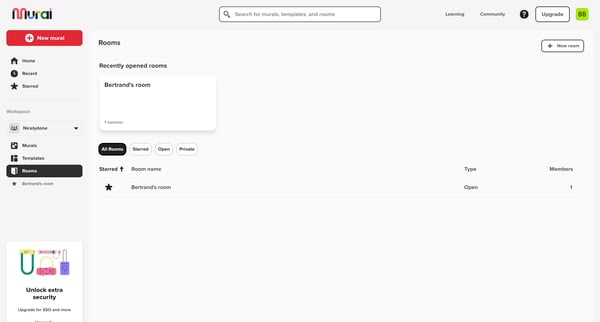
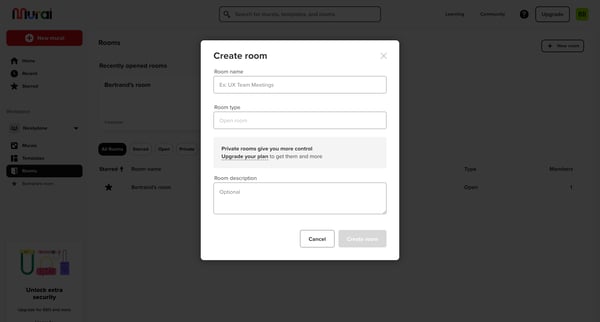
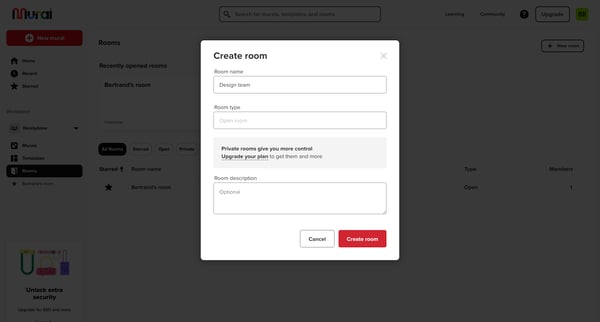
This flow guides a user through the process of creating a new collection within a room by selecting options, naming the room, and navigating an empty state with a call to action.
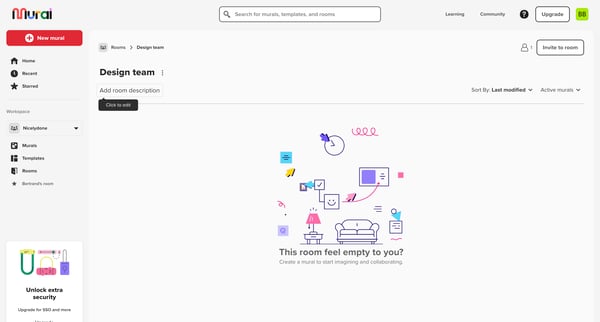
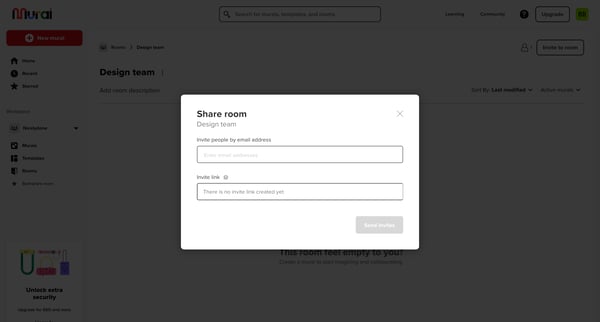
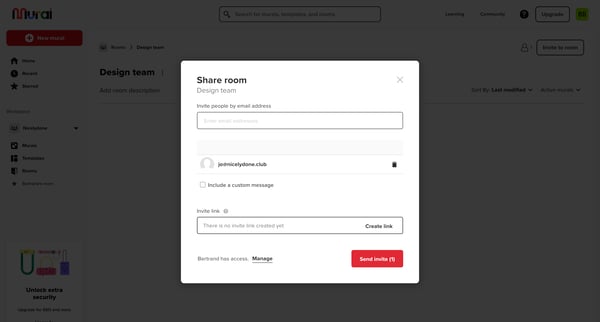
This flow enables a user to invite others to collaborate in a shared workspace by sending an invite through email.
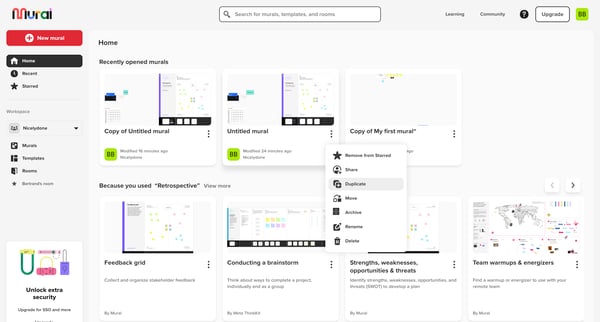
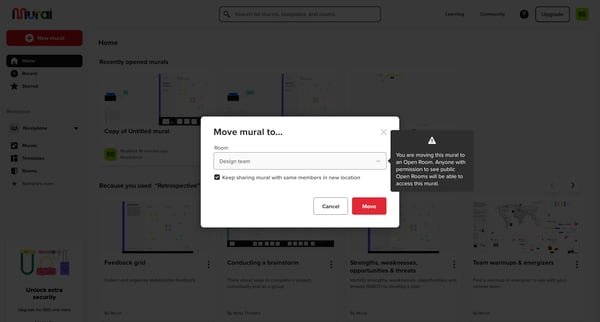
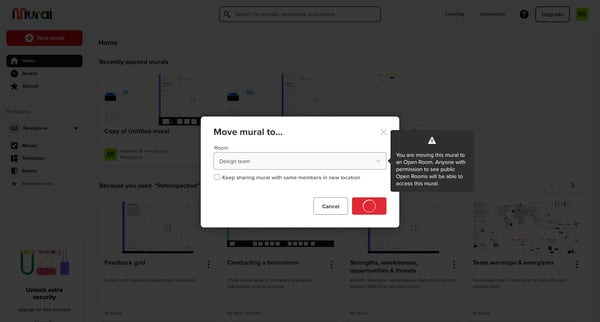
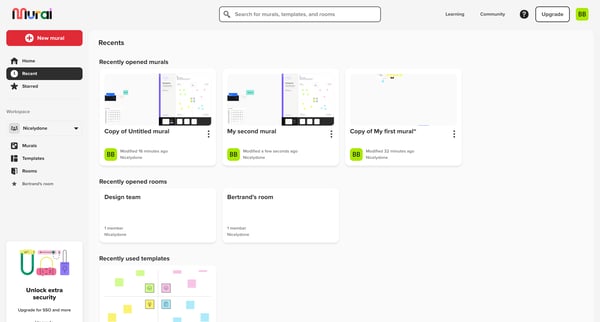
This user flow guides the user through the process of moving a mural to a different room, notifying them of the actions needed and confirming the transfer.
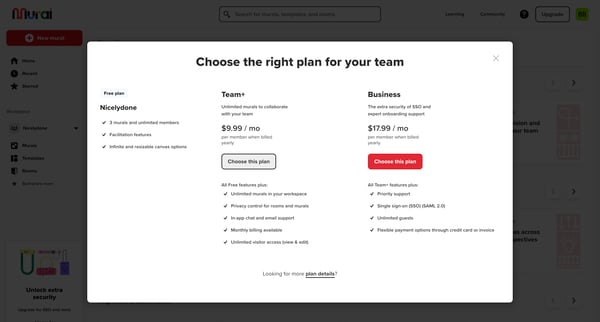
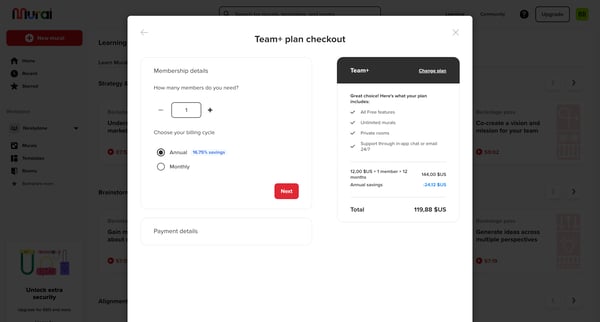
This user flow guides a user through the process of upgrading their subscription plan, from discovering upgrade options to successfully upgrading and accessing new features.
Explore the full SaaS flow library
Browse the full SaaS flow library.
Trusted by the best teams







