
Marathon user flows examples
Explore Marathon user flow examples. Preview the opening screens and steps for each task. Fully integrated feedback & task management for design teams
Preview these flows
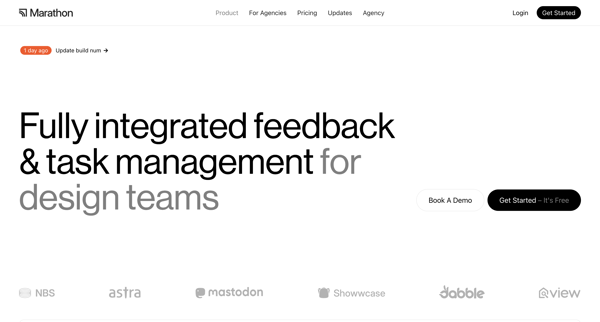
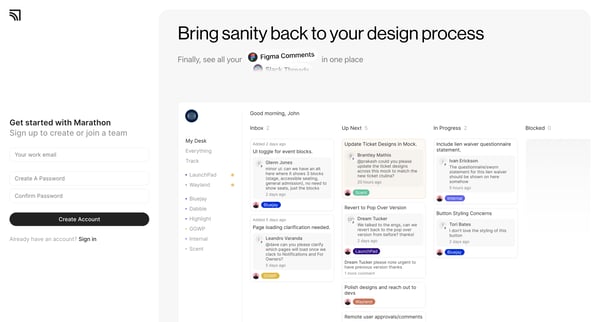
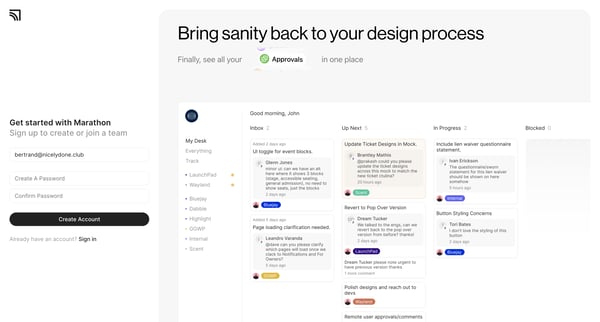
This flow guides users through the onboarding process for Marathon, including account creation, profile setup, team creation or joining, inviting teammates, integration setup, and project ini
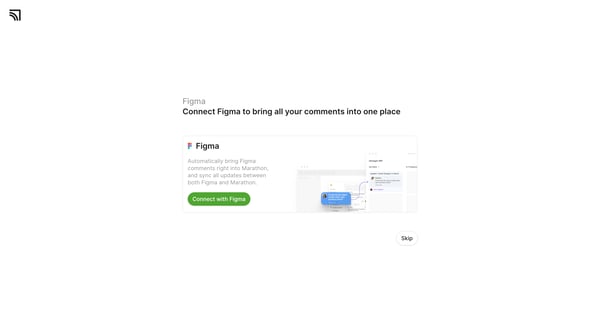
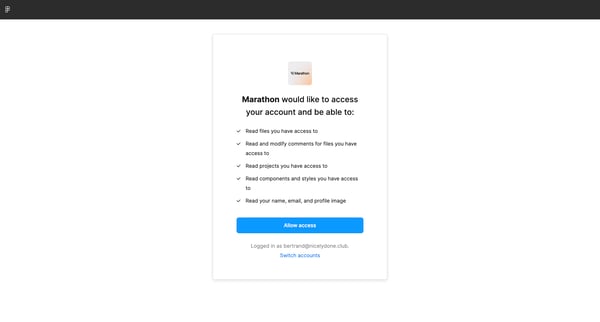
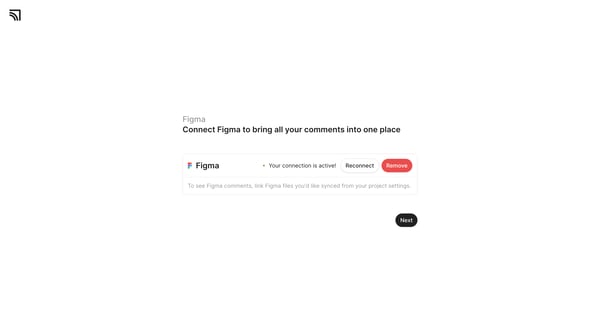
This flow allows users to connect their Figma account to Marathon in order to synchronize comments and updates between both platforms.
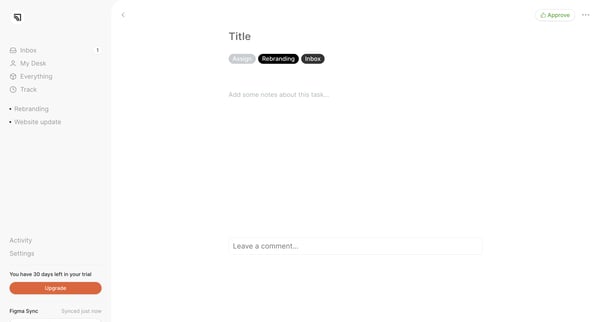
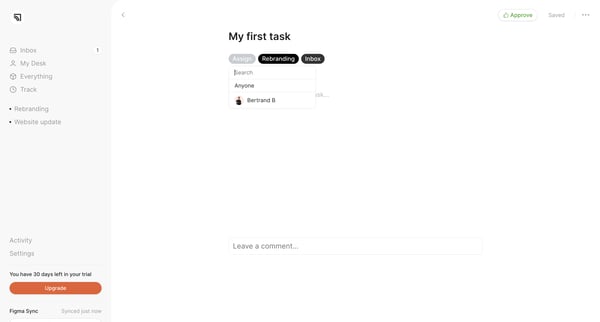
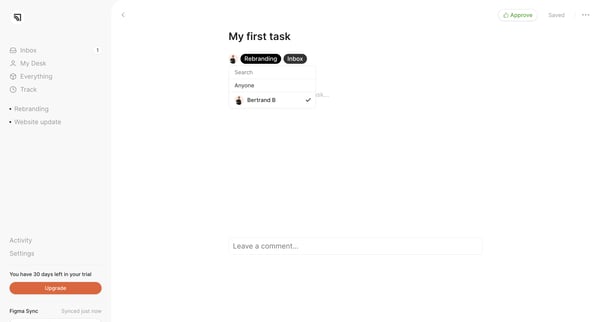
This flow allows users to manage and comment on tasks within a collaborative workspace.
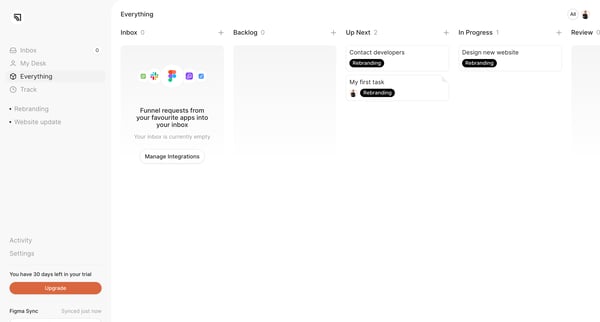
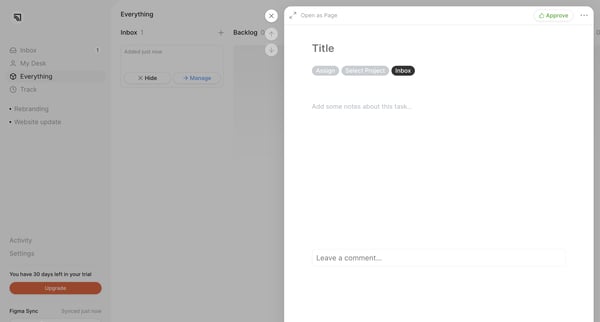
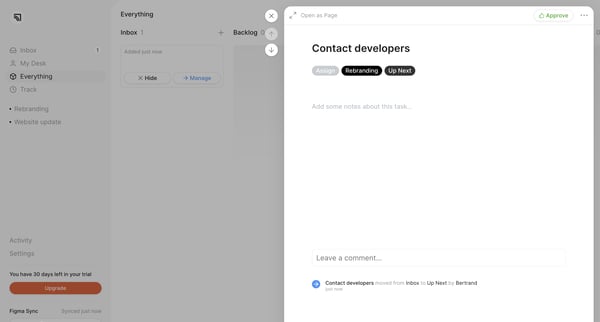
This flow captures the user journey related to task management, from listing tasks to making updates and tracking activities.
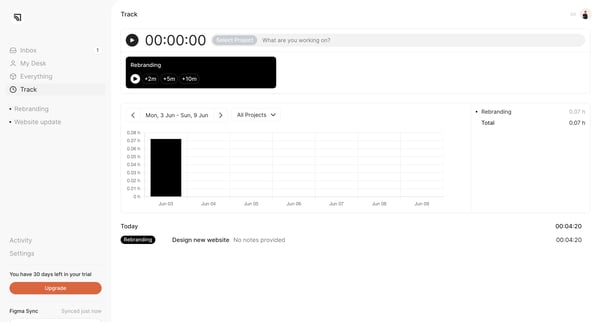
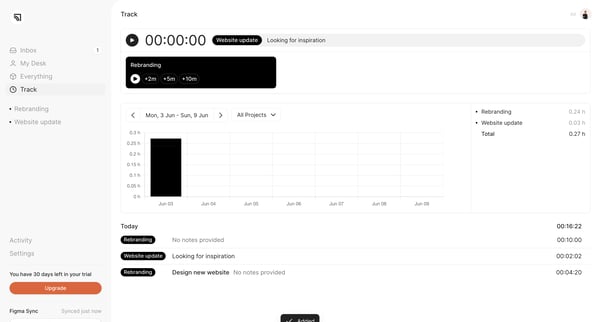
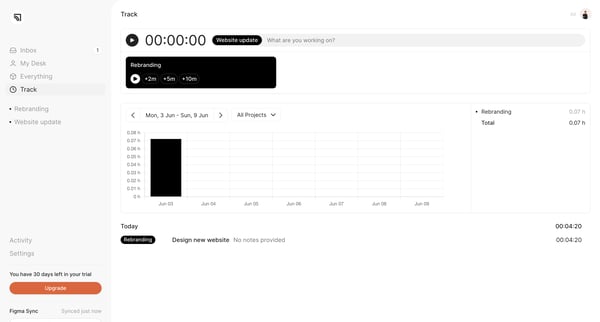
This user flow allows users to track their activities and log time spent on various projects like rebranding, website updates, and more.
Explore the full SaaS flow library
Browse the full SaaS flow library.
Trusted by the best teams







