Wealthfront design examples
Explore Wealthfront UI design examples. Invest for the long term on your terms
Product screens
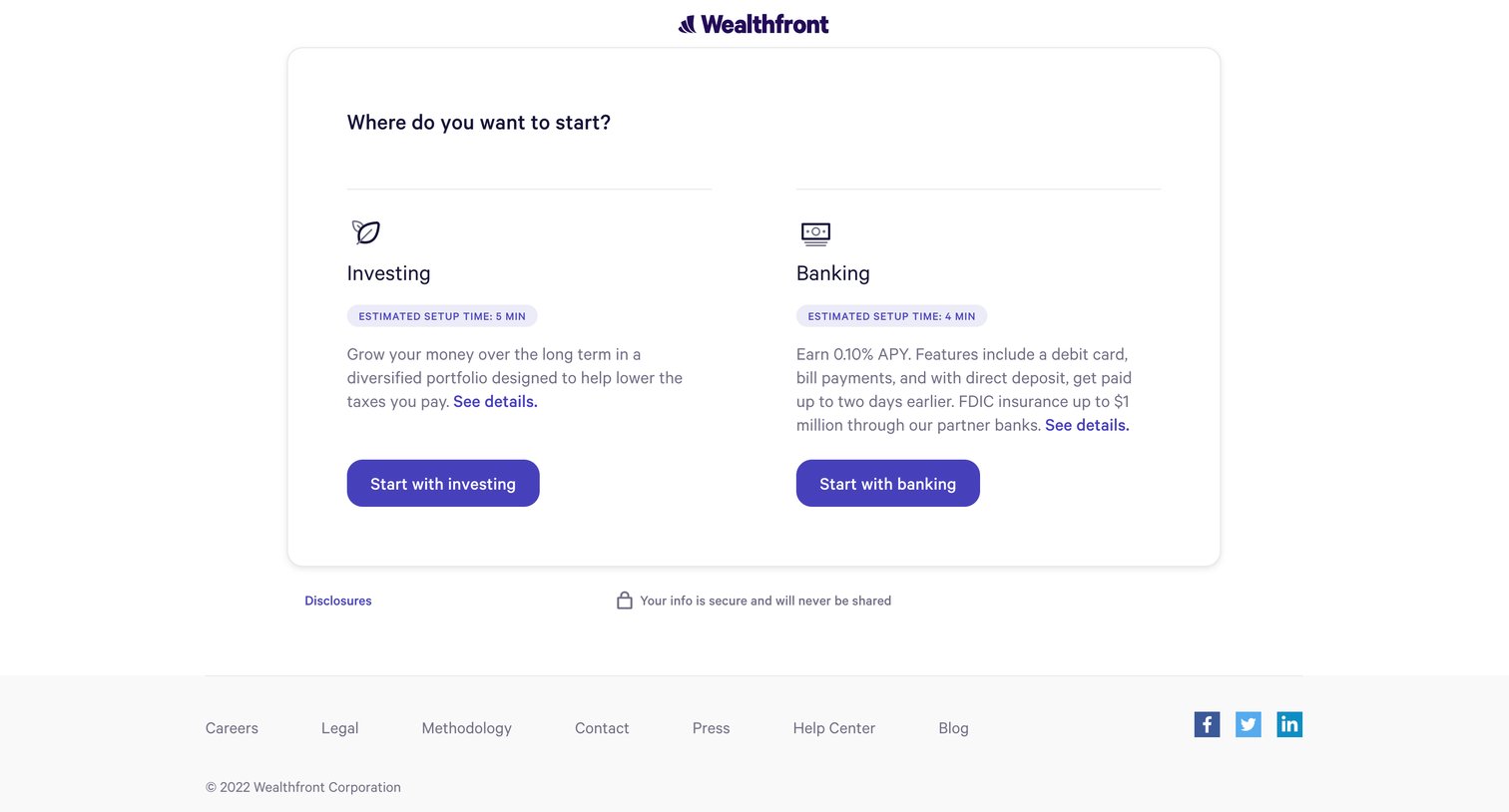

Onboarding step where the user chooses to start with either an investing or banking account, complete with setup time estimates.
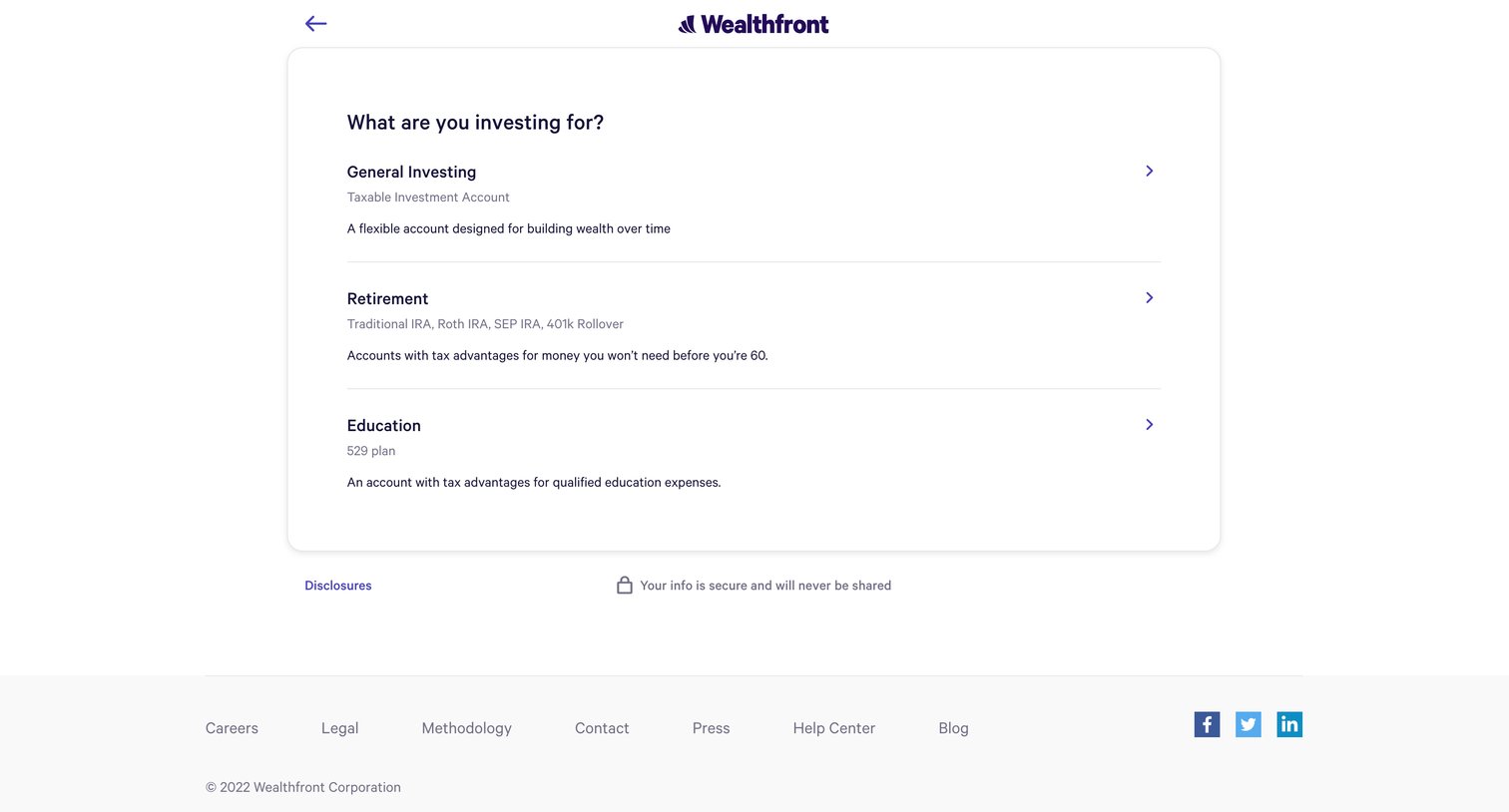
Onboarding step where the user selects their primary investment goal from options like General Investing, Retirement, or Education.
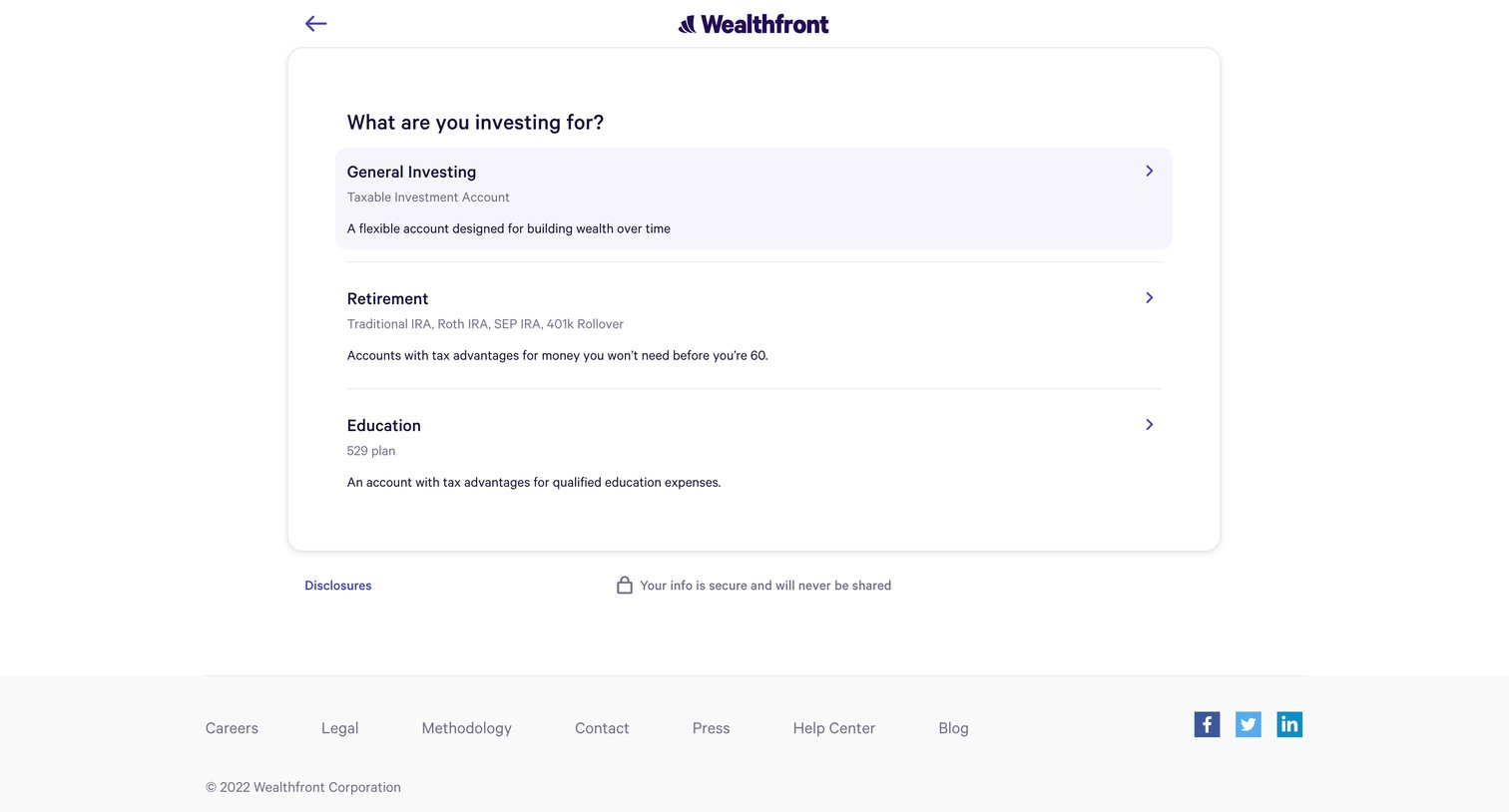
Onboarding step where the user selects their primary investment goal from options like general investing, retirement, or education.
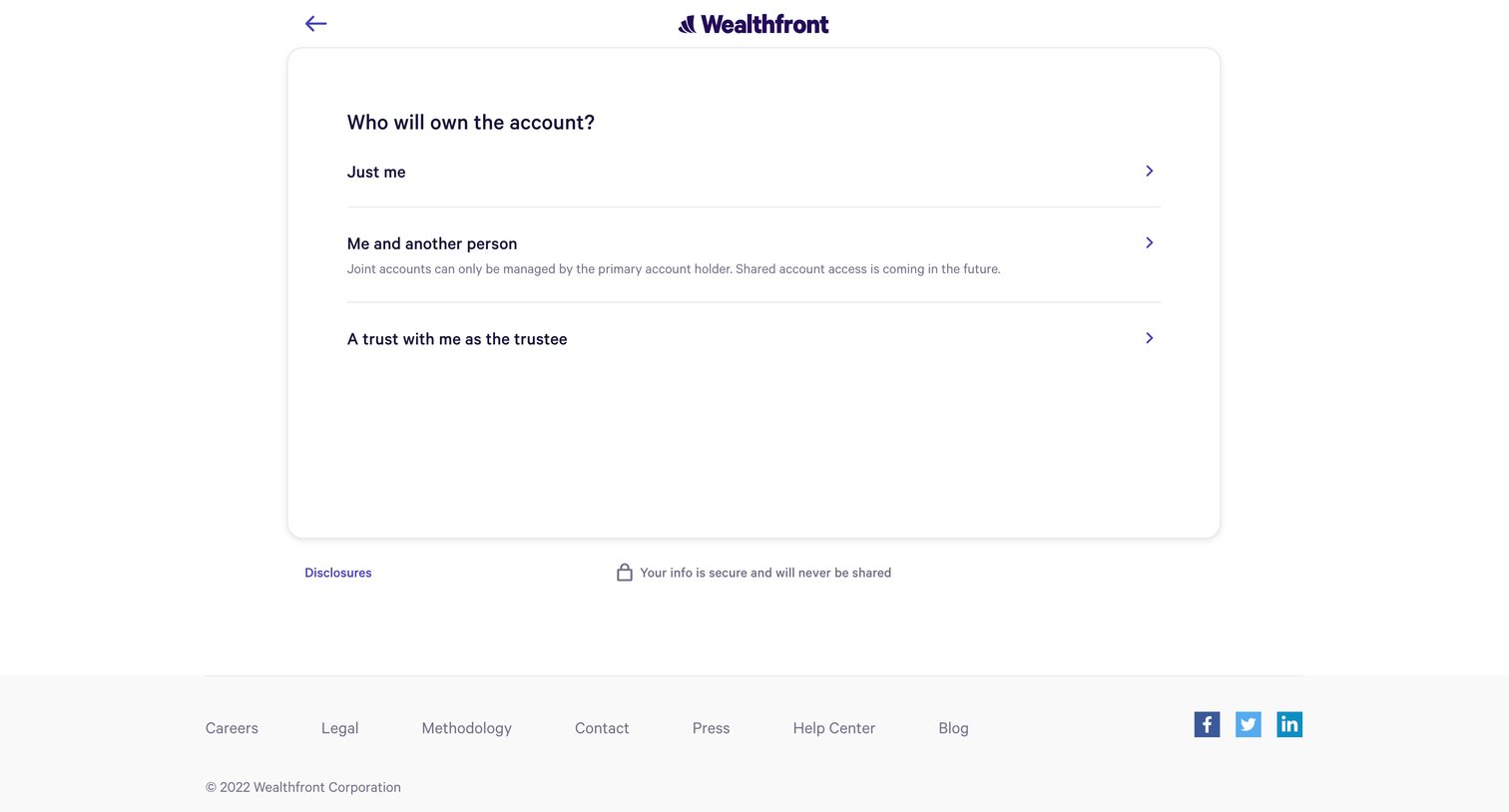
Onboarding step where the user selects whether the account will be owned individually, jointly, or by a trust.
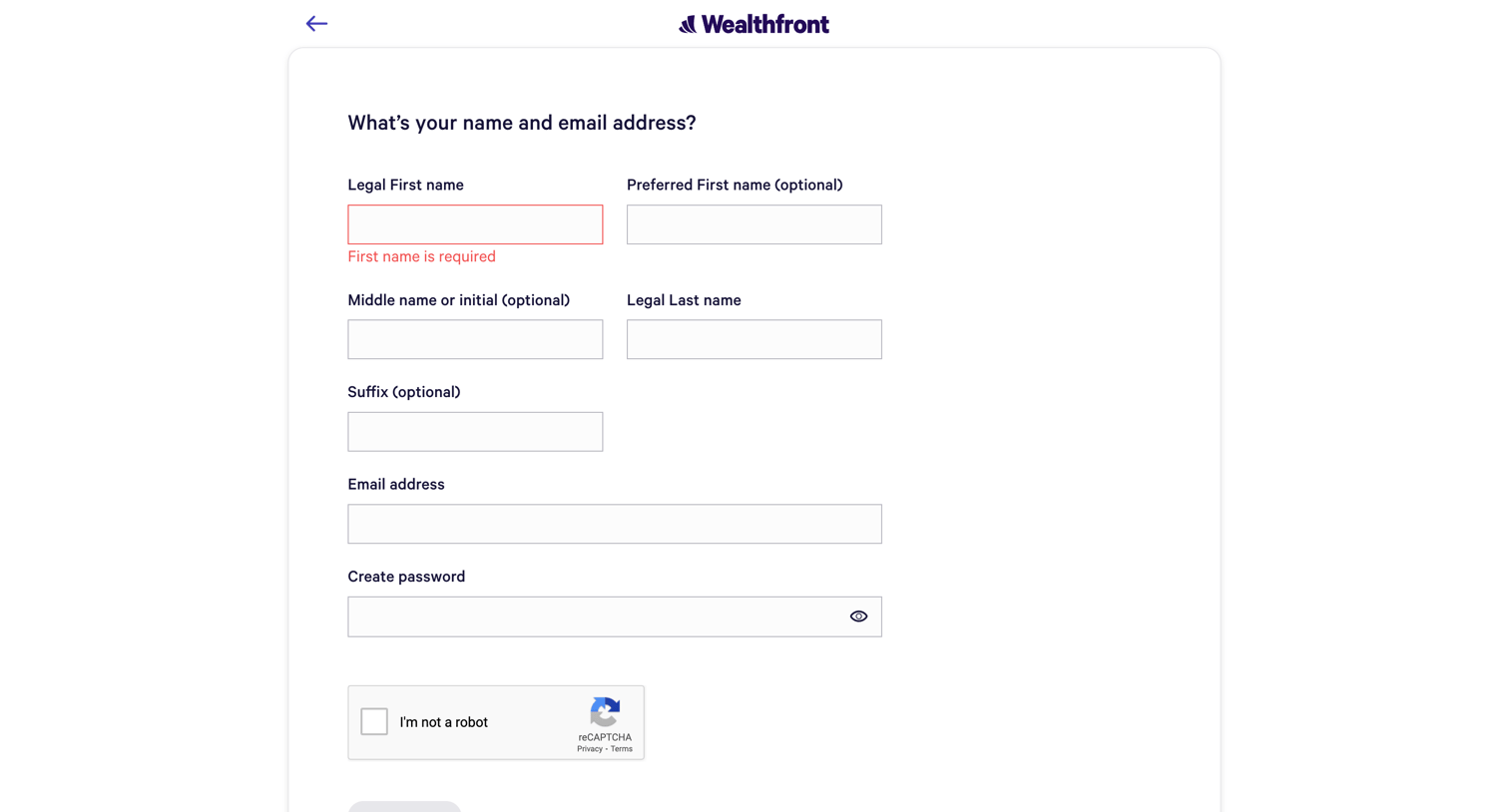
Signup page where the user enters their personal details and email to create an account, currently showing a validation error for a missing first name.
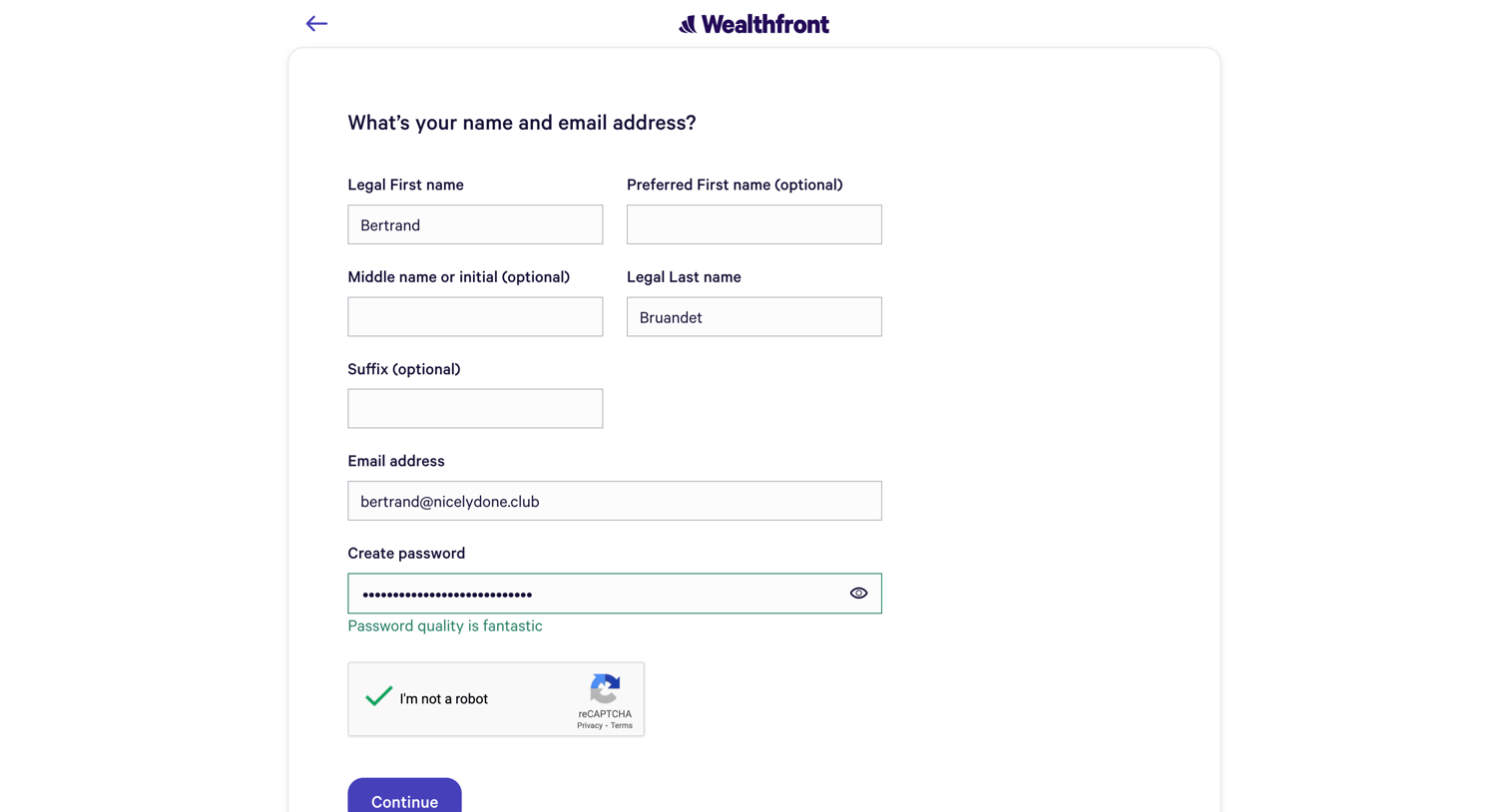
Signup page where the user enters their legal name, email address, and creates a password to start their account.
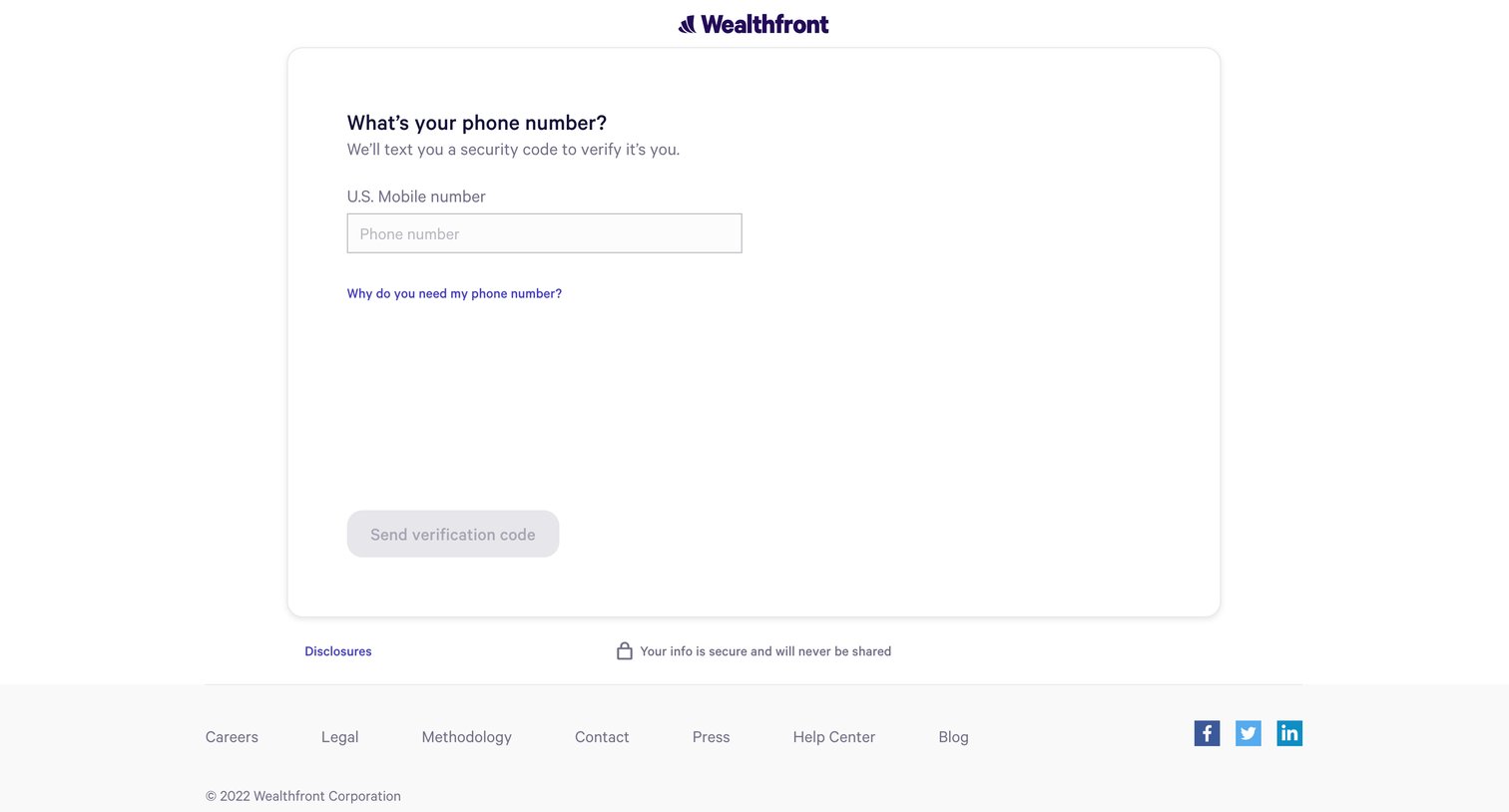
Verification screen where the user enters their U.S. mobile number to receive a security code via text message.
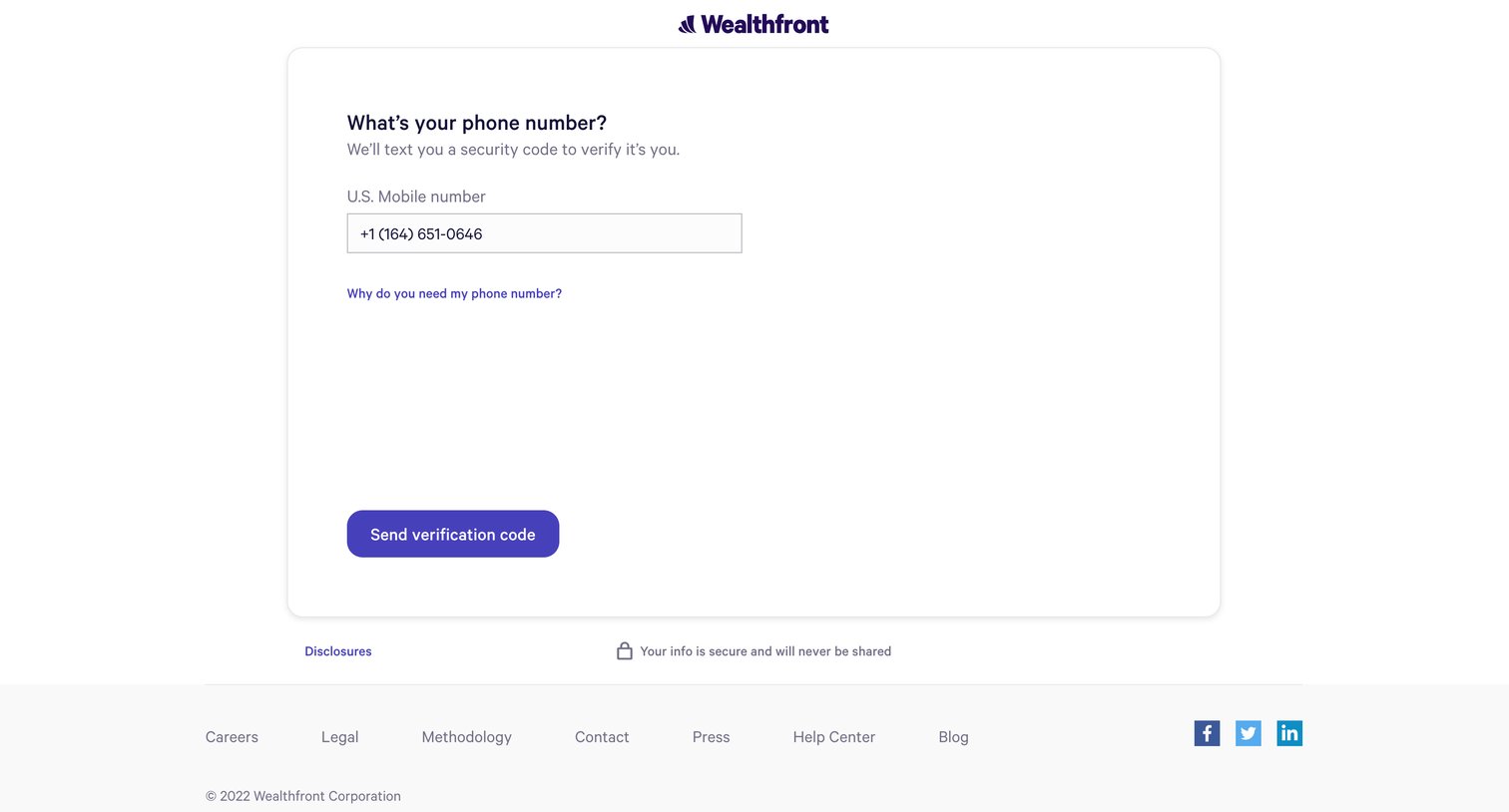
Verification screen where the user enters their U.S. mobile number to receive a security text code.
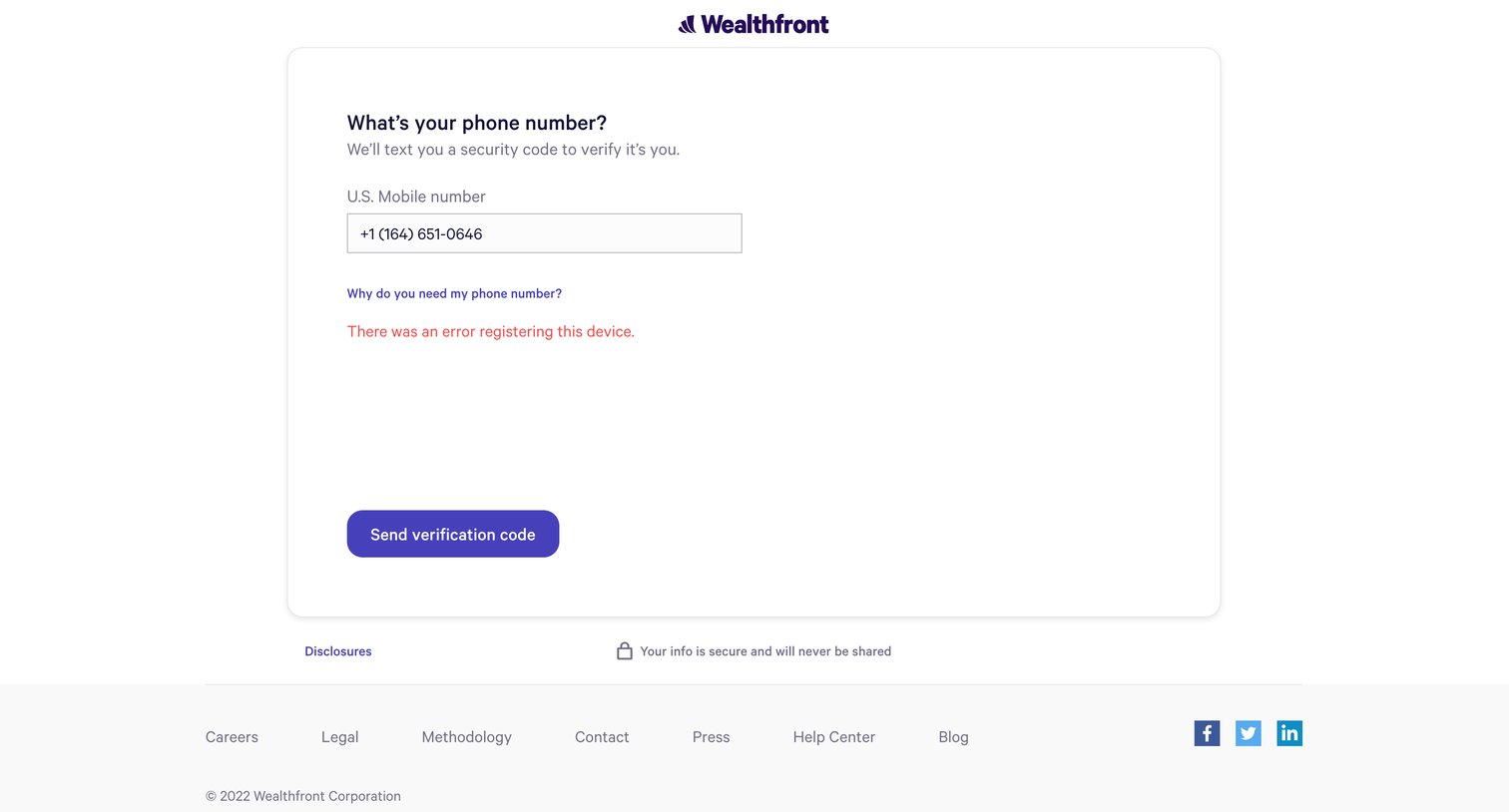
Verification screen where the user attempts to submit their phone number for MFA setup but encounters a device registration error.
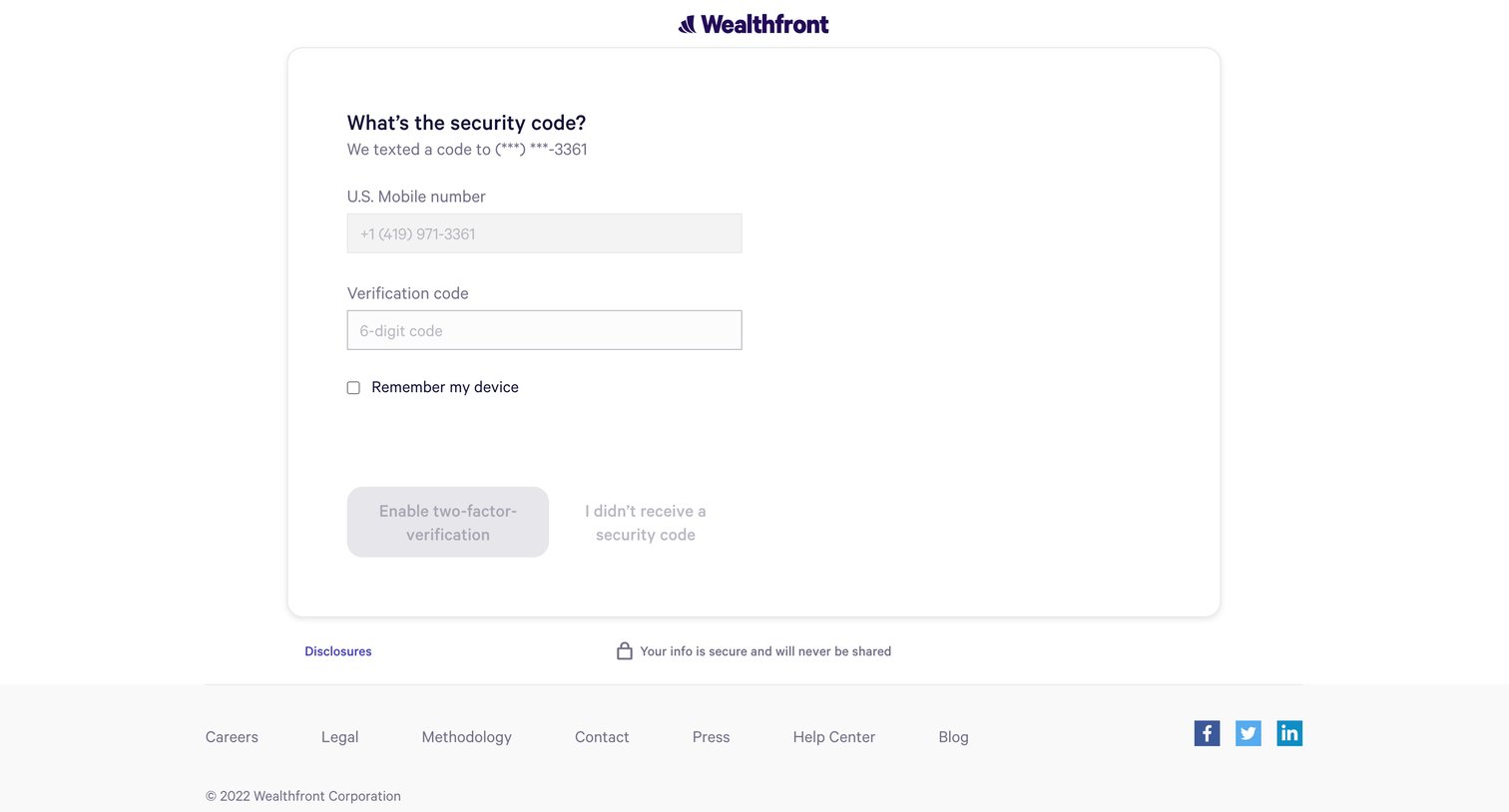
Verification screen where the user enters a 6-digit SMS security code to enable two-factor authentication.
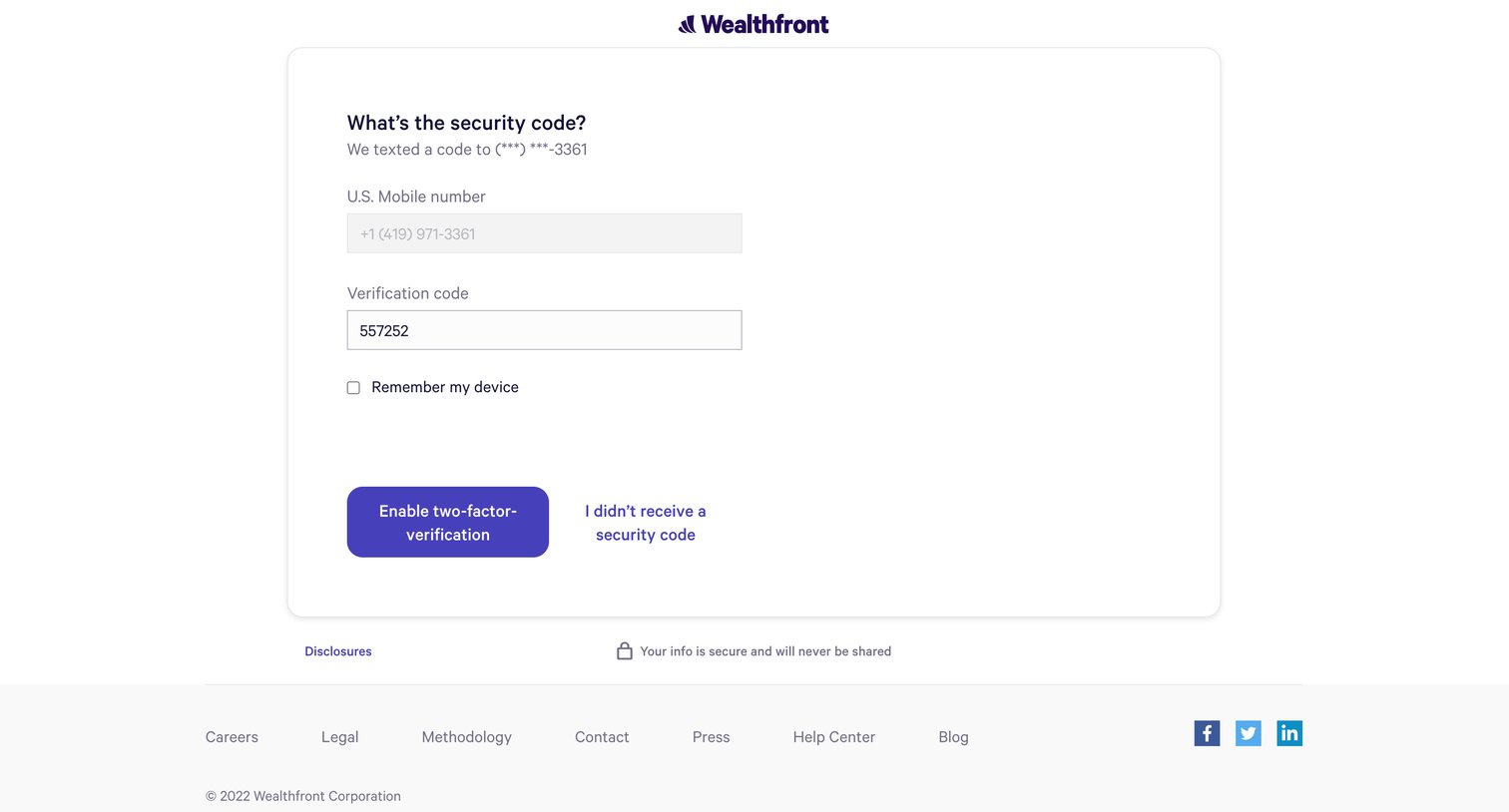
Verification screen where the user enters a security code texted to their mobile number to enable two-factor verification.
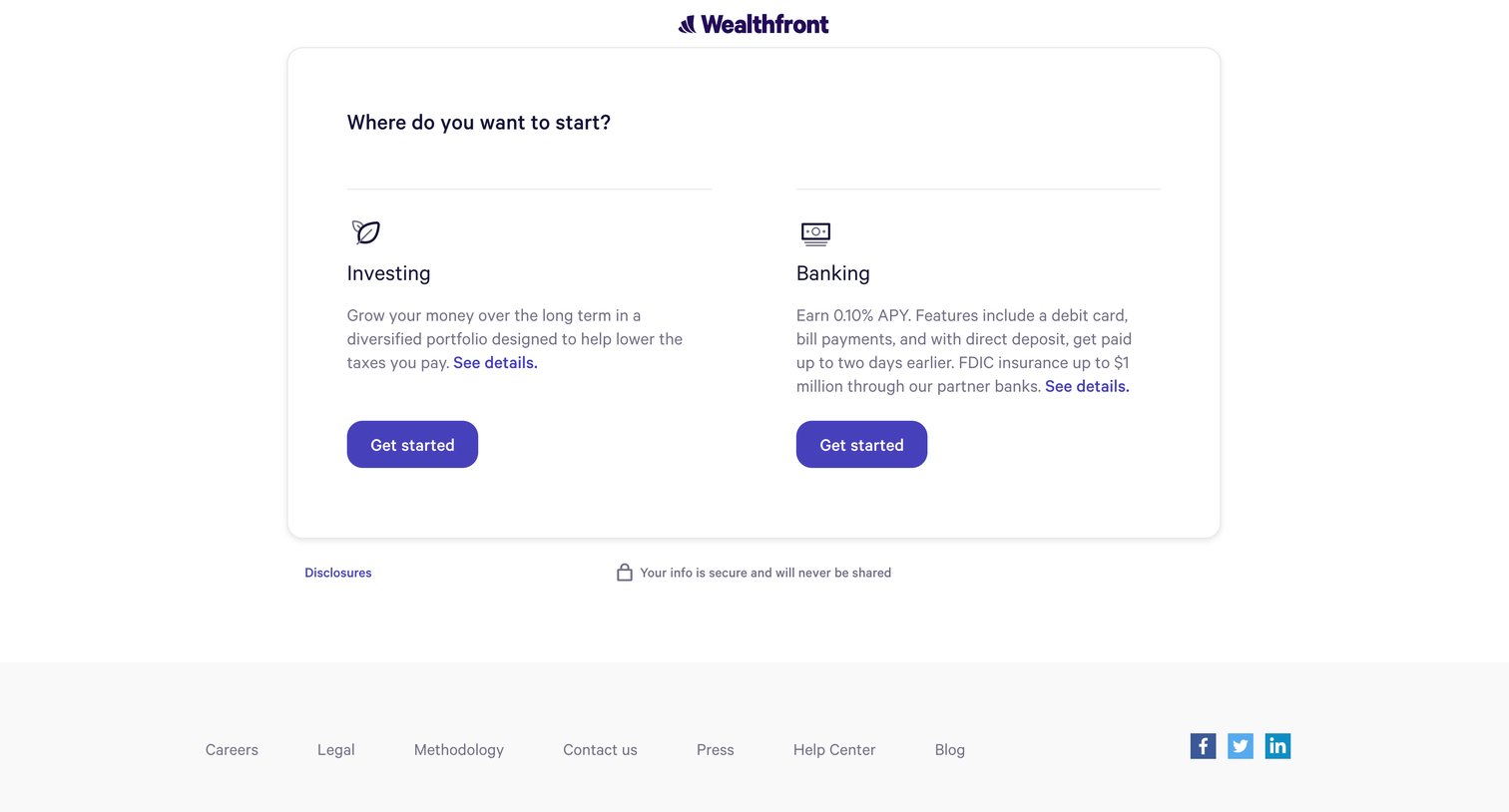
Onboarding step where the user chooses to start with either an investing or banking account.
Browse the full SaaS app library
Explore real SaaS apps with their product screens, marketing screens, flows, and components.
Trusted by the best teams







