
Otter design examples
Explore Otter UI design examples. Voice meeting notes
Product screens
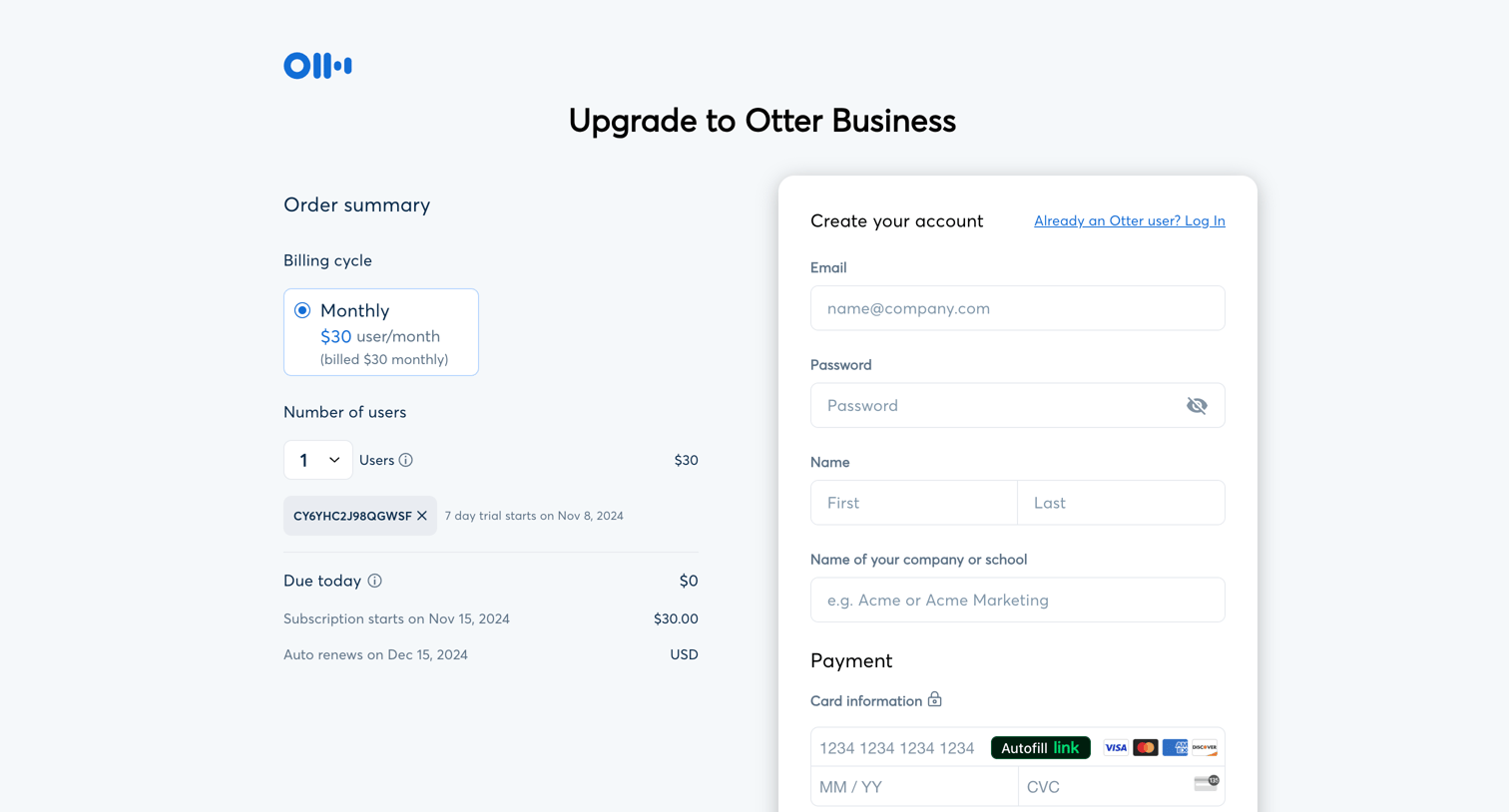
Checkout page where the user creates an Otter Business account, applies a promo code, and enters payment details to start a 7-day free trial.
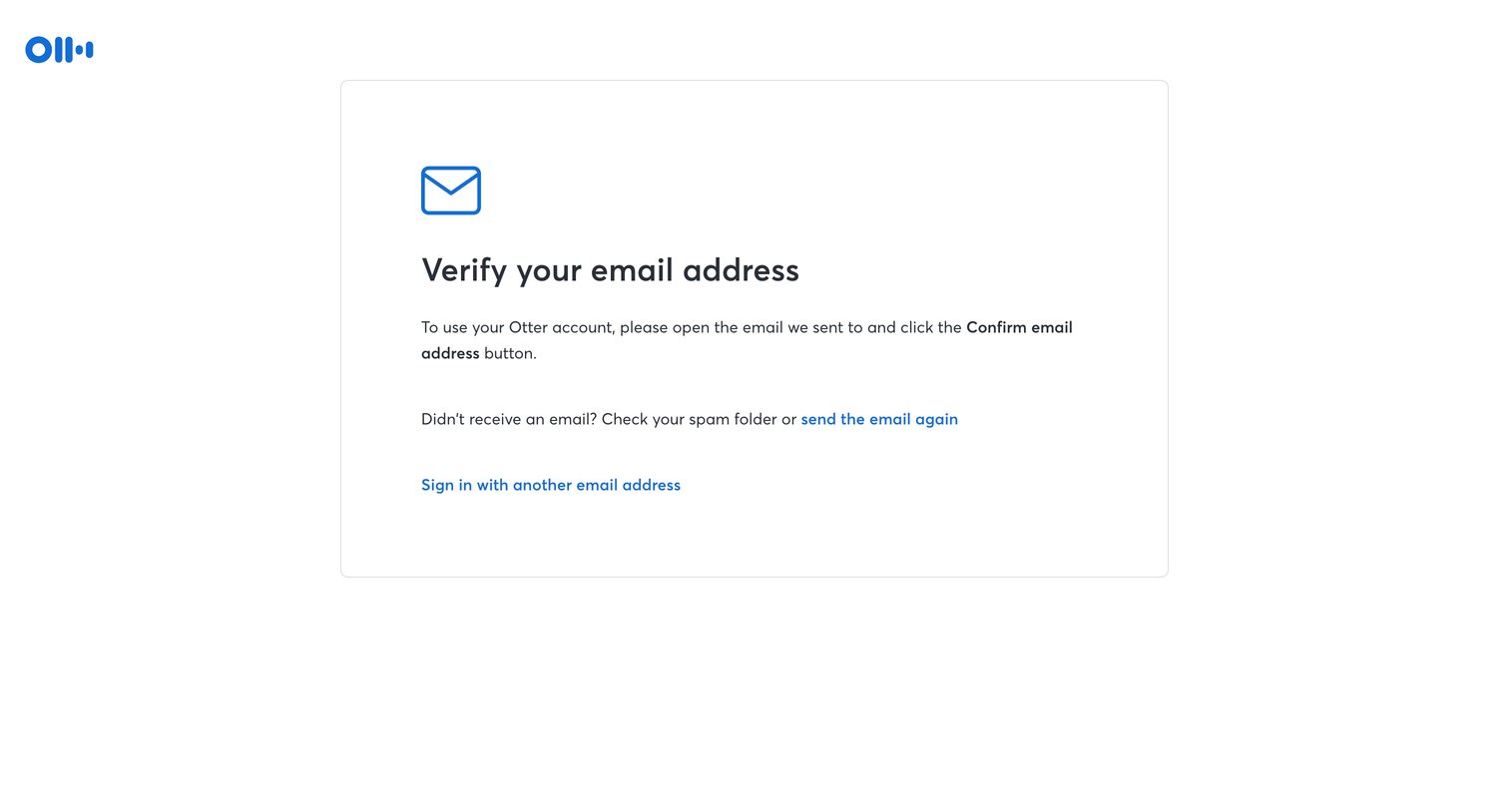
Verification screen where the user is instructed to check their inbox to confirm their email, with options to resend the link or sign in with a different address.
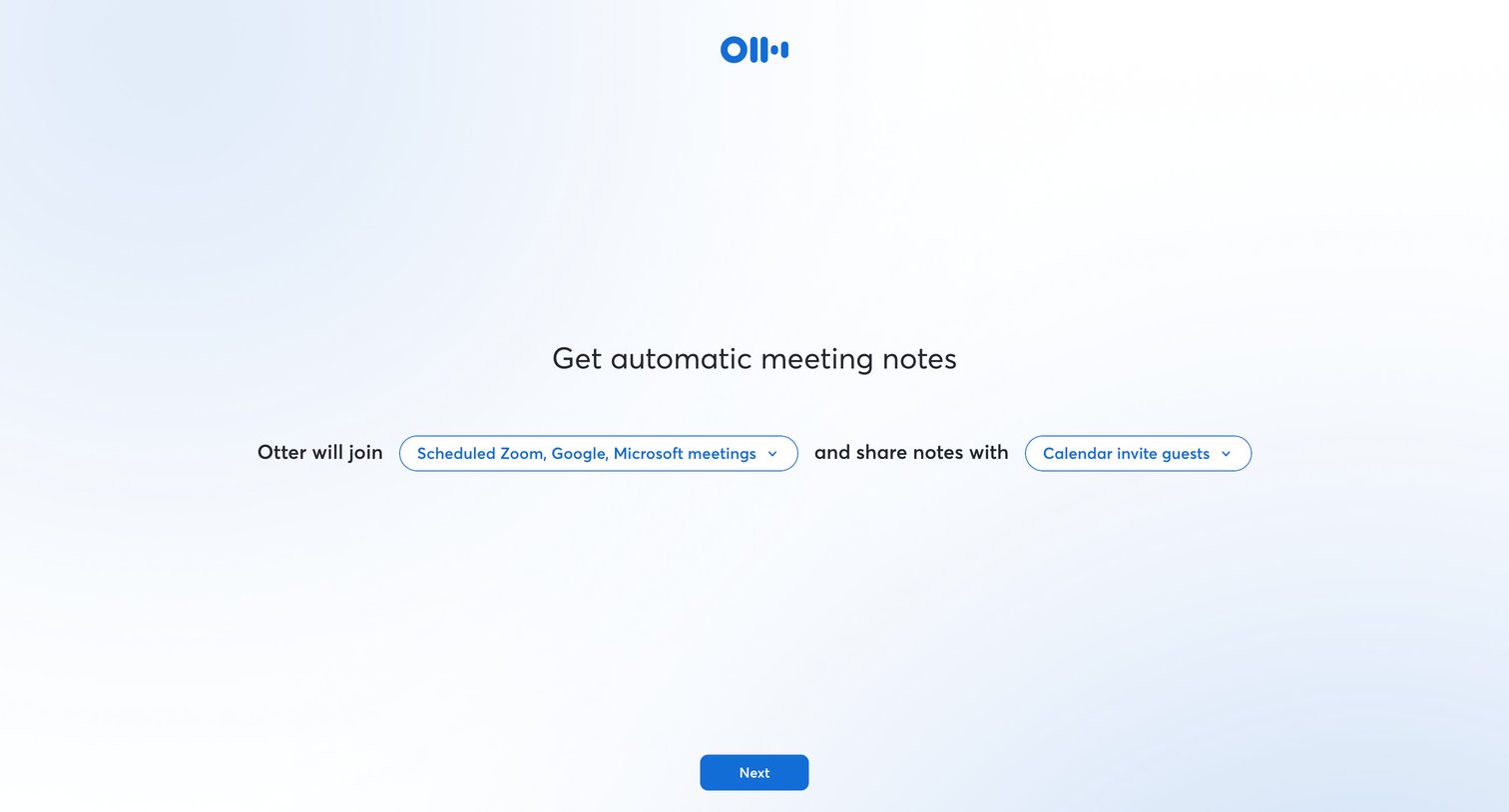
Onboarding step where the user configures which meetings the assistant will automatically join and who it will share notes with via an inline sentence form.
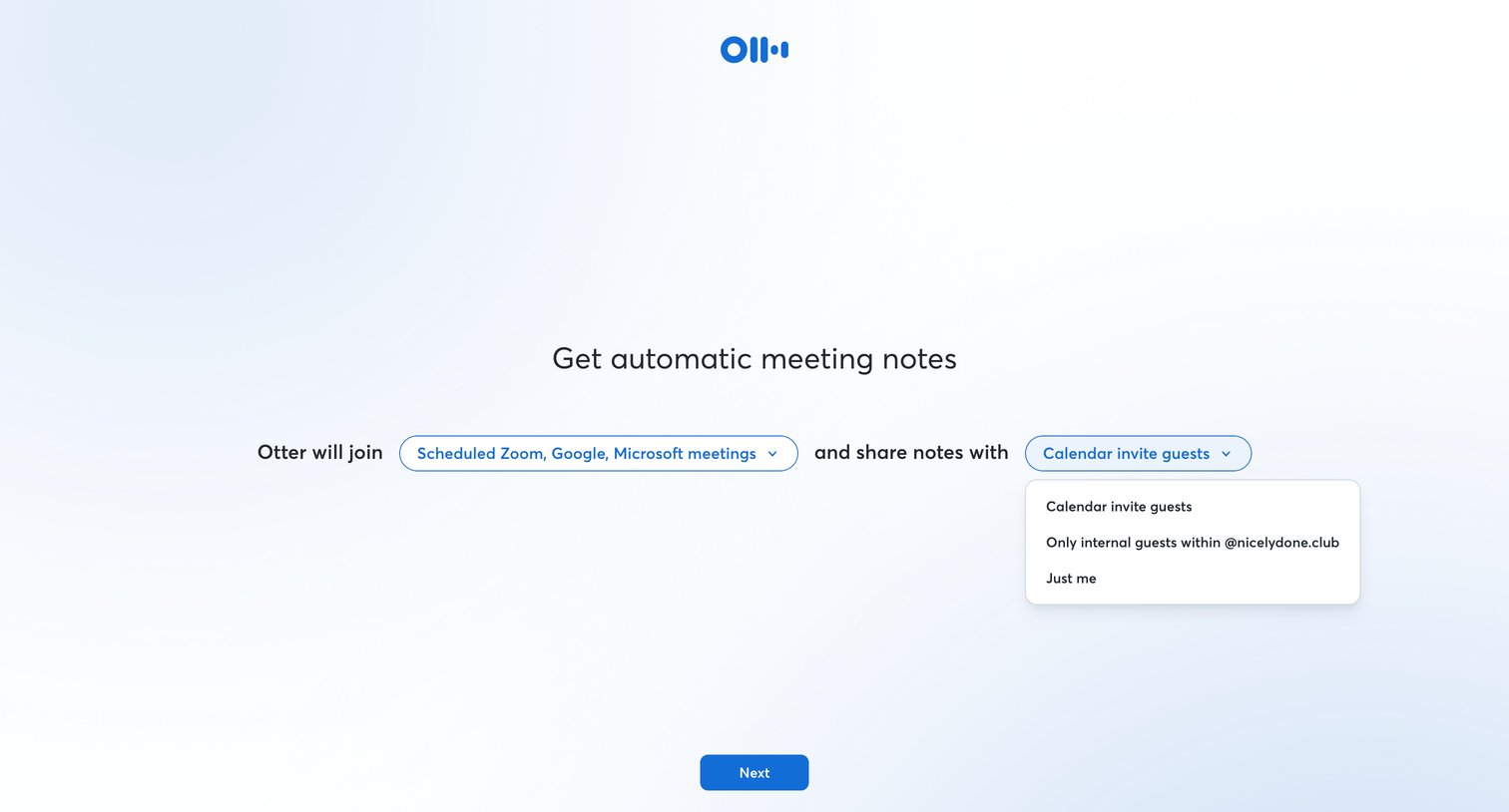
Onboarding step where the user configures automatic meeting notes by selecting which meetings the assistant should join and who to share notes with via a natural language form.
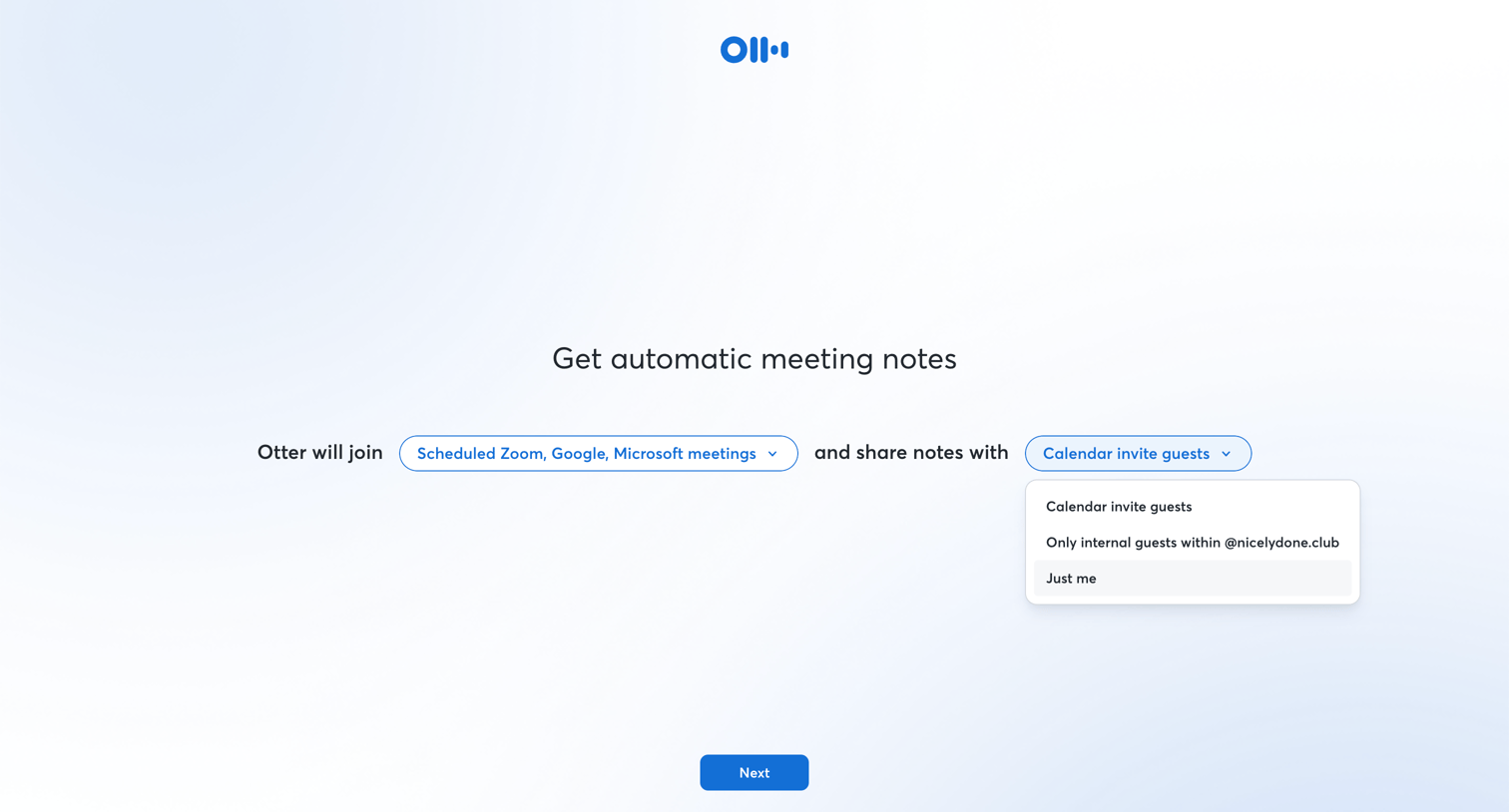
Onboarding step where the user configures which meetings the AI assistant will automatically join and who it will share notes with.
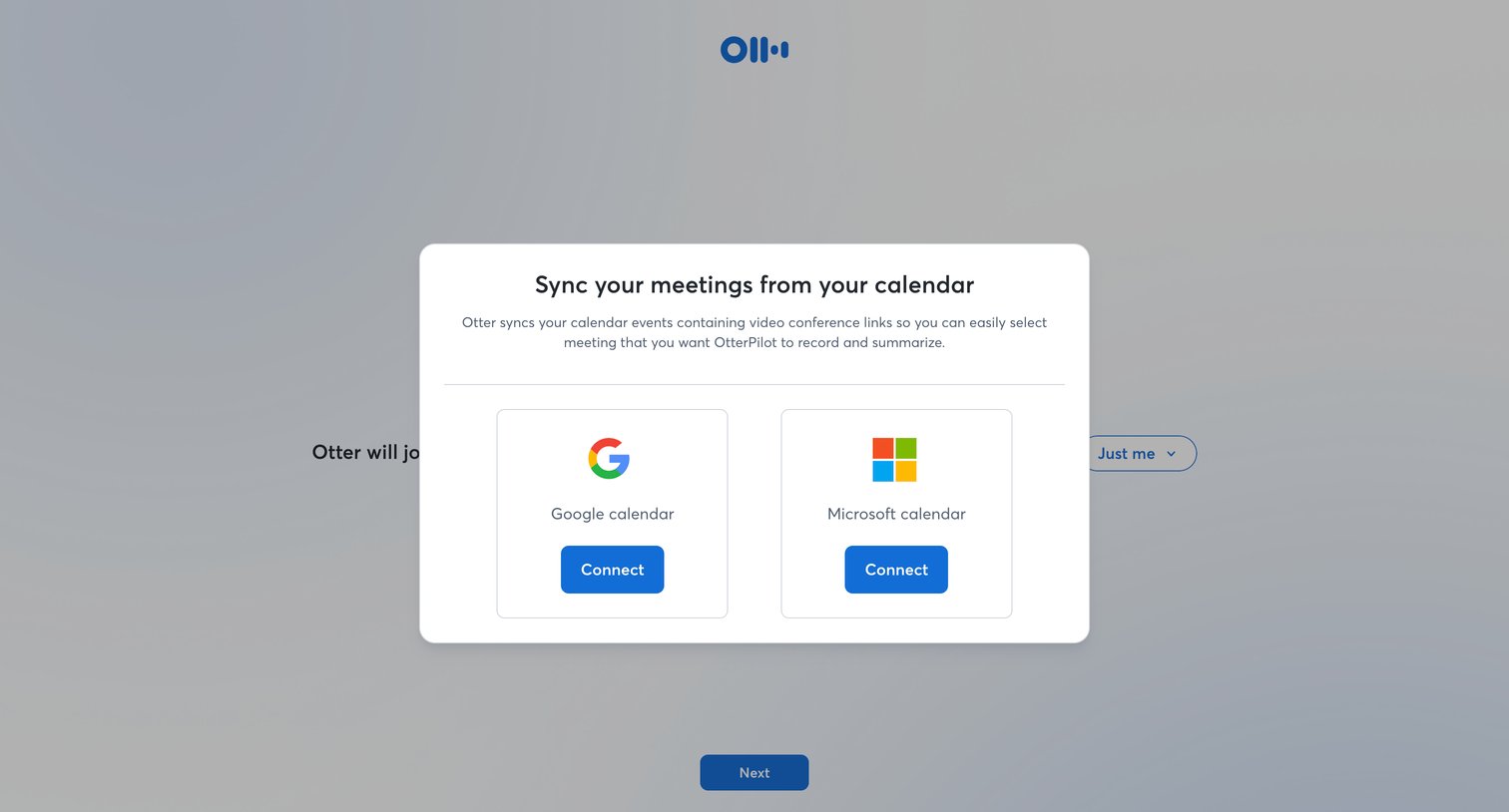
Onboarding step where the user is prompted to connect their Google or Microsoft calendar to automatically sync and record meetings.
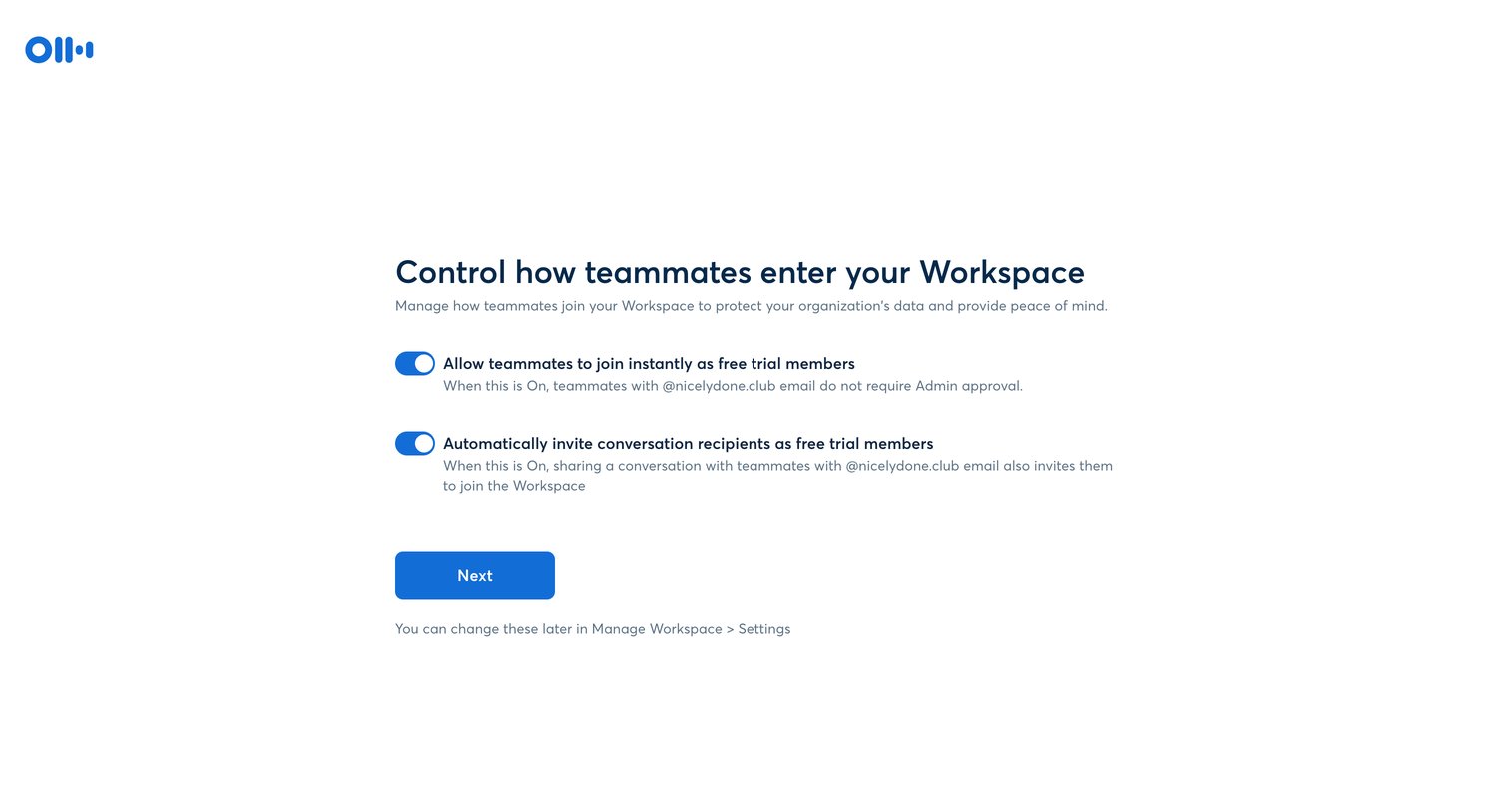
Onboarding step where the user configures workspace access rules, such as allowing instant joins and automatic invitations for teammates with a specific email domain.
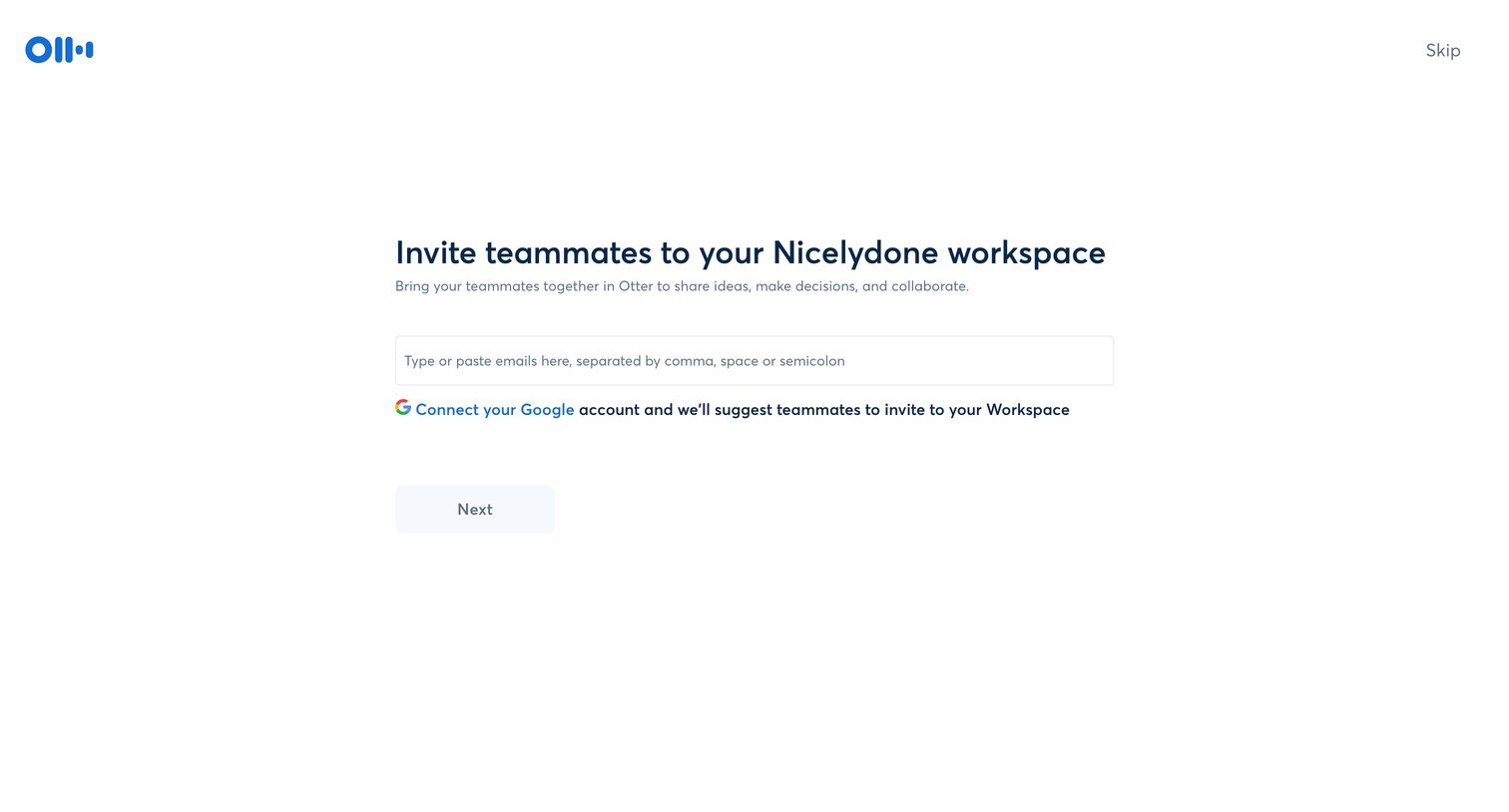
Onboarding step where the user is prompted to invite teammates to their new workspace via email input or by connecting their Google account.
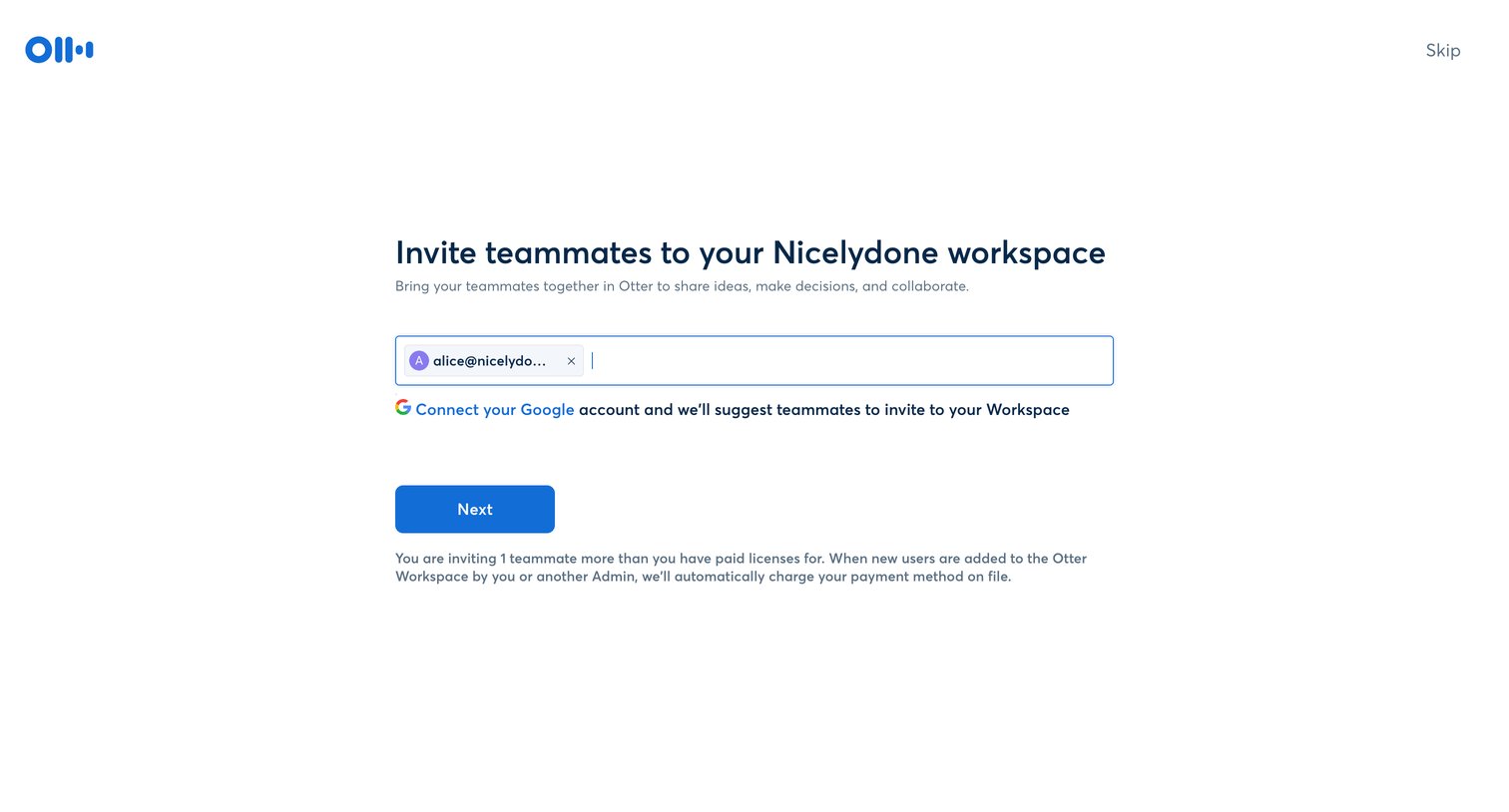
Onboarding step where the user invites teammates to their Nicelydone workspace by entering email addresses or connecting a Google account.
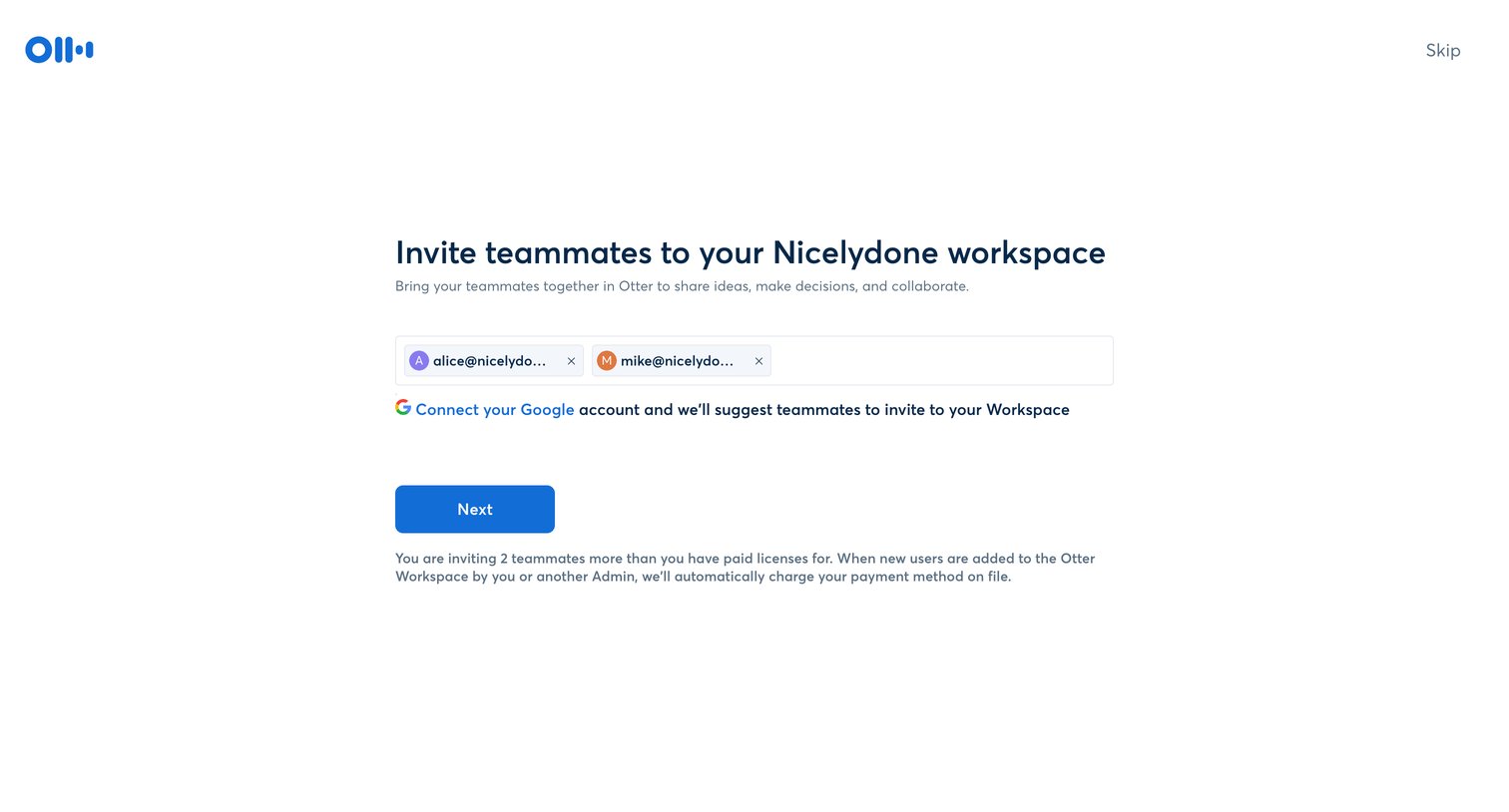
Onboarding step where the user invites teammates to their new workspace by entering email addresses or connecting their Google account, with a warning about billing for additional licenses.
Browse the full SaaS app library
Explore real SaaS apps with their product screens, marketing screens, flows, and components.
Trusted by the best teams







