
Polar user flows examples
Explore Polar user flow examples. Preview the opening screens and steps for each task. Sell SaaS and digital products in minutes
Preview these flows
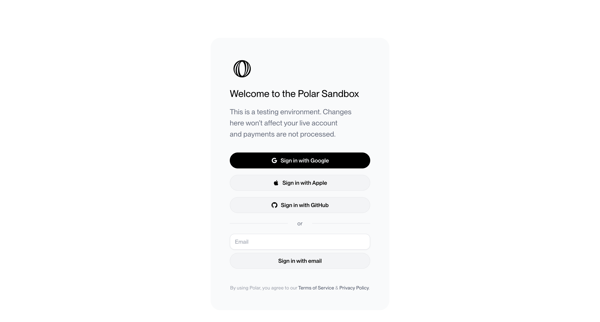
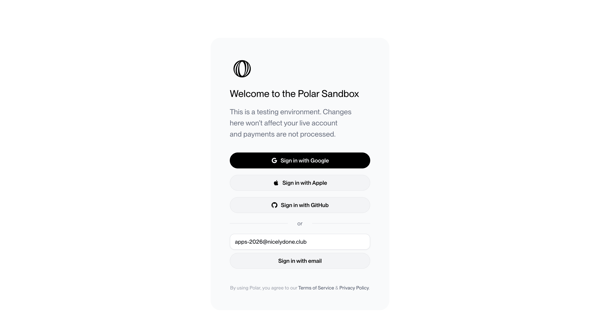
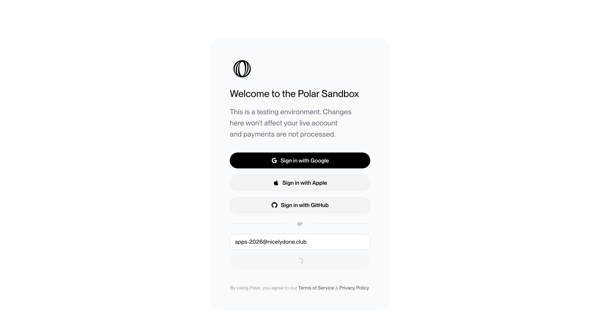
Authenticating to Polar sandbox environment via OAuth providers or email magic link with OTP verification
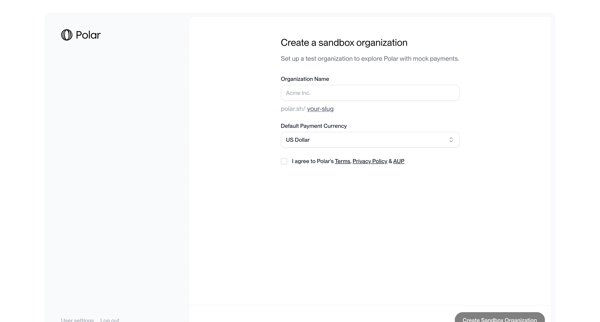
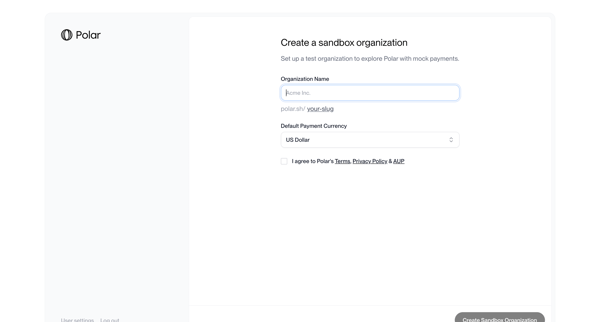
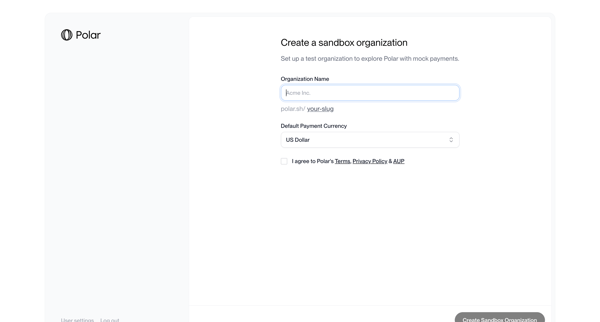
User completes multi-step onboarding to create a sandbox organization by naming it, selecting default currency, agreeing to terms, and enabling mock payments testing
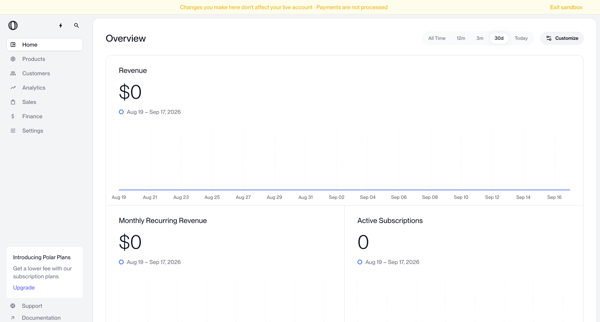
Viewing sandbox overview metrics dashboard with revenue, MRR, and subscription charts
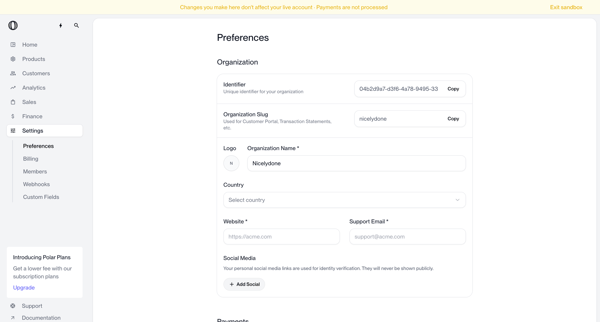
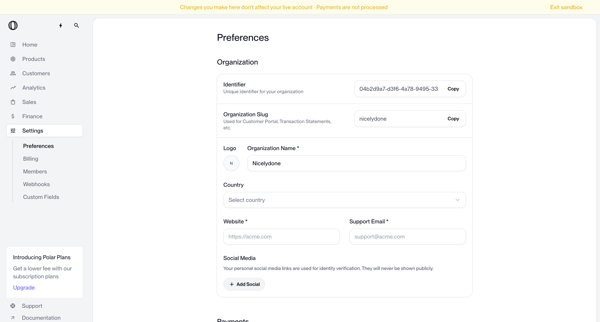
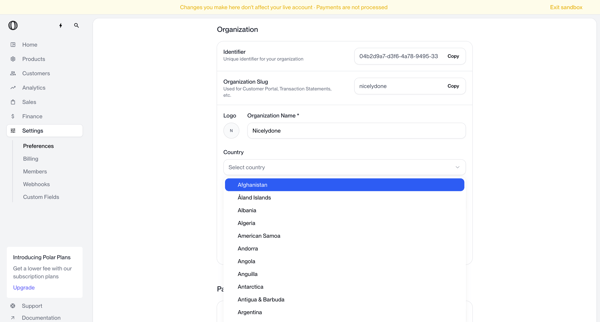
User opens organization settings form in Polar to view and edit details including identifier, slug, name, country, website, support email, social links, and default payment currency while in sandbox mode.
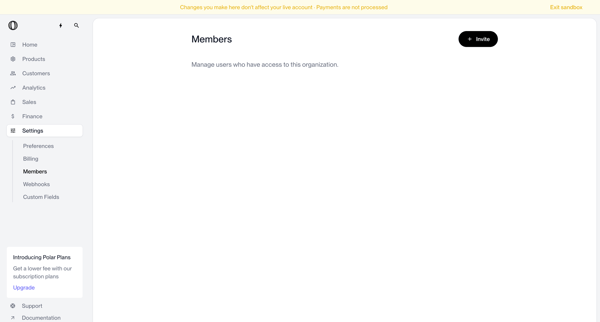
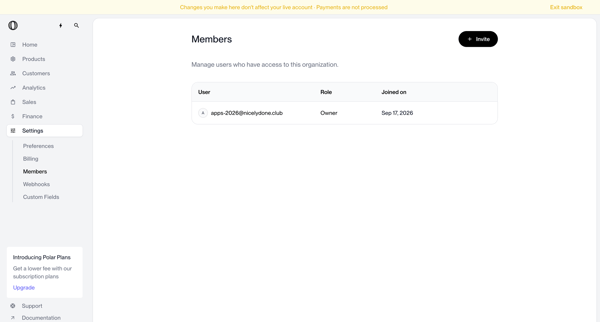
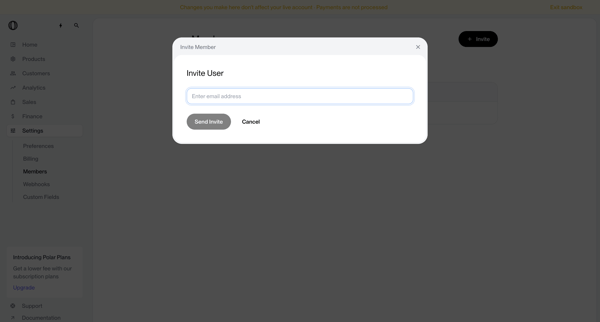
Admin user starts from empty or populated team members settings, opens invite modal, enters email, handles validation error, submits, and confirms addition via success toast and updated member list
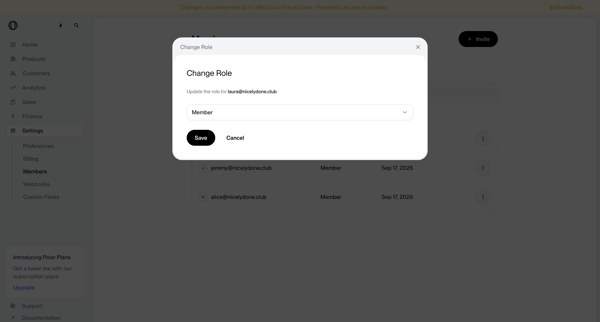
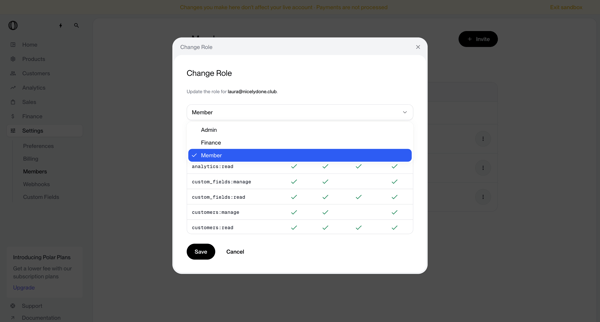
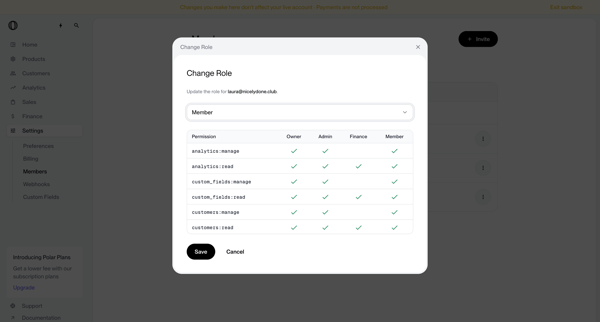
Admin updates a workspace member's role via dropdown selection and permissions preview inside a settings modal
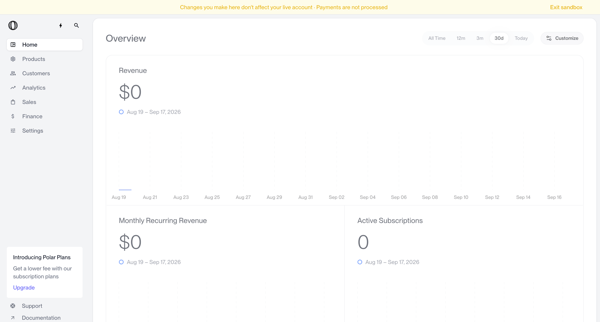
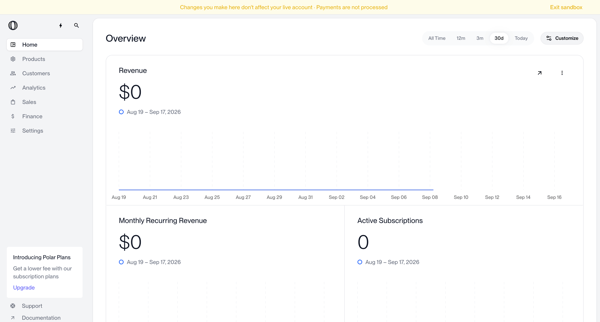
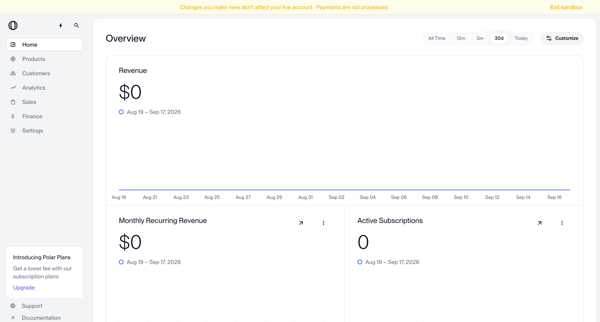
Sandbox dashboard views of revenue, MRR, subscriptions, and zero-state metrics with upgrade prompts and time-range filtering
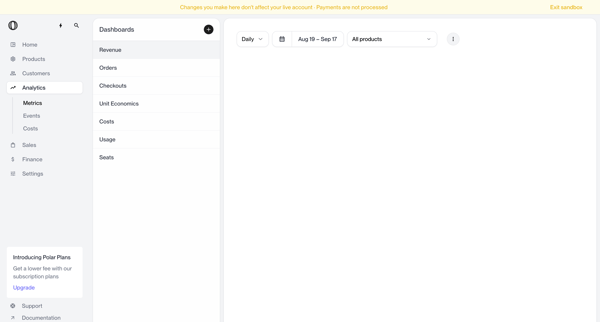
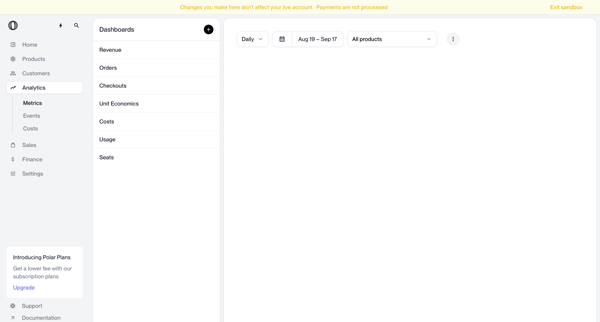
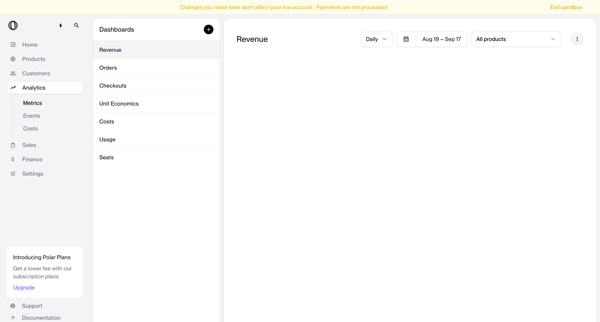
Journey through revenue analytics dashboard applying date range, granularity, and product filters in sandbox mode
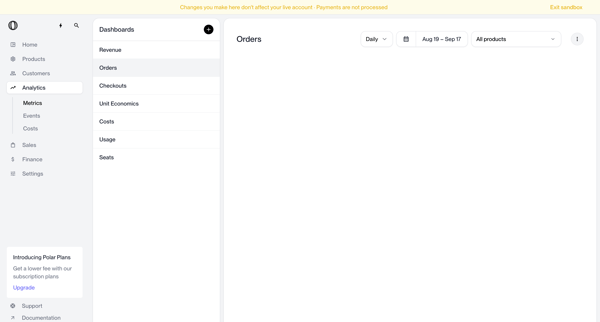
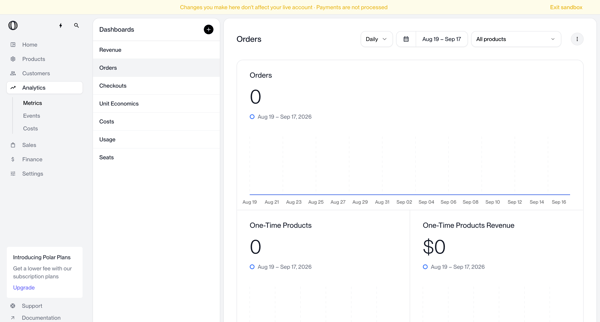
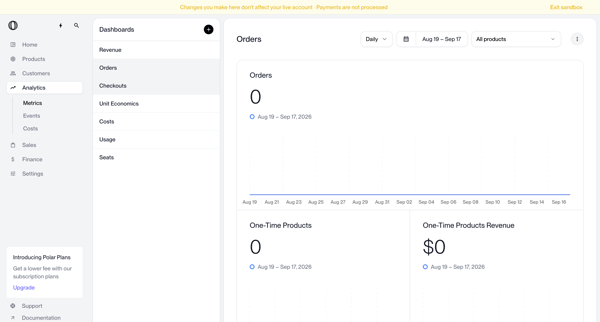
Applying date range and product filters on the Orders Analytics Dashboard to view time-series charts, order volume, and revenue metrics in default or empty states
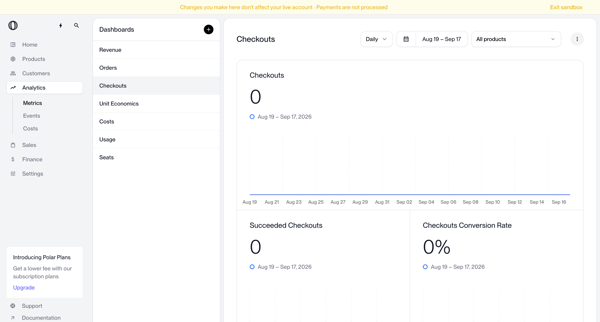
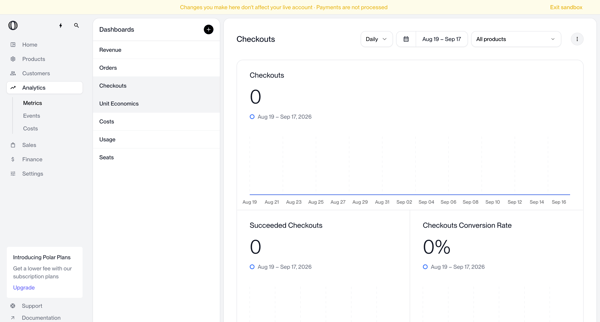
User applies date range, granularity, and product filters on the checkouts analytics dashboard to view metrics such as total checkouts, succeeded checkouts, and conversion rate
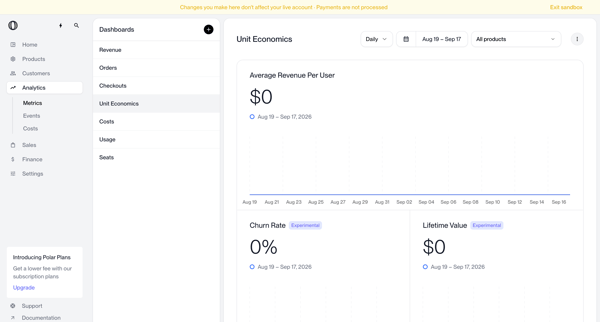
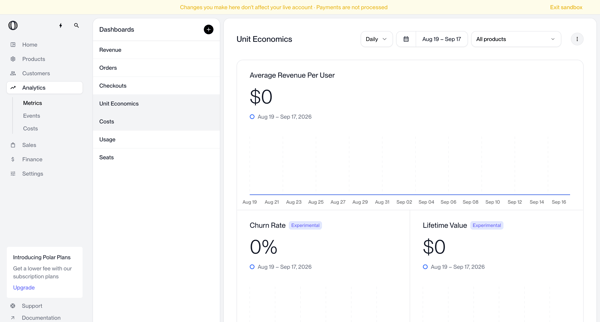
Viewing and filtering unit economics metrics dashboard with empty and populated states
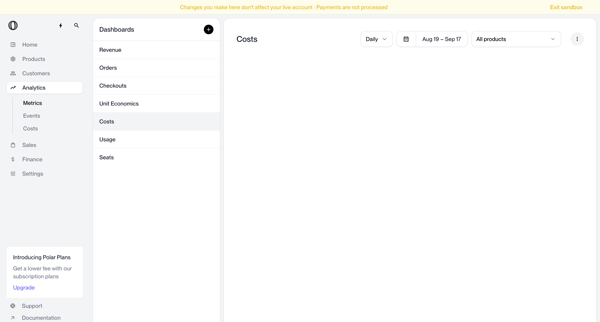
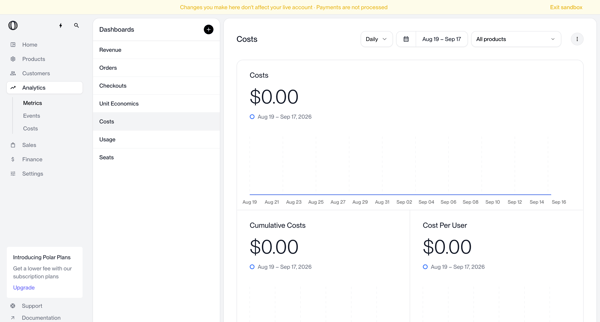
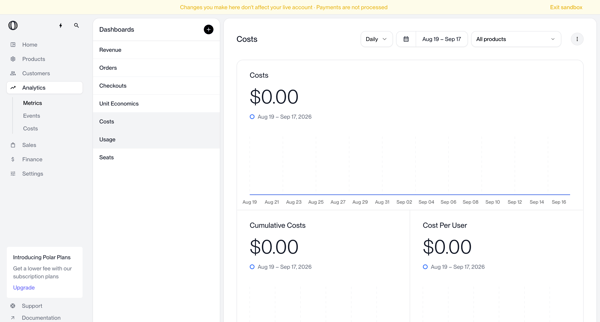
Viewing cost analytics in Polar from empty state dashboard through filtered charts and metrics views using date and product filters in sandbox mode
Explore the full SaaS flow library
Browse the full SaaS flow library.
Trusted by the best teams







