
Dock design examples
Explore Dock UI design examples. The new way to manage external relationships
Product screens

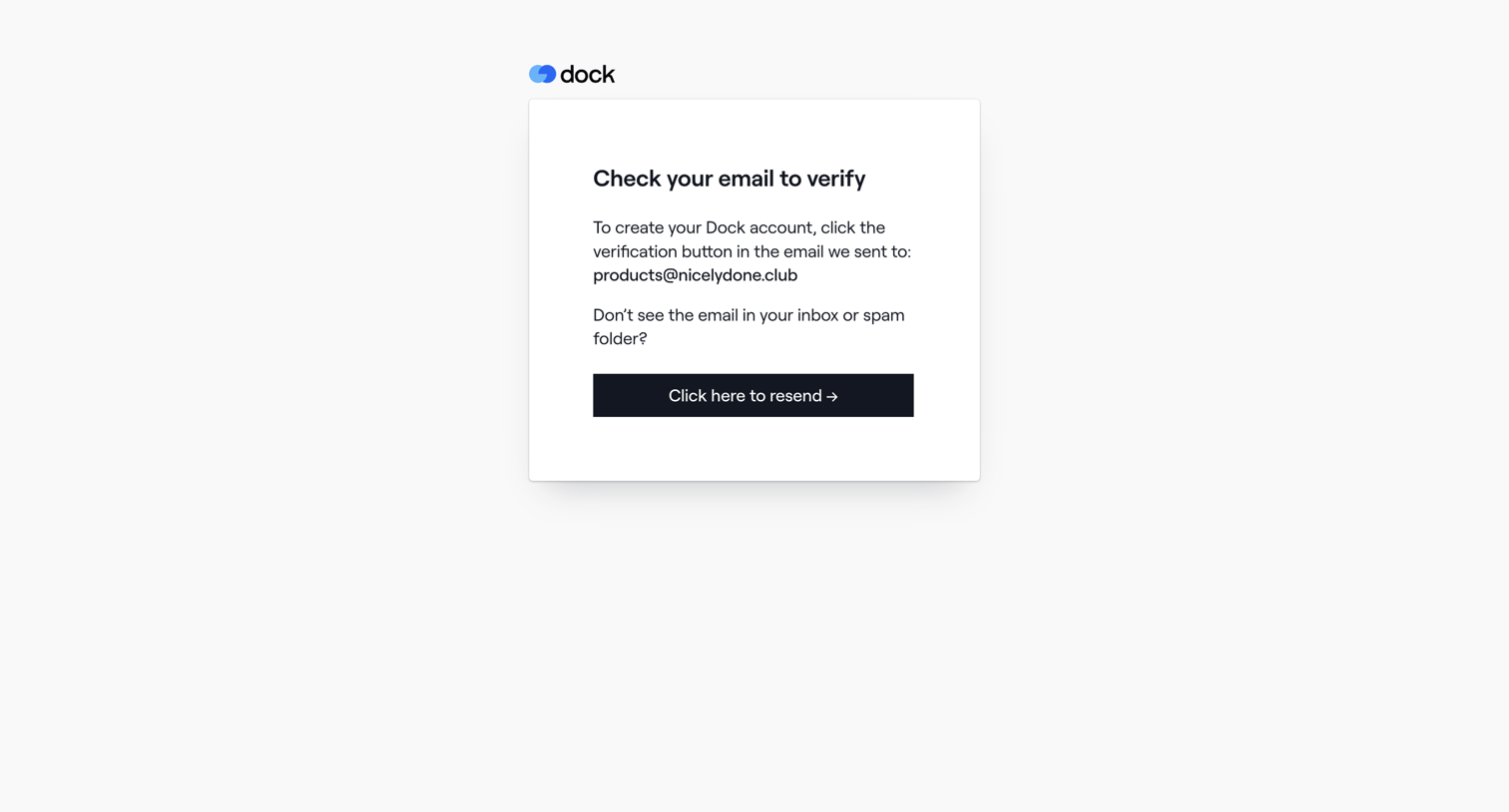
Verification screen where the user is instructed to check their inbox for a link to create their Dock account.
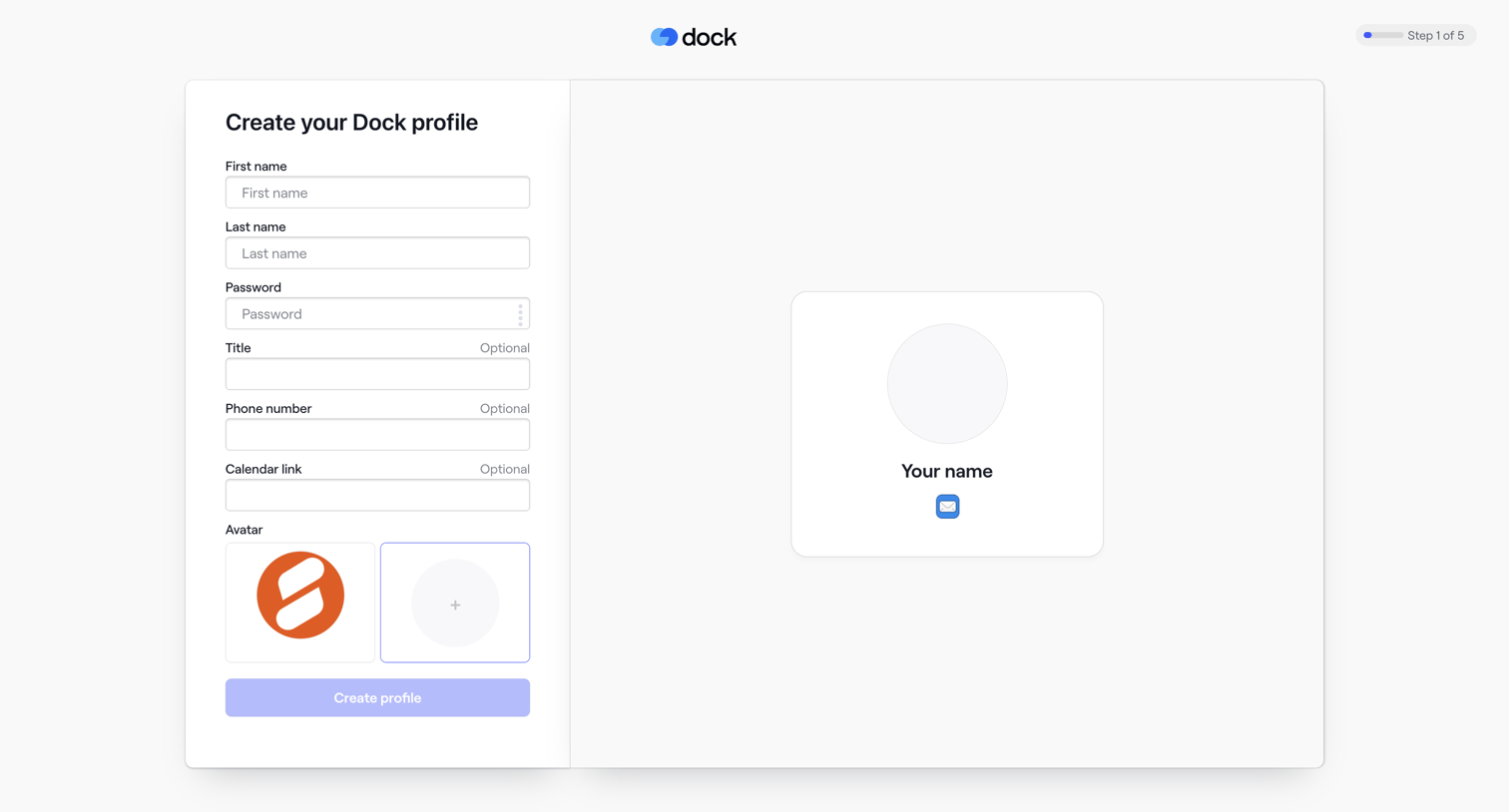
Signup step where the user creates their profile by entering their name, password, title, phone number, calendar link, and selecting an avatar.
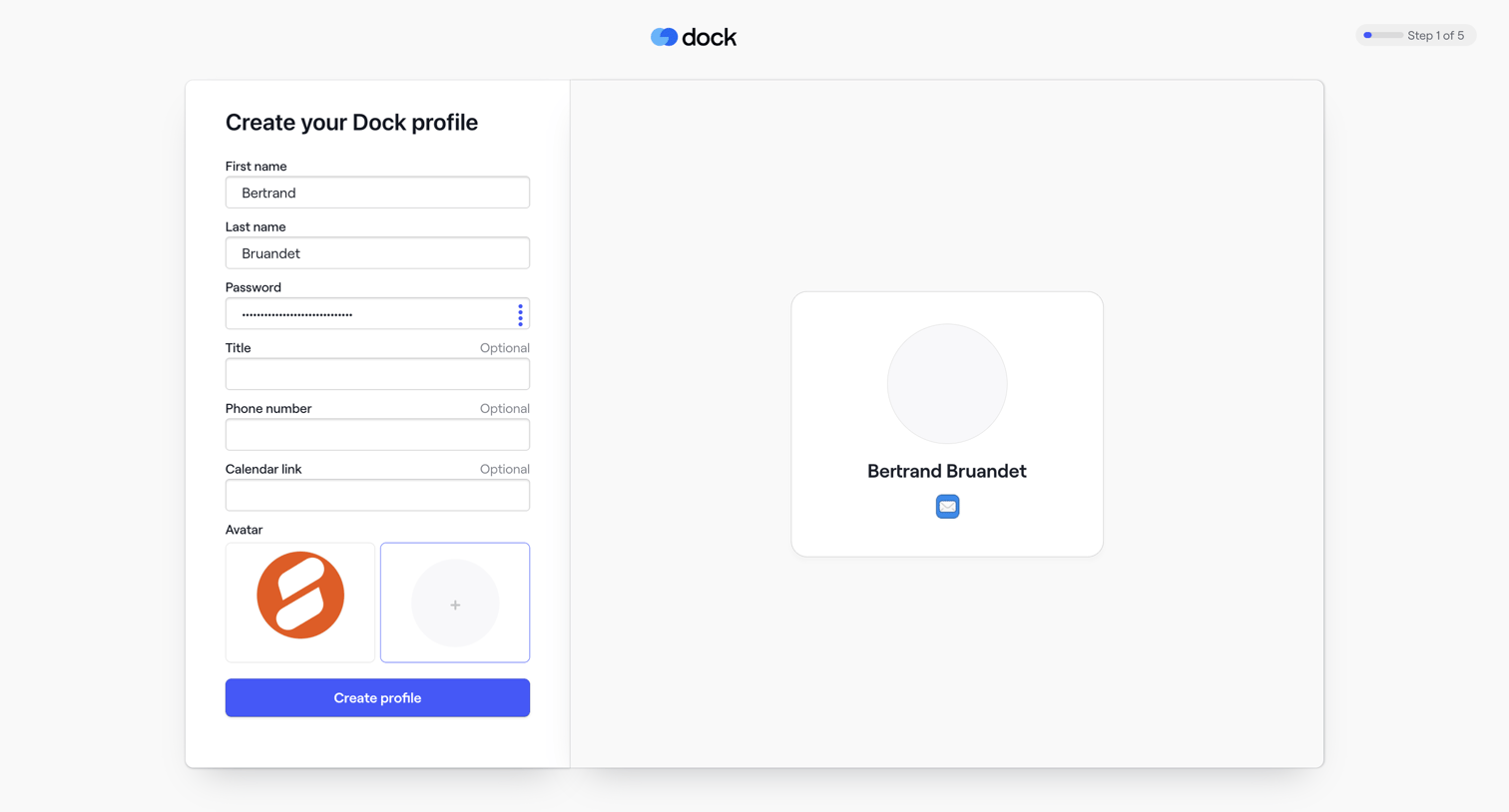
Signup step where the user creates their profile by entering their name, password, optional details, and selecting an avatar while viewing a live preview.
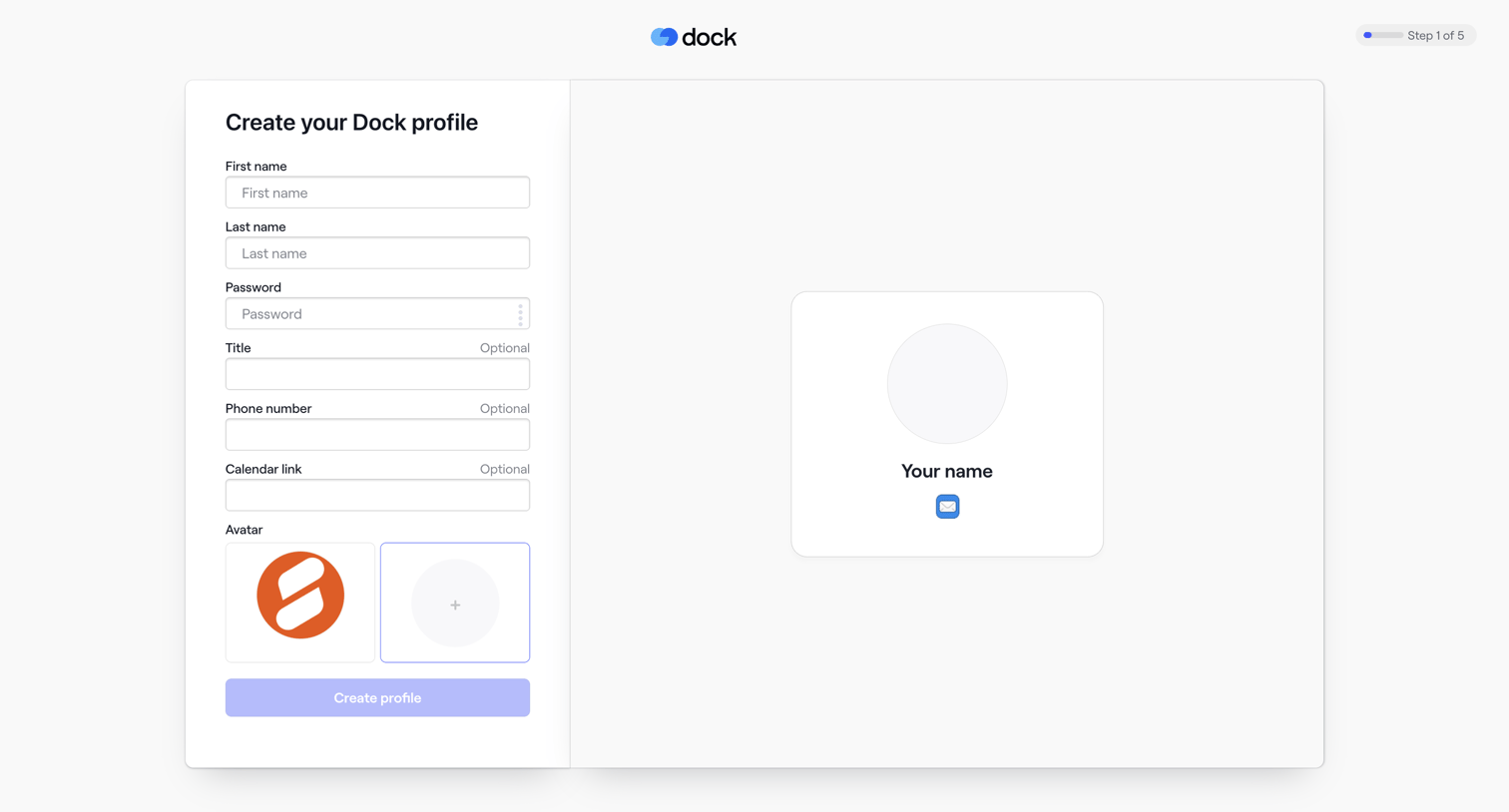
Onboarding step where the user sets up their profile by entering their name, password, and optional contact details while viewing a live preview card.
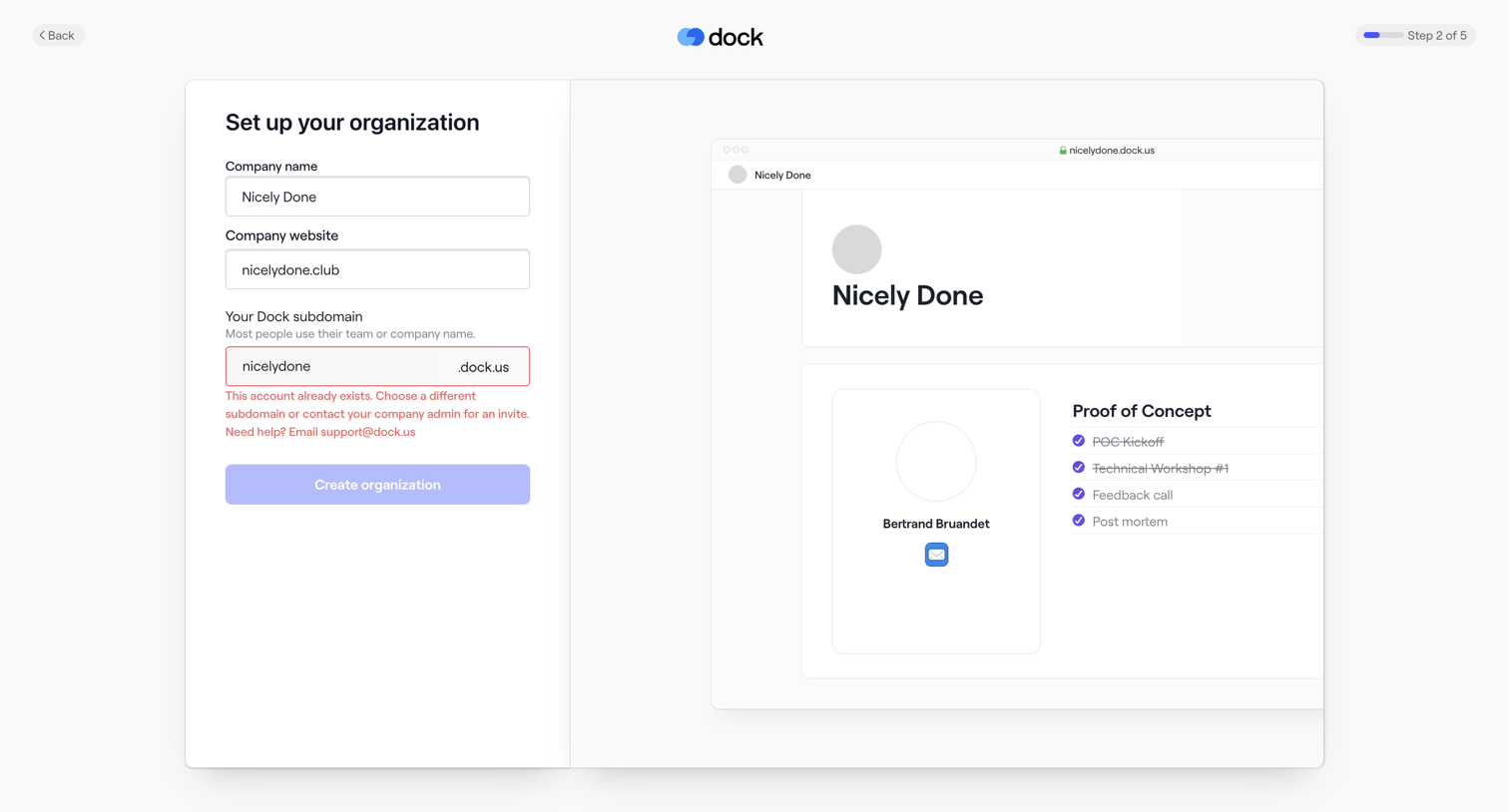
Onboarding step where the user sets up their organization by providing a company name, website, and subdomain, currently showing a validation error for an unavailable subdomain.
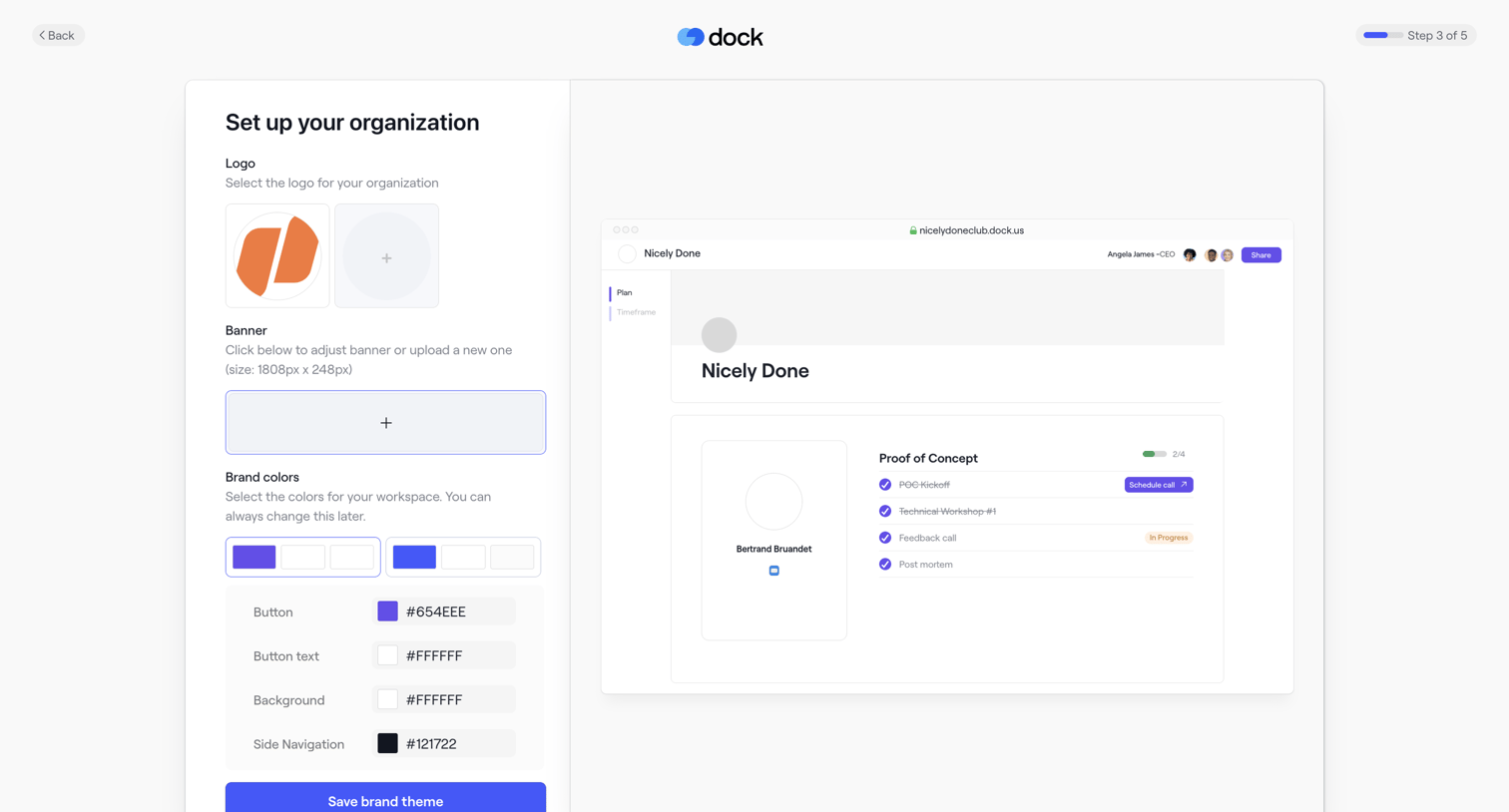
Onboarding step where the user configures their organization's logo, banner, and brand colors alongside a live preview.
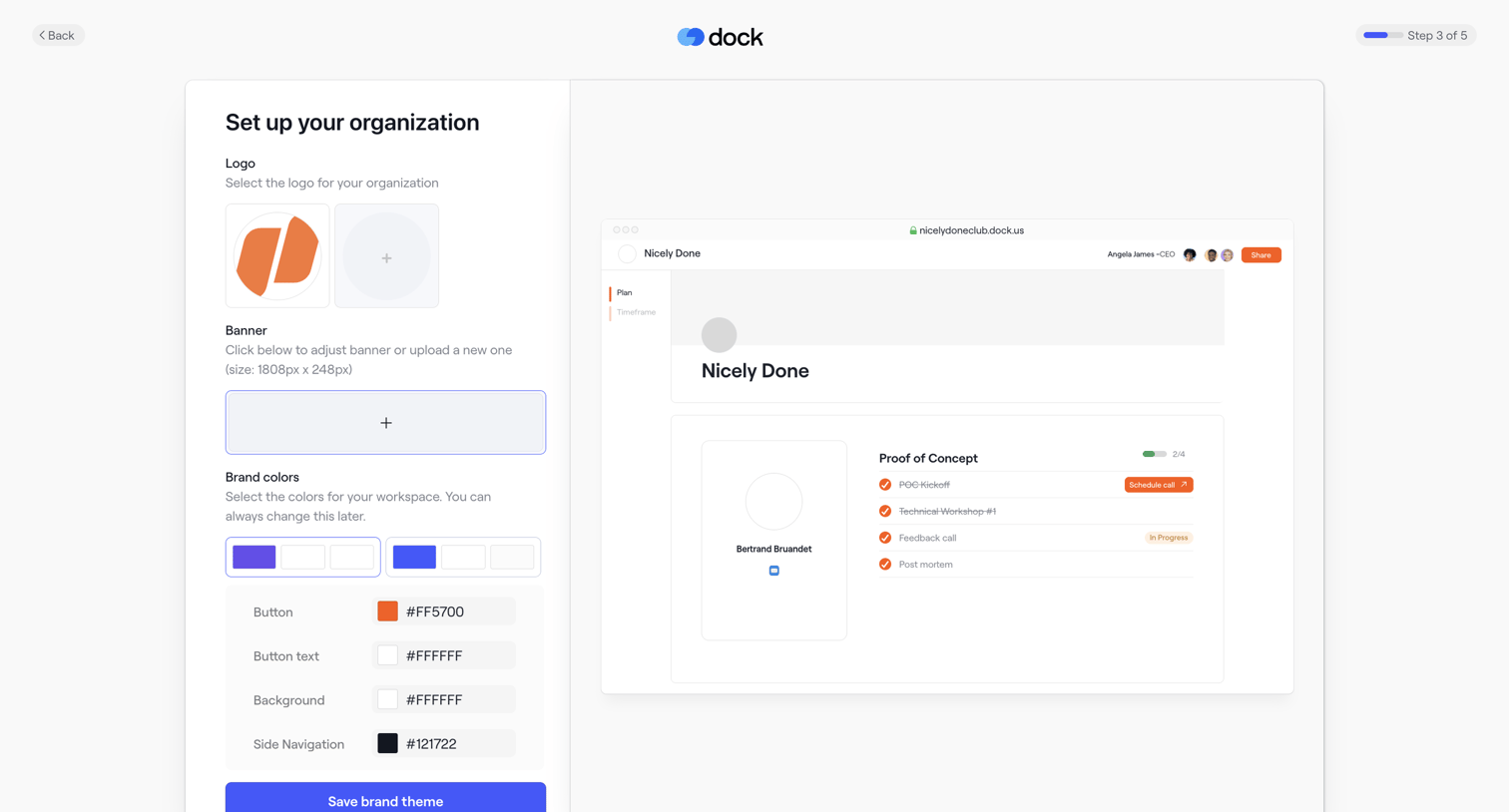
Onboarding step where the user sets up their organization's brand by uploading a logo and banner, and selecting brand colors via hex inputs, with a live preview of the resulting workspace on the right.
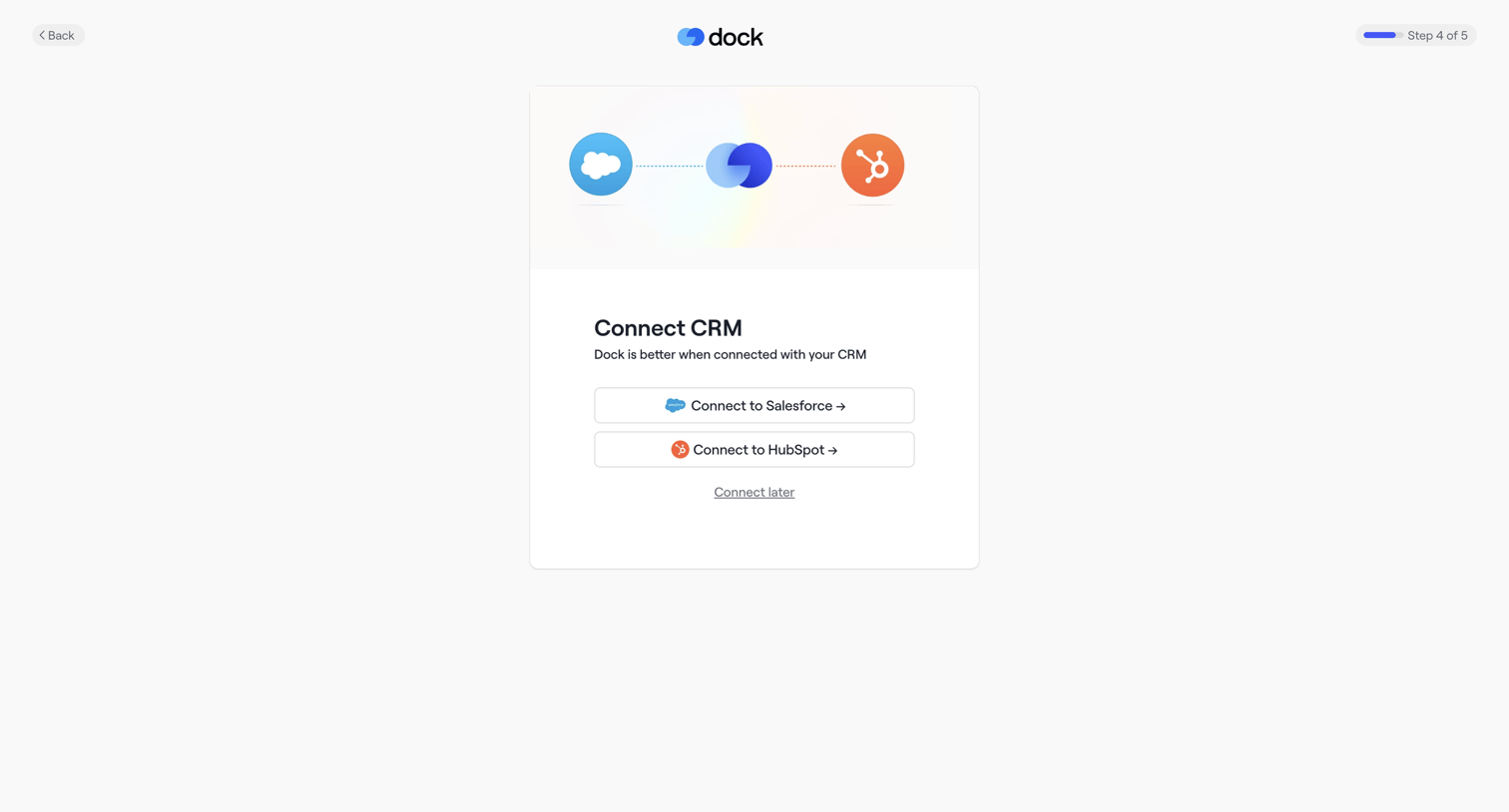
Onboarding step where the user is prompted to connect their Salesforce or HubSpot CRM to their workspace.
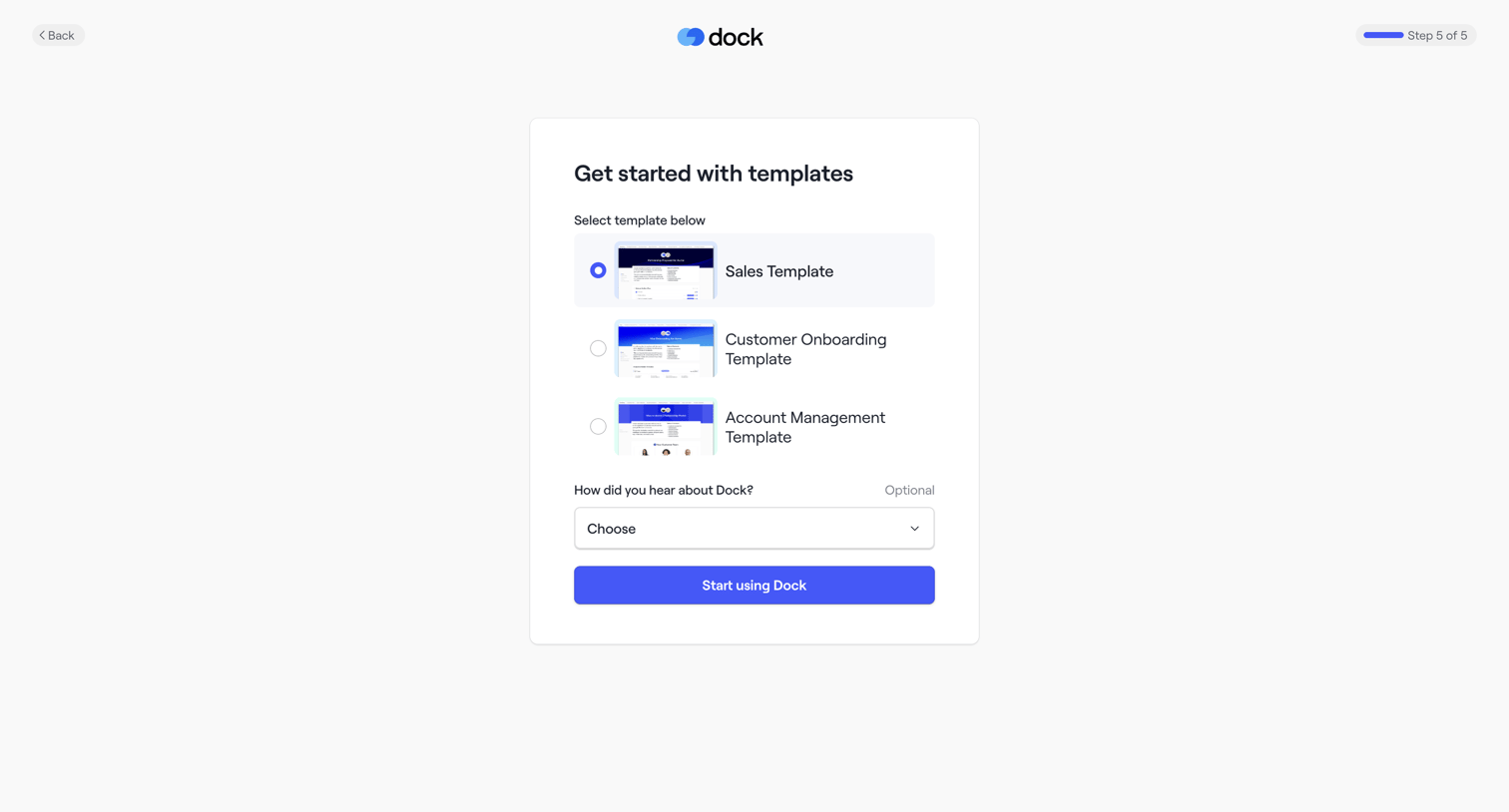
Onboarding step where the user selects a starting template and indicates how they heard about the product before entering the app.
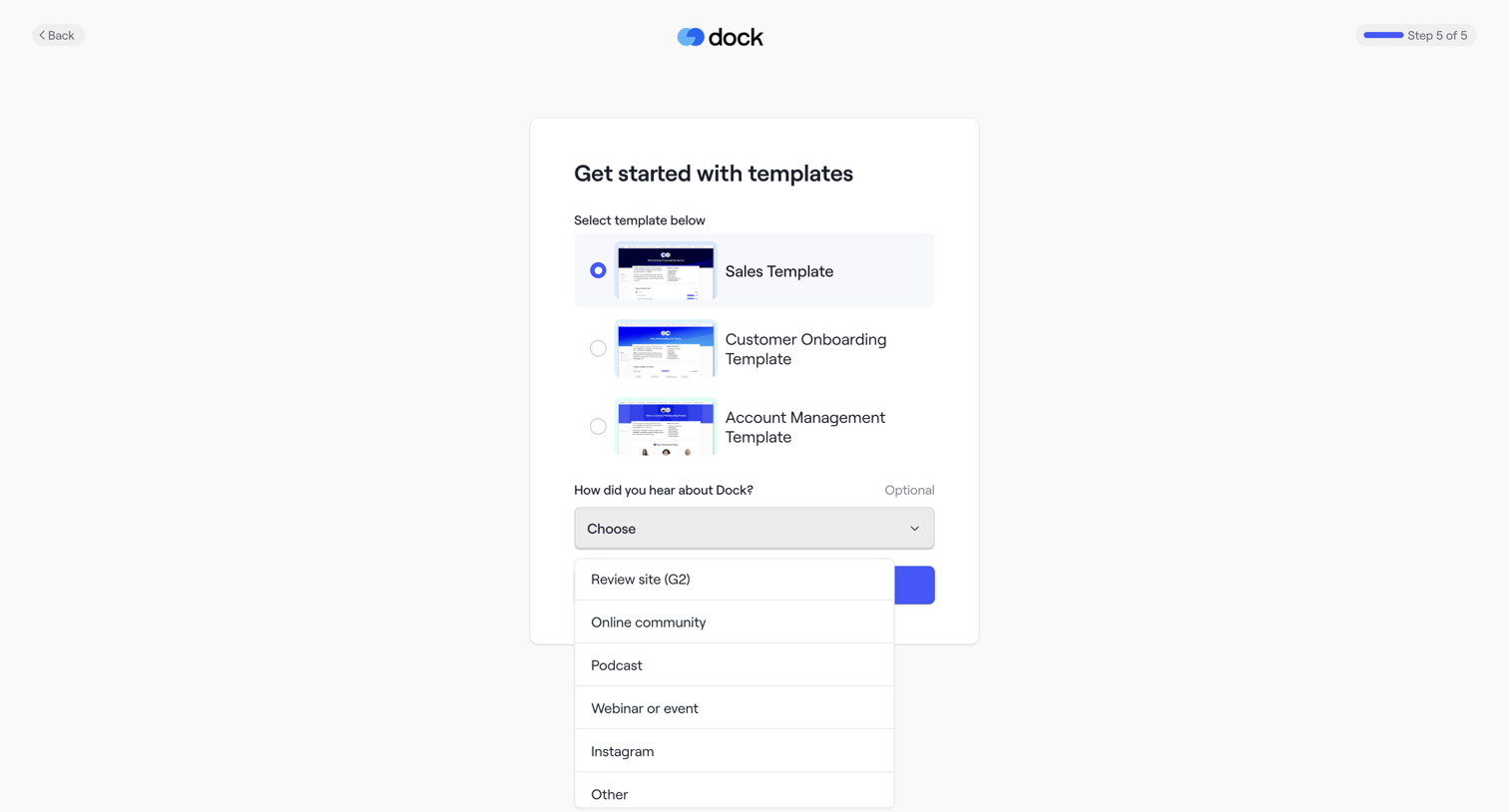
Onboarding step where the user selects a starting template like Sales or Customer Onboarding and answers an optional attribution question.
Browse the full SaaS app library
Explore real SaaS apps with their product screens, marketing screens, flows, and components.
Trusted by the best teams







