
Snapcard design examples
Explore Snapcard UI design examples. The easiest way to use digital currencies.
Product screens
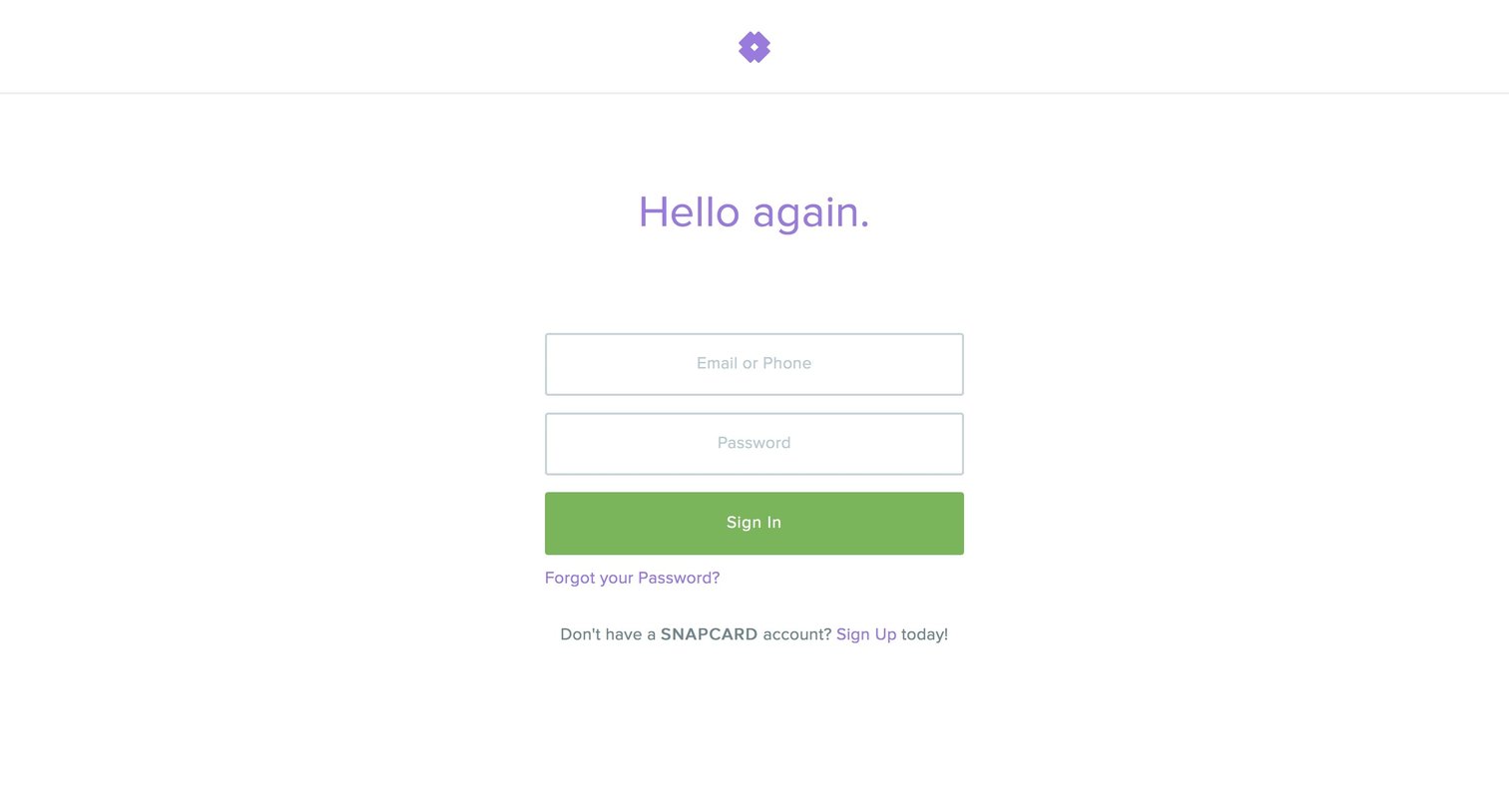
Sign-in screen where the user authenticates with their email or phone and password, with links to recover their password or create a new account.
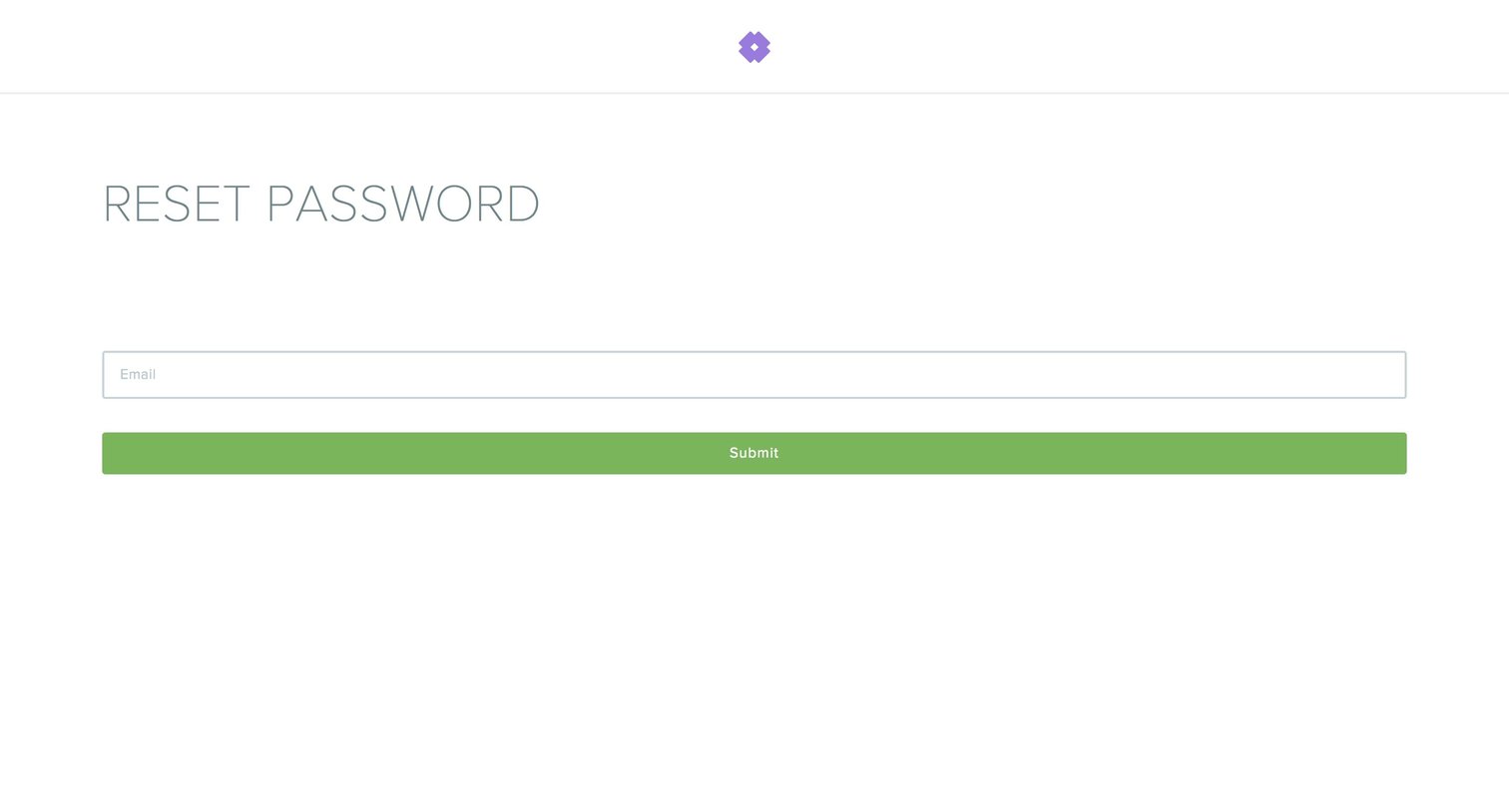
Password recovery screen where the user enters their email address to receive a reset link.
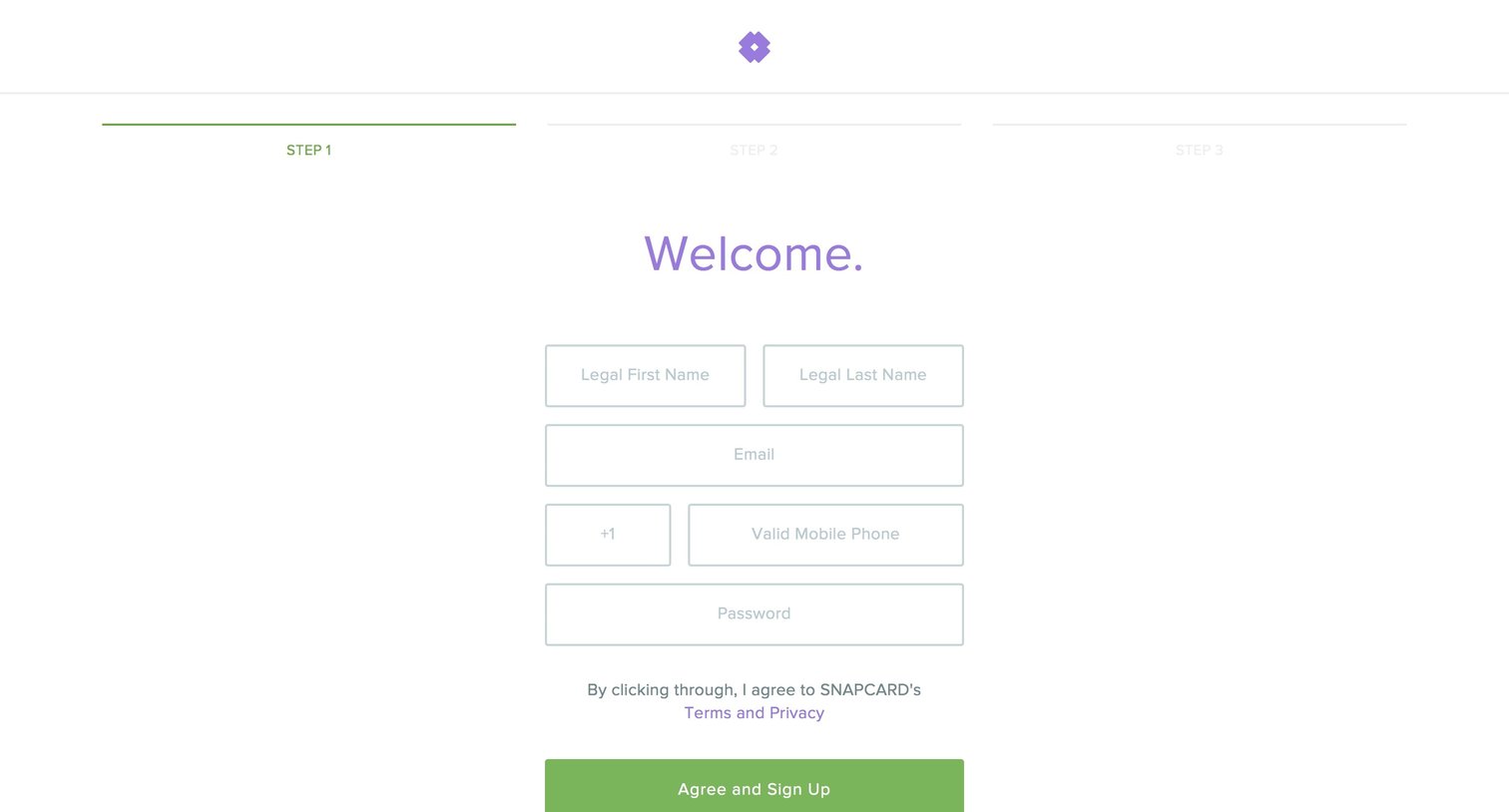
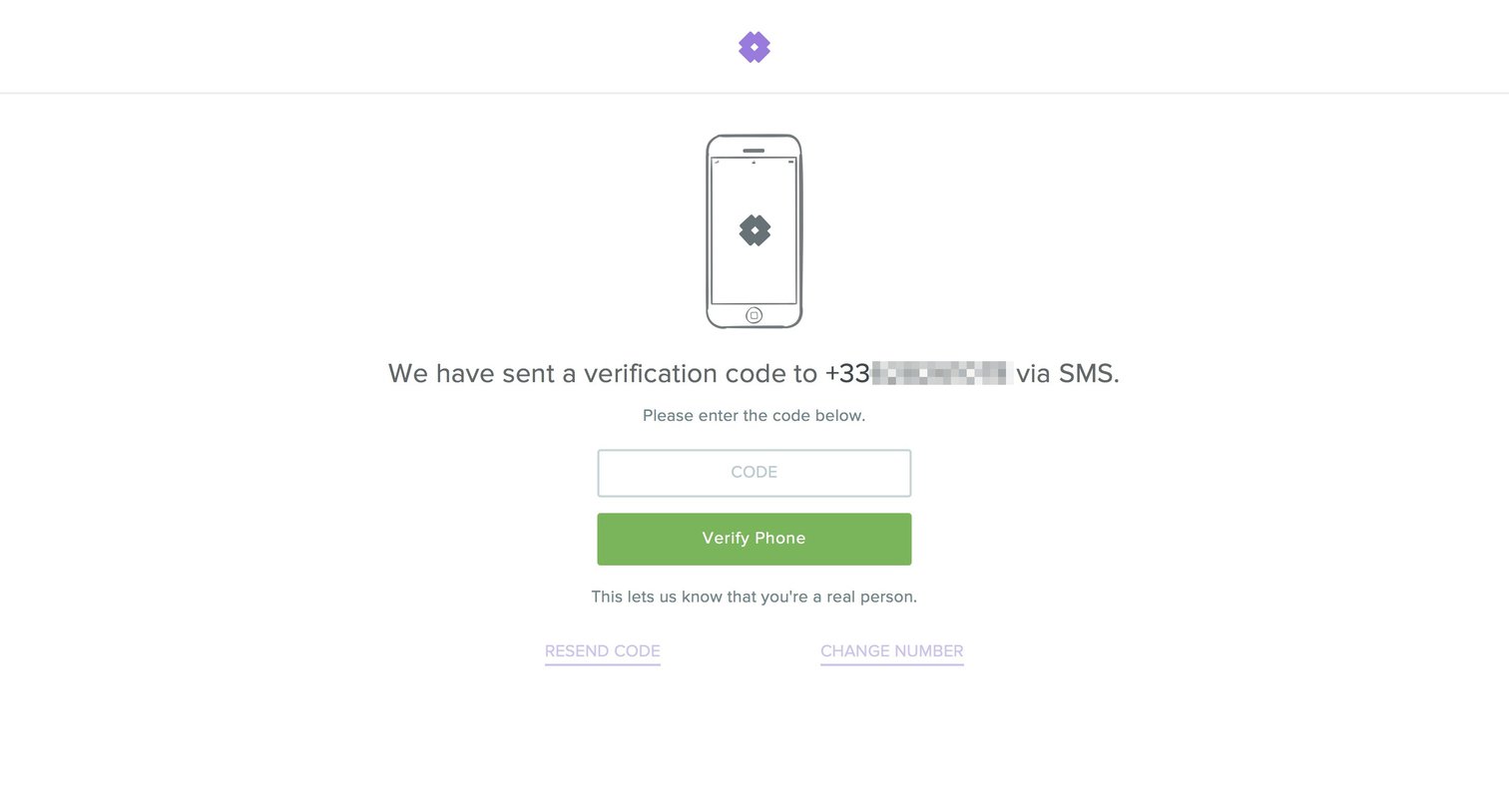
Authentication Account creation Confirmation Form
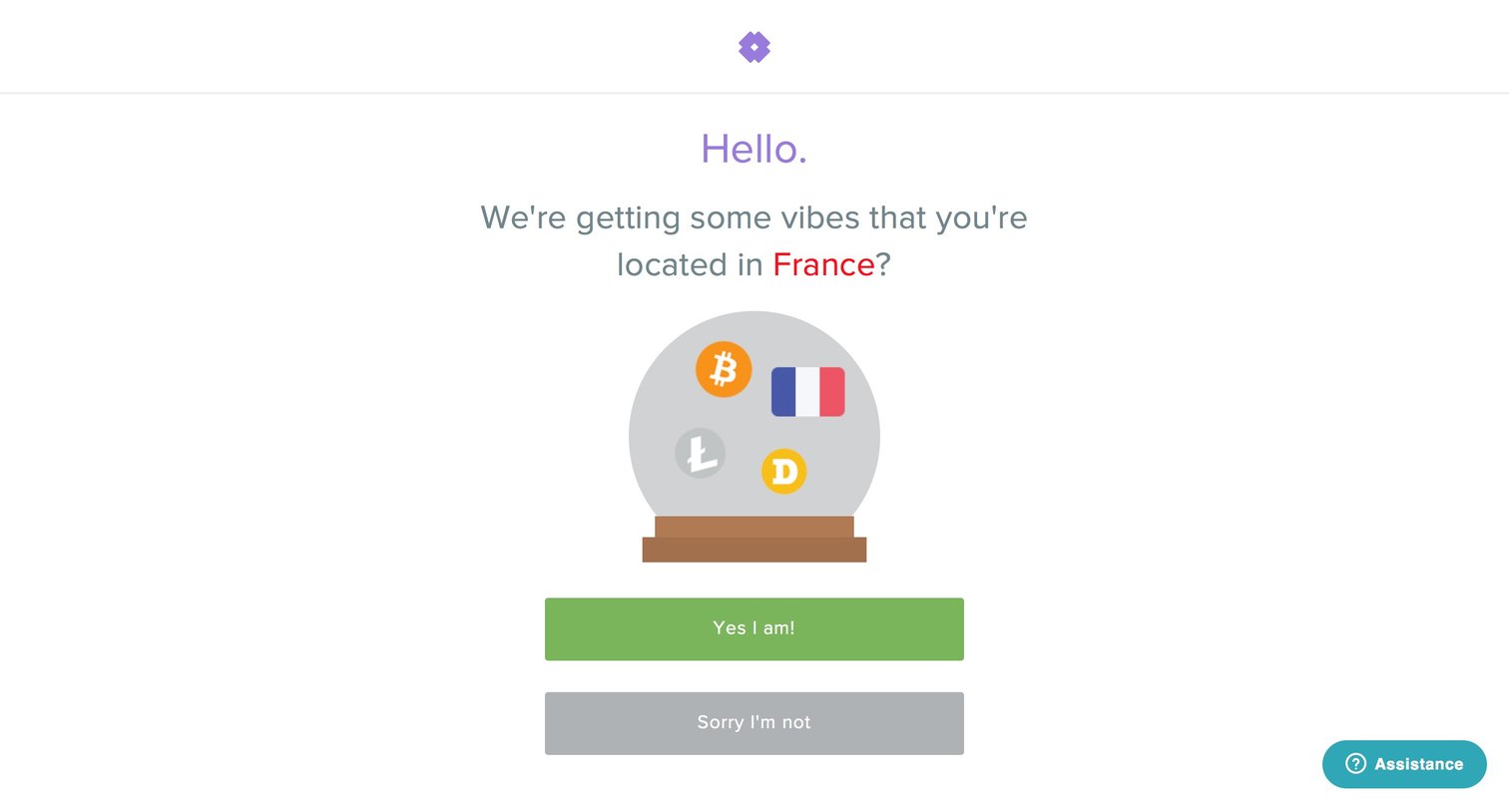
Landing page gateway where the user is asked to confirm if they are located in France before proceeding.
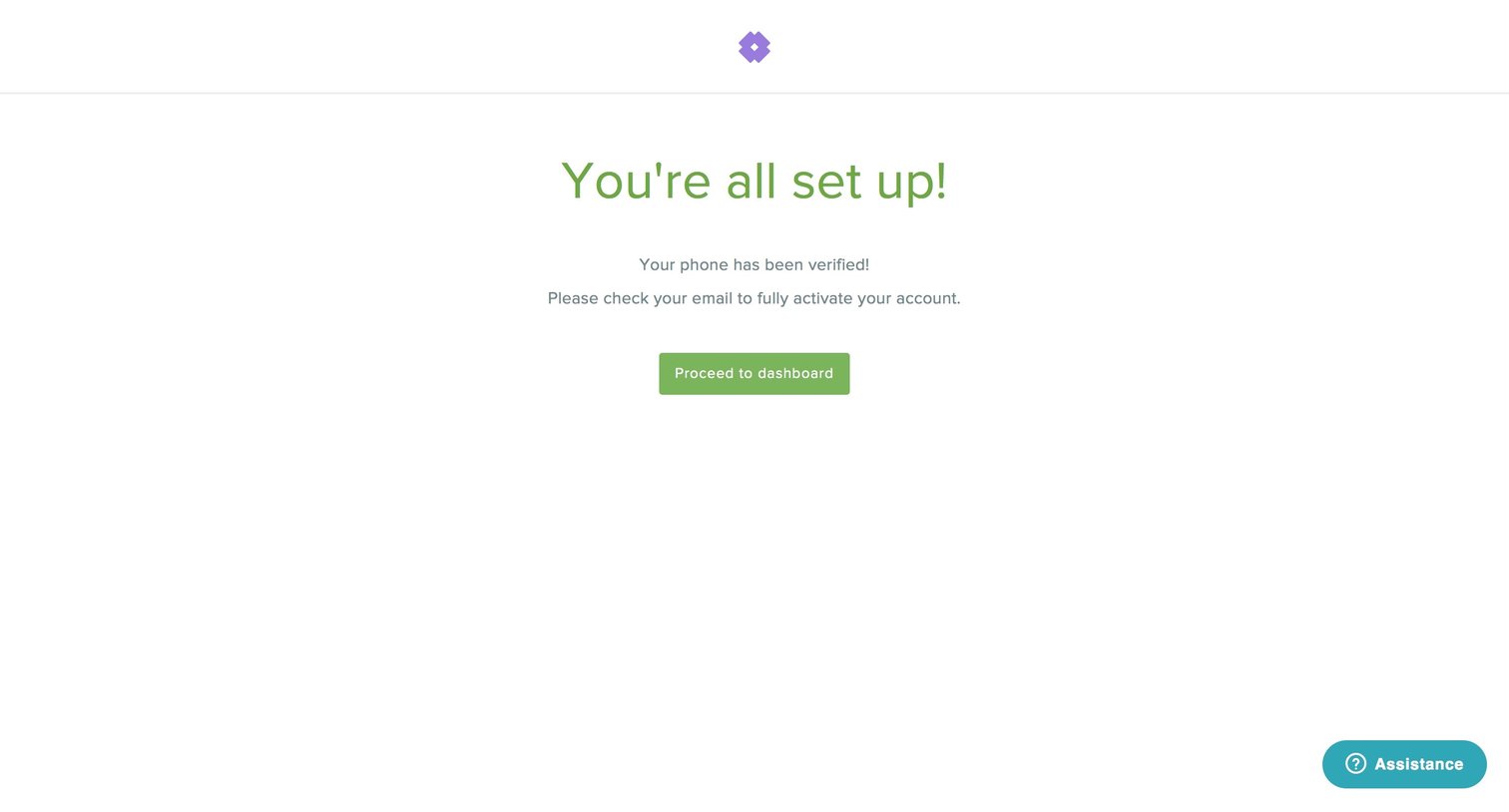
Onboarding Confirmation Finance Account setup Confirmation screen
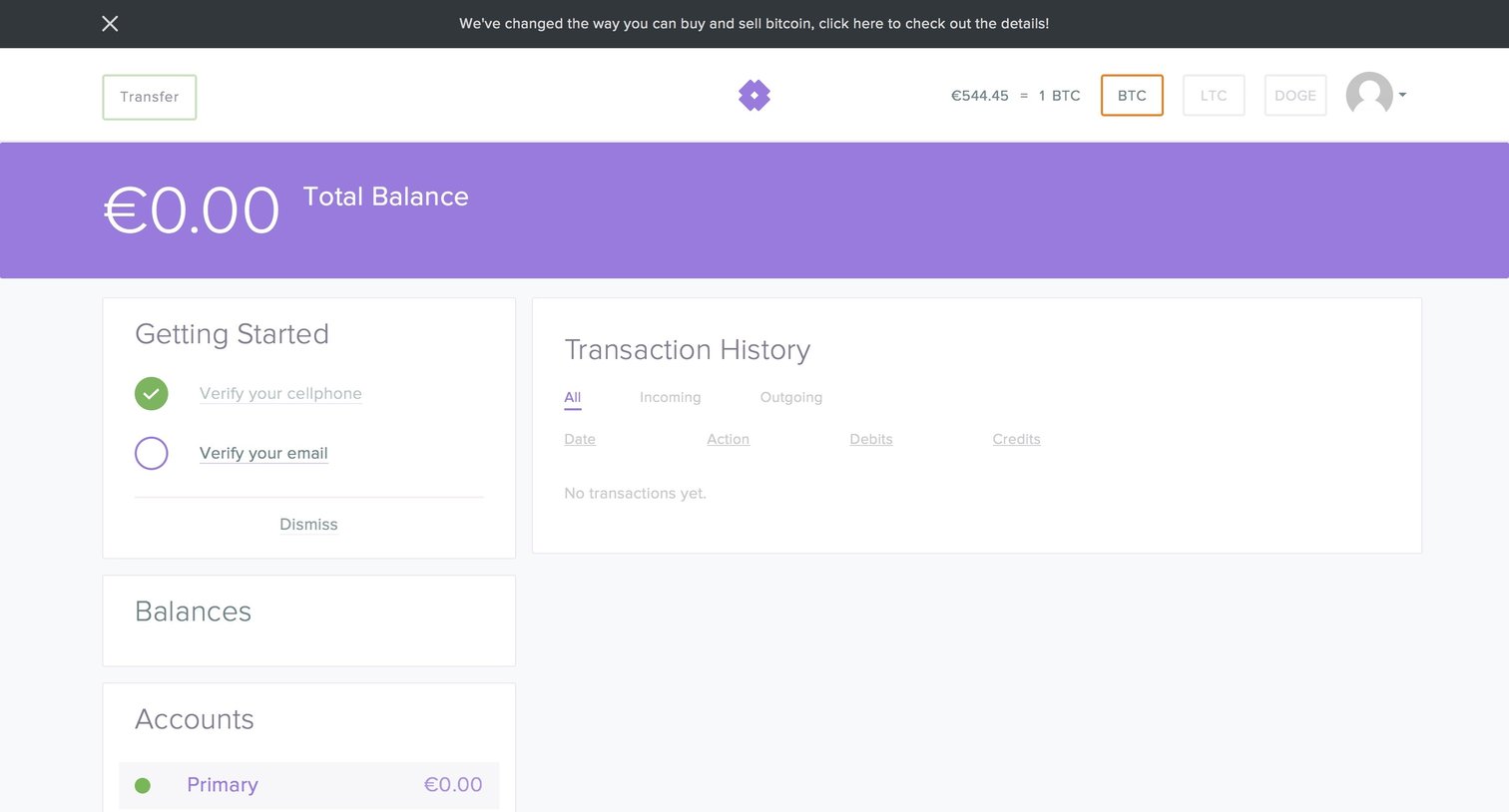
Account creation Onboarding Dashboard Finance Account management Account setup
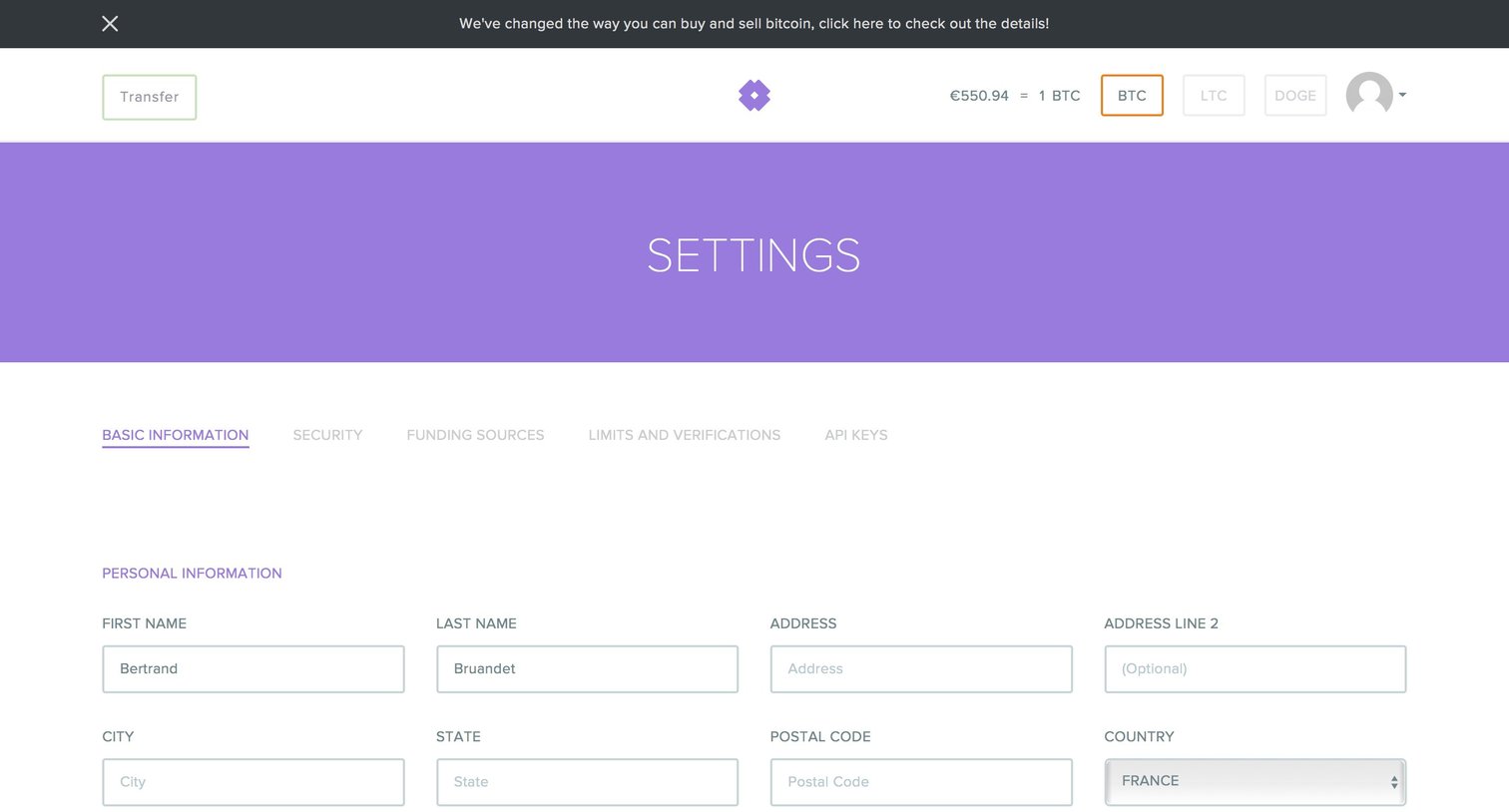
Settings page where the user updates their personal information, contact details, notification preferences, and password.
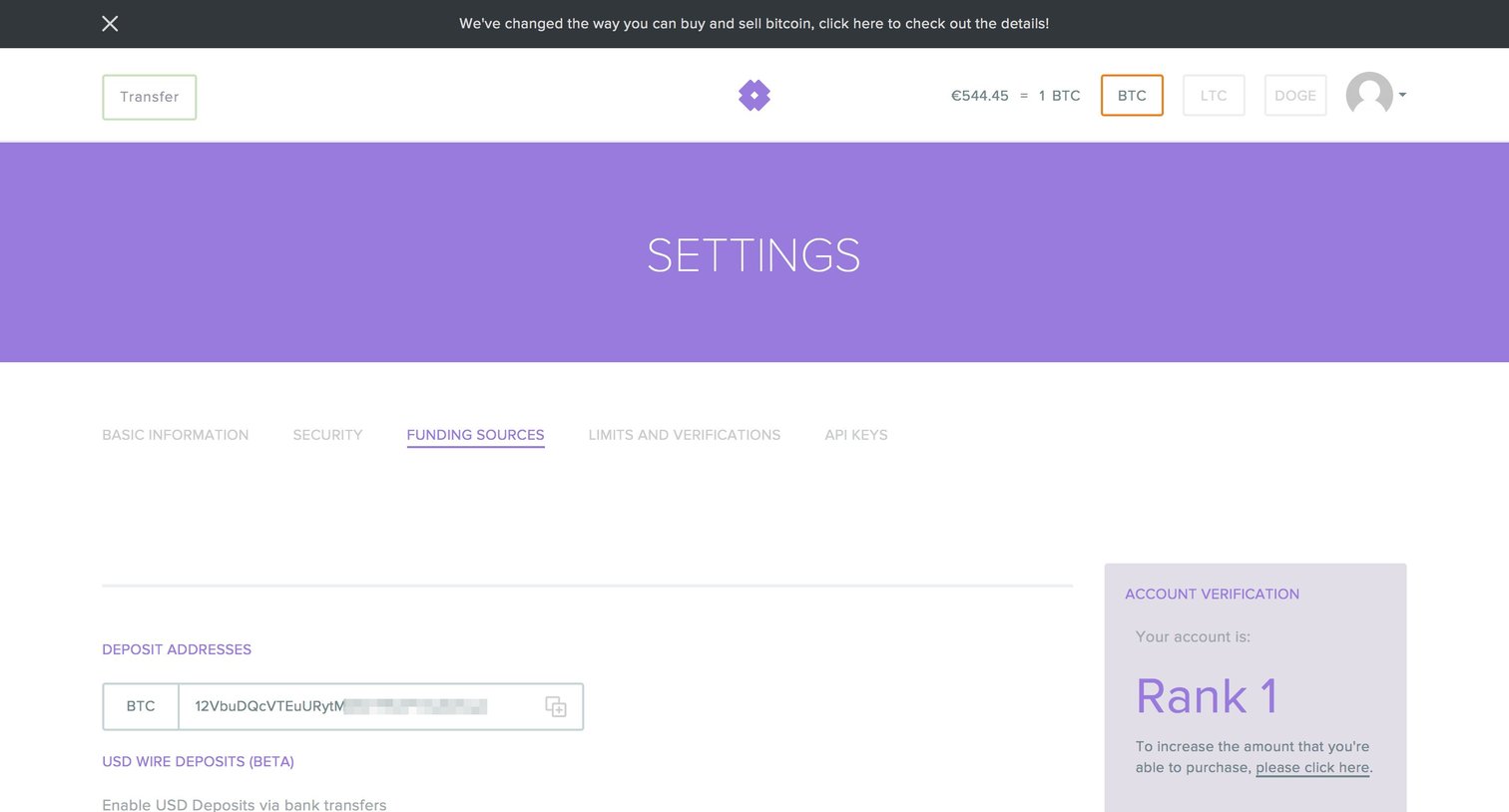
Progress indicator Settings Form Finance Account setup
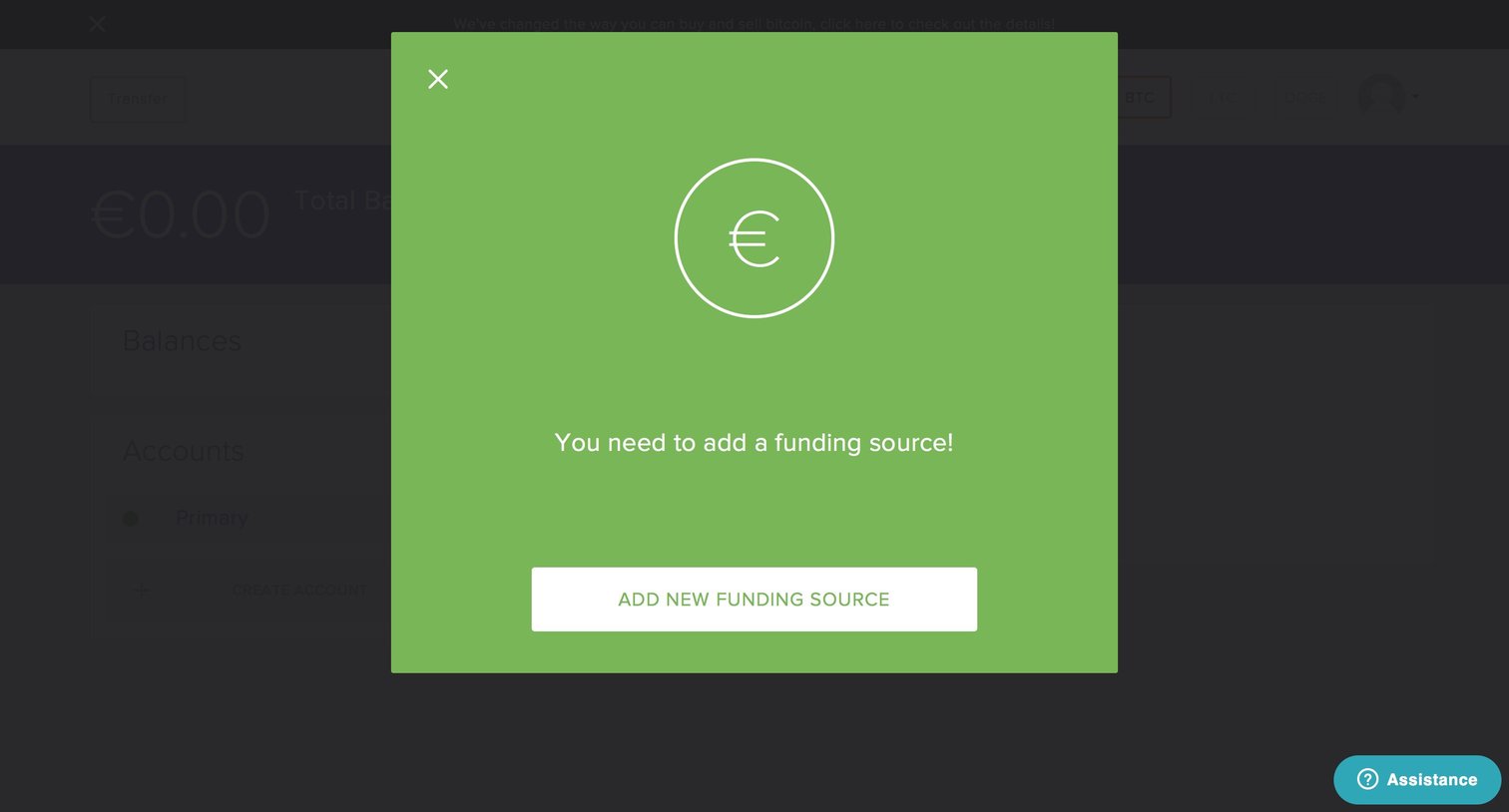
Dashboard view interrupted by a prominent modal requiring the user to add a new funding source before proceeding.
Browse the full SaaS app library
Explore real SaaS apps with their product screens, marketing screens, flows, and components.
Trusted by the best teams







